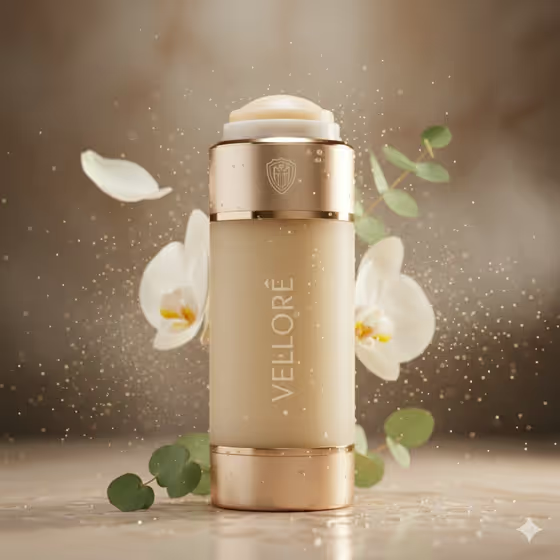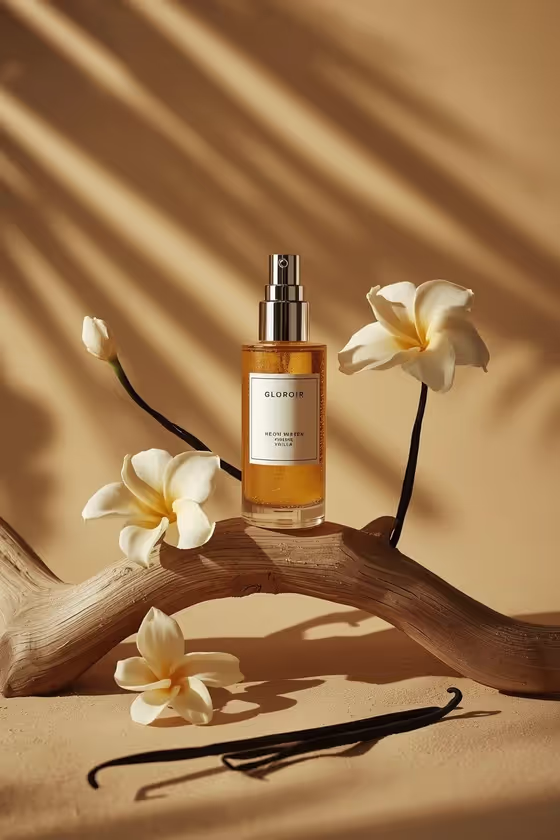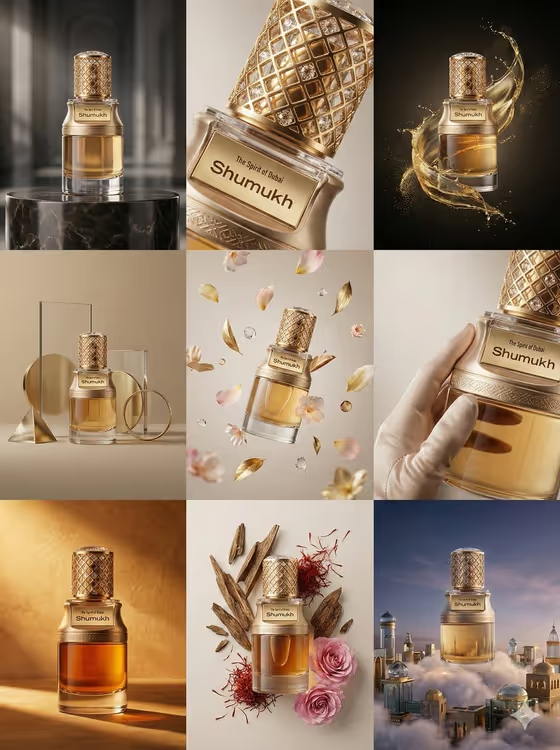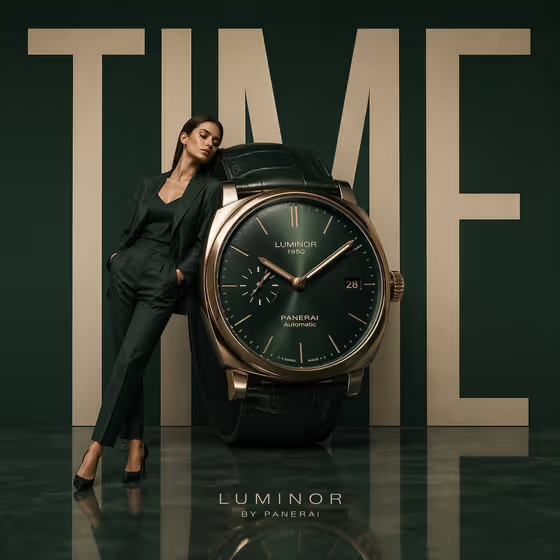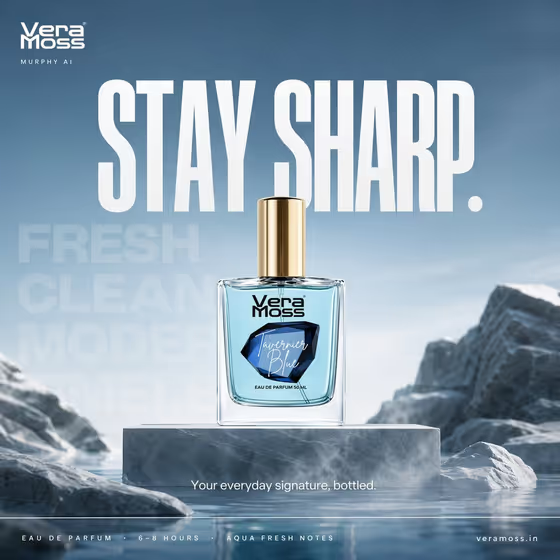
Perfume Campaign Switch turns your fragrance bottle into a billboard-style ad built around one campaign concept. You pick between two ready-made directions: Tavernier Blue, a calm stone and mist scene with the headline STAY SHARP., or Tsunami, a rising wave scene with the headline FEEL THE RUSH.
It is made for fragrance brands, indie perfumers, and anyone who wants to preview how a bottle looks in a premium poster layout. The result keeps a consistent structure: brand wordmark top-left, one huge headline, faint oversized background words, a short benefit line, a specification strip, and the website at bottom right.
What works best as input
- For the Perfume product or bottle field, you can either describe the bottle in text or upload a photo of it. A clear photo of the exact package helps the label and shape carry over.
- If you upload a photo, use a front-on shot with the label facing the camera and the bottle fully in frame, cap included.
- Choose an image with even lighting and no heavy glare on the glass, so the label and edges stay readable.
- If you describe it instead, name the color, bottle shape, and cap, for example a blue eau de parfum bottle or a silver-capped perfume bottle.
- In Perfume brand name, type the exact brand as it should appear in the top-left wordmark, such as VERA MOSS.
How to use it
- Open the Perfume Campaign Switch template in Phosphene.
- Fill in Perfume product or bottle by describing it or uploading your bottle reference.
- Pick one option in Campaign concept name (Tavernier Blue or Tsunami) and type your brand in Perfume brand name.
- Generate the image, then check that the bottle, label, brand wordmark, and headline look right before using it.
Tips for a better result
- Choose the concept that matches your scent story. Tavernier Blue suits a clean, calm, modern feel, while Tsunami suits a bold aquatic, high-energy feel.
- Run the same bottle through both concepts to compare them side by side and see which direction fits your brand better.
- Use a bottle reference with a clear, legible label so the packaging stays faithful in the final billboard.
- Keep the brand name short and exactly spelled, since it appears as the wordmark and any typo will show up in the ad.
Common mistakes
- Expecting a mix of both concepts. Only one campaign is rendered per generation, so stone, mist, water, and motion elements are never combined.
- Uploading a cropped, angled, or glare-heavy bottle photo, which makes the label and glass harder to reproduce cleanly.
- Entering a vague brand name or leaving casing and spelling inconsistent, which can lead to a wordmark that does not match your real brand.
FAQ
Can I use both campaign concepts in one image?
No. The concepts are mutually exclusive, so you select one per generation. Run the template twice if you want both versions.
Do I have to upload a photo of my perfume?
No. The bottle field accepts either a text description or a photo. Uploading your exact package reference is useful when label accuracy matters.
Can I change the headline text?
The headline comes from the concept you choose: STAY SHARP. for Tavernier Blue and FEEL THE RUSH. for Tsunami. You control the brand name and the bottle.
What layout will the result follow?
A billboard-style poster with the brand at top-left, one large headline near the center, faint background words, a short benefit line, a specification strip at the bottom, and the website at bottom right.