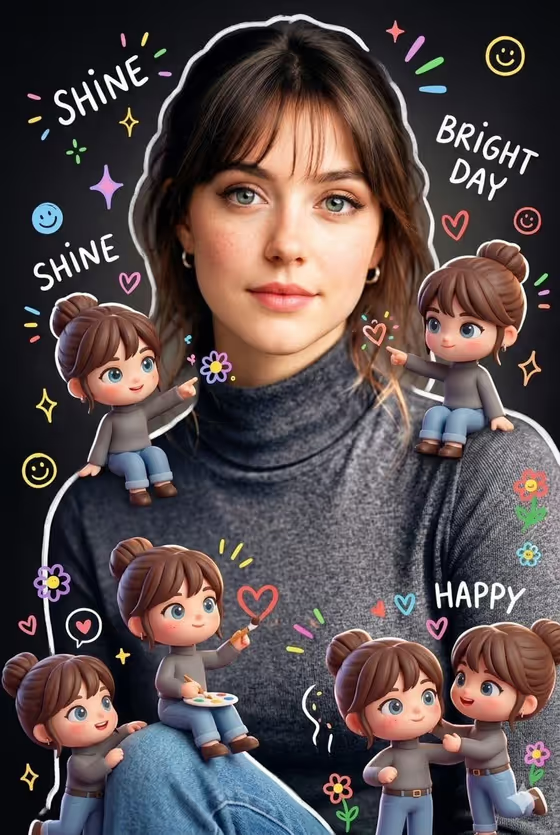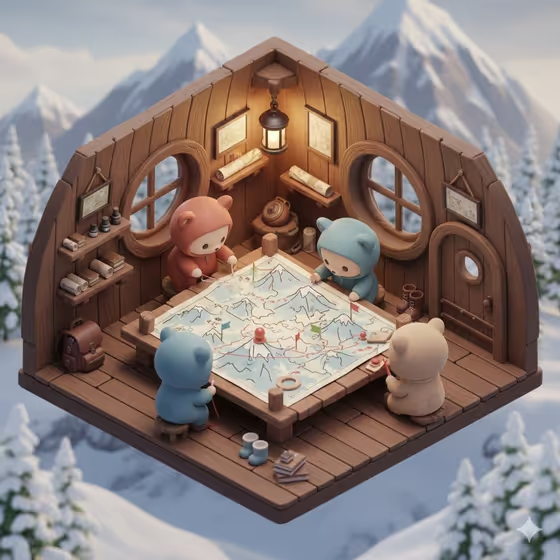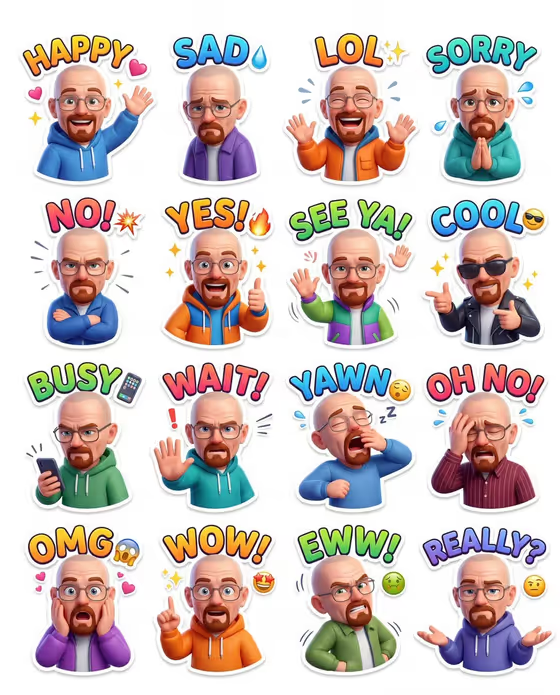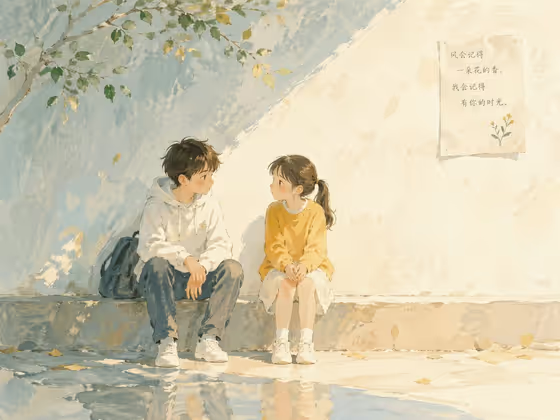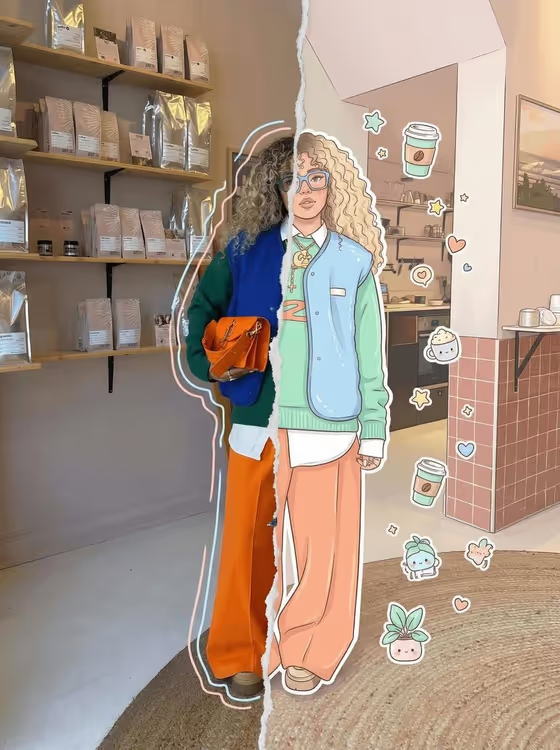
Split Reality Character turns one photo into a vertical split portrait. One half stays a realistic photo with soft pastel doodle outlines, and the other half becomes a cartoon illustration of the same subject in the same pose. A torn-paper style edge runs down the middle where the two worlds meet.
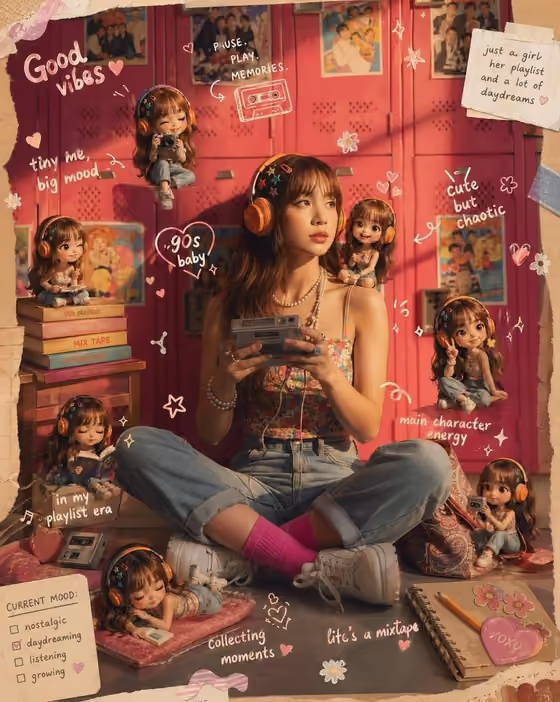
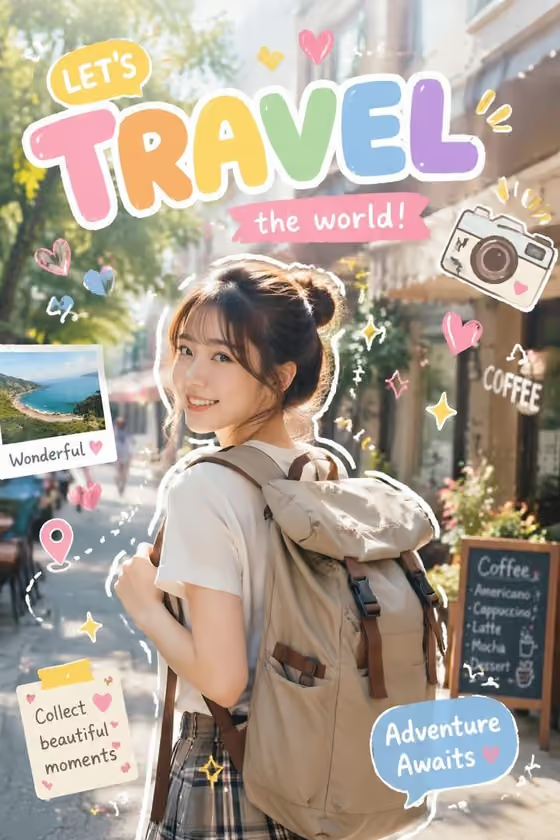
It suits anyone who wants a playful, social-media-ready image from an everyday photo, such as an outfit shot, a cafe visit or a character reference. The cover shows the idea: a full-length outfit photo on one side, a clean-lined cartoon version on the other, with sticker-style icons floating around the illustrated half.
What works best as input
- Use a clear, full-body or three-quarter photo where the whole subject is visible. The template keeps the same pose on both halves, so a readable silhouette gives the cleanest split.
- Choose a photo with an interesting background, like the shelves and room in the cover example. The original background stays unchanged on both sides, so it becomes part of the final look.
- Pick a shot with good, even lighting and sharp detail. Colorful clothing and accessories translate well into the cartoon half.
- Since this template asks for 2 or more photos, add extra reference images of the same person or character from different angles to help the illustration match the real subject.
- In the 'person in my reference character subject' field you can type a short description, for example 'the person in my reference' or 'an original character', or use a photo reference.
How to use it
- Open the Split Reality Character template in Phosphene.
- In the 'person in my reference character subject' field, add your photos (at least two) or describe the subject, for example 'the person in my reference'.
- In 'Character staging', pick how the finished image should be framed, such as collectible character portrait, full-body character scene or environmental story moment, or keep the default split-style composition.
- Generate the image, then check that the left side looks like your photo, the right side matches the pose, and the torn-paper divider sits cleanly in the center.
Tips for a better result
- Try different 'Character staging' options with the same photos to compare a tighter collectible-style portrait against a wider full-body scene.
- Use photos with a strong outfit or a distinctive accessory. Bold colors and shapes give the cartoon half more to work with.
- Keep the pose simple and facing the camera. The illustration copies the exact pose, angle and expression, so a natural stance reads best.
- If the first result misses a detail, add another clear reference photo of the same subject and generate again.
Common mistakes
- Uploading a cropped or blurry photo where part of the body or face is cut off, which leaves the cartoon half with less to match.
- Using only one photo when the template expects 2 or more, which gives less information about how the subject really looks.
- Expecting the background to change. The template keeps the original background on both sides, so pick a photo whose setting you like.
FAQ
How many photos do I need?
The template is set up for 2 or more photos, so add at least two references of the same subject.
Will the background be turned into a cartoon too?
No. The original background is kept unchanged on both halves. Only the subject on the right side is illustrated.
What does the center line look like?
The two halves are separated by a vertical torn-paper or glitch-style transition, as seen in the cover image.
Can I use it for a character instead of a real person?
Yes. The subject field accepts a description or reference of a person, character, product or object, with examples like 'an original character' or 'my exact character reference'.