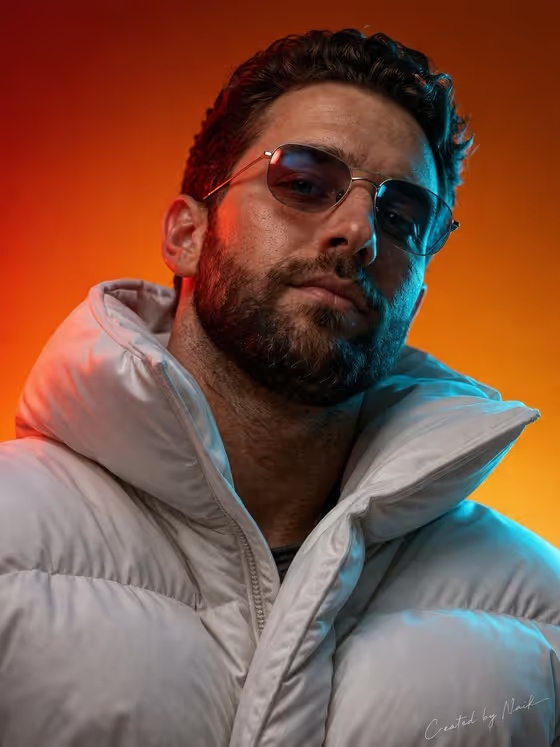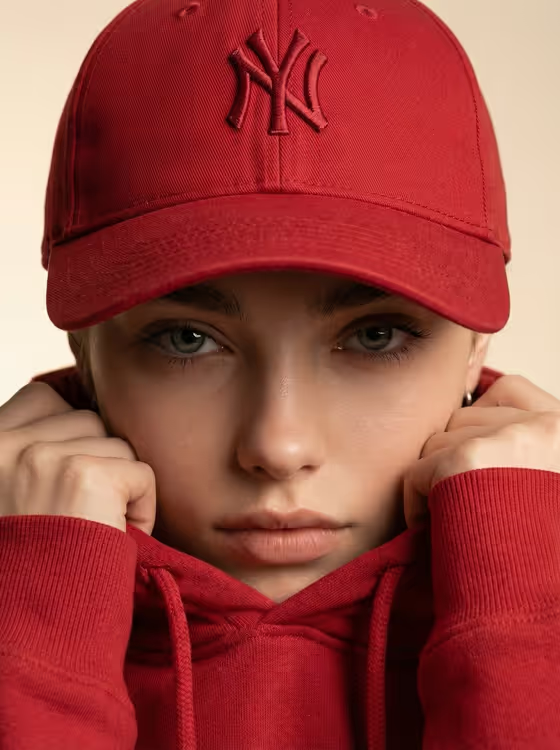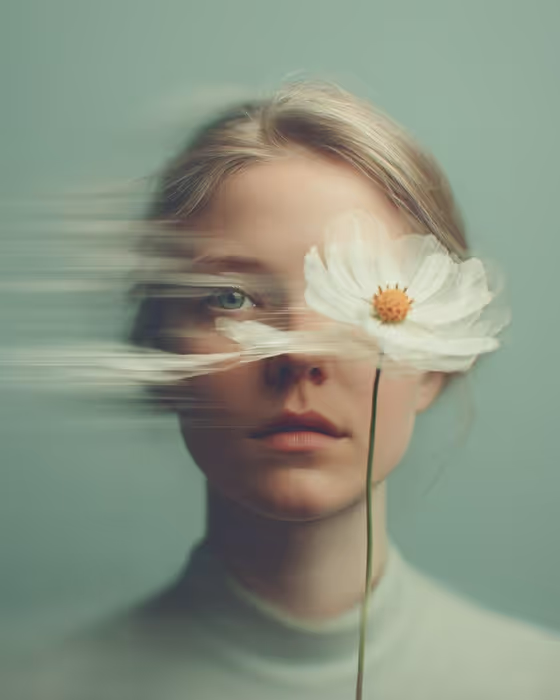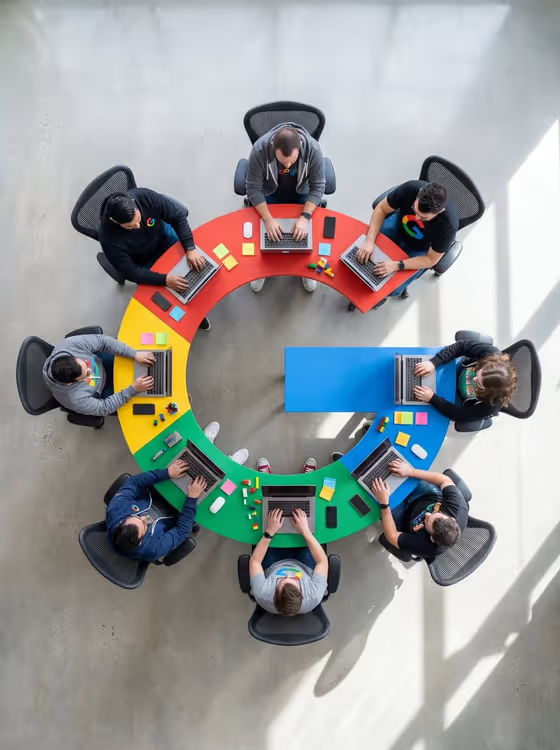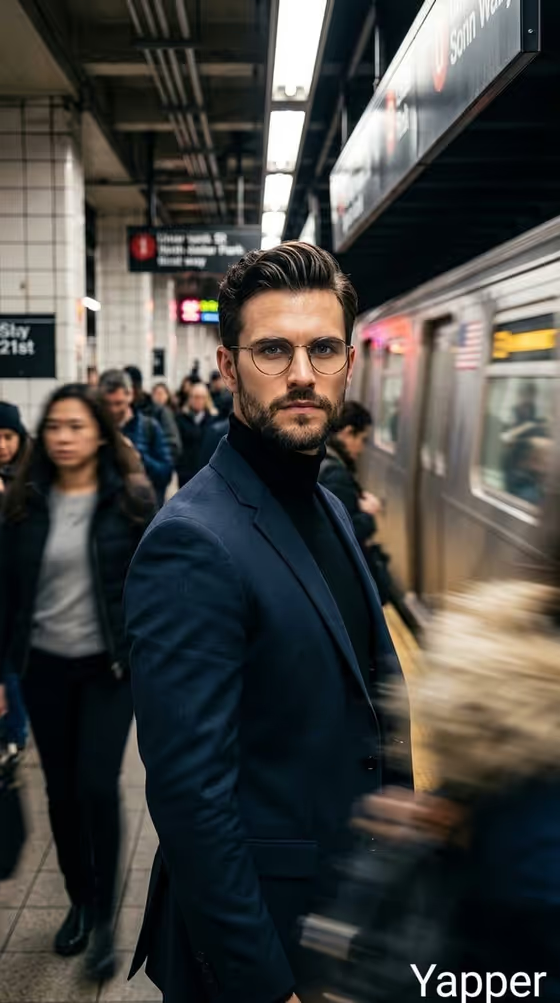
Subway Focus Portrait turns a single subject into a cinematic image set on a busy underground platform. The subject stays sharp in the center while commuters smear into motion blur behind them and a train sits alongside the platform under cold fluorescent light.
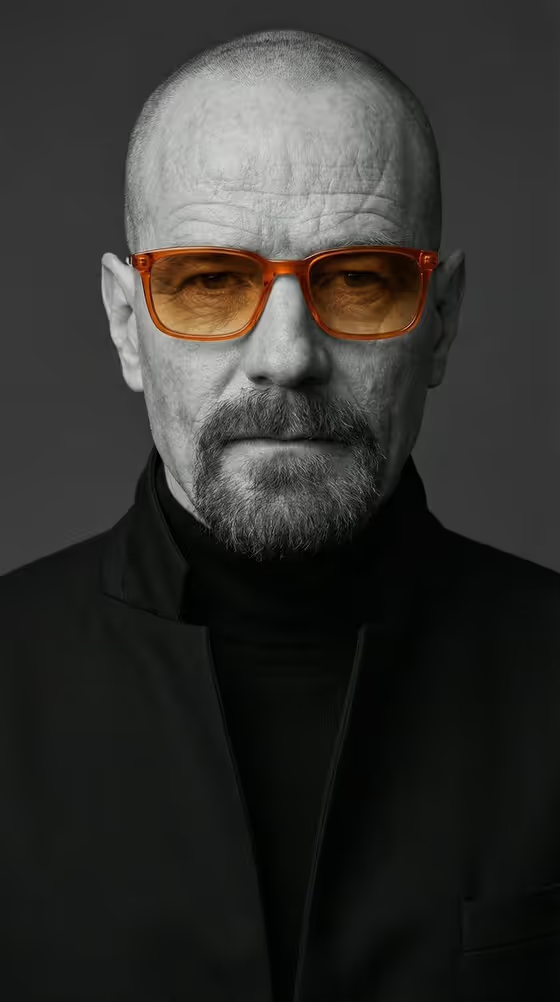
It suits anyone who wants a moody, thriller-style portrait for a profile picture, a creative project or a social post. The look is fixed (dark tailored suit, black turtleneck, round glasses, serious expression), so your input decides who or what stands in the scene, and the output is a 3:4 image.
What works best as input
- For the "stylish man portrait subject" field, you can either upload a reference photo or type a short description. A clear, well-lit photo where the face is easy to see gives the template the most to work with.
- Pick a reference where the person is facing the camera or close to it, with nothing covering the face. Heavy shadows, sunglasses or a tight crop make the likeness harder to carry over.
- If you type instead of uploading, keep it short and concrete, like the placeholder "a stylish man" or "an editorial portrait subject". One clear subject works better than a long list of traits.
- Only use photos of yourself or people who have agreed to it. The template is built around a single subject, so avoid group shots as your reference.
How to use it
- Open the Subway Focus Portrait template in Phosphene.
- In "stylish man portrait subject", upload your reference photo or type a short description of the subject.
- In "Pose and scene", choose the framing you want, such as the default subway platform portrait, an intimate close portrait, a full-body editorial frame or an environmental candid frame.
- Generate the image, then review it. Check that the subject is sharp, the background crowd is blurred and the framing matches what you picked, and adjust your inputs if not.
Tips for a better result
- Try the different "Pose and scene" options on the same subject. The close portrait puts the focus on the face, while the full-body frame shows more of the suit and platform.
- Use the example phrases as a starting point for text input, for instance "an editorial portrait subject" for a polished look or "a candid everyday subject" for something more casual.
- Keep the subject description simple and let the template handle the wardrobe, lighting and setting, since those are already part of its fixed direction.
- If the first result is not quite right, rerun with a different reference photo or a slightly reworded description to get a different take.
Common mistakes
- Writing a long, detailed description of clothing, background and lighting. Those are already set by the template, so extra detail can compete with it instead of helping.
- Uploading a blurry, dark or heavily filtered photo. A weak reference gives the template little to hold onto, so the subject may come out less like you intended.
- Using a photo with several people in it. The template is built around one sharp subject, so a crowded reference makes the result unpredictable.
FAQ
Do I have to upload a photo?
No. The subject field accepts either an uploaded reference or a short typed description, so you can use whichever fits.
Can I change the outfit or the location?
The suit, turtleneck, round glasses and subway platform setting are part of the template's fixed look. You choose the subject and the framing, not those details.
What does the Pose and scene option change?
It sets how the shot is framed, for example a close portrait, a full-body editorial frame or an environmental candid frame, while keeping the subway atmosphere.
What shape is the final image?
The template produces a single image in a 3:4 portrait aspect ratio.