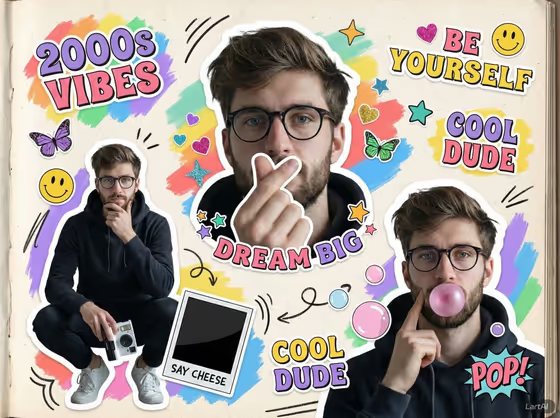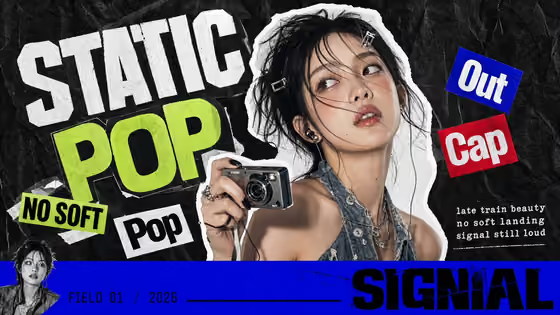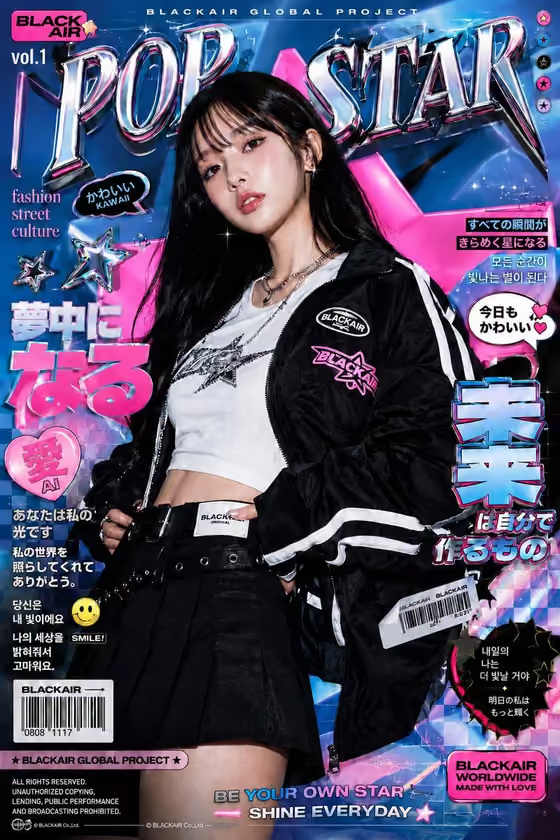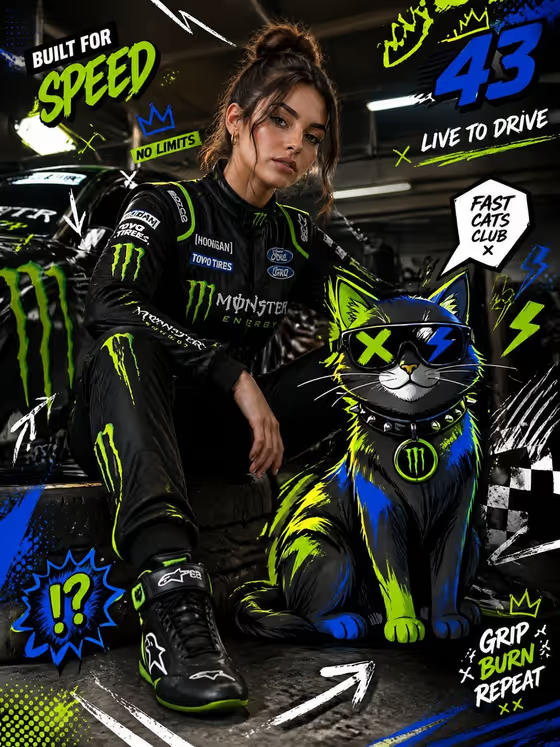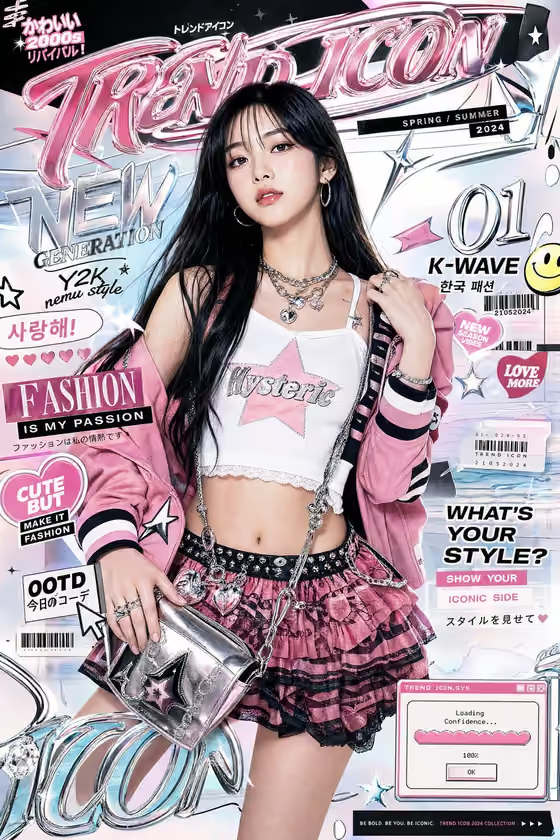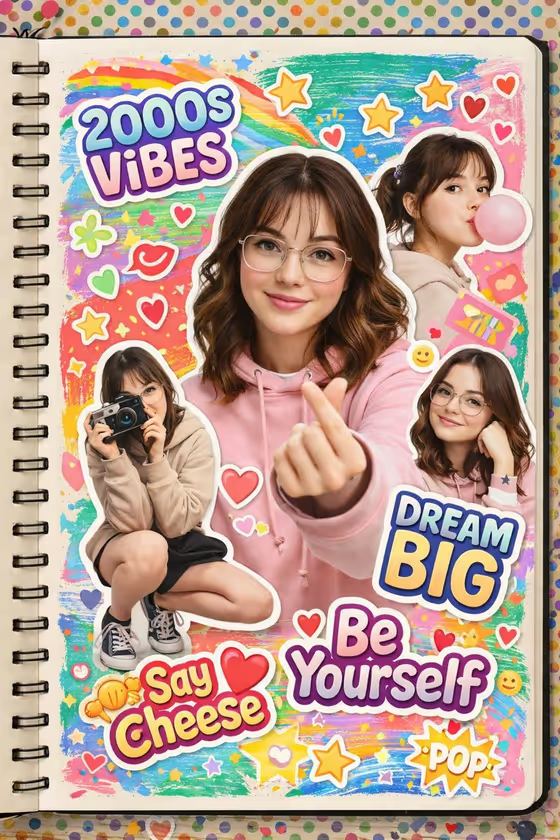
This template builds a Y2K-style scrapbook page: one person shown in several playful cutout poses on an open, textured sketchbook, surrounded by white sticker borders, rainbow paint strokes, hearts, stars, doodles and bubbly lettering. The result is a 3:4 image, so it suits portrait-format posts and covers.
It works well for creators, friends and anyone who wants a nostalgic, high-saturation portrait collage. You describe the subject, pick an outfit and choose the phrase that appears as the main sticker, and the template handles the layout and decoration.
What works best as input
- The template asks for 2 or more photos, so add several clear shots of the same person. Different angles and expressions give the cutout poses more variety.
- Use well-lit photos where the face and upper body are easy to see. Avoid heavy filters, strong shadows or sunglasses that hide the face.
- Only include one person across your reference photos, so every cutout stays consistent with the same identity. Only use photos of yourself or people who are happy to be featured.
- In the Subject field, add a short description (for example, a cheerful young woman) to match your photos. In Main Outfit, name the clothes or add an outfit reference, such as round glasses and a beige hoodie.
- Keep the Sticker Phrase short, like Dream Big or Say Cheese, so it reads clearly as a bubbly sticker.
How to use it
- Open the Y2K Scrapbook Portrait template in Phosphene.
- Fill in the Subject field and add your reference photos of the person.
- Set the Main Outfit and type your Sticker Phrase, using the examples as a starting point if you like.
- Generate the image, then review the collage. Check that the faces look consistent across the cutouts and that the phrase is spelled the way you wanted.
Tips for a better result
- Try different Main Outfit ideas, such as a denim vest with colorful pins or a pastel cardigan and pleated skirt, to change the whole mood of the page.
- Pick a phrase that matches the feel you want: Be Yourself for something warm, Say Cheese for something playful.
- If you want a prop to appear in the poses, such as a camera, mention it in your outfit or subject description.
- Generate a few versions and compare them. The layout and sticker details can vary each time.
Common mistakes
- Using photos of different people in the same set, which makes the cutouts look inconsistent.
- Writing a long sentence as the Sticker Phrase. Short phrases fit the sticker lettering far better.
- Using tiny, blurry or heavily cropped photos, which gives the template little to work with for the faces.
FAQ
How many photos do I need?
The template asks for at least 2 photos of the subject, so it can build several cutout poses.
Can I change the text on the stickers?
Yes. The Sticker Phrase field sets the main bubbly phrase, and the examples include 2000s Vibes, Dream Big, Be Yourself and Say Cheese.
Can I use it for a friend or a group?
It is built around one subject shown in multiple poses. You can feature a friend if you use their photos with their permission.
What size is the result?
The output is an image in a 3:4 aspect ratio.