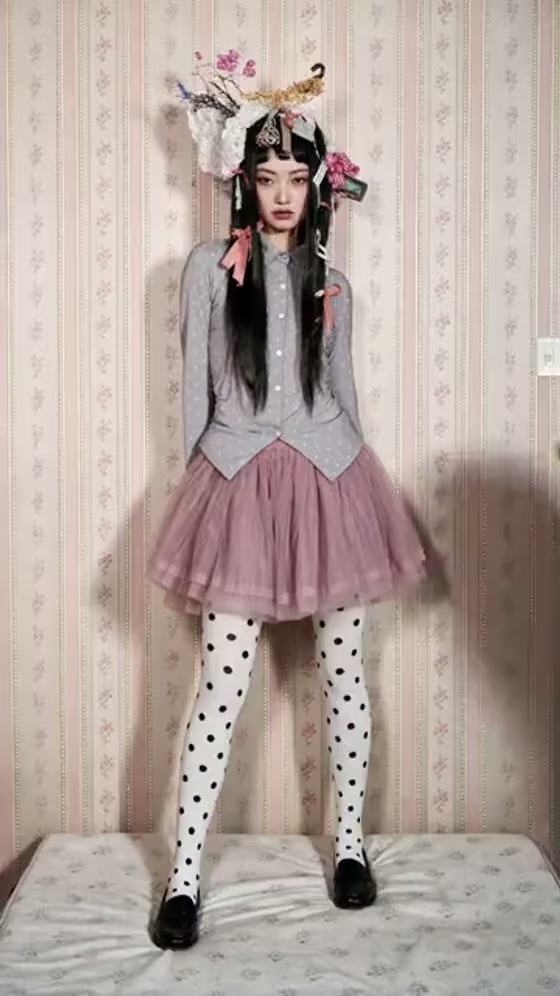
Action Figure turns a single full-body picture into a short vertical video that plays like a toy-review reveal. A realistic giant hand enters the frame, lifts your subject as if it were a rigid plastic collectible, rotates it, and then holds it centered toward the camera.
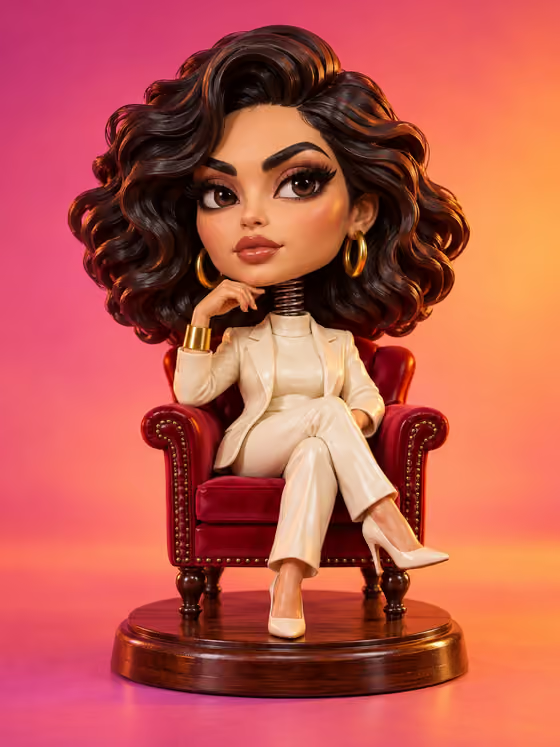
It suits anyone who wants to see themselves, a friend, or an original character as a collectible. The template keeps the subject's identity, outfit, colors, pose, and recognizable setting, so a distinctive look like the layered skirt, patterned tights, and ornate headpiece in the cover reads clearly once it becomes a figure.
What works best as input
- Use one full-body image where the whole subject is visible from head to feet. The slot is labeled Full-body image, and cropped shots give the hand less to work with when lifting and turning the figure.
- Pick a clear, upright pose. The template keeps the pose fixed, so what you upload is exactly the stance your figure will hold.
- Choose a photo where the outfit and colors are easy to read. Strong shapes and details, like a bold headpiece or patterned legwear, translate well into a toy-like look.
- Keep the background simple and uncluttered. The setting is preserved, so a clean wall or floor behind the subject keeps the scene tidy.
- Make sure the subject is sharp and well lit, with nothing blocking the face or limbs.
How to use it
- Open the Action Figure template in Phosphene.
- Upload your image in the Full-body image field. This is the only required input.
- Generate the video. The output is a 9:16 vertical clip.
- Review the result and check that the outfit, pose, and setting match your photo. If the subject was cropped or unclear, swap in a better full-body image and generate again.
Tips for a better result
- Try a character illustration or stylized artwork as well as a photo. The template accepts a person or a character, and bold designs often look convincing as collectibles.
- Choose images with a distinctive silhouette, such as a big hair piece, a flared skirt, or accessories, so the rotation reveals interesting angles.
- Generate more than once with different source images to compare how poses and outfits read as figures.
- Frame the subject with a little space around them so the full body stays inside the shot as the hand lifts and rotates it.
Common mistakes
- Uploading a half-body or heavily cropped photo. The template is built around a full-body subject, so missing legs or feet weaken the figure.
- Using a blurry, dark, or busy image. Details like outfit patterns and accessories get lost, and the figure looks less defined.
- Expecting the pose or expression to change. Both are kept fixed by design, so pick a source image whose pose you want the figure to keep.
FAQ
What kind of image should I upload?
One full-body image of a person or character. The Full-body image slot accepts photos, and the subject should be fully visible.
Will the figure keep my outfit and pose?
Yes, the template is set to preserve the subject's identity, outfit, colors, pose, and recognizable setting, and to keep the expression and pose fixed.
What does the video look like?
A vertical 9:16 clip where a realistic giant hand lifts the subject as a rigid plastic collectible, rotates it for a short reveal, then holds it centered toward the camera.
Will there be packaging or text on the figure?
No. The template is set to include no packaging text, so the focus stays on the figure itself.