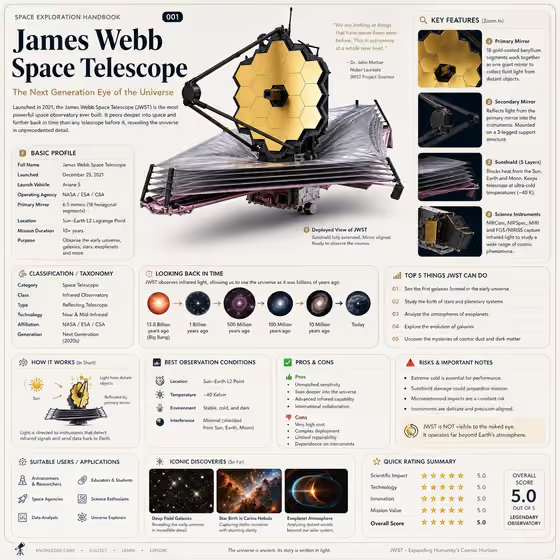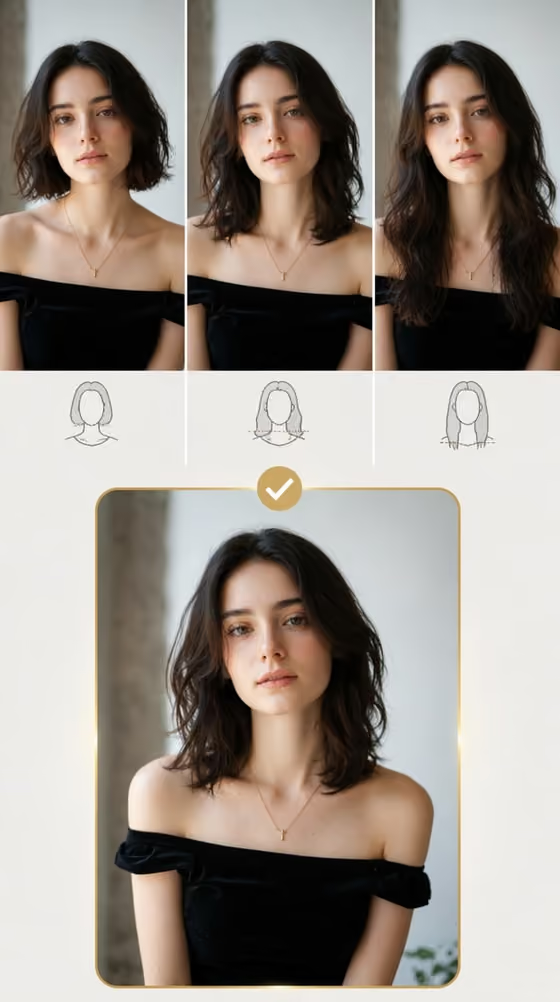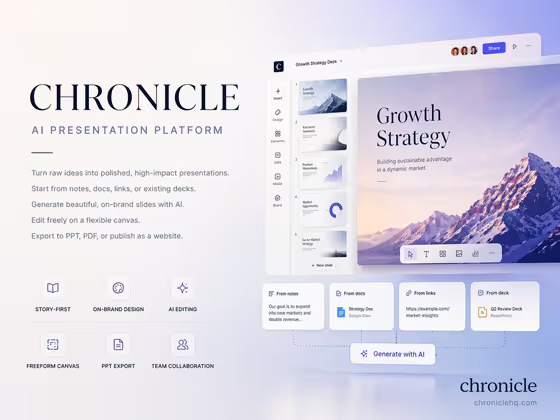
This template builds a 4:3 presentation cover slide for a software platform or brand. You get a dominant platform name, a headline, a short value paragraph and six small feature labels, all set in an asymmetrical layout with plenty of whitespace.
It suits founders, product marketers and designers who need a clean opening slide or brand overview card. The six labels cover idea import, AI generation, brand consistency, freeform editing, export and collaboration, so it works best for a product that does some or all of those things.
What works best as input
- In the Platform product or brand field, type the name exactly as you want it to appear, such as Chronicle or my platform brand. The name is meant to be the dominant element, so keep it short.
- The brand field also accepts a matching reference photo. If you use one, pick an image that clearly shows your logo or brand look rather than a busy scene.
- For Platform headline, write a short phrase in capitals like AI PRESENTATION PLATFORM or TURN IDEAS INTO STORIES. Short headlines fit the layout best.
- For Cover visual system, choose a style such as soft gradient editorial, dark luminous minimal, warm paper modernist or clean monochrome grid. This field takes a choice, not a photo.
- Write all text in English, since the cover copy is generated in clear English.
How to use it
- Open the AI Platform Cover Slide template in Phosphene.
- Fill in Platform product or brand with your name, or add a matching reference if you have one.
- Choose a Cover visual system and enter your Platform headline.
- Generate the image, then check that the platform name, headline and six feature labels are readable and placed as you expect.
Tips for a better result
- Try the same brand and headline with a different Cover visual system. A dark luminous minimal version and a warm paper modernist version feel very different.
- Describe the product by type if you have no brand name yet, for example an AI writing platform or a collaborative design tool.
- Keep the headline to a single idea. A promise like CREATE ON-BRAND WITH AI reads better than a long sentence.
- Generate a few versions and compare how the whitespace and label spacing work before choosing one.
Common mistakes
- Entering a long brand name or a full sentence as the headline, which crowds the layout and weakens the dominant platform name.
- Using a cluttered or low-quality reference in the brand field, so the brand cue is hard to read.
- Expecting custom feature labels. The six labels cover idea import, AI generation, brand consistency, freeform editing, export and collaboration, so the slide fits products with those capabilities.
FAQ
Do I have to upload a photo?
No. The brand field is text, and a reference photo is optional. The other two fields do not take photos.
What aspect ratio does the cover come in?
It is a 4:3 image, which matches a standard presentation slide.
Can I use my own headline?
Yes. Type your own text in Platform headline, or start from an example like TURN IDEAS INTO STORIES.
Can I change the six feature labels?
The labels are set by the template and cover idea import, AI generation, brand consistency, freeform editing, export and collaboration. You control the brand, headline and visual system.