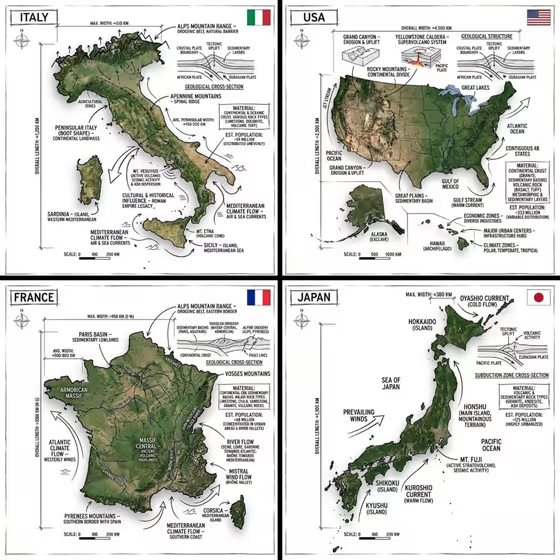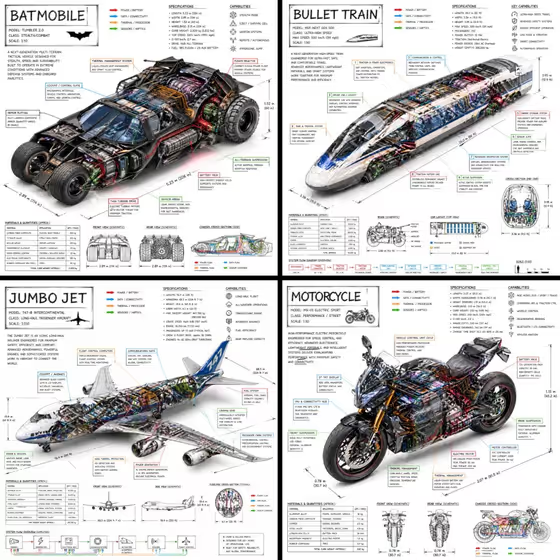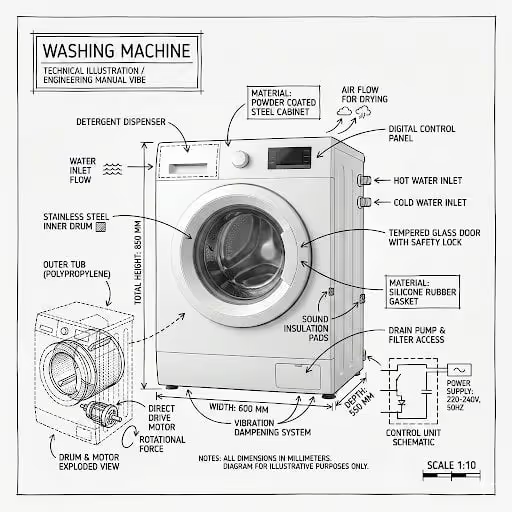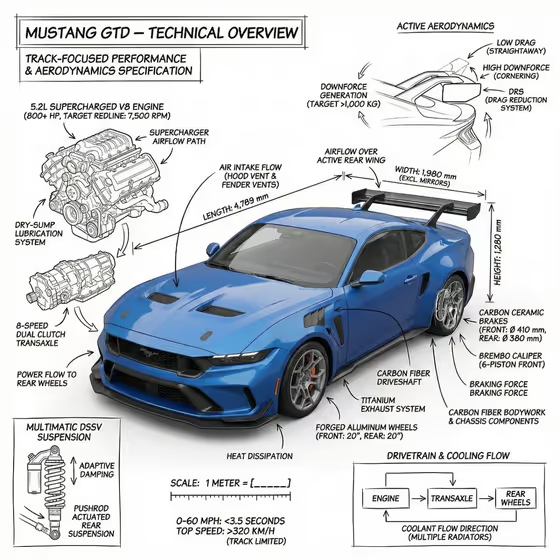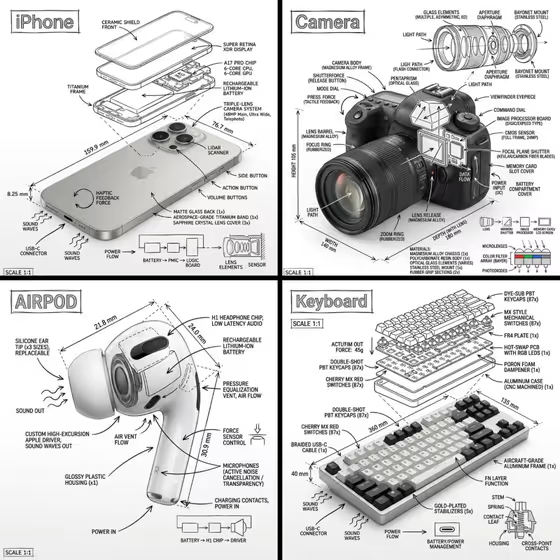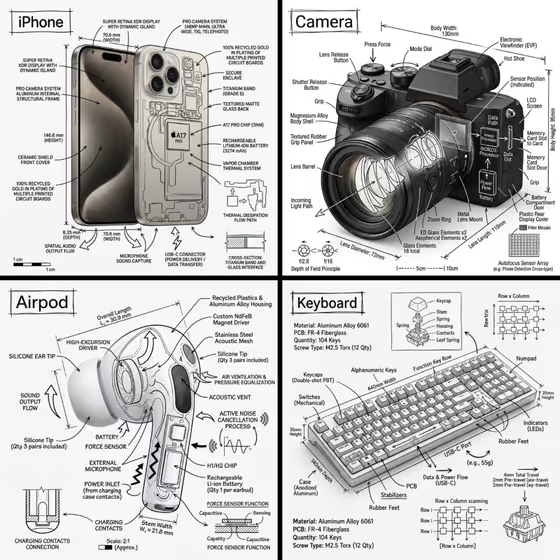
This template turns a single object into a museum-style anatomy plate. The real-looking object sits on a pure white background, and black technical-pen lines, arrows, labels, measurement ticks and small section diagrams are drawn over and around it, like the iPhone, camera, AirPod and keyboard plates in the cover image.
It suits product designers, makers, students, and anyone who wants an engineering-manual look for a product, a gadget or a favorite piece of gear. You pick the object, the story the annotations tell, the numbers shown, and the title in the corner box.
Phosphene lists this template as an image with a 3:4 aspect ratio, and the input summary asks for 2+ photos, so plan to give it more than one reference of your object.
What works best as input
- For Technical object, you can describe the object or upload its exact reference. If you upload, use clear, well-lit photos of the actual item with the whole object visible.
- Provide two or more photos from different angles (for example front and side) so the template has a better sense of the object's real shape and details.
- Choose objects with visible parts, like a camera with a lens, a keyboard with keys, or an earbud with a stem. Objects with distinct components give the labels and arrows more to point at.
- If you describe the object in words, be specific, such as "a compact espresso machine" or "a performance sneaker" rather than just "a machine".
- In Measurement details, you can type your own callouts or add a photo reference. Short phrases like "overall dimensions and scale" or "material thicknesses and weights" work as the template's own examples do.
How to use it
- Open the Hand-Annotated Object Anatomy template in Phosphene.
- Fill in Technical object (describe it or add your reference photos), then choose an Annotation focus such as components and materials, airflow and force paths, dimensions and assembly, or cutaway mechanics.
- Enter your Measurement details and a Diagram title, which goes inside the hand-drawn corner box, for example OBJECT ANATOMY or HOW IT WORKS.
- Generate the image, then review the plate for a fully visible object, readable black linework, and a clear title box. Adjust your fields and generate again if needed.
Tips for a better result
- Match the Annotation focus to the object. Cutaway mechanics suits something with internal parts, while airflow and force paths fits things like earbuds or vented gear.
- Pick Measurement details that fit the focus, such as component quantities and tolerances for an assembly-style plate or power, pressure, and flow values for something mechanical.
- Try different Diagram titles to change the feel of the same object, for example MATERIAL STUDY versus ASSEMBLY NOTES.
- Keep the title short and in capitals, like the examples, so it fits comfortably in the corner box.
Common mistakes
- Uploading a cluttered or cropped photo where the object is partly hidden. The template keeps the object fully visible, so a clear reference helps it stay accurate.
- Writing vague entries like "stuff" or "details" in Measurement details. Specific callout types give you more meaningful labels and numbers.
- Choosing an Annotation focus that does not fit the object, such as airflow paths for a solid object with no moving air, which can make the overlays feel arbitrary.
FAQ
Can I use just a text description instead of photos?
The Technical object and Measurement details fields accept either text or photos, but the template's input summary asks for 2+ photos, so giving multiple references of your object is recommended.
Will the plate be in color?
No. The template's fixed direction uses only black annotation ink over a pure white background, with no unrelated color or watermark.
What does the Diagram title do?
It sets the text inside the hand-drawn boxed title in the corner of the plate, such as OBJECT ANATOMY or HOW IT WORKS.
Are the measurements and labels exact specifications?
They are drawn as part of an illustrated plate based on your inputs, so treat them as stylized annotations and double-check any numbers before using them as real technical data.