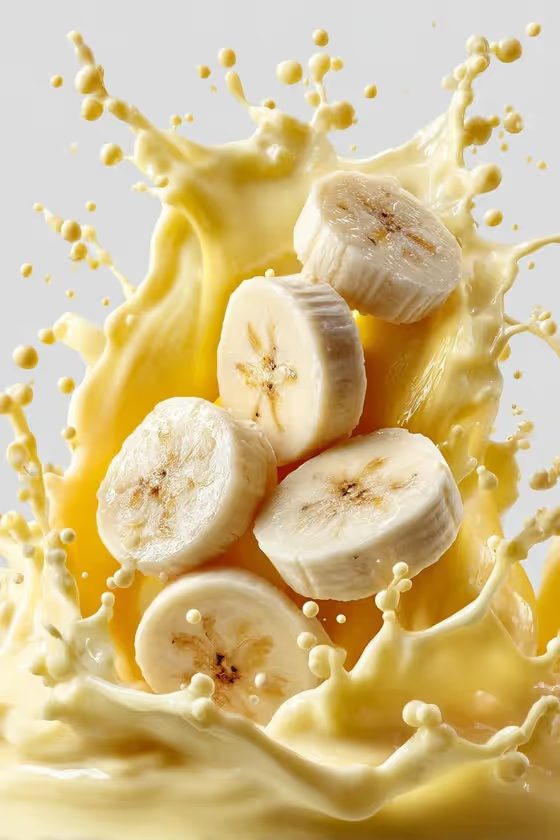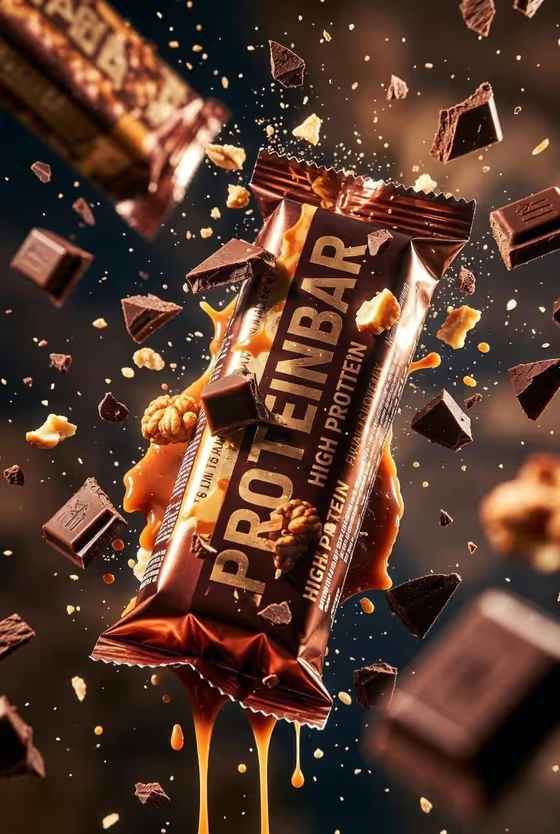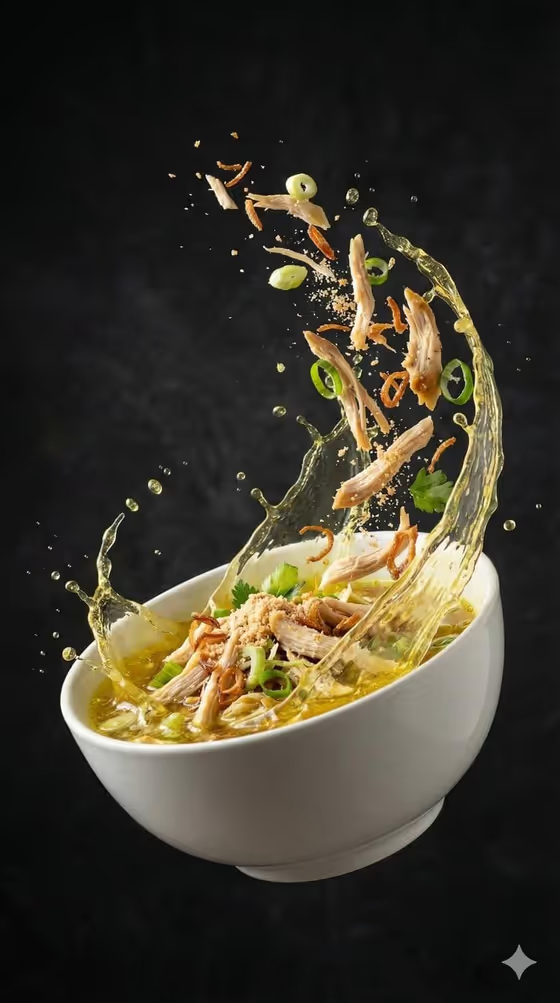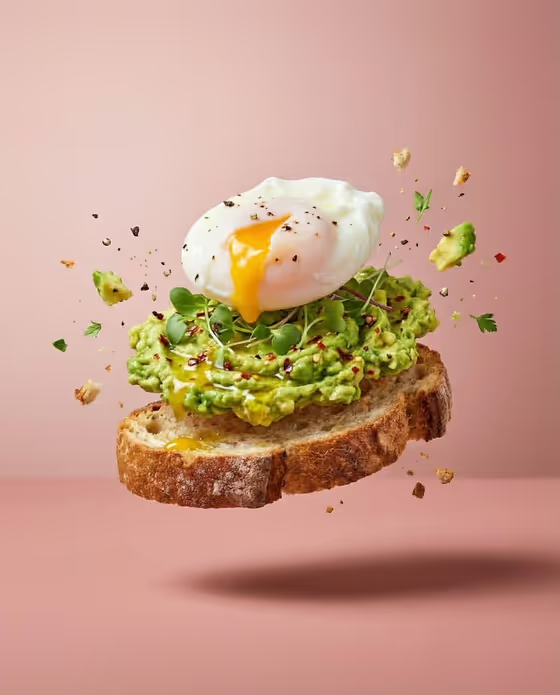
Deconstructed Dish Flight turns a single dish into a studio-style food shot where its layers hover in the air above the serving vessel. The cover shows avocado egg toast on a dusty-pink backdrop, with a poached egg, mashed avocado and a slice of bread floating in order, surrounded by crumbs, herbs and chili flakes.
It suits home cooks, food bloggers, small cafes and anyone who wants a polished, ingredient-focused image for a menu, a post or a recipe page. You name the dish (or upload a reference photo of it) and choose how the ingredients move, and the template handles the lighting, background and composition.
What works best as input
- In the Food product or dish field you can type a name or upload a matching reference. Short, concrete names like tiramisu, borscht or avocado egg toast give the clearest result.
- If you upload a photo, pick one of the dish itself with its main components visible, so the template can separate real layers rather than guess at them.
- Name a prepared dish with recognizable parts. A dish with distinct layers or toppings, like the egg, avocado and bread in the cover, reads well when pulled apart in mid-air.
- Keep the reference simple: one dish, one plate or bowl, no extra props competing for attention.
How to use it
- Open the Deconstructed Dish Flight template in Phosphene.
- Fill in Food product or dish by typing the dish name or adding a reference photo of it.
- Choose an Ingredient motion option, such as layered components hovering or ingredients exploding above the bowl.
- Generate the image, then review the 3:4 result to check that the components are in believable order above the vessel.
Tips for a better result
- Match the motion to the dish. Layered components hovering suits stacked foods like toast or tiramisu, while ingredients exploding above the bowl fits soups and bowls.
- Try sauce and crumbs rising in an arc for dishes with a drizzle or a crumbly topping, since the template freezes crumbs, herbs, spice and droplets sharply.
- Generate the same dish with different motion options and compare, since each changes how energetic the shot feels.
- Be specific about the dish (for example avocado egg toast rather than just toast) so the right components float.
Common mistakes
- Typing a vague or multi-dish description, which makes it unclear which components should be suspended.
- Uploading a cluttered photo with several plates or heavy props, which can muddy the single centered dish the template is built around.
- Expecting a different backdrop. The dusty-pink studio background and soft light are fixed parts of this template.
FAQ
Can I upload a photo of my own dish?
Yes. The Food product or dish field accepts a text description or a matching reference photo.
Can I change the pink background?
No. The dusty-pink backdrop, soft diffused light and centered dish are fixed by the template.
What shape is the image?
The output is a 3:4 image, a portrait format like the avocado toast cover.
What does Ingredient motion control?
It sets how the components move in the air, with options such as layered components hovering, ingredients exploding above the bowl, sauce and crumbs rising in an arc, or a deconstructed stack frozen in air.