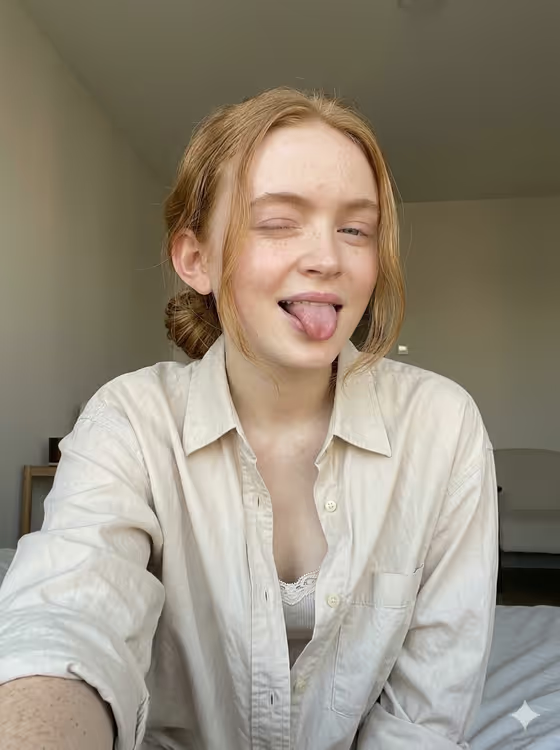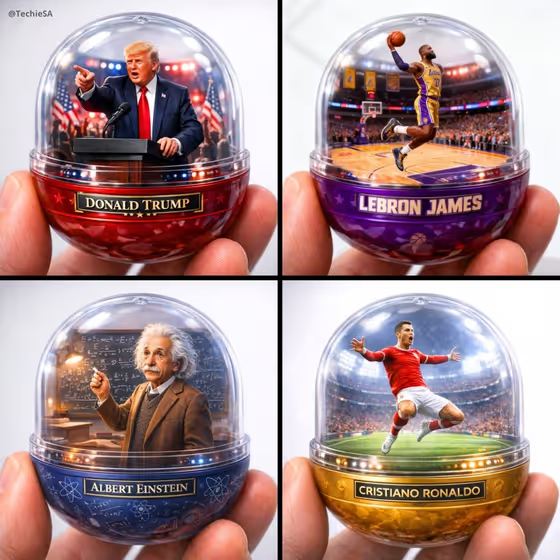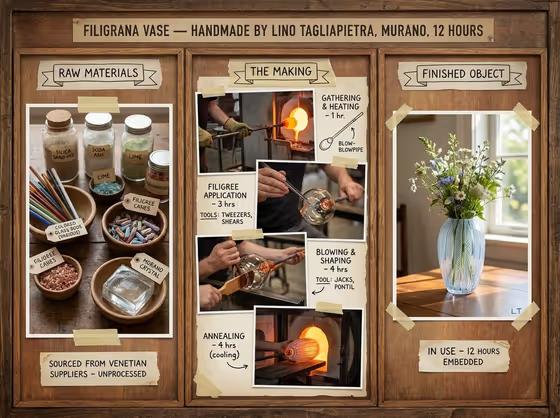
This template builds a three-part method board in a 3:4 image. The left panel shows raw materials, the center panel documents the making in sequential stages with hands, tools and time noted, and the right panel shows the finished piece in use. The cover example does this for a handmade glass vase, with labeled jars and canes on the left, furnace and workbench shots in the middle, and flowers in the finished vase on the right.
It suits makers, craftspeople and small studios who want to show the story behind a handmade product. You pick a portrait subject, a featured product or prop, and a creative direction, and the template lays out the board around them.
What works best as input
- The template asks for 2 or more photos, so give it separate images, for example one of the maker (for the Portrait subject slot) and one of the finished product (for the Featured product or prop slot).
- For the Featured product or prop slot, use a clear, well-lit shot of the finished piece. The right-hand panel is built around it, so the shape, color and material should be easy to read.
- For the Portrait subject slot, a clear photo of the maker works well since hands and the person at work appear throughout the center section. Only use photos of people who are happy to be shown.
- If you describe instead of upload, be specific about the craft and material. Something like 'a ceramic mug thrown by hand' gives the board more to work with than 'a nice object'.
How to use it
- Open the Artisan Process Method Board template in Phosphene.
- Fill the Portrait subject and Featured product or prop slots with your photos or short descriptions, using the examples as a guide for how specific to be.
- Choose a Creative direction, such as Clean editorial, Cinematic dramatic, Playful colorful or Quiet premium, or describe your own.
- Generate the board, then review the three panels and the labels, and adjust your inputs or direction and generate again if something is off.
Tips for a better result
- Pick the Creative direction to match your brand. Quiet premium suits fine craft, while Playful colorful suits lighter, more casual products.
- Name the specific materials and tools in your product description, since the left panel labels raw materials and the center panel identifies tools.
- Use a product photo with natural, soft light so the final in-use panel feels consistent with the warm workshop tones of the board.
- Try the same product with two different directions and compare which fits your shop page or social post better.
Common mistakes
- Uploading only one photo. The template expects 2 or more, so supply both a subject and a product image.
- Using a cluttered or dark product photo, which makes the finished-object panel harder to read.
- Describing the product too vaguely, which leaves the raw materials and making stages generic instead of specific to your craft.
FAQ
How many photos do I need?
The template requires 2 or more. The Portrait subject and Featured product or prop slots both accept photos.
Can I describe things instead of uploading photos?
Yes. Both of those slots accept text, and the placeholder and examples show the kind of short description that works.
Is the Creative direction a photo slot?
No. It is a choice or short description, such as Clean editorial or Cinematic dramatic.
What shape is the result?
It is a single image in 3:4 portrait format, with the three sections laid out across it.