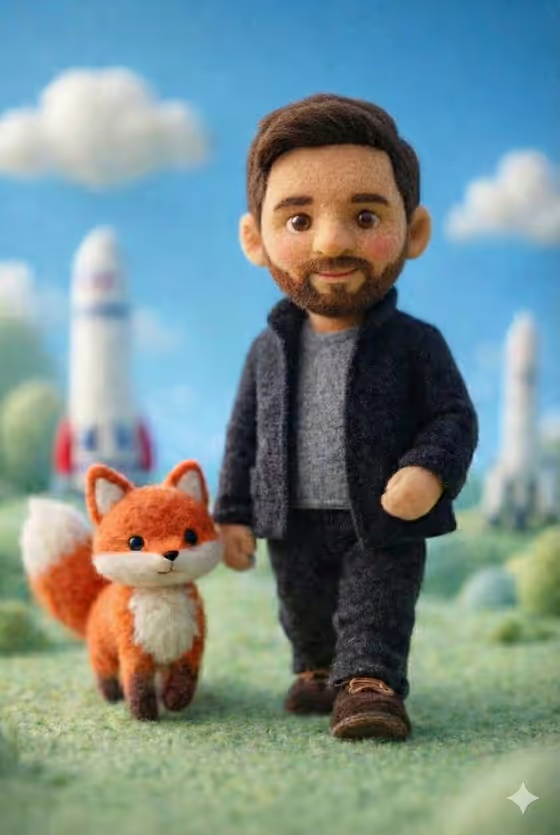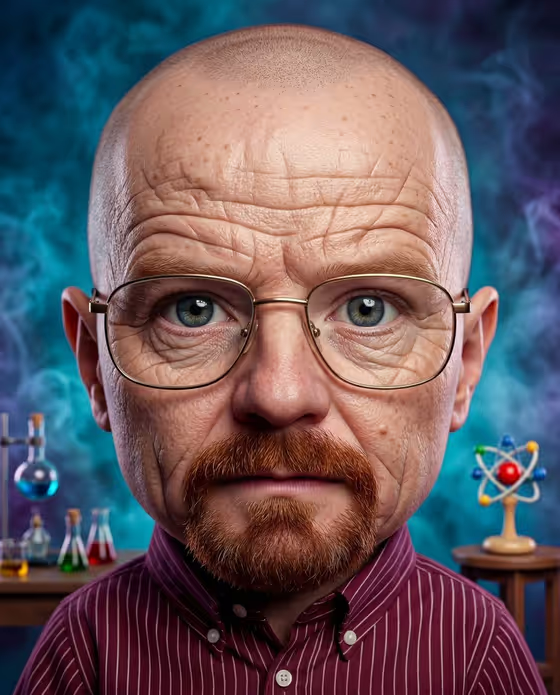
Baby Caricature turns a reference photo of your baby into a hyperrealistic caricature. Features are exaggerated, but the skin keeps fine, detailed texture, and the lighting is cinematic with vibrant color grading and a whimsical mood.
It suits parents, relatives and gift makers who want a playful, oversized-head portrait with a studio feel. The result is a 3:4 portrait image, framed according to the staging you choose.
What works best as input
- The template asks for 2 or more photos, so pick a few clear shots of the same baby from slightly different angles or expressions.
- Choose photos where the face is well lit and in focus, with the eyes, nose and mouth fully visible. Sharp reference photos give the skin and hair detail more to work with.
- Avoid heavy filters, strong color casts or photos where the face is partly covered by a hand, toy or pacifier.
- In the subject field you can describe the baby in text or upload the photo directly. Keeping the placeholder wording, such as 'the baby in my reference', tells the template to follow your uploaded reference.
How to use it
- Open the Baby Caricature template in Phosphene.
- In the subject field ('baby in my reference character subject'), add your baby photos or describe the subject, for example 'the baby in my reference'.
- Choose a Character staging option, such as the default caricature framing, a collectible character portrait, a full-body character scene or an environmental story moment.
- Generate the image, then review the 3:4 result. Check that the face still feels recognizable before you save or share it.
Tips for a better result
- Upload several photos with different expressions so the caricature has more to draw from when exaggerating features.
- Try different staging options on the same photos. A collectible character portrait and an environmental story moment give very different feels.
- Pick reference photos with a calm, neutral background so the focus stays on the face and the added cinematic lighting.
- Run the template a few times with different photo combinations and keep the version you like best.
Common mistakes
- Uploading only one photo when the template expects two or more, which gives the result less reference material.
- Using blurry, dark or heavily filtered photos, which leads to muddy skin texture and a less recognizable face.
- Replacing the subject with a vague description when you actually want your own baby's likeness. Use the reference photo for that.
FAQ
How many photos do I need?
The template is set up for 2 or more photos of your baby. More clear photos give it a better sense of the face.
Can I describe the subject in words instead of uploading a photo?
The subject field accepts text or a photo. For a caricature that looks like your baby, uploading the reference photos works best.
What does Character staging change?
It sets how the final image is framed, for example a caricature portrait, a collectible character portrait, a full-body scene or an environmental story moment. The caricature style itself stays the same.
What shape is the output?
The result is a single image in a 3:4 portrait ratio.