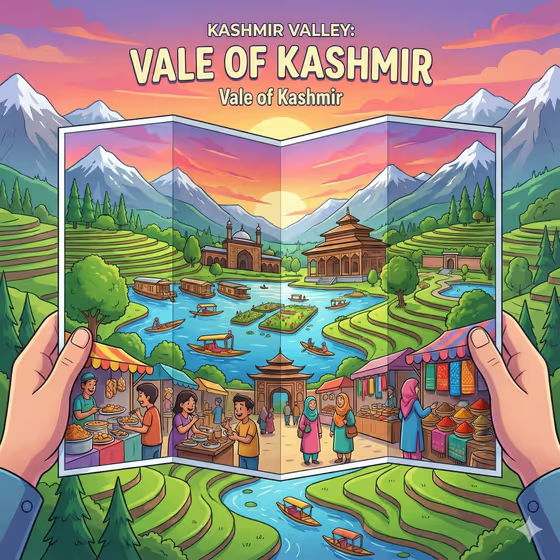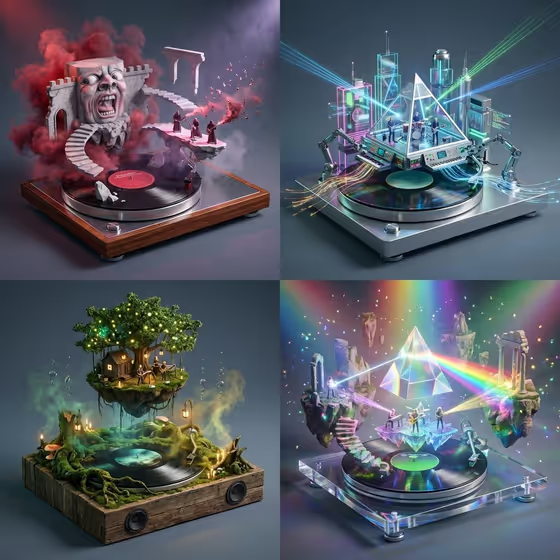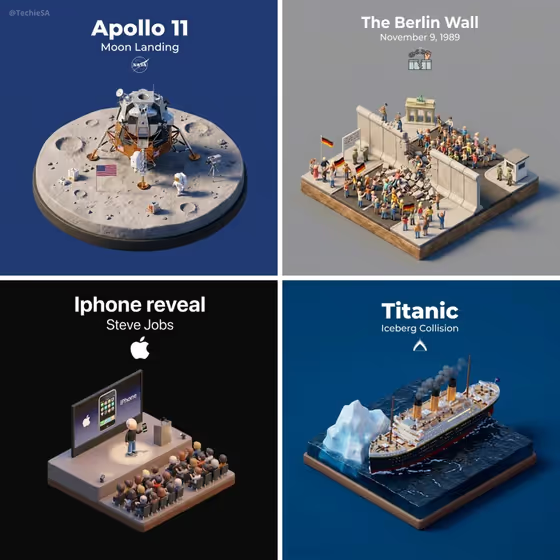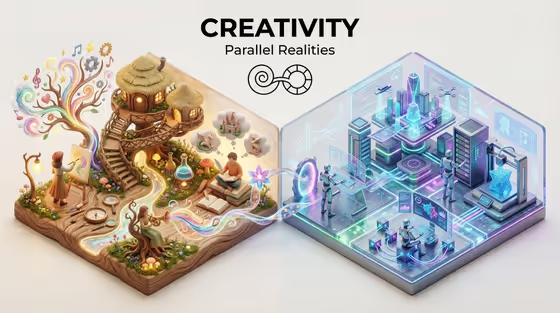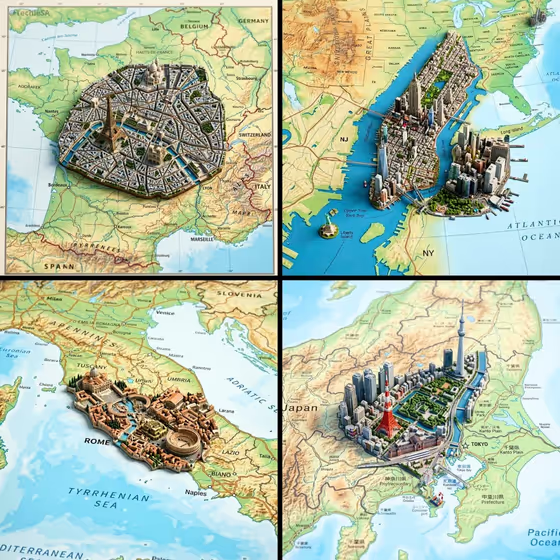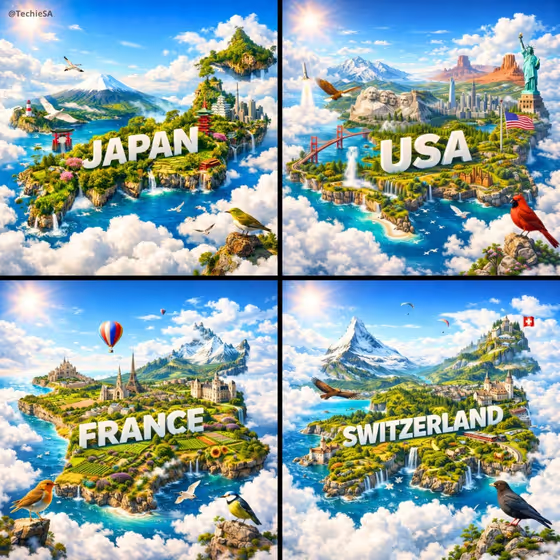
Cloud Country Island turns a country name into a floating miniature island shaped like that country, resting on a bed of white clouds. The name is carved into the terrain in large white three-dimensional letters, and the island is filled with landmarks, landscapes and birds, as in the Japan, USA, France and Switzerland examples on the cover.
It suits travel posts, geography projects, classroom visuals, or anyone who wants a stylized poster of a place they love. You describe the country and what belongs on it, and the template handles the cinematic aerial look, vivid color and sun reflections.
What works best as input
- In Country design, type one country name, such as Japan, Italy, Brazil or New Zealand. A single clear name gives the island a recognizable outline and a clean carved title.
- In Featured places, list three or so concrete things, like the example 'temples, Mount Fuji, and cherry forests'. Mixing a landmark, a landscape and a cultural detail gives a varied island.
- Be specific rather than general. 'Roman ruins, Tuscan hills, and the Amalfi coast' will place more recognizable features than 'old buildings and nature'.
- Native birds is optional. Name birds tied to the country, such as red-crowned cranes, golden eagles, toucans or albatrosses, and they appear in the sky and perched around the island.
- The Native birds field is marked as accepting a photo, but you can simply type the bird names. Typing is the reliable way to get the species you want.
How to use it
- Open the Cloud Country Island template in Phosphene.
- Type your country in Country design, then list landmarks and landscapes in Featured places.
- Optionally add birds in Native birds, then generate the 3:4 image.
- Review the result. Check the island shape, the carved country name and the landmarks, then adjust your wording and generate again if needed.
Tips for a better result
- Keep Featured places to a handful of items. A crowded list can make the island feel cluttered, while three or four items read clearly.
- Pair a famous landmark with a natural feature and a cultural detail for a more balanced scene, like alpine peaks, fjords and cultural motifs.
- Make a set by running the same field structure with different countries. The shared look suits a matching series, like the four-panel layout on the cover.
- Try different birds for the same country to change the mood, for example a bold raptor versus small songbirds.
Common mistakes
- Entering more than one country in Country design. The island follows a single outline, so use one name per image.
- Writing vague Featured places such as 'nice places'. Without named landmarks or landscapes, the island has little to show.
- Naming birds that are not linked to the country, which can make the scene feel off. Pick species you would actually associate with that place.
FAQ
Do I need to upload a photo?
No. This template is text-driven, so you just type the country, the featured places and, optionally, the birds.
Which fields are required?
Country design and Featured places are required. Native birds is optional.
Can I use any country?
You can type any country name you like. The examples include Japan, Italy, Brazil and New Zealand, and results depend on how clearly you describe the place.
What shape is the output?
It is an image in a 3:4 portrait ratio, showing the floating island over clouds with the country name carved in large white letters.