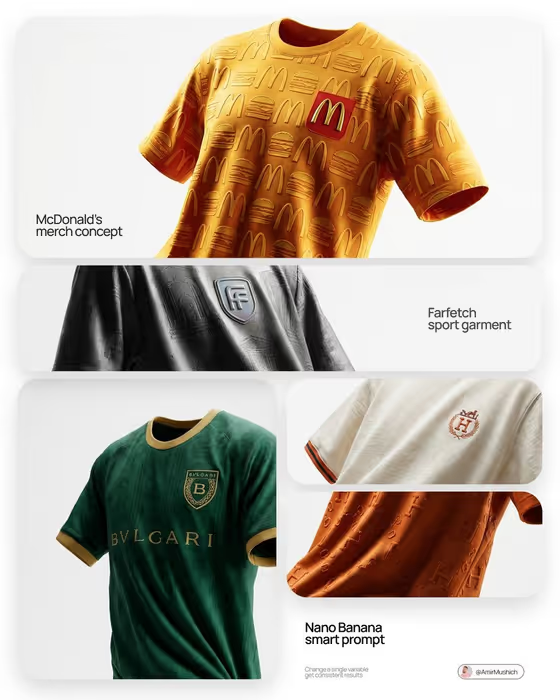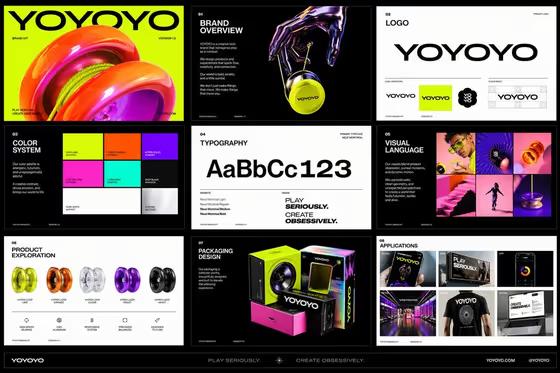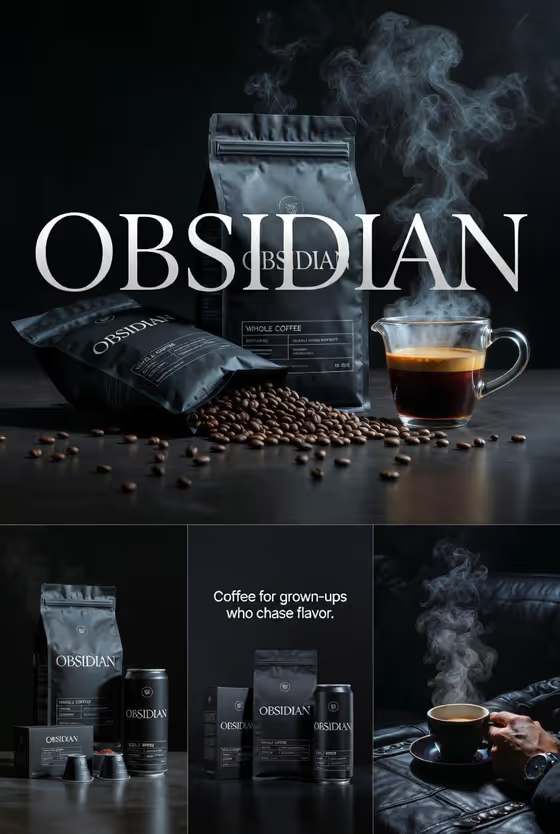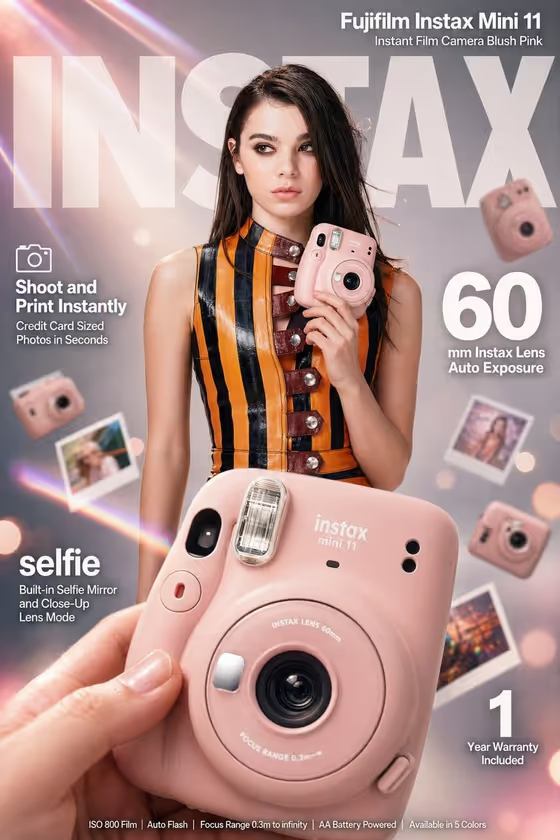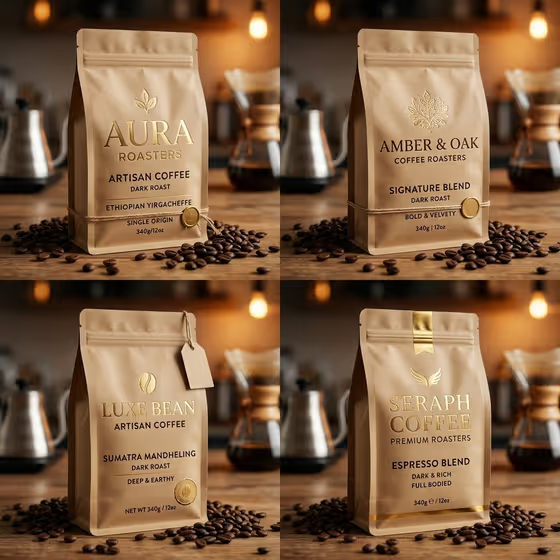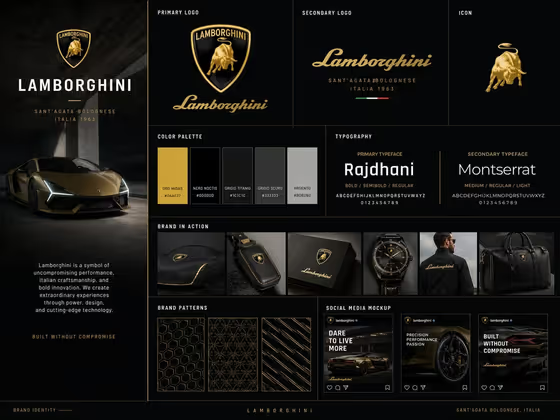
Brand Kit Studio Board turns a few written choices into a single 3:4 image that looks like a branding-studio presentation slide. It lays out a primary logo, a secondary lockup, an icon, color swatches, a typography pairing, a simple pattern, and the mockups you pick, all in one organized layout.
It suits founders, designers, and students who want to preview how a brand name and palette could feel as a full identity system. Everything is described in text, so there is nothing to upload. Fill in four fields and the board is built around them.
What works best as input
- Brand name: type the name exactly as you want it to appear, since the board is meant to show readable brand-name text. Short, single-word or two-word names such as NORTHLINE or ARC STUDIO match the examples in the field.
- Color palette: name three colors in a simple phrase, like "forest green, sand, and black" or "coral, pale pink, and burgundy". A clear trio gives the swatches and mockups one consistent look.
- Presentation style: describe the art direction in a few words, such as "minimal Swiss editorial" or "luxury monochrome restraint". Pick one direction instead of mixing several.
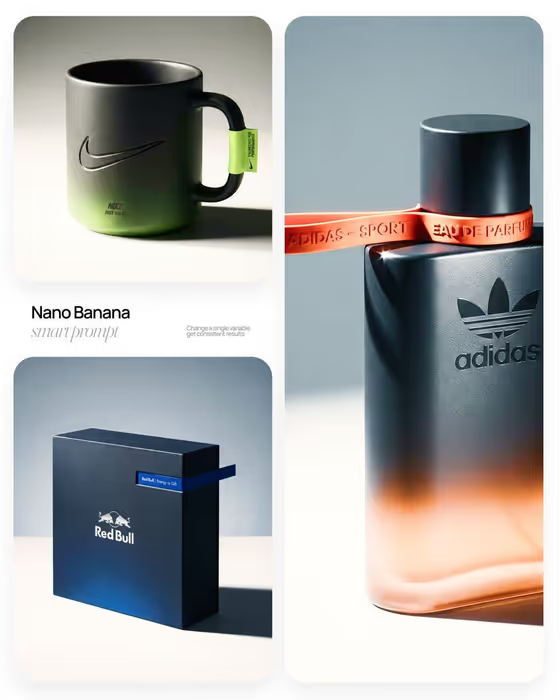
- Brand applications: list two or three realistic items, for example "packaging, tote, and social post" or "stationery, merch, and campaign tile". Keep the list short so each mockup stays readable.
- There is no photo slot in this template, so you do not need a logo file or reference image. Everything comes from the four text fields.
How to use it
- Open the Brand Kit Studio Board template in Phosphene.
- Fill in the four fields: Brand name, Color palette, Presentation style, and Brand applications. Use the placeholders and examples in each field as a guide.
- Generate the board and wait for the 3:4 image to finish.
- Review the result: check that the brand name is spelled correctly, the swatches match your palette, and the mockups match what you listed. Adjust a field and generate again if something is off.
Tips for a better result
- Pair a palette with a matching style. A warm palette such as coral, pale pink, and burgundy fits "warm modernist studio", while black with gold tones suits "luxury monochrome restraint".
- Try the same brand name with different presentation styles to compare directions side by side, like minimal Swiss editorial versus playful geometric system.
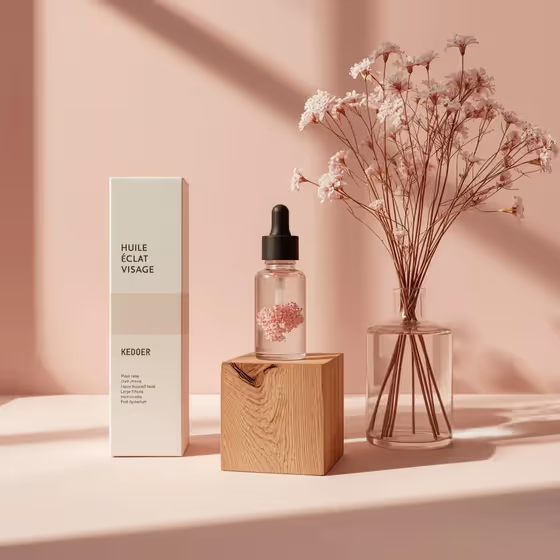
- Choose applications that fit the brand. A food or beauty name works well with packaging and a label, while a studio or agency name suits stationery and a poster.
- Keep the brand name short and easy to read, because it appears across the logo, lockup, and mockups.
Common mistakes
- Listing too many applications in one field. Three or fewer keeps each mockup clear instead of crowded.
- Using vague palette wording like "nice colors". Name specific colors so the swatches and every mockup stay consistent.
- Mixing conflicting styles in the Presentation style field, such as playful and luxury restraint together, which makes the art direction unclear.
FAQ
Do I need to upload a logo?
No. This template has no upload requirement. You describe the brand with the Brand name, Color palette, Presentation style, and Brand applications fields.
What does the board include?
The template is set up to show a primary logo, secondary lockup, icon, color swatches, a typography pairing, a simple pattern, and the applications you choose, all on one slide.
What shape is the output?
It is a single image in a 3:4 aspect ratio, laid out like a branding-studio presentation board.
Can I use a real company's name?
The board is designed for brand concepts, so a new or invented name like NORTHLINE or VERDANT is the safest fit. Only use names you have the right to work with.