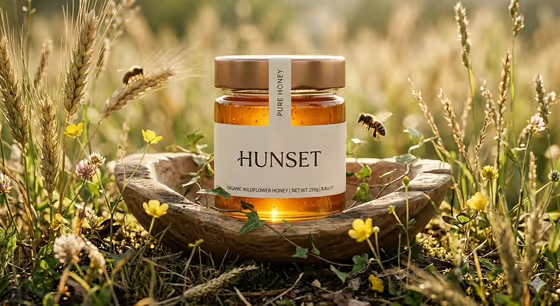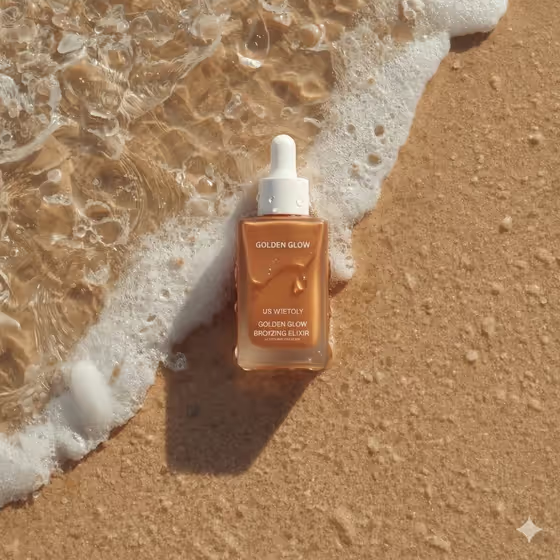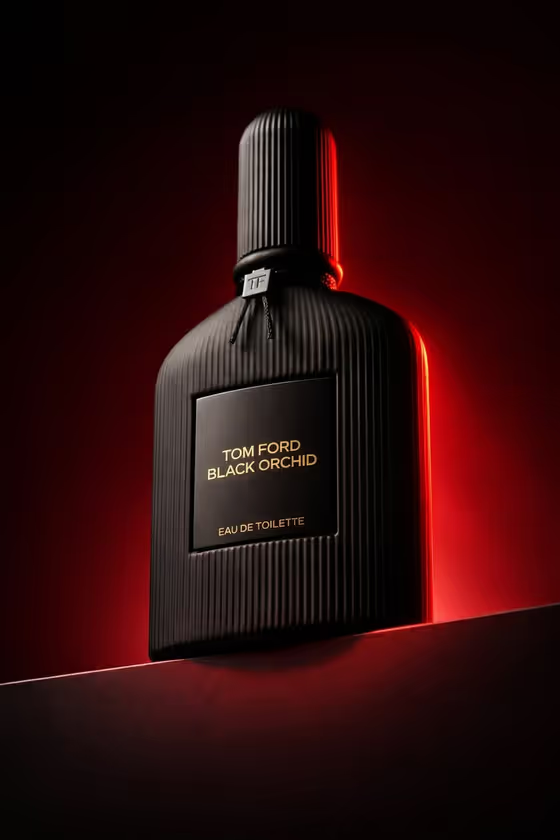
Burgundy Perfume Monument turns a fragrance bottle into a low-angle hero shot. The bottle sits on a dark horizontal podium, photographed from below at a front three-quarter angle so it looks tall and imposing, with a colored glow tracing its edge against a matching dark gradient.
It suits fragrance sellers, small perfume brands, and anyone who needs a moody product visual for a listing, a launch post, or a campaign mockup. The output is a 3:4 image, so it fits portrait placements well.
What works best as input
- For the Perfume product or bottle field, you can type a description or upload a matching reference photo. A clear photo of your actual bottle gives the template something concrete to follow.
- Use a photo where the whole bottle is visible, including the cap and the label, since the template keeps the label and top softly lit.
- Pick a reference with an even, uncluttered background so the bottle shape and any ribbing or texture are easy to read.
- If you describe instead of upload, be specific about material and color, like the placeholder 'black ribbed perfume bottle' or 'smoked-glass fragrance bottle'.
- Dark or matte bottles pair naturally with the neutral black podium and rim glow shown in the cover.
How to use it
- Open the Burgundy Perfume Monument template in Phosphene.
- In Perfume product or bottle, describe your fragrance or upload a reference photo of it.
- Set the Rim-light accent. The default idea is deep burgundy red, but you can choose another option such as warm amber or cold cobalt blue.
- Generate the image, then review the label area, the cap silhouette, and the rim glow, and adjust your inputs if something is off.
Tips for a better result
- Keep the burgundy accent when you want the look in the cover image, where the red glow hugs the cap and shoulder of the bottle against a matching dark background.
- Try warm amber or cold cobalt blue in Rim-light accent to see how the same podium composition feels with a different mood.
- If you have brand colors, use the 'my brand accent' idea in the accent field to steer the rim light toward them.
- Run the same bottle with two or three accent colors and compare them to pick the one that suits your product best.
Common mistakes
- Describing the bottle too vaguely, such as just 'perfume', which leaves material, shape, and color to chance.
- Uploading a cropped photo that cuts off the cap or label, so the template has less to work from for the parts it keeps illuminated.
- Choosing a rim-light color that is very close to a pale bottle color, which can reduce the contrast that defines the silhouette.
FAQ
Can I upload a photo of my own bottle?
Yes. The Perfume product or bottle field accepts a photo as a matching reference, or you can describe the bottle in text instead.
Can I change the glow color?
Yes. The Rim-light accent field lets you pick a color such as deep burgundy red, warm amber, or cold cobalt blue.
What shape is the final image?
The template outputs a single image in a 3:4 portrait aspect ratio.
Does it work for cologne or other fragrance bottles?
It is built for fragrance products in general. Examples in the field include smoked-glass fragrance bottles and matte charcoal cologne bottles.