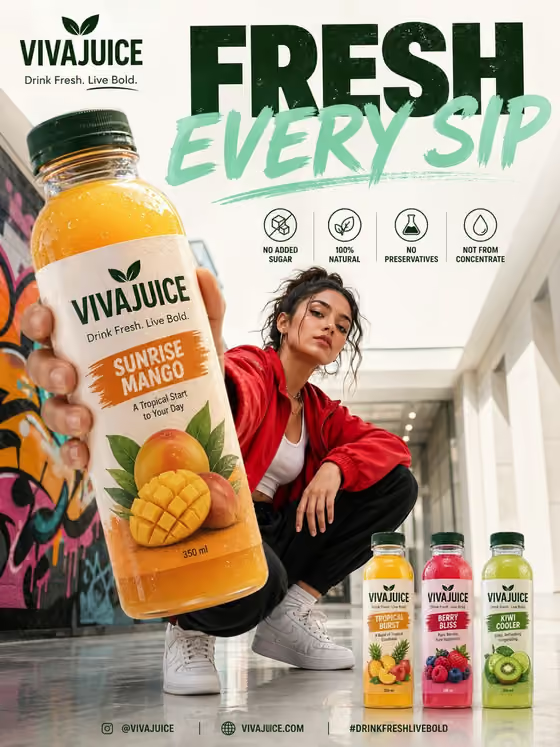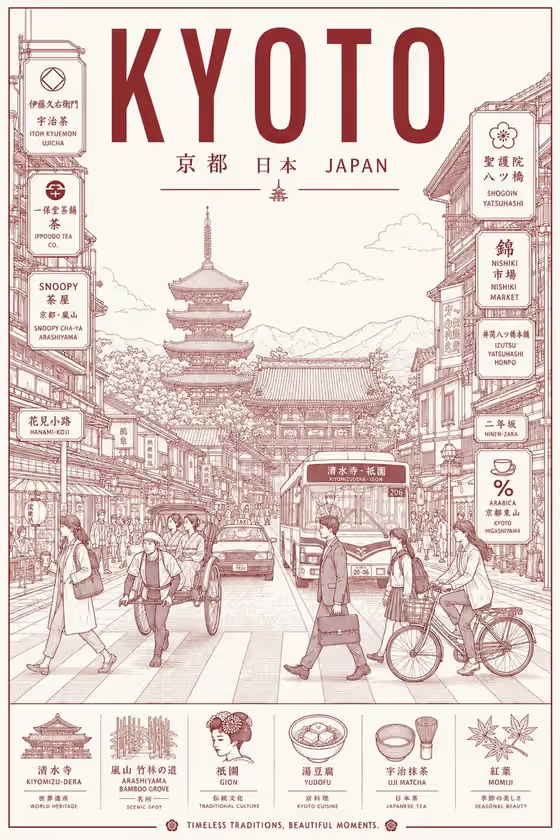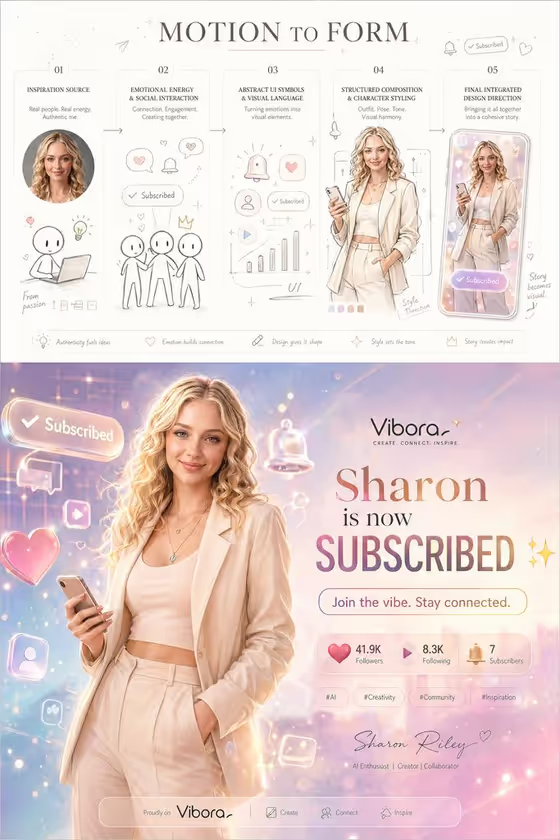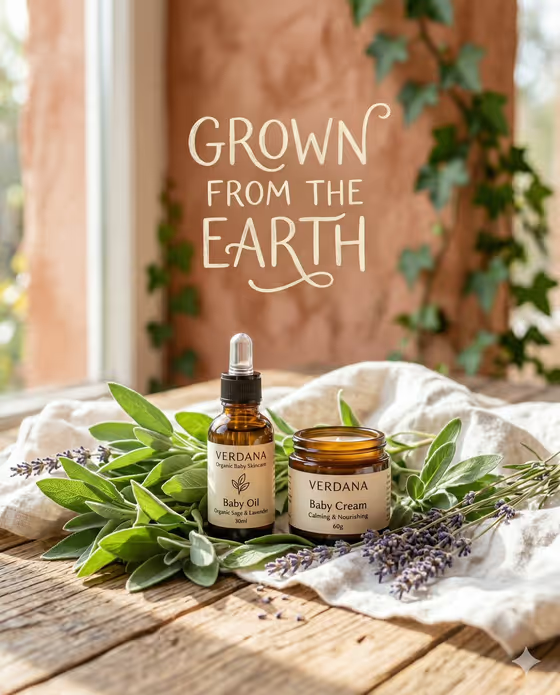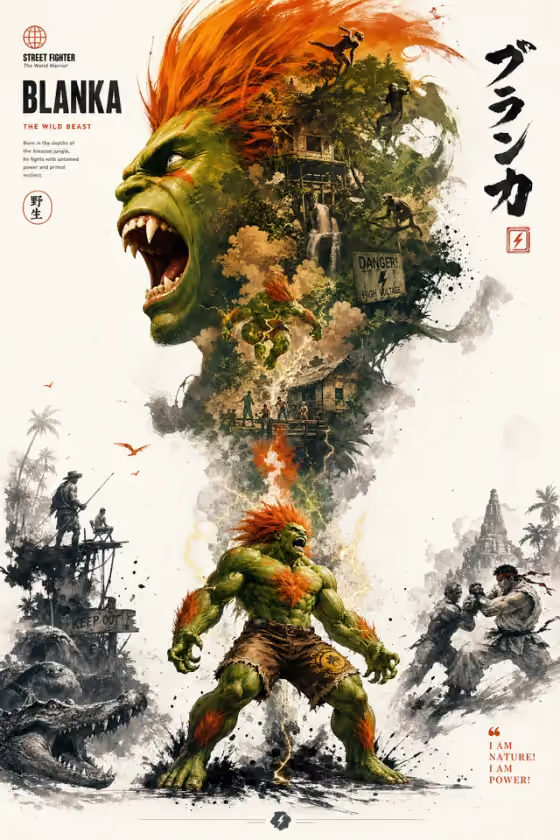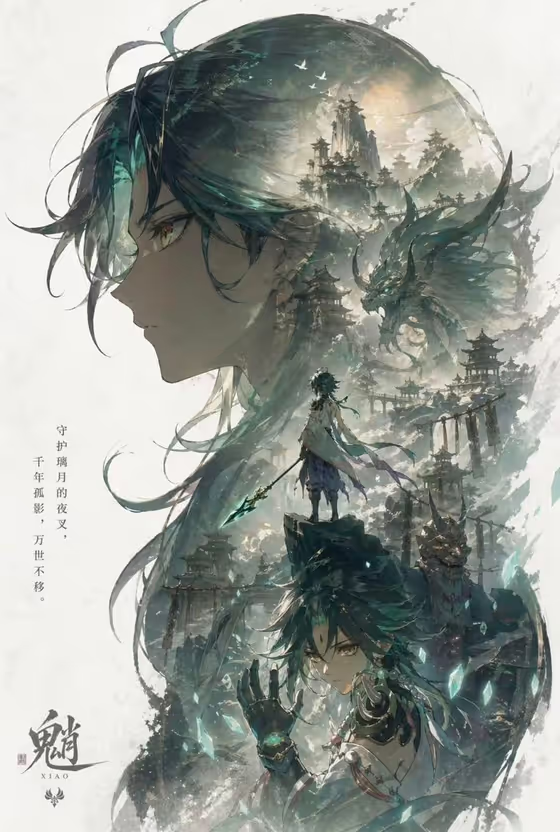
This template builds a vertical 9:16 character poster with a two-tier layout. A large, recognizable silhouette (head, facial contour or upper-body outline) fills the top of the frame, and a smaller full-body version of the same character stands below it as the visual core of the composition.
It suits anyone who wants a key-visual style poster for a character, a creative persona or a brand figure. The cover example shows the idea well: a big profile silhouette filled with an atmospheric scene, with a standing figure and a closer face pose layered underneath, plus a bit of poster-style typography.
What works best as input
- The "Portrait subject product or object" field accepts a photo as well as a typed description, so you can start from a clear picture of the subject you want featured.
- Pick a photo where the head and face are easy to read, since the top half of the poster is built around a bold silhouette of the head and facial contour.
- If you type instead, be specific about the subject, for example "a confident adult" or "a distinctive creative professional" rather than something vague like "a person".
- Choose a subject with a distinctive outline (hair shape, mask, headwear or costume). Strong shapes make the large silhouette read better.
- Keep any photo of a real person respectful and use only images you have the right to use.
How to use it
- Open the Character Promotional Poster template in Phosphene.
- In "Portrait subject product or object", upload a photo or type a short description of your subject.
- Set "Creative direction" to the mood you want, such as Clean editorial, Cinematic dramatic, Playful colorful or Quiet premium.
- Generate the poster, then check that the silhouette sits in the upper half and the full-body figure appears below it, and regenerate if the balance feels off.
Tips for a better result
- Match the creative direction to the subject: Cinematic dramatic suits moody or fantasy characters, while Playful colorful fits lighter, energetic ones.
- Try the same subject with different directions (for example Clean editorial versus Quiet premium) to compare how the layout and tone change.
- Use a subject with a clear costume or accessory, such as a mask, weapon or flowing clothing, so the full-body pose has something distinctive to show.
- If a result is close but not right, adjust the subject description with one or two concrete details and generate again.
Common mistakes
- Using a cropped or blurry photo where the head and face are hard to see, which weakens the large silhouette at the top.
- Writing a very generic subject description, which gives the poster little character to build its iconic silhouette from.
- Expecting an exact layout every time. The template guides a large-top, smaller-bottom structure, but individual results can vary.
FAQ
What format does the poster come out in?
It is a vertical image in 9:16 aspect ratio, built for a portrait poster layout.
Do I have to upload a photo?
No. The subject field accepts a photo or a text description, so you can type something like "an expressive young man" instead.
What does the creative direction control?
It sets the overall style of the poster. The listed options include Clean editorial, Cinematic dramatic, Playful colorful and Quiet premium.
What will the poster look like?
Expect a bold silhouette in the upper half and a full-body figure in a standing or lightly dynamic pose below it, as in the cover example.