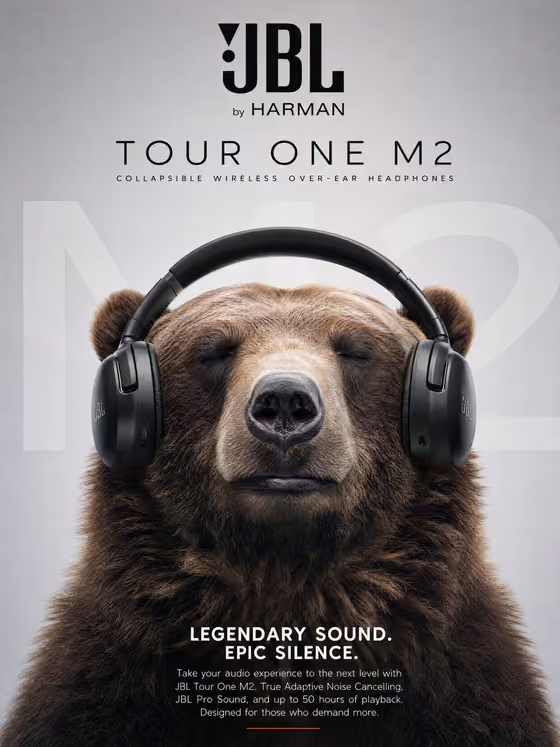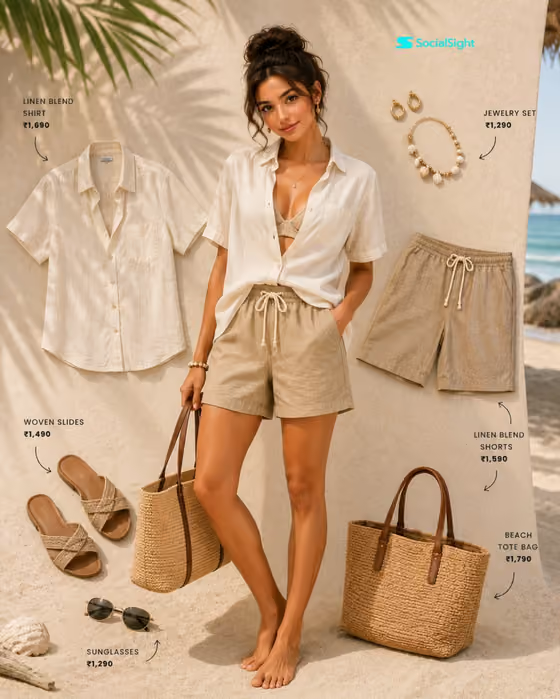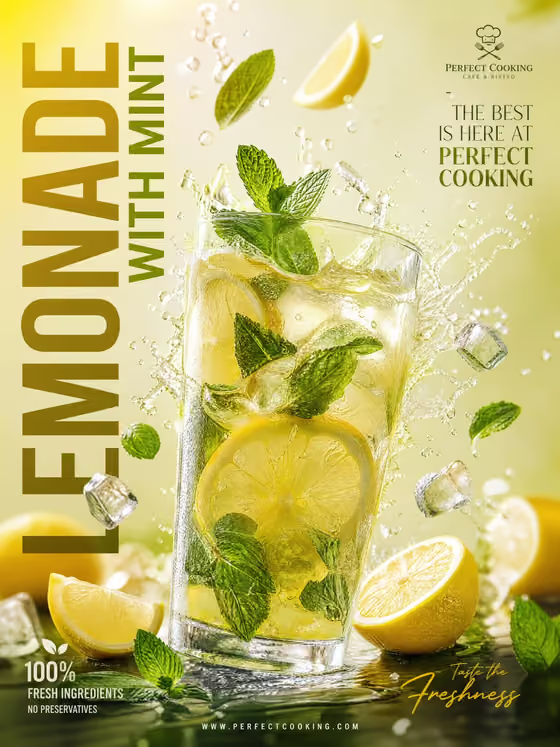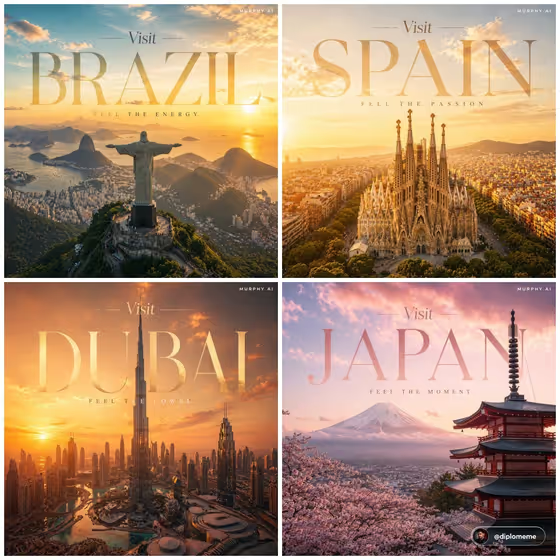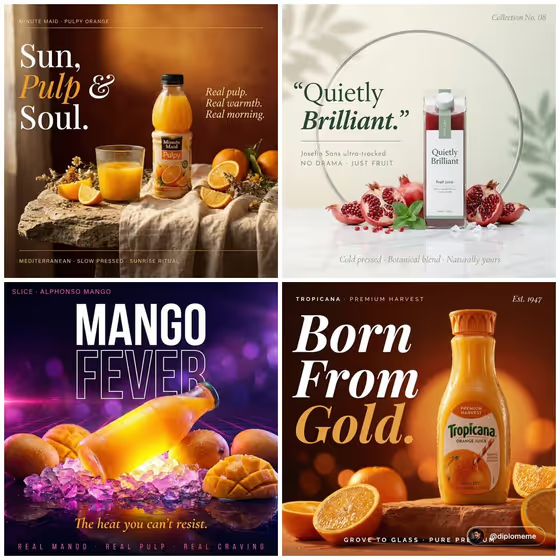
Coastal Orange Campaign turns your bottle into a Mediterranean-toned campaign poster. The product sits off-center on sun-bleached linen over rough coastal stone, with a half-filled glass of pulpy orange juice, orange wedges, dried wildflowers, and layered script typography in white and amber over a warm terracotta backdrop.
It suits anyone who wants a polished, editorial-style product image for a juice or drink bottle, such as a small brand, a social post, or a concept mockup. The output is a 3:4 image, so it fits portrait placements well.
What works best as input
- For the first field (orange juice bottle product or object), you can describe the product in text or upload a photo of the exact bottle you want shown. A photo helps most when the label and bottle shape matter.
- Use a sharp, evenly lit photo of the bottle on its own, with the whole bottle visible and the label facing the camera.
- Avoid cluttered backgrounds, heavy glare on the glass, or a bottle cropped at the edges, since the poster is built around the bottle as the hero.
- If you prefer to type, be specific about shape, cap color, and label style, for example the suggested starting point 'an orange juice bottle' or 'a premium unbranded alternative'.
- If you do not want an existing brand look, describe an unbranded or personal design instead of using a real label.
How to use it
- Open the Coastal Orange Campaign template in Phosphene.
- In the 'orange juice bottle product or object' field, type a description of your bottle or add a reference photo of it.
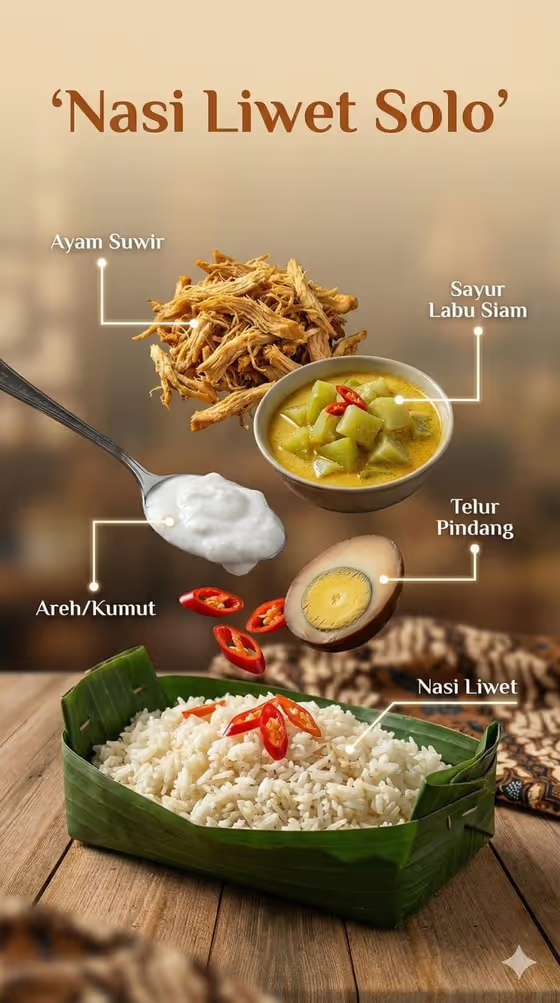
- Pick an option in 'Product presentation'. The default is 'High-end cinematic campaign poster', and the other examples include 'clean studio hero' and 'annotated product breakdown'.
- Generate the image, then review the bottle, the typography, and the overall warmth, and run it again if you want a different take.
Tips for a better result
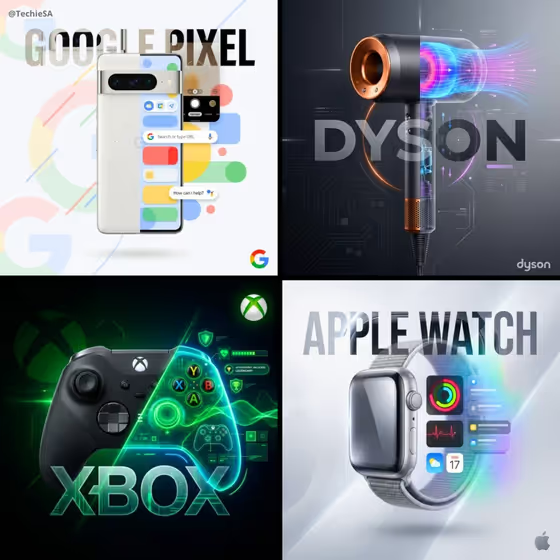
- Try different 'Product presentation' choices to see how the same bottle reads as a cinematic poster versus a cleaner studio hero.
- Keep your bottle description concrete (shape, cap, label colors) so the product stays recognizable against the linen and stone setting.
- If you want a poster that is not tied to an existing brand, describe a premium unbranded bottle or your own product design.
- Compare a photo-based run with a text-only run to see which keeps your bottle's details closer to what you want.
Common mistakes
- Uploading a small, blurry, or partly cut-off bottle photo, which makes it harder to keep the label and shape accurate.
- Writing a vague description like 'a drink', which gives the poster little to build around compared with a specific bottle.
- Expecting small text on the poster, such as the footer lines, to come out perfectly legible every time. Check the result and regenerate if the typography looks off.
FAQ
Do I have to upload a photo?
No. The bottle field accepts either a text description or a photo, so you can type what your product looks like instead.
What shape is the finished image?
The template outputs a 3:4 portrait image.
What does the Product presentation field change?
It sets how the product is framed. The examples include a high-end cinematic campaign poster, a clean studio hero, dynamic material interaction, and an annotated product breakdown.
Can I use my own product instead of an orange juice bottle?
The field is meant for your product or object, and its examples include a personal product design or your exact product reference. The scene itself stays a coastal orange-juice campaign setting.