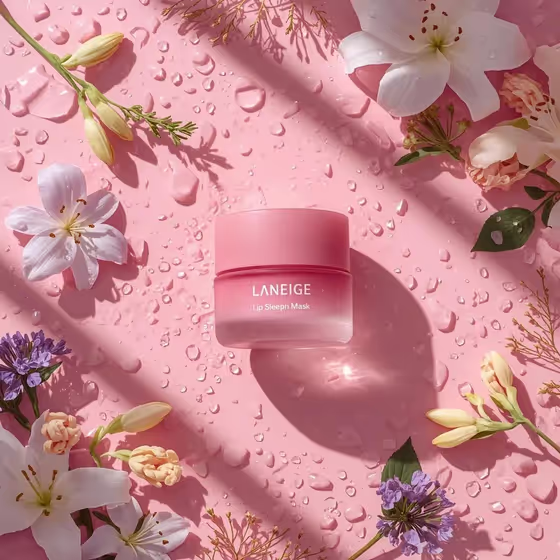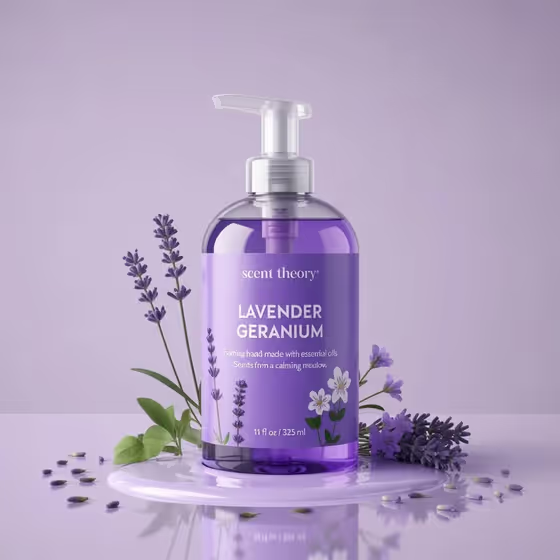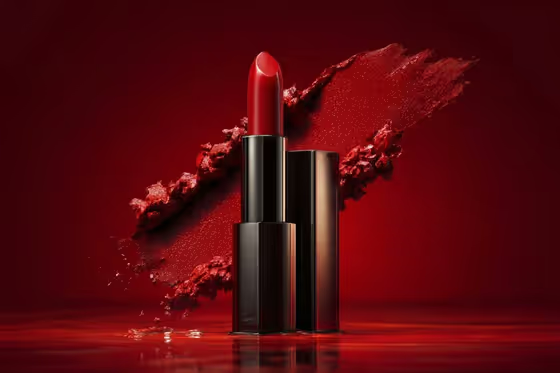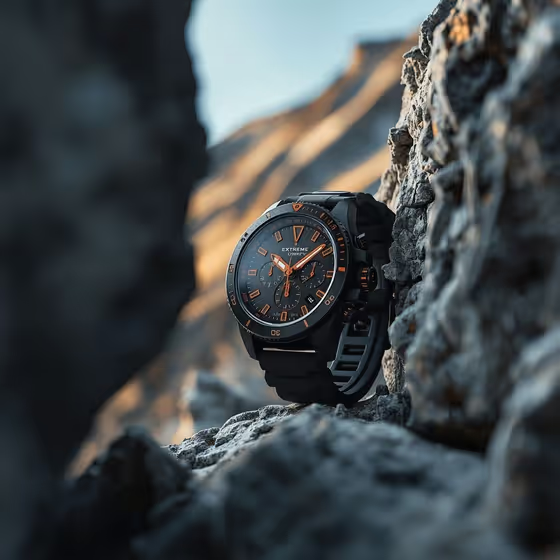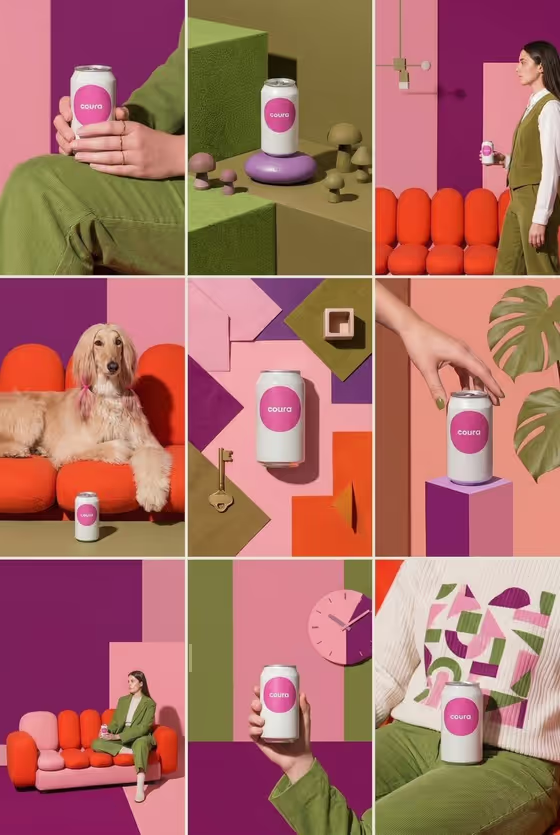
This template builds a 3x3 social feed preview around a single product. You get nine tiles that vary in location, camera angle and distance, while the product and the overall look stay consistent from tile to tile.
It suits small brands, makers and anyone planning an Instagram-style grid who wants to see how a product could look across hero shots, close details and lifestyle moments before committing to a shoot. The cover example shows one canned drink in a shared pink, olive and orange palette, from tabletop still lifes to people holding the can.
What works best as input
- In the Featured product field you can either describe the item or upload a reference photo of it. If you upload, pick a clear shot where the whole product and its label are visible.
- Use a photo with even lighting and a plain or uncluttered background, so the product's shape, color and logo are easy to carry across all nine tiles.
- If you type instead, be specific about what makes the product recognizable, such as the type of item, its color and its material (for example, a colorful canned drink or a minimalist leather accessory).
- Describe one product only. The template is built to keep a single product identity across every tile, so avoid listing several different items.
How to use it
- Open the Cohesive 9-Post Product Feed template in Phosphene.
- Fill in Featured product by describing your item or adding a reference photo, then set Feed aesthetic to the art direction you want to unify the grid.
- Choose a Location mix (three environments spread across the grid) and a Supporting presence, which sets what adds life around the product, such as hands, people, an animal, nature details or product-only compositions.
- Generate the image, then review the 3:4 result tile by tile. Check that the product looks the same in each frame and that the grid feels balanced as a whole.
Tips for a better result
- Pick a Feed aesthetic with a clear color and mood identity. A strong direction, like the bold color blocking in the cover example, is what makes nine different scenes read as one feed.
- Match the Location mix to your brand. A mix of indoor, outdoor and styled-studio settings gives you more variety in scale and energy between neighboring tiles.
- Try Supporting presence options to change the feel of the grid. People and an animal add warmth, nature details with no faces feel quieter, and product-only compositions keep all attention on the item.
- Run the same product again with a different aesthetic or location mix to compare feed concepts side by side.
Common mistakes
- Describing the product too vaguely, which can lead to small differences in the product from tile to tile. Name its type, color and key details.
- Choosing a Supporting presence that fights your goal. If the product is the point, product-only compositions or hands are safer than a scene full of people.
- Uploading a cluttered or dark reference photo, which makes it harder to keep the product's look consistent across the grid.
FAQ
Can I use a photo of my product?
Yes. The Featured product field accepts a description or a reference photo. The other three fields are choices, not photo uploads.
Will the product look the same in every tile?
The template is directed to keep one product identity and one visual language across all nine tiles. Check each tile after generating, since a clear reference or detailed description helps.
What shape is the output?
A single image in 3:4 aspect ratio containing the nine-tile 3x3 grid.
Can I show only the product with no people?
Yes. Choose a Supporting presence such as product-only compositions or nature details and no faces.