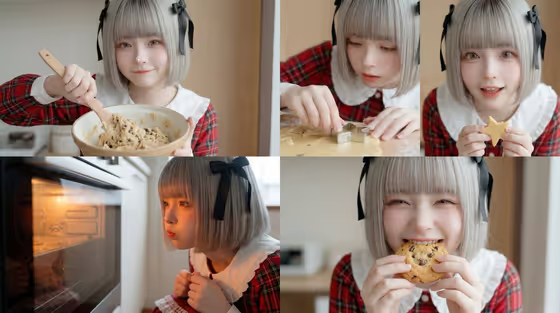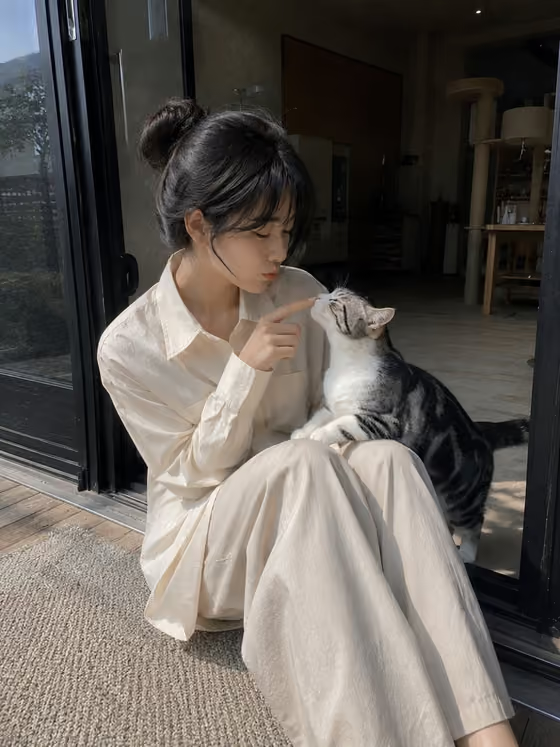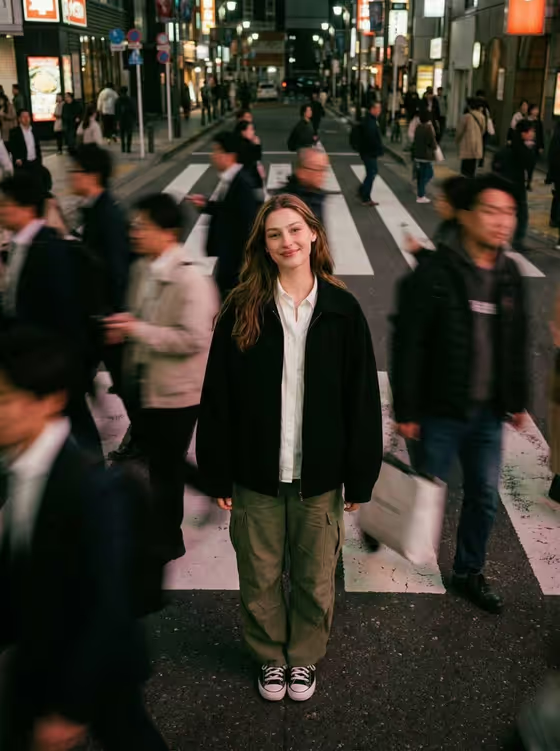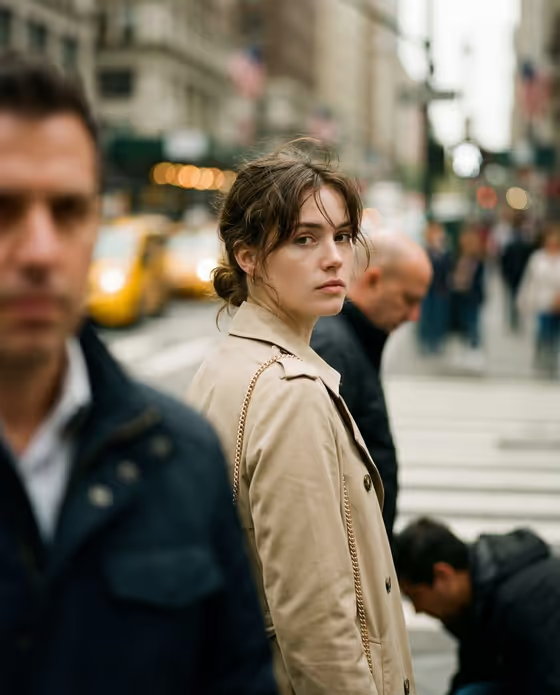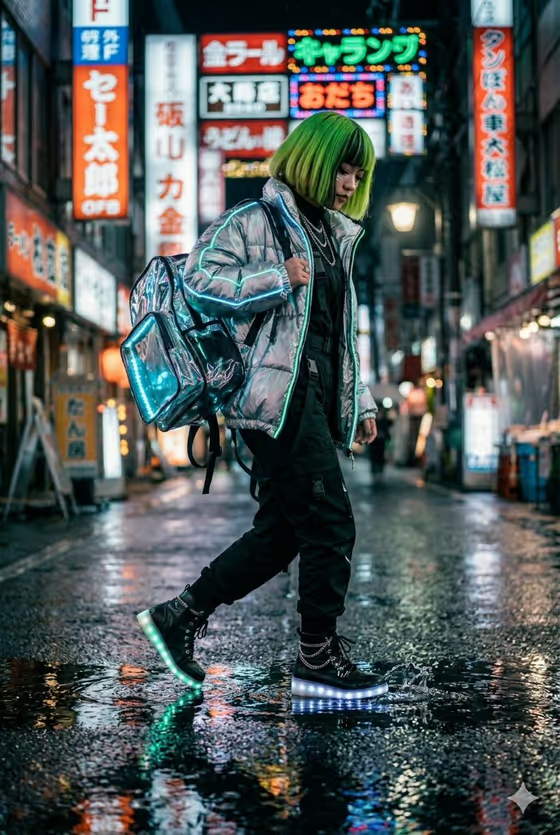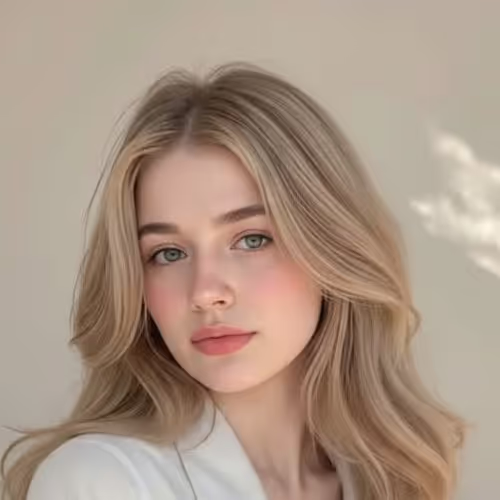
Cozy Bedroom Portrait turns a single photo into a calm, natural portrait set in a bright bedroom or reading room. The scene is built around a neatly made bed or daybed, a simple white cotton shirt, light-wash jeans and soft window light, with a clean white and cream palette.
It suits anyone who wants a relaxed lifestyle-style portrait for a profile picture, a personal page or a soft editorial look. The output is a 3:4 vertical image, so it fits portrait framing well.
What works best as input
- Use one clear photo where the face is well lit and fully visible. The template is built around a single reference upload, so choose the shot that best represents you.
- In the Portrait subject field, you can pick or describe the person. The placeholder example is 'an adult woman matching my reference', which is a good starting point if you are uploading your own photo.
- Pick a photo with a natural, unhurried expression. The template aims for a peaceful, warm mood, and a calm source image gives it a better match to work from.
- Avoid heavy filters, sunglasses or hands covering the face, since these hide the features the portrait is meant to carry over.
How to use it
- Open the Cozy Bedroom Portrait template in Phosphene.
- Fill in Portrait subject by uploading your photo or choosing or describing the subject, for example 'an adult woman matching my reference'.
- Set Pose or expression using one of the options or your own wording, such as 'relaxed seated posture' or 'upright composed pose'. Note that this field is text or choice only, not a photo.
- Generate the image, then review the face, hair, shirt and room lighting to see how closely it matches what you wanted.
Tips for a better result
- Try different Pose or expression options. 'The source seated pose' keeps things close to your photo, while 'upright composed pose' gives a more polished look and 'candid mid-action posture' feels more spontaneous.
- Keep your subject description short and clear. The scene, outfit and lighting are already set by the template, so extra detail mostly helps with who the portrait is of.
- If the first result is not quite right, generate again with a slightly different pose wording rather than rewriting everything.
Common mistakes
- Uploading a dark, blurry or heavily cropped photo, which gives the template little to work from.
- Writing long descriptions that fight the built-in look. The shirt, jeans, bedroom and soft daylight are part of the template's fixed direction.
- Leaving the Pose or expression field vague or conflicting, such as mixing 'candid mid-action' with 'upright composed' in the same entry.
FAQ
Do I have to upload a photo?
The Portrait subject field accepts a photo or a text description. Uploading one photo is the intended use, and it helps the result match your reference.
Can I change the outfit or room?
The white cotton shirt, jeans and bright bedroom setting are part of the template's fixed direction. You mainly control the subject and the pose or expression.
What shape is the final image?
It is a 3:4 vertical image, framed as a portrait.
What kind of pose options are there?
Examples include the source seated pose, relaxed seated posture, upright composed pose and candid mid-action posture. You can also describe your own.