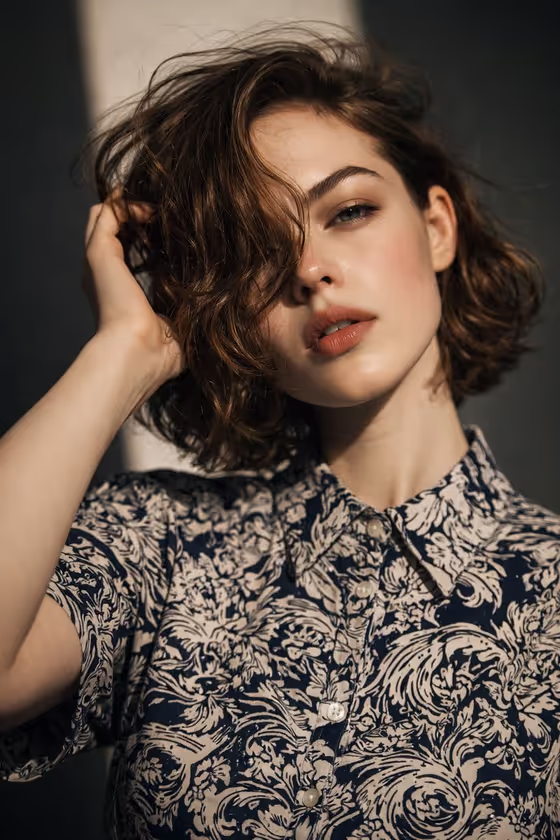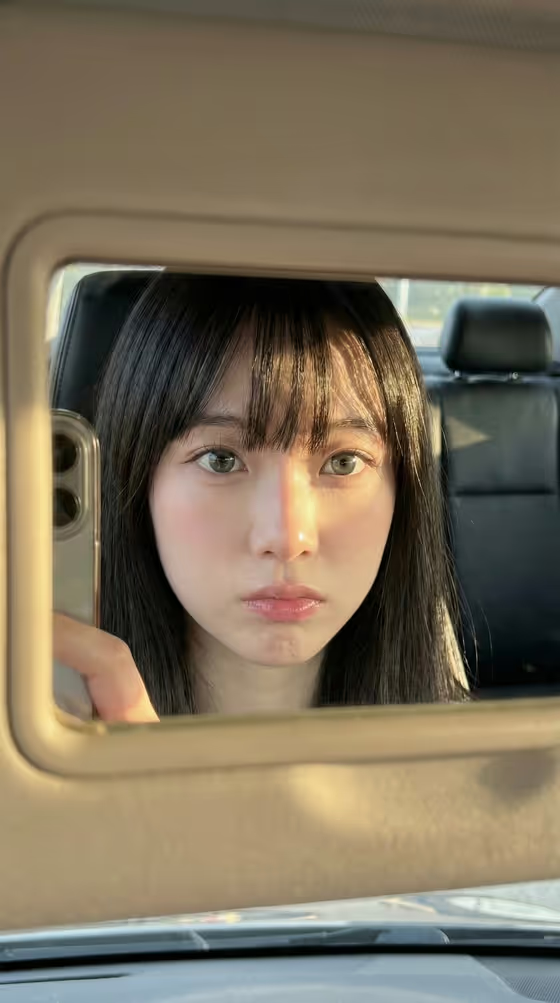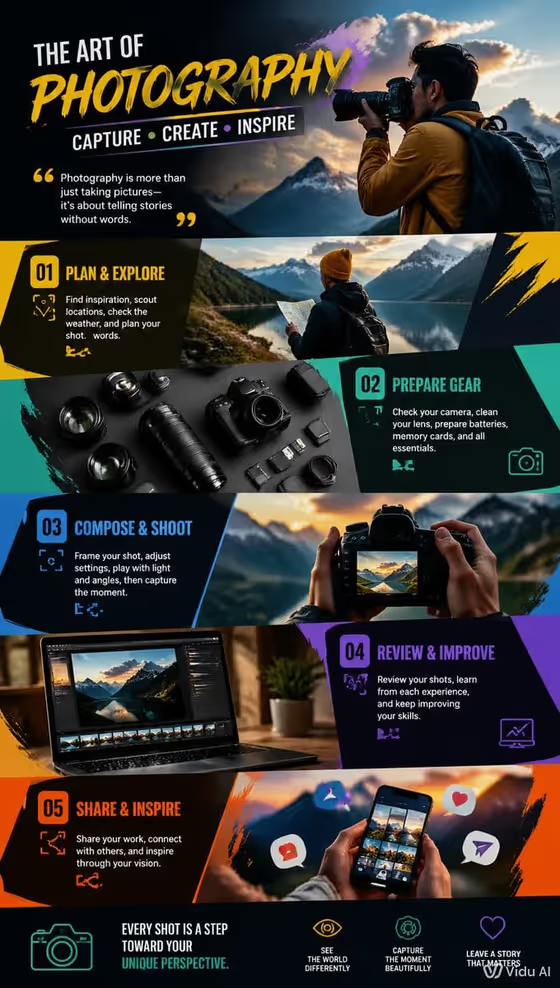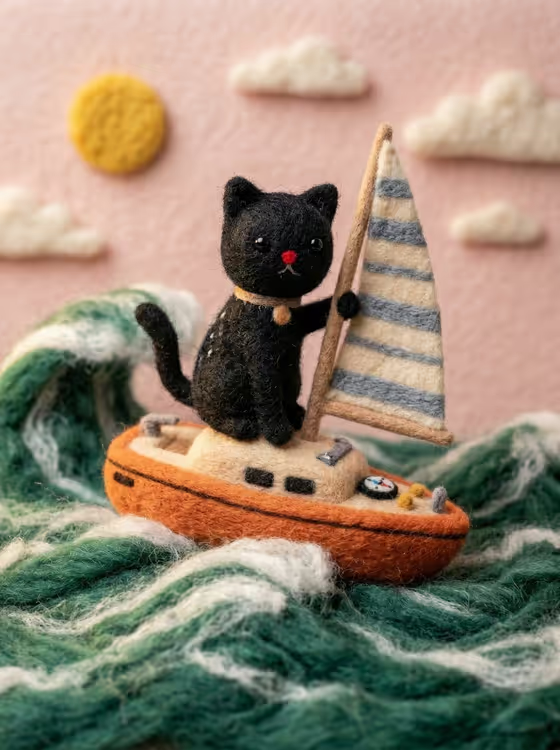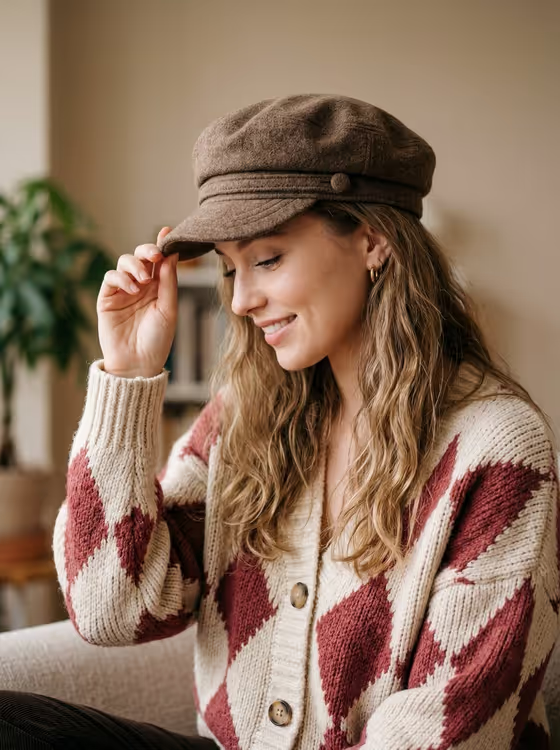
Cozy Cap Portrait makes a warm, soft-lit portrait in a 3:4 frame. The subject is shown in side profile, smiling gently and looking downward while adjusting the brim of a brown wool baker boy cap, wearing a chunky argyle cardigan in cream and muted deep red.
It suits anyone who wants an autumnal, relaxed profile picture or a cozy lifestyle-style image. You can start from a reference photo or simply describe who the portrait should show, then choose the mood with the pose or expression field.
What works best as input
- The Portrait subject field accepts a photo, so upload one clear picture of the person you want in the portrait, or describe them in text instead.
- Pick a reference where the face is well lit and not hidden by sunglasses, a hat or heavy shadow, so the likeness has something clear to follow.
- The scene is built around long, wavy blonde-brown hair and a side-profile pose, so expect the template's styling to shape the result alongside your reference.
- If you describe instead of uploading, keep it short and concrete, like the placeholder 'an adult woman matching my reference' or 'an adult man with a distinctive presence'.
- Use only photos of yourself or people who have agreed to be portrayed.
How to use it
- Open the Cozy Cap Portrait template in Phosphene.
- In Portrait subject, upload your reference photo or type a short description of the person.
- In Pose or expression, choose or write the mood you want, such as joyful natural expression or calm confidence.
- Generate the image, then review the 3:4 result and adjust the two fields if you want a different feel.
Tips for a better result
- Try the different expression examples (joyful natural expression, calm confidence, quiet introspection, serious direct gaze) to see how much the mood changes while the cap and cardigan stay the same.
- Check the knitwear details in the result: the felted cap with its small button nub, and the cardigan's large buttons and ribbed neckline and cuffs.
- Compare a photo-based subject against a text-described one to see which gives you the look you prefer.
- Keep your pose or expression wording to a short phrase so it fits naturally with the gentle, downward-looking side profile.
Common mistakes
- Uploading a blurry, heavily filtered or very dark photo, which gives the template little to work from.
- Writing a long, busy subject description that fights with the fixed styling of the cap, cardigan and soft beige background.
- Choosing an expression that clashes with the scene, such as something intense, when the template is built around a serene, tactile mood.
FAQ
Do I have to upload a photo?
No. The Portrait subject field accepts a photo or a typed description, so you can use either.
Can I change the clothing or the cap?
The cap and cardigan are part of the template's fixed direction, so the outfit stays a brown wool baker boy cap and an argyle cardigan. You control the subject and the pose or expression.
What shape is the image?
It is a 3:4 portrait image.
What does the Pose or expression field do?
It sets the mood of the portrait. Examples include joyful natural expression, calm confidence, quiet introspection and serious direct gaze.