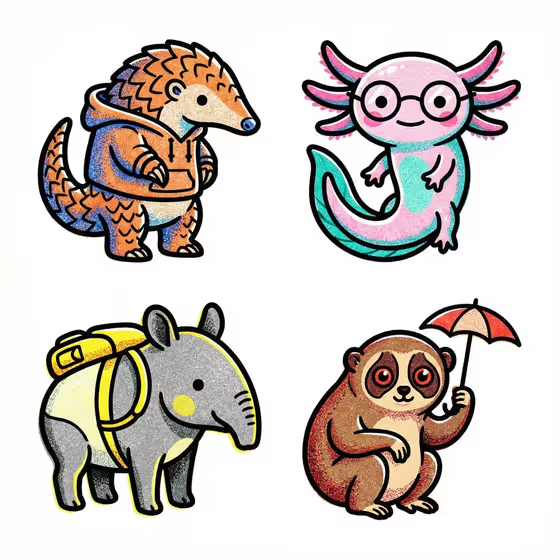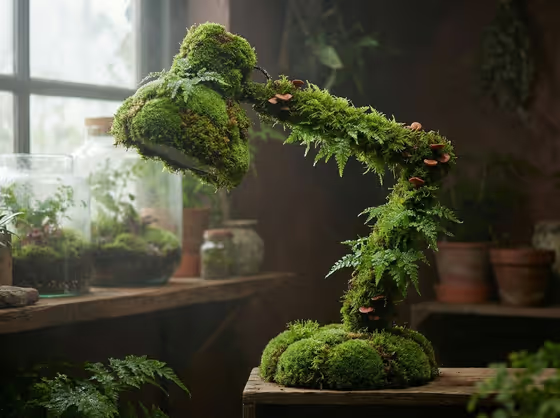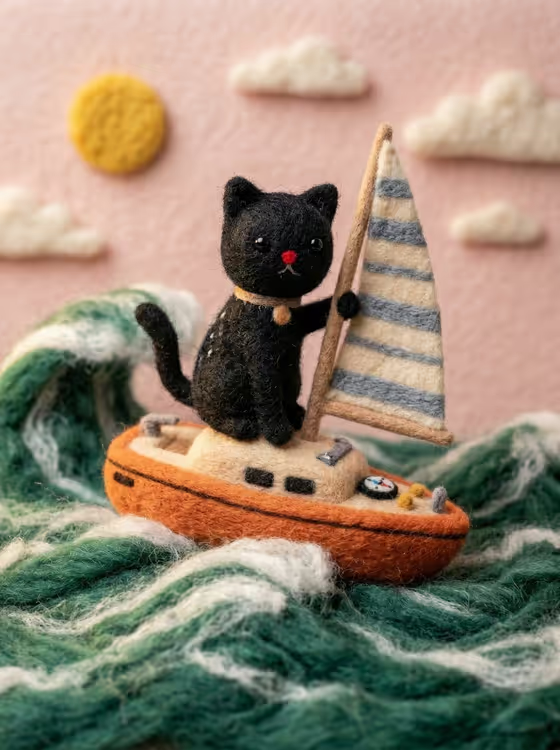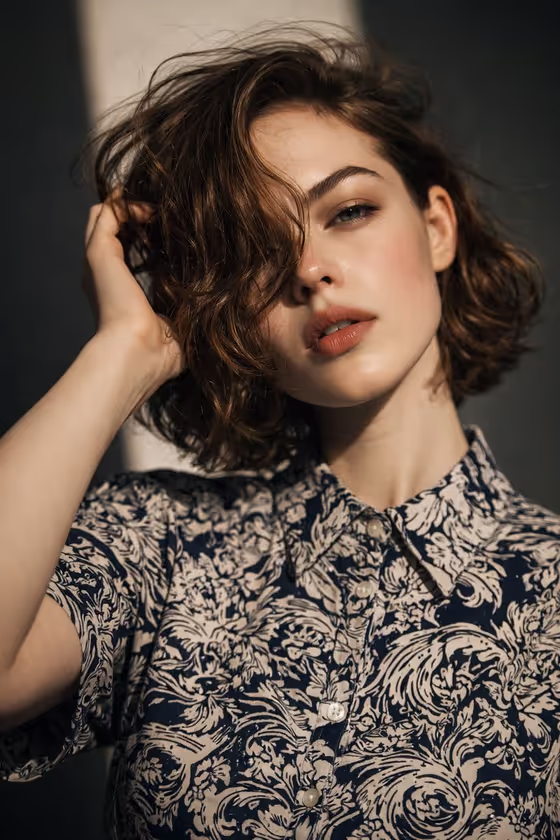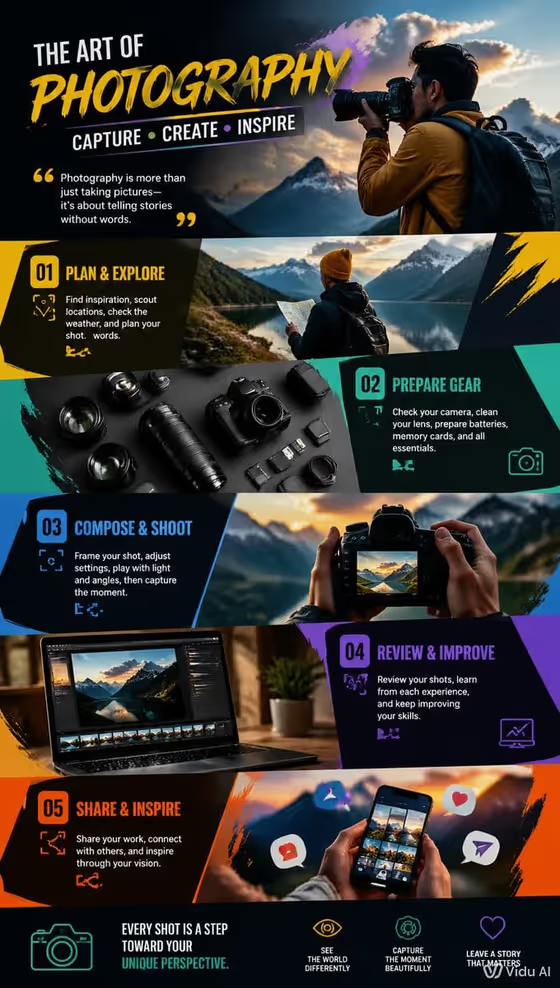
Hobby Activity Wallpaper makes a 3:4 portrait image that works as a phone wallpaper. It fills the frame with colorful, graphic-designer-style panels that show the key movements of a hobby, in the spirit of the cover image, where photography is broken into numbered stages with different scenes and bright color blocks.
You describe a Subject (text, with an option to add a photo as a visual reference) and pick a Setting. It suits anyone who wants a personalized, poster-like wallpaper for a favorite pastime such as photography, hiking or any other activity they enjoy.
What works best as input
- In the Subject field, describe who or what should appear, for example a confident adult or a resilient outdoor adventurer. A short, clear phrase works better than a long list of traits.
- If you want a specific look, add a photo as an exact visual reference. Choose one where the subject is clearly visible, well lit and not cropped awkwardly.
- Use a photo of yourself or someone who has agreed to be used, and keep it respectful. Avoid photos of public figures.
- Keep one main subject per request. Group photos or busy backgrounds make it harder to keep a single clear focal point.
How to use it
- Open the Hobby Activity Wallpaper template in Phosphene.
- Fill in the Subject field with a short description, or add a reference photo if you want a particular person or look.
- Choose a Setting, such as a clean studio, a misty natural landscape or a refined architectural interior.
- Generate the wallpaper, then review the layout and colors. Adjust the Subject or Setting and run it again if you want a different feel.
Tips for a better result
- Match the Setting to the hobby. A misty natural landscape suits outdoor activities, while a clean studio suits creative or indoor ones.
- Try different Subject descriptions, such as a poised creative professional or a charismatic performer, to change the mood and character of the panels.
- The template asks for colorful, non-monotonous design, so pick a Subject and Setting that give the image variety rather than one flat tone.
- Generate a few versions with small changes to the Setting and compare which composition you like best on your phone screen.
Common mistakes
- Writing a vague Subject like a person with no detail, which gives the image little to work with.
- Using a cluttered or low-quality reference photo, which can make the focal point unclear.
- Choosing a Setting that clashes with the hobby, which can make the scenes feel disconnected.
FAQ
What size is the wallpaper?
The output is a 3:4 portrait image, suited to phone screens.
Do I have to upload a photo?
No. The Subject field accepts a text description, and a photo is optional as an exact visual reference.
Can I choose which hobby it shows?
The prompt is built around a hobby and its movements. Describe your subject in a way that points to the activity you have in mind, and check the result to see how closely it follows.
Can I change the setting?
Yes. The Setting field lets you pick options such as a cinematic environmental backdrop, a clean studio, a misty natural landscape or a refined architectural interior.