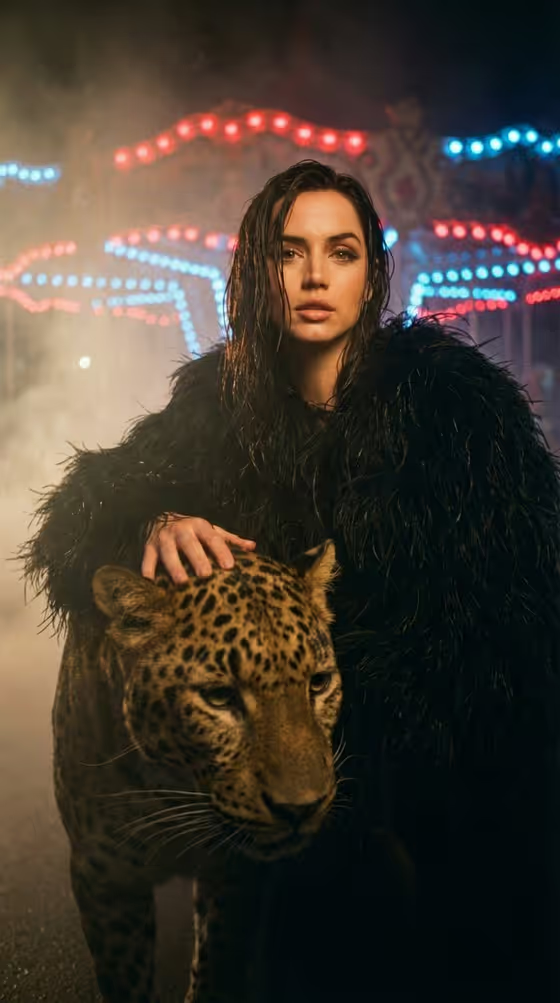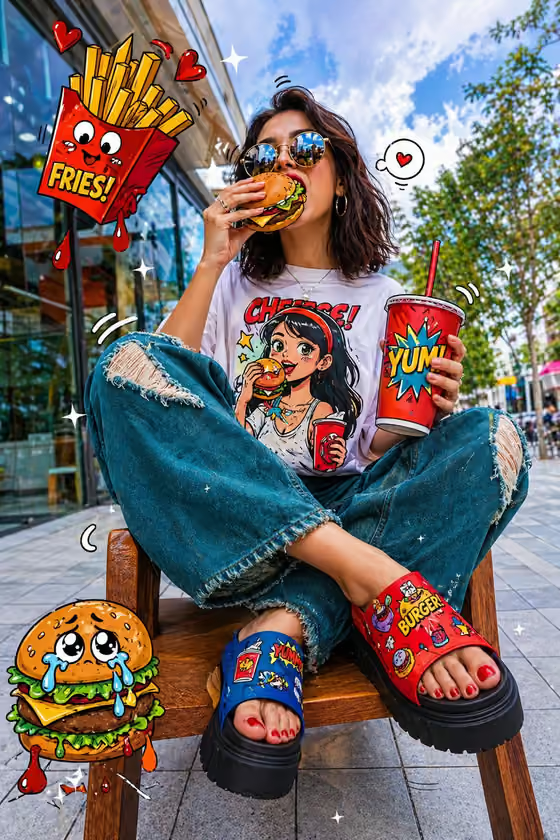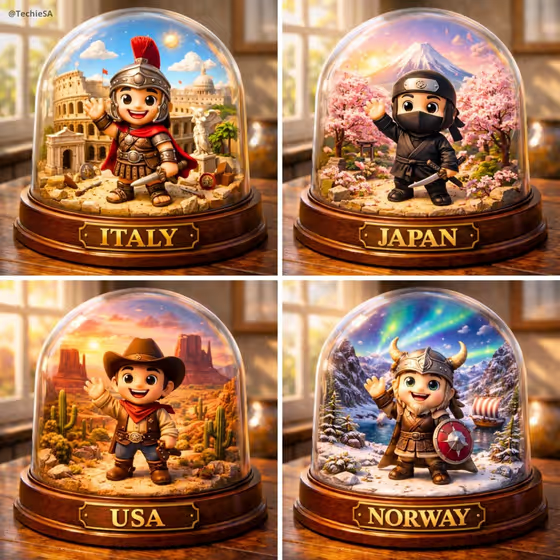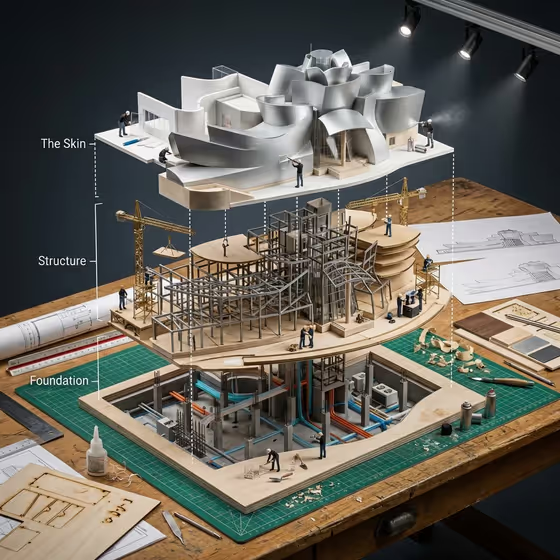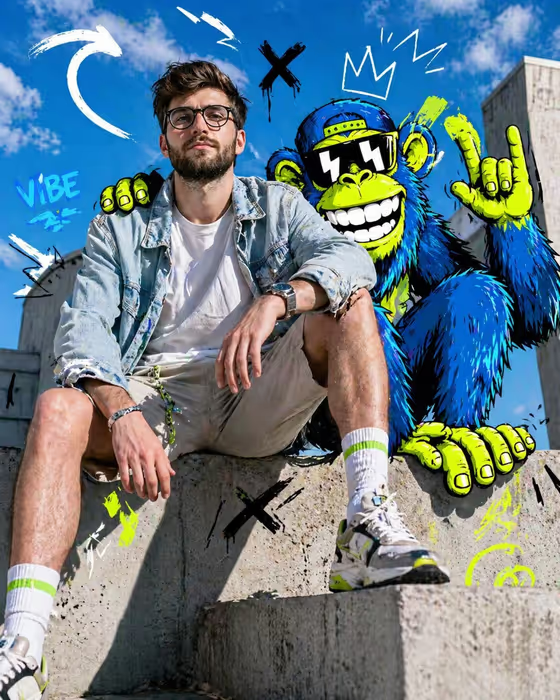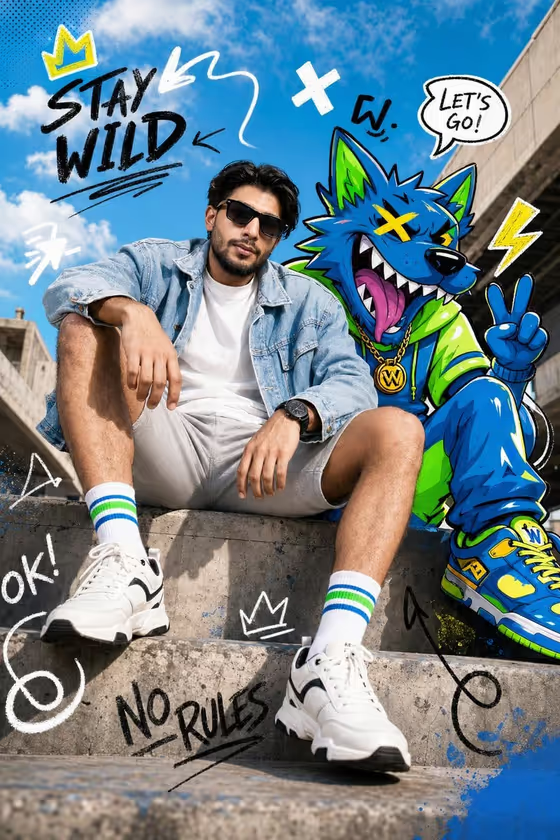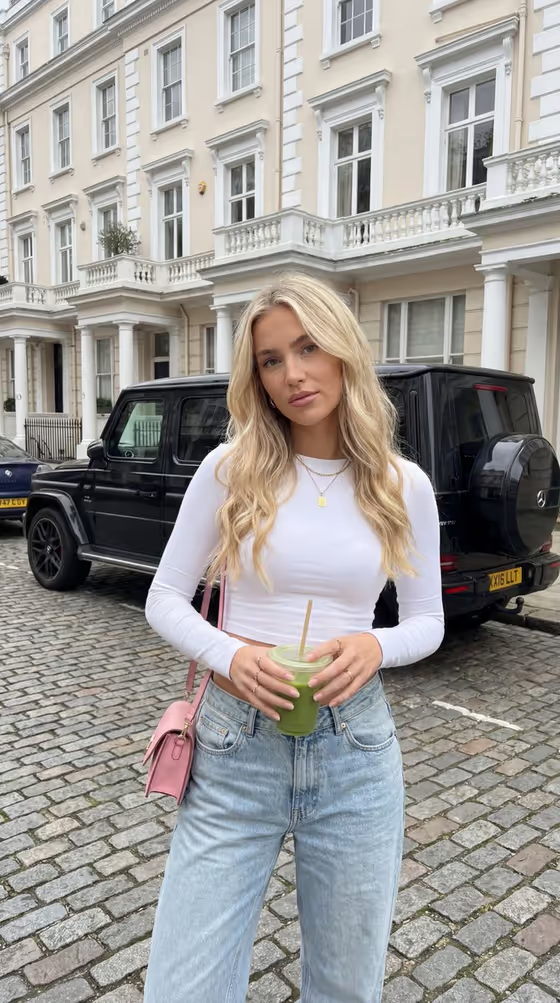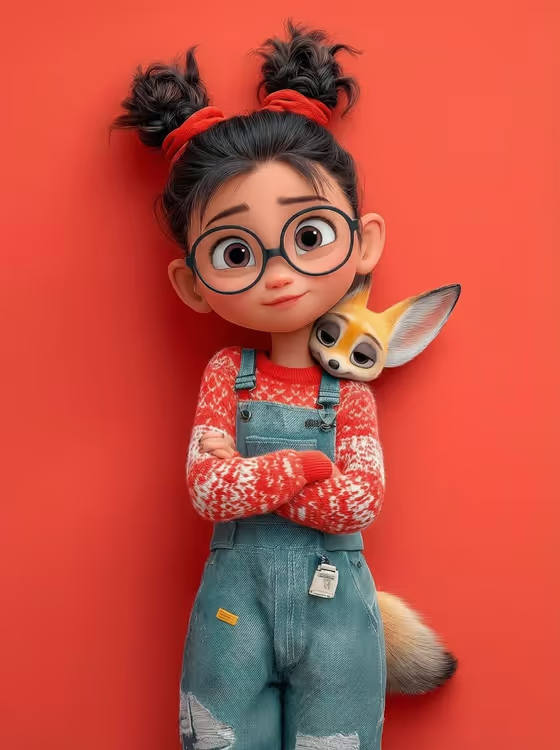
This template turns a short description or a reference photo into a 3D character portrait in a polished family-animation style. The character wears a knitted outfit you choose, and a tiny companion animal rests against the neck or shoulder. The output is a 3:4 image, framed head and shoulders with warm cinematic light.
It suits anyone who wants a cute animated-style avatar, a gift image, or a character concept with a pet or animal friend. You set three things: the character, the shoulder companion and the outfit. The framing and finish stay consistent with the fixed direction.
What works best as input
- The template asks for 2 or more photos. Use them for the Portrait character subject and the Knitted outfit slots, both of which accept a photo reference alongside text.
- For the character, pick a clear, well-lit photo where the face and hair are easy to see. If you would rather describe the character, short phrases like 'a bespectacled girl with space buns' or 'a freckled child with short curls' work well.
- For the outfit, a photo of the garment itself works, or you can type something specific like 'cream Fair Isle knit and blue jeans'. Mention color and pattern so the yarn and fabric detail has something to follow.
- The Shoulder companion slot is a choice with no photo upload. Pick the animal that fits your idea, such as a sleepy fennec fox, a tiny red panda, a small floppy-eared rabbit or a curious baby owl.
- Only upload photos of people you have permission to use, and keep descriptions respectful.
How to use it
- Open the Cozy Character and Companion template in Phosphene.
- Fill in Portrait character subject by describing the character or adding a matching reference photo, then add your reference or text for Knitted outfit.
- Choose your Shoulder companion, then add the additional photos the template asks for (2 or more in total).
- Generate the image, then review it for the character likeness, outfit detail and how the companion sits on the shoulder. Adjust your inputs and run it again if you want a different take.
Tips for a better result
- Be specific about the outfit: naming a color, a knit pattern and the bottom layer (like denim overalls or corduroy dungarees) gives the fabric detail clearer direction.
- Add one or two memorable character traits, such as glasses, freckles, space buns or short curls, so the portrait feels distinct.
- Try different companions with the same character and outfit to compare how the mood changes, for example a sleepy fennec fox versus a curious baby owl.
- Keep the character description short and focused. The template already sets the framing, lighting and expression, so extra instructions are rarely needed.
Common mistakes
- Describing a full-body scene or complex background. The template is built for a close head-and-shoulders portrait, so busy scene ideas work against it.
- Writing a vague outfit like 'warm clothes'. Without a color or pattern, the knitted detail has less to work with.
- Uploading only one photo or unclear, dark images when the template expects 2 or more, which gives weaker references for the character and outfit.
FAQ
Can I use a photo of myself or someone I know?
The character and outfit slots accept a photo reference, so you can use one. Only use photos of people you have permission to use.
Can I upload a photo of the companion animal?
No. The Shoulder companion slot is a choice, not a photo upload, so you pick the animal from the options instead.
What size is the image?
The output is a single image in a 3:4 portrait aspect ratio.
Can I change the pose or lighting?
Those are part of the template's fixed direction: a close portrait with relaxed or crossed arms, the companion resting at the neck or shoulder, and warm cinematic light. You control the character, companion and outfit.