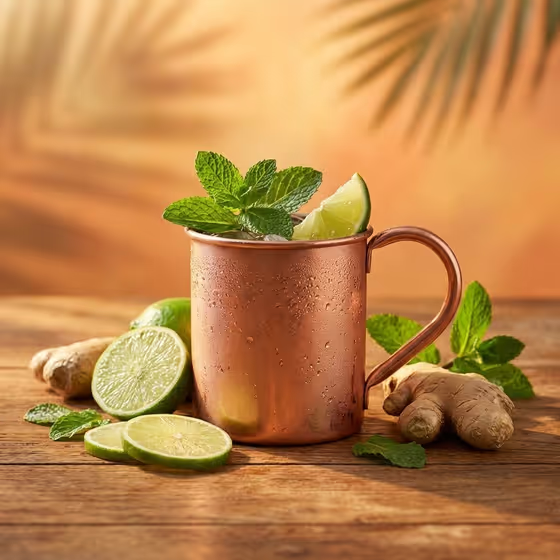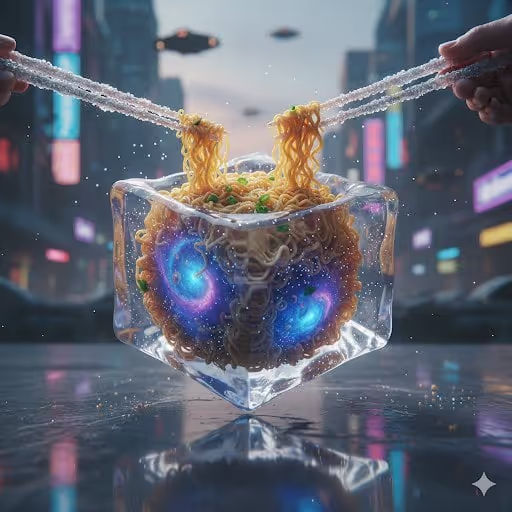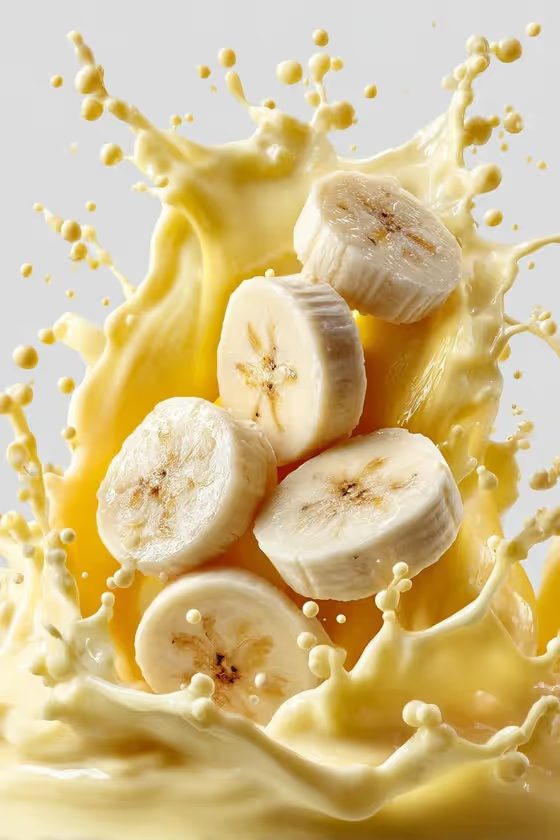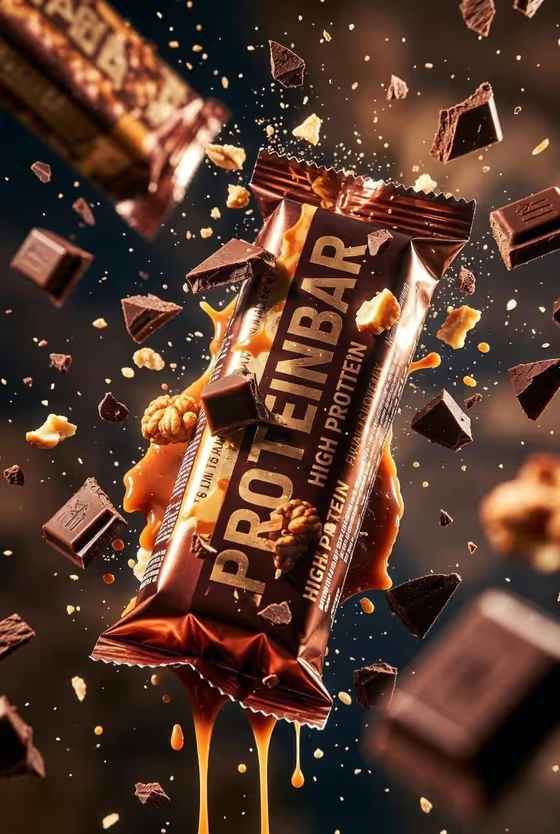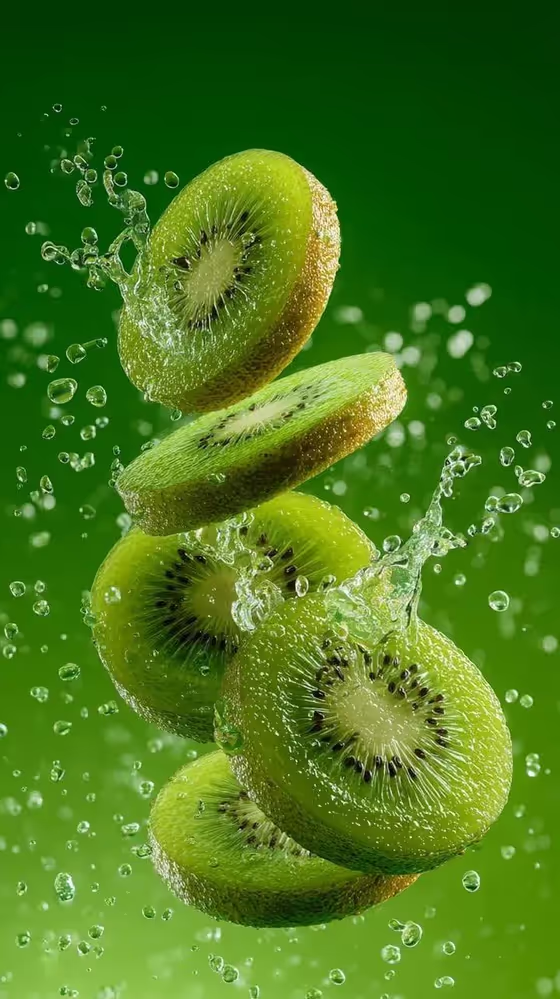
Fruit in Water Suspension turns a fruit into a vertical macro image of fresh slices hanging in mid-air inside a frozen splash. The cover shows kiwi slices at different depths, with clear droplets and spray caught around them against a smooth green backdrop that matches the fruit.
It suits food and drink brands, cafe menus, social posts and anyone who needs a clean, bright 9:16 picture of an ingredient. You name the fruit (or upload a reference), pick a water action, and the template handles the lighting, background color and droplet detail.
What works best as input
- In the Fruit product or ingredient field you can type a description such as sliced kiwi, blood orange or green apple, or upload a reference photo of the fruit.
- If you upload a photo, pick one where the fruit is clearly visible and well lit, so the color and cut surface are easy to read.
- If you type instead, be specific about the fruit and how it is cut. Sliced kiwi gives a different result from a whole fruit.
- Stick to one main fruit per run. The background color is derived from the ingredient, so a single clear subject keeps the gradient clean.
How to use it
- Open the Fruit in Water Suspension template in Phosphene.
- In Fruit product or ingredient, type the fruit you want or upload a matching reference photo.
- In Water action, choose one of the options, such as radial splash burst, vertical spray with droplets, curved water ribbon or floating slices in fine mist.
- Generate the image, then review the slices, droplets and background color. Adjust your fruit description or water action and run it again if you want a different look.
Tips for a better result
- Try the same fruit with each water action. A radial splash burst feels explosive, while floating slices in fine mist is calmer and more delicate.
- Choose fruit with a strong inner pattern or color, like kiwi seeds or blood orange flesh, since the macro view shows cut-surface texture clearly.
- Pick fruit with a distinct color if you want a bold backdrop, because the gradient is matched to the ingredient.
- Because the output is vertical 9:16, think of it as a phone-screen or story-style composition and keep that in mind when planning where text might go.
Common mistakes
- Entering a vague fruit such as just fresh fruit. The template works best when you name a specific fruit and, ideally, how it is sliced.
- Uploading a dark, blurry or cluttered photo as the reference, which makes the fruit's color and texture harder to carry into the result.
- Expecting the water action to change the background or lighting. Those are fixed by the template, so use the Water action choice to change the motion instead.
FAQ
Do I have to upload a photo?
No. The Fruit product or ingredient field accepts typed text, and a reference photo is optional. You can describe the fruit instead, for example sliced kiwi.
What does the Water action setting change?
It sets how the water moves around the fruit, such as a radial splash burst, a vertical spray with droplets, a curved water ribbon or floating slices in fine mist.
Can I change the background color?
The background is a smooth gradient derived from the fruit's color, so the simplest way to change it is to choose a different fruit.
What format is the result?
A single vertical image in 9:16, framed as a macro shot with the fruit suspended in a frozen water splash.