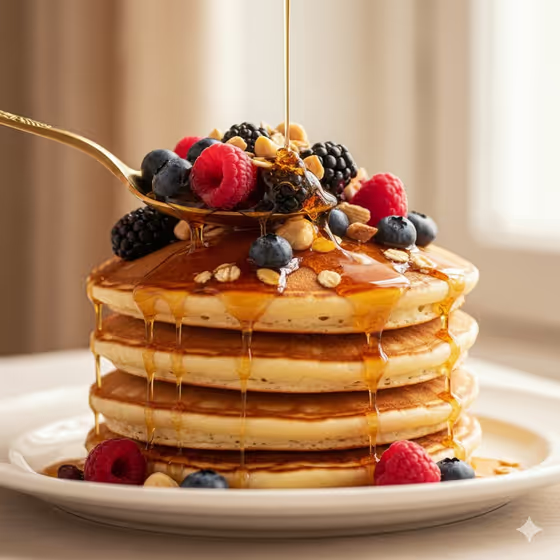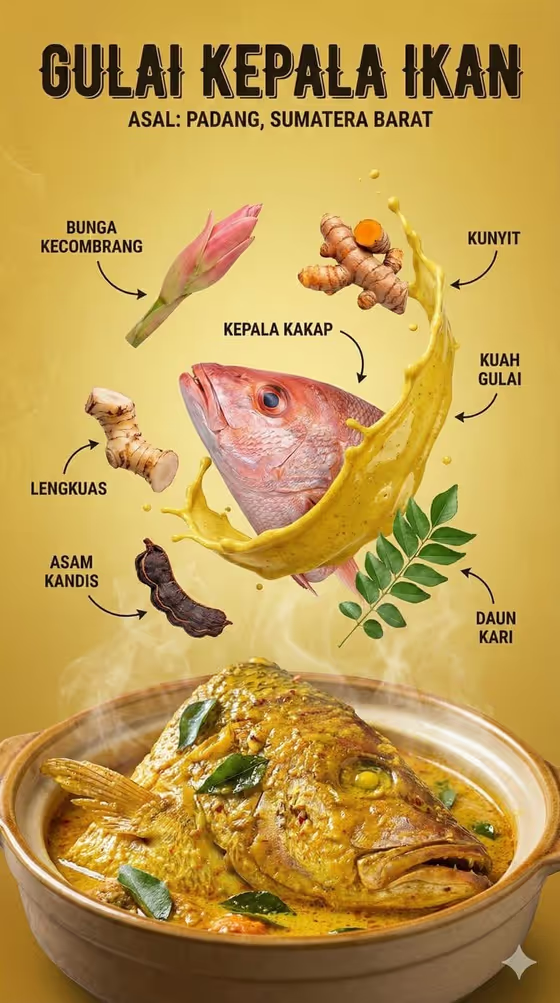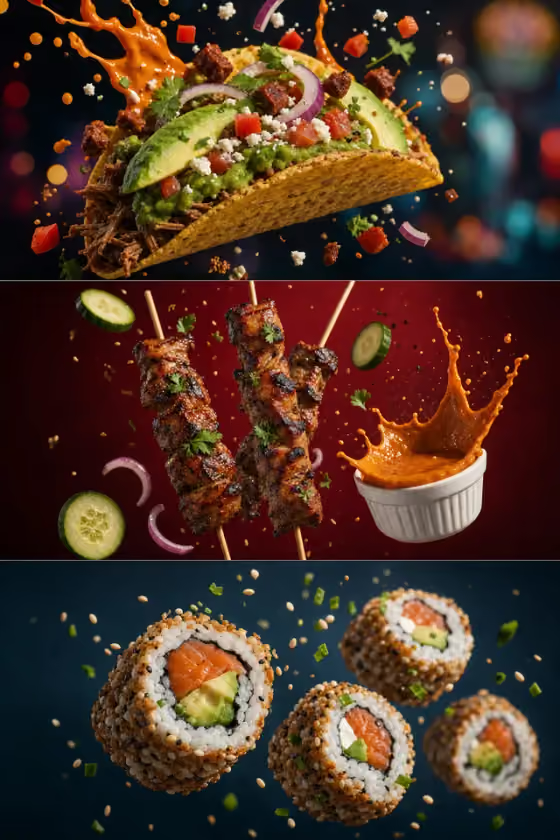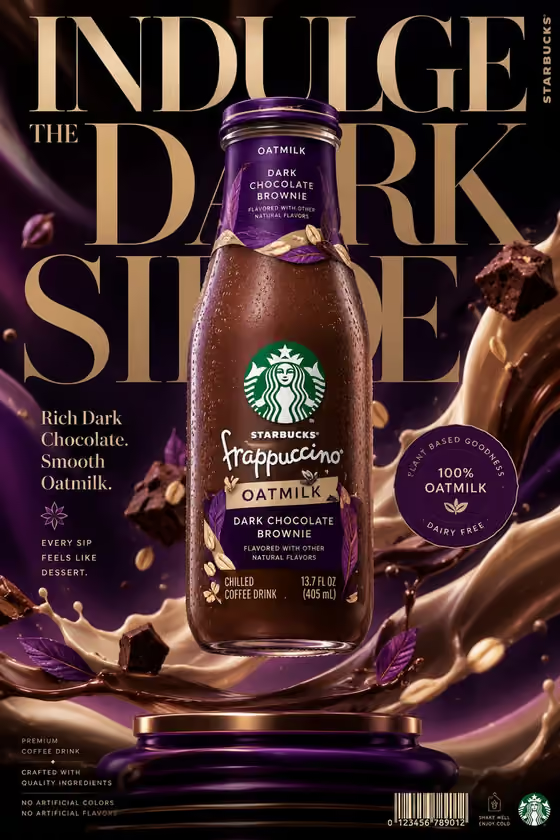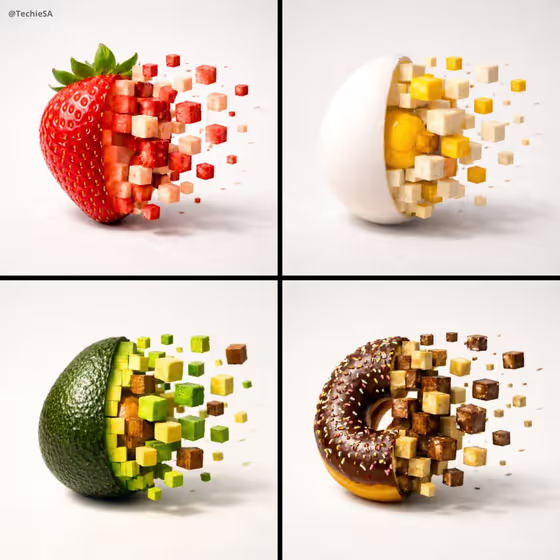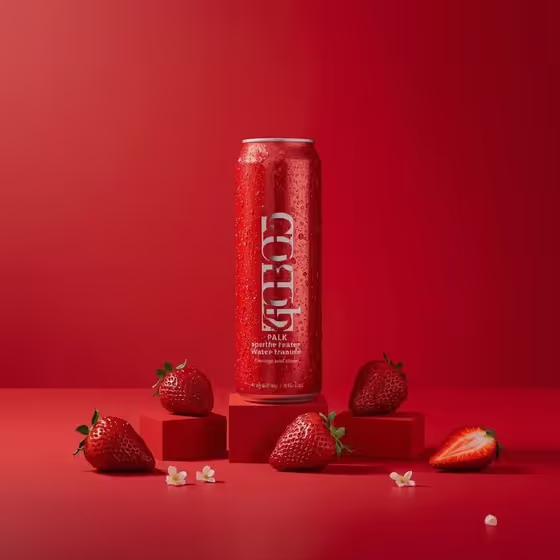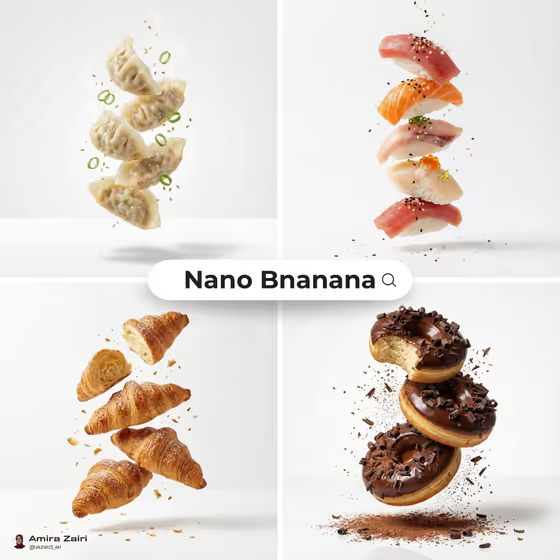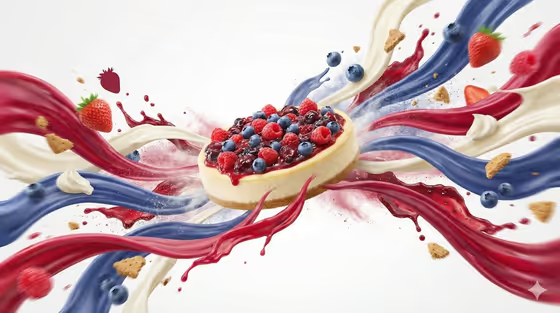
Flavor Energy Wave turns a single food item into a commercial-style image: the food sits at the center of the frame while colorful ribbons, mist and motion streaks burst outward around it. The cover shows a berry cheesecake with red, blue and cream ribbons swirling past strawberries, blueberries and biscuit crumbs on a clean white background.
It suits people who need a bold product or menu visual without setting up a studio shoot, such as food brands, bakers, cafe owners and social media creators. The result is a 3:4 image, so it fits portrait placements well.
You fill in two fields, Food and Setting, and the template handles the lighting, motion blur and ribbon composition.
What works best as input
- For the Food field, you can either type a description or add a reference photo. A photo works best when the food is clearly visible, well lit and not hidden behind packaging or hands.
- If you type instead, be specific about the dish and its ingredients, for example a cheesecake topped with mixed berries rather than just dessert. The ribbons and embedded ingredient shapes draw on what you name.
- Pick one main food item. A single clear focal point keeps the center of the image clean and the ribbons readable.
- Mention colors you want to see, since the ribbons represent taste intensity. Naming red berries or cream, for example, gives the waves a palette that matches the dish.
- For the Setting field, choose one of the offered options. The template is built around a white high-key studio look, so a clean studio style setting tends to match its intent.
How to use it
- Open the Flavor Energy Wave template in Phosphene.
- In the Food field, describe your dish or add a reference photo of it, then pick an option in the Setting field.
- Generate the image and wait for the 3:4 result to appear.
- Review the output, check that the food looks right at the center and the ribbons feel balanced, then adjust your Food wording or Setting and generate again if needed.
Tips for a better result
- Add ingredient details to the Food field. The template embeds ingredient silhouettes in the waves, so naming toppings, fruits or crumbs gives the ribbons more to work with.
- Try the same food with different Setting choices to compare how the mood changes while the white-studio energy burst stays the focus.
- If you use a reference photo, choose one with a plain background and good lighting so the dish is easy to recognize.
- Keep the description short and visual. A clear phrase about the dish usually reads better than a long paragraph.
Common mistakes
- Listing several different foods in the Food field. This splits the focal point and can crowd the center of the image.
- Using a dark, cluttered or low-quality reference photo, which makes the food harder to render faithfully.
- Writing vague input like just food or snack, which leaves the ribbons and ingredient shapes without a clear flavor story.
FAQ
Do I need to upload a photo?
No. The Food field accepts a typed description, and you can also add a photo as an exact visual reference if you have one.
Does it only work for desserts?
The template is built for food, and the cover example is a cheesecake. Any dish you can describe clearly in the Food field is a good candidate.
What shape is the final image?
The output is a single image in a 3:4 portrait aspect ratio.
Can I change the background color?
The template is designed around a clean white high-key studio background. You can influence the mood through the Setting field, but the white-studio look is part of the fixed direction.