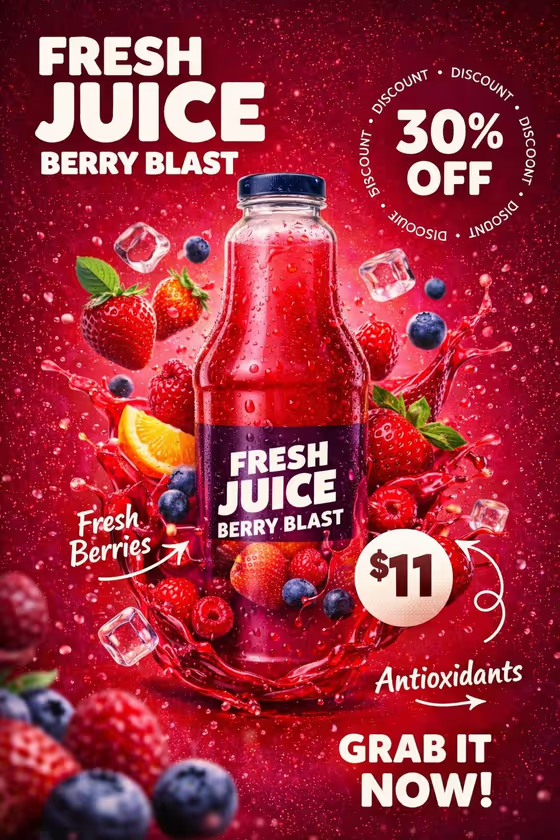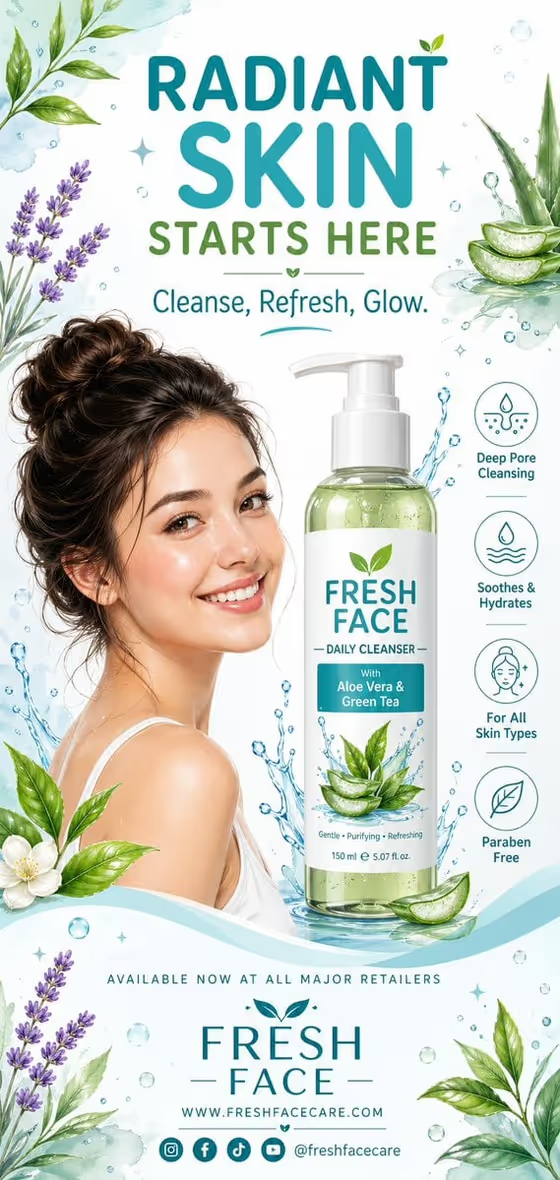
This template builds a vertical skincare poster around a single face wash. It places a smiling model near the center, shows your cleanser clearly to one side, and frames both with leaves, flowers, bubbles, and water splashes in a soft watercolor-meets-vector style.
It suits small skincare brands, product launch mockups, and anyone who wants a friendly, fresh campaign layout with a headline, a short tagline, and four small benefit icons. The mood is airy and approachable rather than clinical.
What works best as input
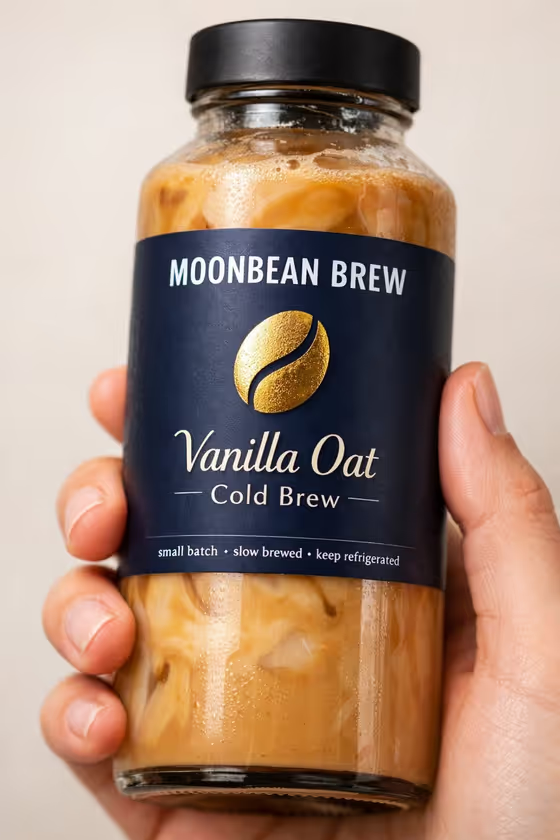
- For Face-wash product, you can describe the cleanser in words or upload a product photo. A clear, well-lit shot of the exact bottle or jar helps keep the shape and label recognizable.
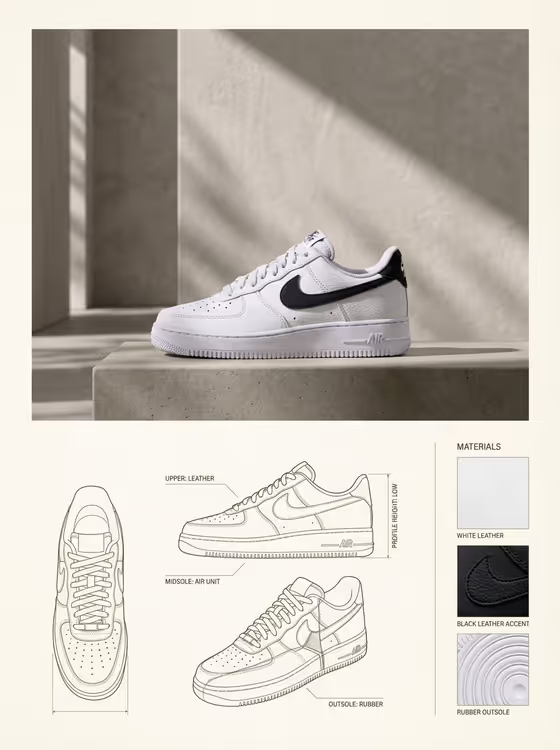
- For Portrait model, you can describe the person or upload an identity reference. Use a photo of someone who has agreed to be featured, ideally with a clear, front-facing view and natural lighting.
- The template asks for 2 or more photos, so plan on providing both a product reference and a model reference rather than only typing descriptions.
- If you type instead of uploading, be specific about packaging and look, such as 'a white-and-teal pump cleanser' or 'a smiling woman with a loose bun'.
- Keep Benefit callouts to four short labels separated by dots, like 'Deep pore cleansing · Soothes · Hydrates · All skin types', so each one fits a small icon.
How to use it
- Open the Fresh Botanical Cleanser Poster template in Phosphene and add your product and model references, or type descriptions for those two fields.
- Pick a Botanical palette, then fill in Poster headline, Tagline, and Benefit callouts. Keep the text short so it stays readable on the poster.
- Generate the poster, which comes out as a 3:4 image.
- Review the result for a readable label, a clear smiling face, and legible headline and benefit text. Adjust your inputs and generate again if something is off.
Tips for a better result
- Try different palettes to change the whole mood. Sage, lavender, and cream feels calmer, while seafoam, citrus, and pale blue reads brighter.
- Write a headline in capitals with a few words, like 'CLEANSE INTO CLARITY', since the template sets a friendly rounded headline above the model.
- Mention ingredients in your benefit labels, such as 'Aloe care · Green tea', so the botanical elements around the product feel relevant.
- Vary the model description (age, hairstyle, skin texture) to see how the same product looks with different audiences.
Common mistakes
- Writing long sentences in Tagline or Benefit callouts. They are meant to be short phrases, and long text is harder to keep readable on the poster.
- Using a blurry or cropped product photo, which makes it harder to keep the cleanser label and shape accurate.
- Describing the product too vaguely, such as 'a face wash', instead of naming its color, container type, and style.
FAQ
Do I have to upload photos?
The Face-wash product and Portrait model fields accept either a text description or a photo. The template is set up for 2 or more photos, so uploading both references usually gives the closest match.
Can I change the headline and tagline?
Yes. Both are text fields, and the examples (like 'RADIANT SKIN STARTS HERE' and 'Cleanse, Refresh, Glow.') show the length and tone that work well.
What are the four benefit icons?
They come from your Benefit callouts field. Enter four short labels separated by dots and they are arranged as small icons near the product.
What size is the poster?
The output is a 3:4 vertical image.