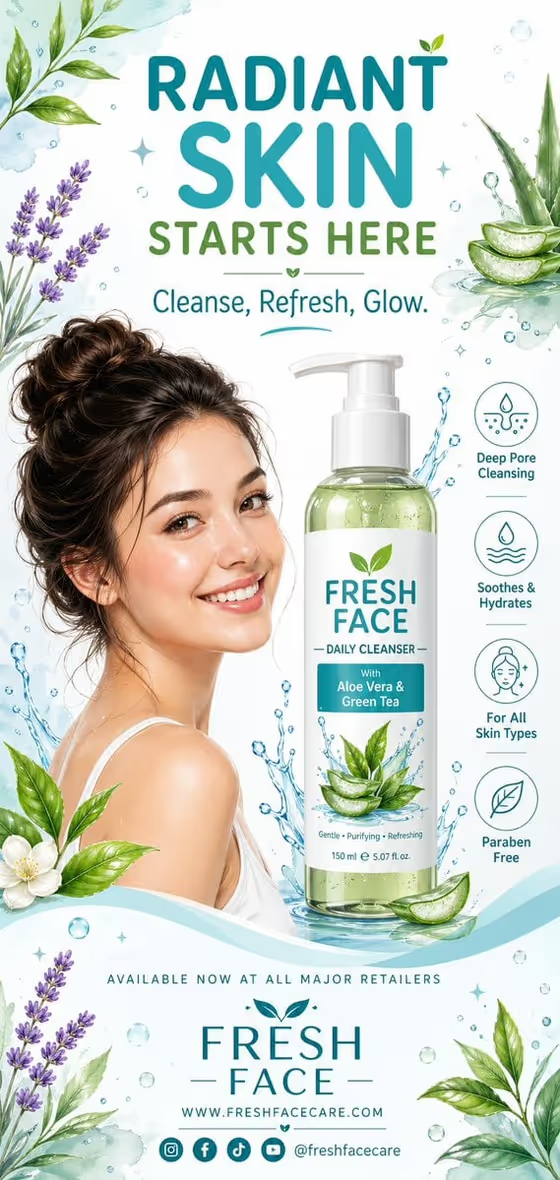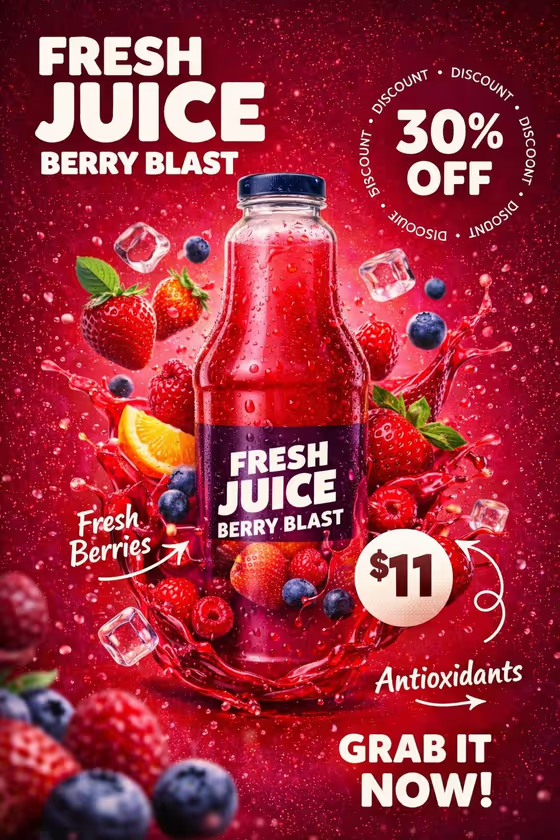
This template turns a photo of your juice bottle into a vertical retail poster. The bottle stays centered with its label unchanged, while a headline, a circular discount ring, a badge for the cost and a call to action are arranged around it.
It suits small juice brands, cafes and shop owners who want a promo poster for a flavor or a seasonal offer. The cover example shows a berry bottle surrounded by strawberries, blueberries, ice cubes and a red liquid splash, with doodle arrows pointing at short callouts.
What works best as input
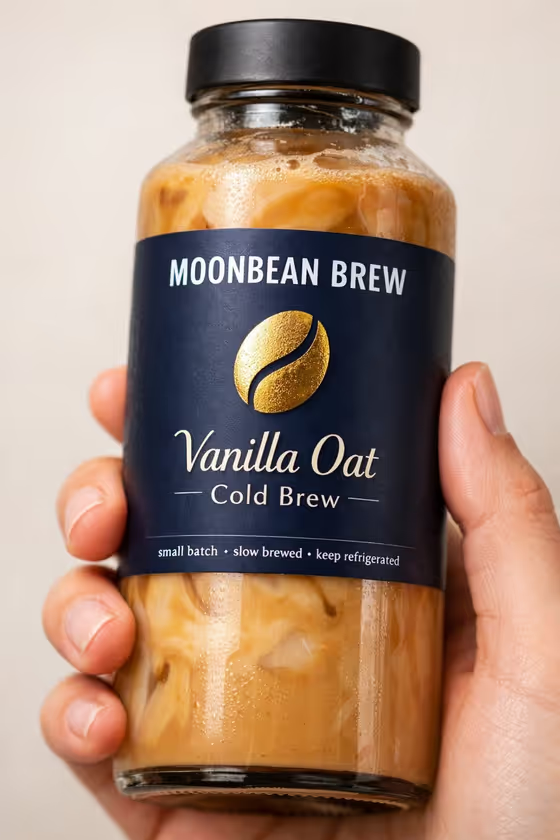
- Upload a clear photo of the exact bottle you want on the poster. The Juice bottle field accepts a photo, and its help text says the reference is used to preserve the packaging.
- Choose a shot where the whole label is visible and readable, since the poster keeps the label design centered and fully legible.
- Use even lighting without heavy glare or cropped edges, so the bottle shape and cap come through cleanly.
- If you describe the bottle in text instead, keep it simple, like the placeholder examples (a clear mango juice bottle, a berry smoothie bottle).
How to use it
- Open the Fresh Juice Offer Poster template in Phosphene and add your bottle photo in the Juice bottle field.
- Type your Offer copy as headline, tagline, discount, price and call to action separated by dashes, following the placeholder pattern.
- Fill in Flavor ingredients with what should float around the bottle (for example mixed berries and ice), then pick a Poster palette that matches the flavor.
- Generate the poster, then check that the label is intact and every line of text is spelled correctly. Adjust the fields and run it again if needed.
Tips for a better result
- Match the ingredients to the real flavor. Berries and ice pair naturally with a berry palette, while orange slices and mint suit a citrus orange and cream look.
- Keep each part of the offer copy short. Brief headlines, one discount and one call to action fit the ring and badge more cleanly.
- Try the same bottle with different palette choices to produce several poster variations for different promotions.
- Stick to two or three ingredients. The template aims for a lively but uncluttered poster, and a shorter list helps that.
Common mistakes
- Leaving out a dash between offer copy parts, which can blur which text belongs in the headline, discount, price badge or call to action.
- Uploading a bottle photo with a cropped, blurry or heavily reflective label, which makes it harder to keep the packaging exact.
- Listing many ingredients or long descriptions, which crowds the space around the bottle.
FAQ
Will my bottle design be changed?
The template is built to keep your uploaded bottle centered with its label design unchanged and readable, so use a clear photo for the best match.
What format is the poster?
It is a vertical image in a 3:4 aspect ratio.
How should I write the offer copy?
Separate the headline, tagline, discount, price and call to action with dashes, like the example in the field. You can adapt the wording to your own offer.
Can I change the colors?
Yes. The Poster palette field sets the splash and background color story, with options such as berry pink and plum or lime green and aqua.