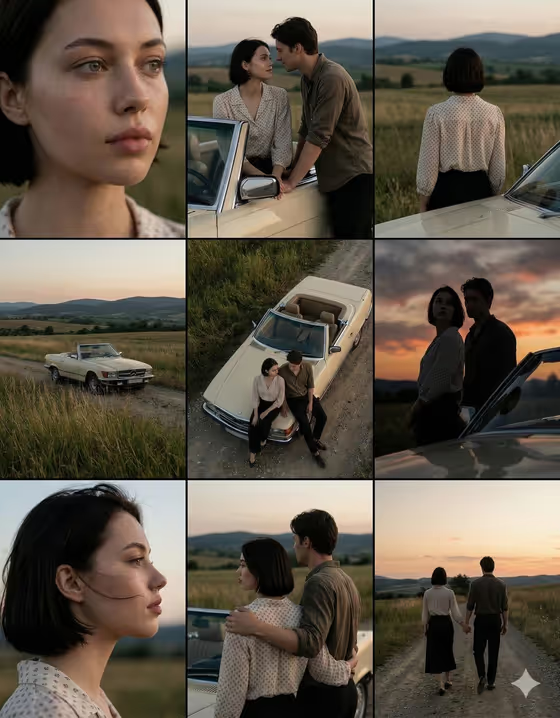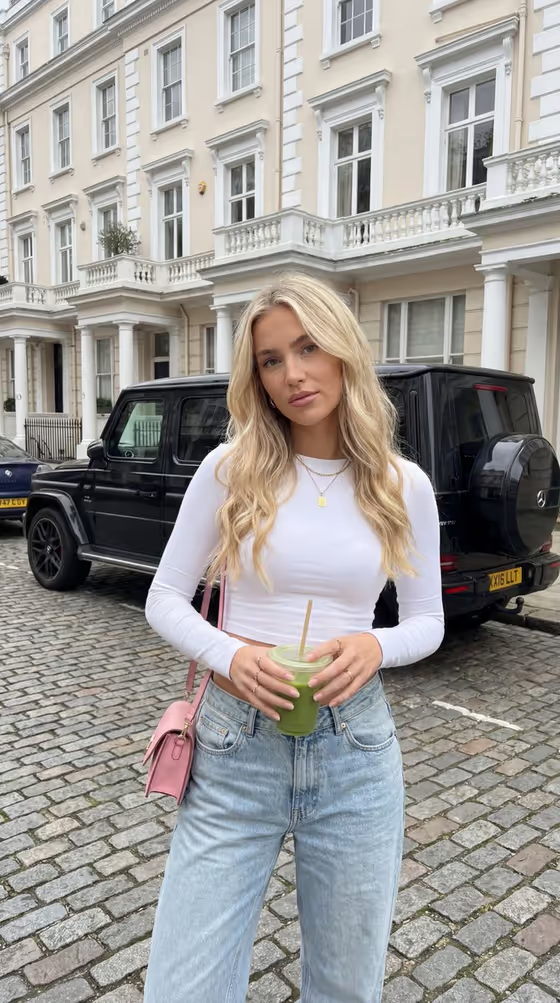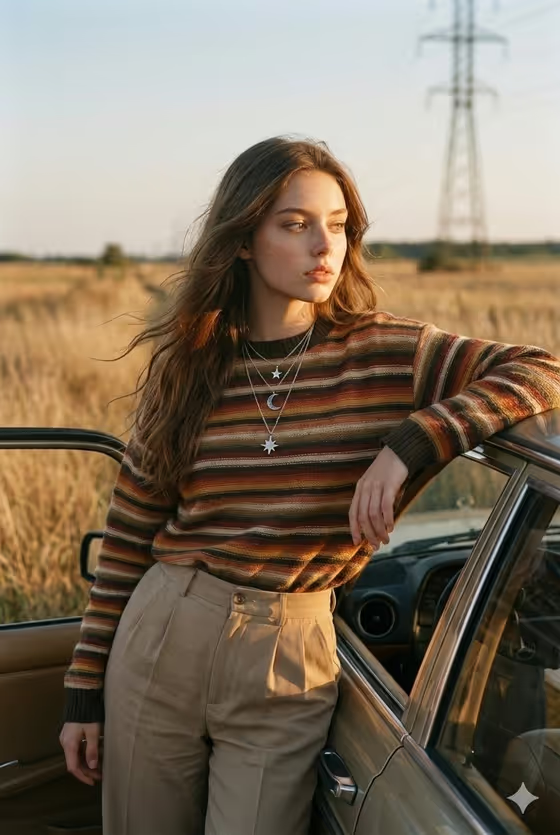
Golden Roadside Pause turns your photos into a candid, nostalgic portrait of a traveler leaning on an open vintage-car door in dry countryside at golden hour. The look is muted analog color, windswept hair, tall dry grass and a distant powerline tower, framed as a 3:4 image.
It suits anyone who wants a road-trip editorial shot without the road trip: profile pictures, social posts, mood boards or a styling idea you want to see on yourself. You describe the person with the vehicle and the outfit, and the template handles the light and the film-like atmosphere.
What works best as input
- This template asks for 2 or more photos, so upload clear pictures of the person whose likeness you want kept. Use different angles, such as one front-facing and one slightly turned, so the face reads consistently.
- Pick photos with soft, even light and no heavy filters or sunglasses. A face that is easy to see helps the result stay true to the person.
- In the Person and Vehicle Product field, you can type a description or add a photo reference. Something like "the uploaded traveler with a vintage car" works, and you can name the car type, for example a classic convertible or an old wagon.
- In the Roadtrip Styling field, describe the outfit in a few concrete words, such as "rust overshirt and cream chinos". You can also add a visual reference if you have one.
How to use it
- Open the Golden Roadside Pause template in Phosphene and upload at least two photos of the person.
- Fill in Person and Vehicle Product with who is in the shot and which vintage car you want, or start from one of the examples.
- Fill in Roadtrip Styling with the clothing and layers you want, then generate the image.
- Review the portrait for face likeness, outfit and car details. If something is off, adjust your wording or swap in clearer photos and generate again.
Tips for a better result
- Name the vehicle specifically (a retro coupe, an old wagon, a classic convertible) so the car feels intentional rather than generic.
- Stick to warm, earthy clothing such as knits, denim, cream and sage. These sit naturally with the golden grass and muted film tones the template is built around.
- Keep the styling to one clear outfit idea. Layered details like a cardigan over a collared shirt give texture, but too many competing items can blur the look.
- For a different mood, change the subject wording, for example a couple pausing by a retro coupe, while keeping the same styling approach.
Common mistakes
- Uploading only one photo or very low-quality photos. The template expects 2 or more, and weak references make the likeness less reliable.
- Writing vague styling like "nice clothes". Specific garments and colors give the image a clearer outfit.
- Describing a busy scene in the fields, such as city streets or crowds. The template is built around a quiet dry roadside with one traveler, so conflicting setups work against it.
FAQ
How many photos do I need to upload?
The template asks for 2 or more photos. More clear angles of the same person generally give the model a better reference.
Can I choose the car?
Yes. Use the Person and Vehicle Product field to name the vehicle, such as a classic convertible, an old wagon or a retro coupe.
Can I change the outfit?
Yes. The Roadtrip Styling field controls the clothing. Try combinations like a denim jacket with warm knit layers or a sage cardigan with high-waisted denim.
What format is the result?
It produces a single image in a 3:4 portrait ratio, with a golden-hour roadside look and subtle film grain.