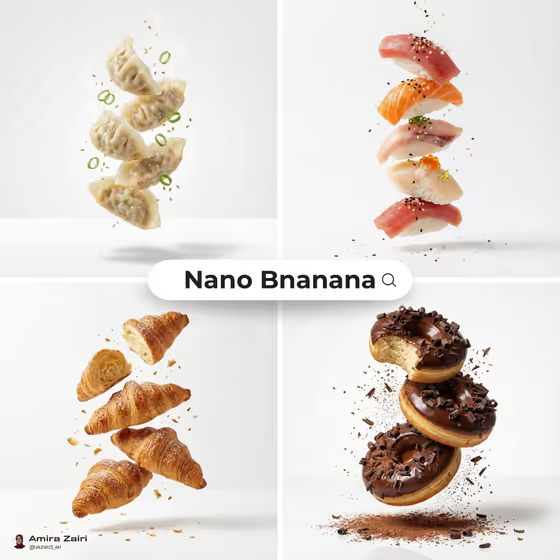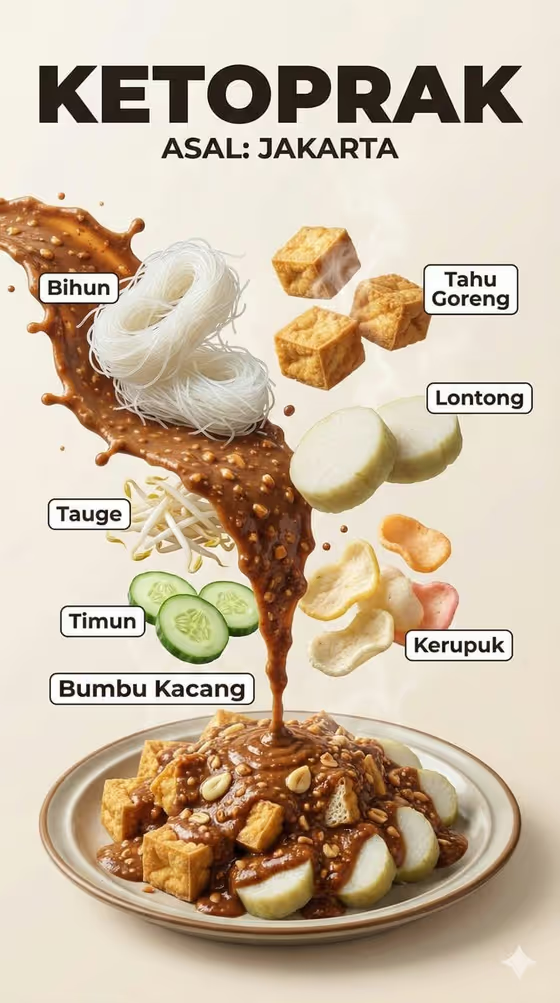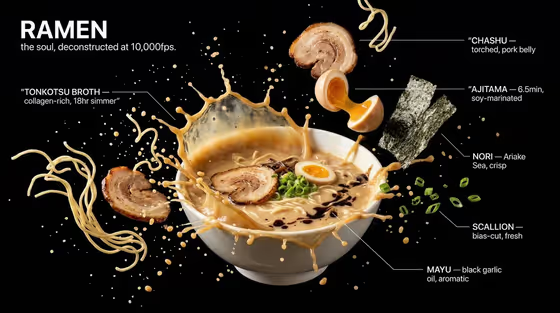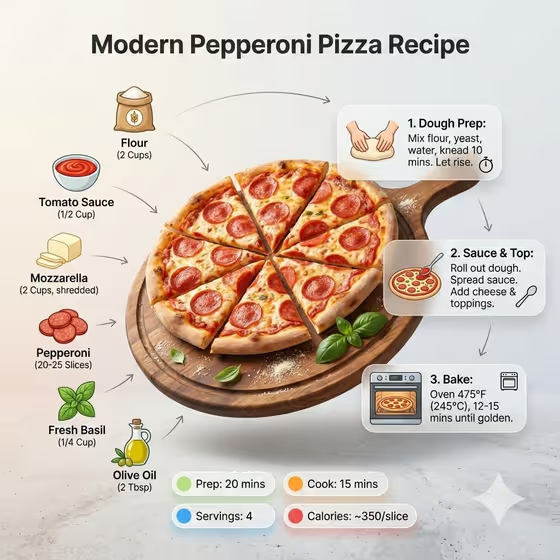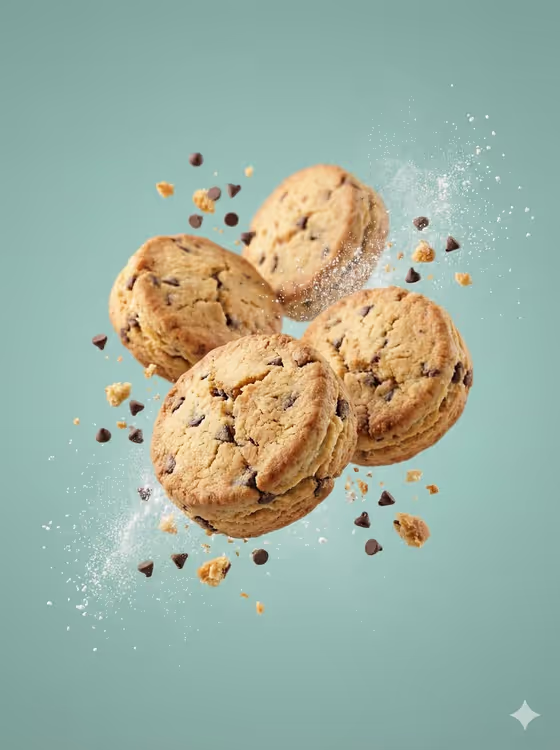
Biscuit Ingredient Burst makes a suspended snack photograph in a 3:4 portrait frame: four baked biscuits floating mid-air with crumbs and ingredients frozen around them, and one sharp foreground hero. The cover shows chocolate-chip biscuits against a muted teal backdrop with chips, crumbs and a soft puff of dust.
It suits food brands, bakers, menu designers and anyone who wants a clean, advertising-style picture of a biscuit without arranging a physical shoot. You only fill 3 text fields, so the work is mostly deciding what the biscuit is, what flies around it, and what colour sits behind it.
What works best as input
- This template has no photo upload. All three fields are typed or chosen, so put your effort into clear wording rather than a reference image.
- In Biscuit product name, describe the biscuit and keep the count of four, as in the examples (four chocolate-chip biscuits, four butter shortbread rounds). Naming the type of biscuit helps the toasted edges and texture read correctly.
- For Floating ingredient burst, pick something that belongs to the biscuit, such as chips and fine crumbs for a chocolate-chip cookie or oats, nuts and crumbs for an oat cookie. Matching ingredients to the recipe keeps the shot believable.
- For Studio backdrop, name one plain colour (muted pastel teal, dusty lavender, warm cream, soft terracotta). A single clean colour keeps the negative space calm and the biscuits in focus.
How to use it
- Open the Biscuit Ingredient Burst template in Phosphene.
- Fill Biscuit product name with the biscuit you want, for example four oat-and-cocoa cookies.
- Set Floating ingredient burst and Studio backdrop to the ingredients and colour you want, then generate the image.
- Review the result for a sharp foreground biscuit and softly blurred background pieces. If the mood is off, adjust one field and generate again.
Tips for a better result
- Try a pairing that contrasts in tone, like caramel biscuit squares with caramel pieces and salt crystals on a dusty lavender backdrop, to see how the colours play against each other.
- Keep the backdrop soft and muted if you want the baked golden-brown tones to stand out, as in the teal cover image.
- Change only one field per run so you can tell which edit improved or weakened the picture.
- Use the example wording as a starting point and add a short descriptor, such as shortbread rounds or oat-and-cocoa, to steer the biscuit shape and texture.
Common mistakes
- Asking for text, logos, wrappers, hands, plates or props. The template's fixed direction excludes them, so write only about the biscuits, the burst and the backdrop.
- Listing several backdrop colours or a busy scene. The backdrop is meant to be one clean monochrome field.
- Using an ingredient burst that does not match the biscuit, which can make the crumbs and pieces look random rather than part of the same snack.
FAQ
Can I upload a photo of my own biscuit?
No. This template has no photo slot, so all three fields are text or a choice. Describe your biscuit in Biscuit product name instead.
How many biscuits will appear?
The fixed direction keeps four refined biscuits in a mid-air burst, so phrase your biscuit name with four in mind.
Can I add my brand name or a logo?
No. The template is set to avoid text, logos and imprints, so the image will be clean of lettering.
What shape is the image?
It is a 3:4 portrait image, as shown by the cover.