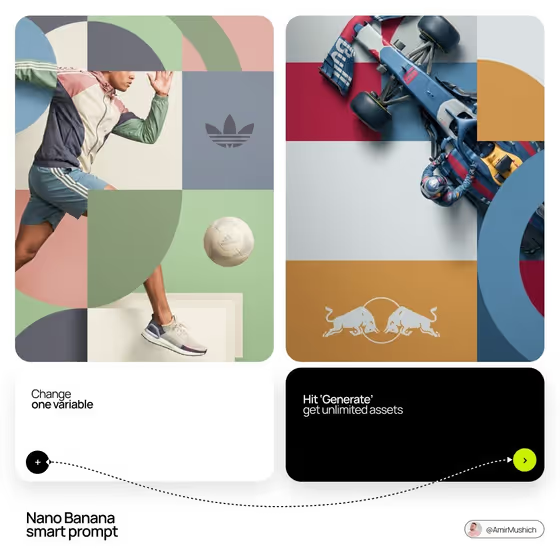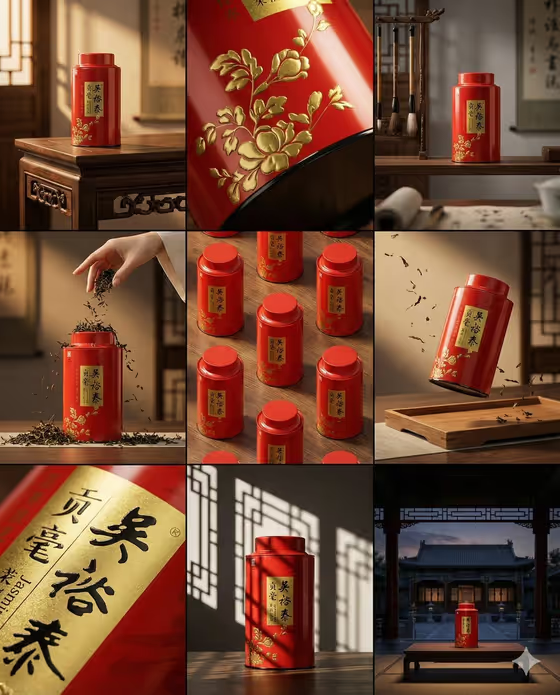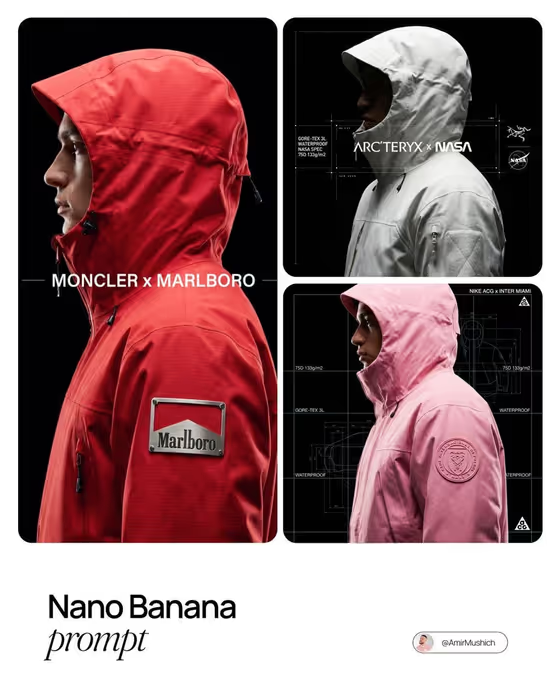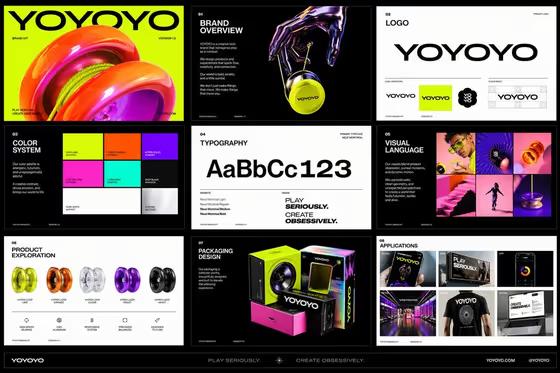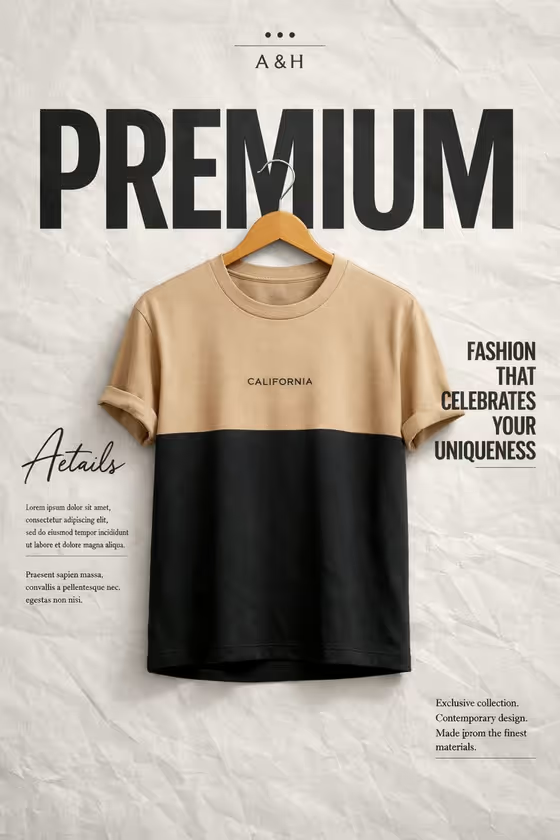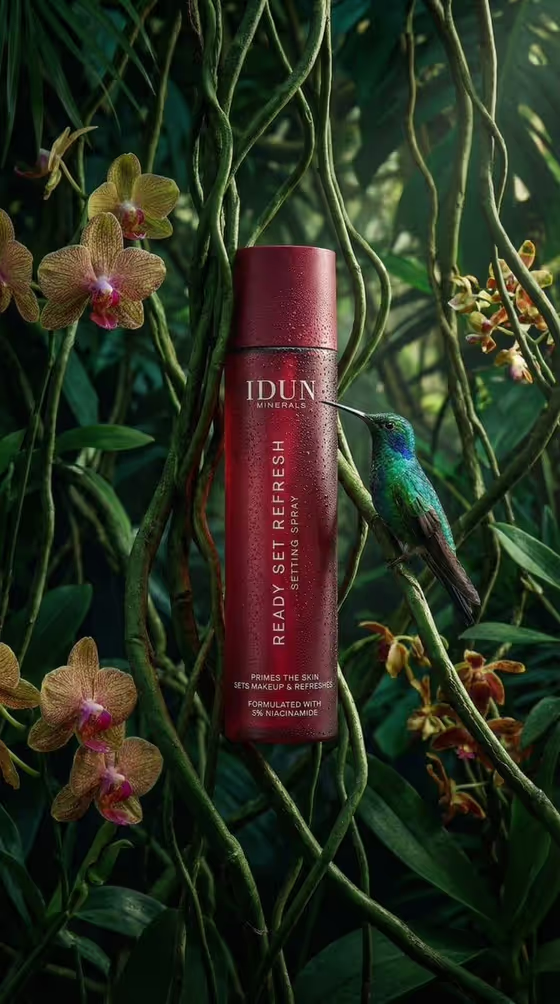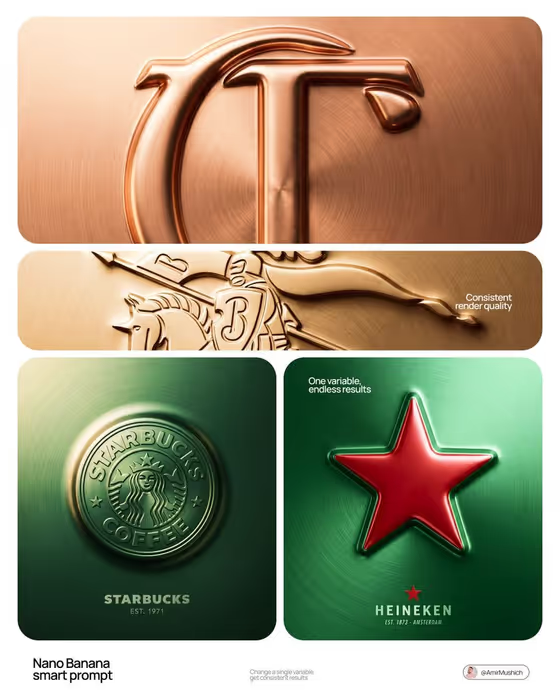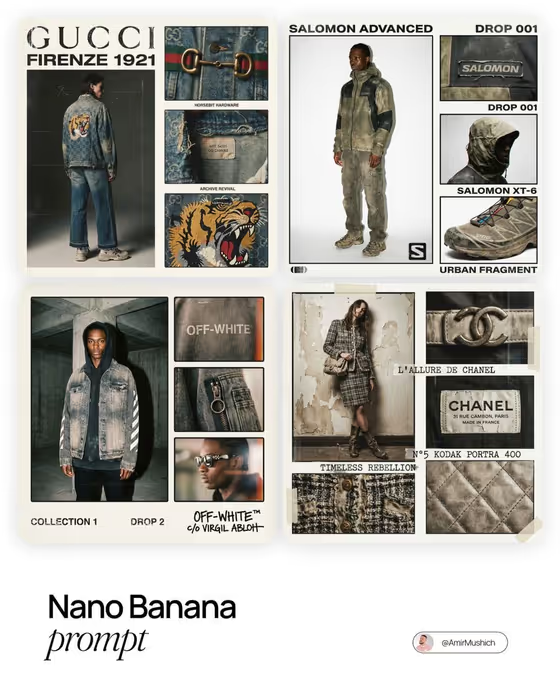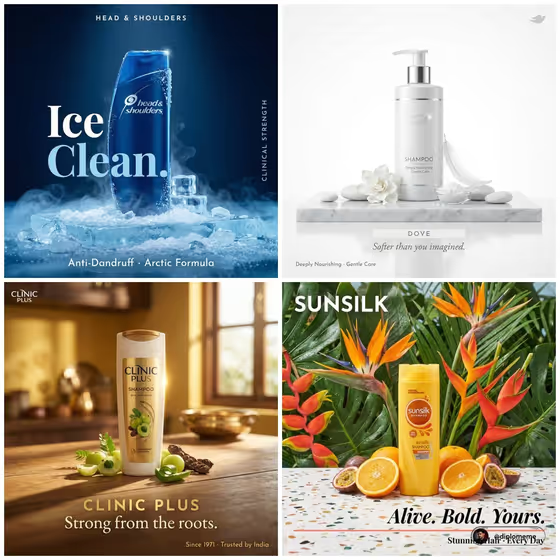
This template builds a square haircare poster around your shampoo bottle. You pick one campaign variant (such as botanical warmth, clinical ice, tropical citrus, salon violet or pure minimal), and the surface, ingredients, atmosphere and lighting all follow that single look.
It suits haircare brands, small shampoo labels, salons and anyone mocking up a campaign visual. The poster carries your brand name, a two-line headline and a three-benefit line, so the copy you enter is part of the finished artwork.
What works best as input
- For the Shampoo product or bottle field, you can describe the product or upload a photo of the exact package. If your label and colors matter, a photo reference is the better route.
- Use a clear photo of one bottle, upright, with the label facing the camera and the logo readable. Avoid cropped bottles or several products in one shot.
- Pick a photo with even lighting and no heavy glare over the label, so the packaging colors stay true.
- If you describe instead of upload, be specific, for example a botanical haircare bottle or a salon treatment bottle, rather than just the word shampoo.
- Enter the brand name exactly as it should be printed, since it appears in small capitals at the top of the poster.
How to use it
- Open the Luxury Shampoo Variants template in Phosphene and add your bottle in the Shampoo product or bottle field, by uploading its photo or typing a short description.
- Choose one option in Shampoo campaign variant. Each is a complete preset, so pick the mood that suits your product, such as Clinical ice or Pure minimal.
- Fill in Haircare brand name, Campaign headline and Benefits line. The headline works best as a short two-line statement and the benefits line as three words separated by dots.
- Generate the poster, then check that the bottle is centered, the label is legible and the text matches what you typed. Adjust your inputs and run it again if needed.
Tips for a better result
- Match the variant to the product: a cooling anti-dandruff formula fits Clinical ice, while a nourishing or gentle formula fits Pure minimal or Botanical warmth.
- Keep the headline short and punchy. Examples like PURE STRENGTH. or FRESHNESS, BOTTLED. fit the large two-line layout well.
- Write the benefits line in capitals with dot separators, like SHINE · STRENGTH · HYDRATION, to match the compact line under the divider.
- Try the same bottle and copy across different variants to compare looks and find the strongest campaign direction.
Common mistakes
- Uploading a cluttered or low-resolution bottle photo, which can make the label less legible in the final poster.
- Writing a long headline or a benefits line with many items, which crowds the layout. Stay with a short statement and three benefits.
- Expecting to mix elements from several variants. The template uses exactly one preset at a time, so choose the single look you want.
FAQ
Can I upload my own bottle photo?
Yes. The Shampoo product or bottle field accepts a photo of your package, or you can type a short description instead.
Can I combine two campaign variants?
No. Each variant is a cohesive preset for surface, ingredients, atmosphere and lighting, and the template uses one at a time.
What shape is the output?
A square 1:1 image with the bottle centered, your brand name at the top, the headline at center-left and the benefits line along the bottom.
Which text fields do I need to fill in?
Brand name, campaign headline and benefits line are all required, along with the product and the campaign variant.