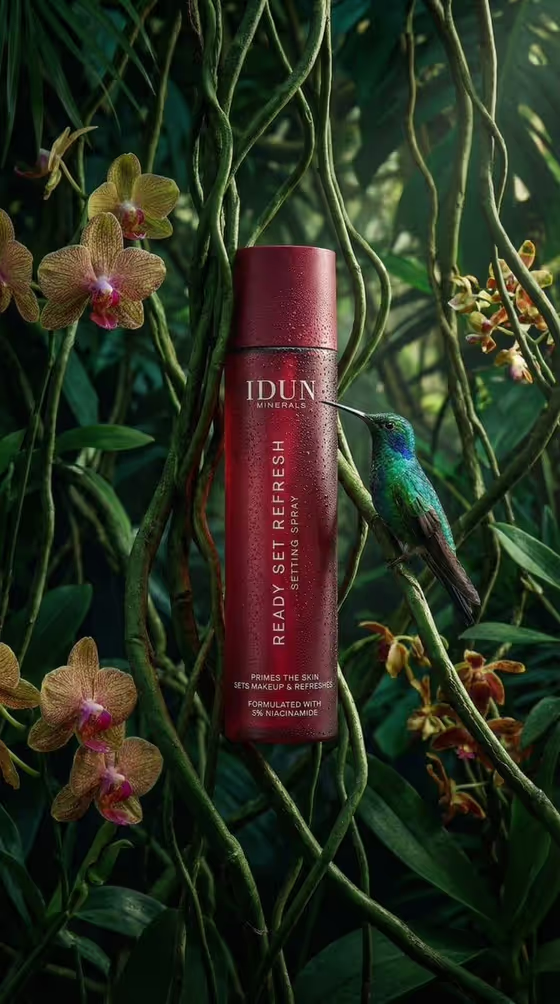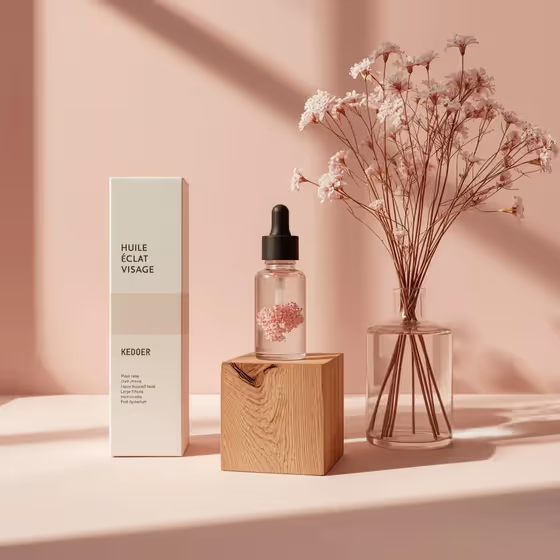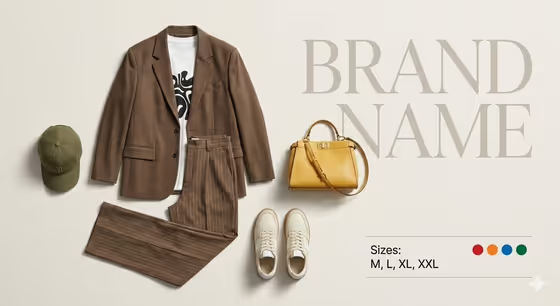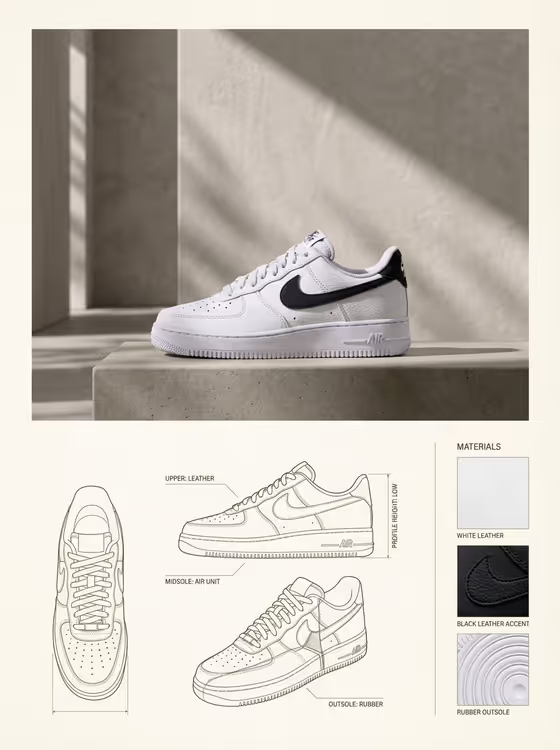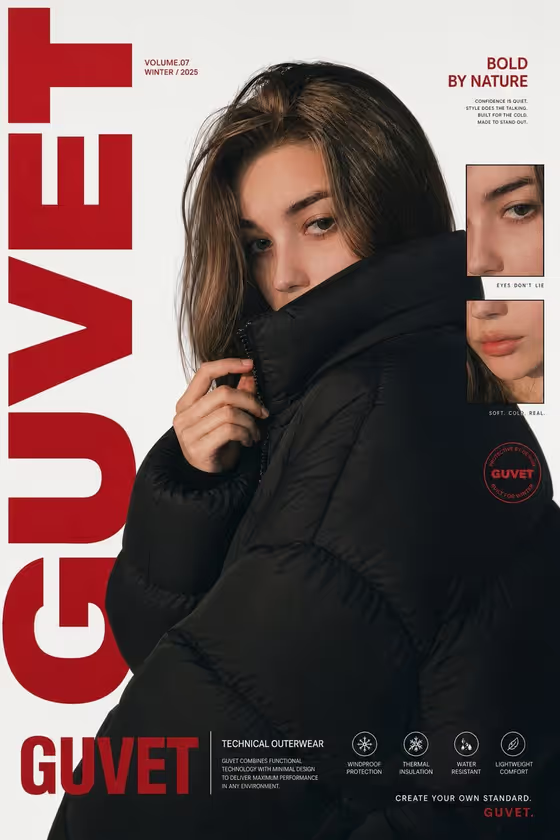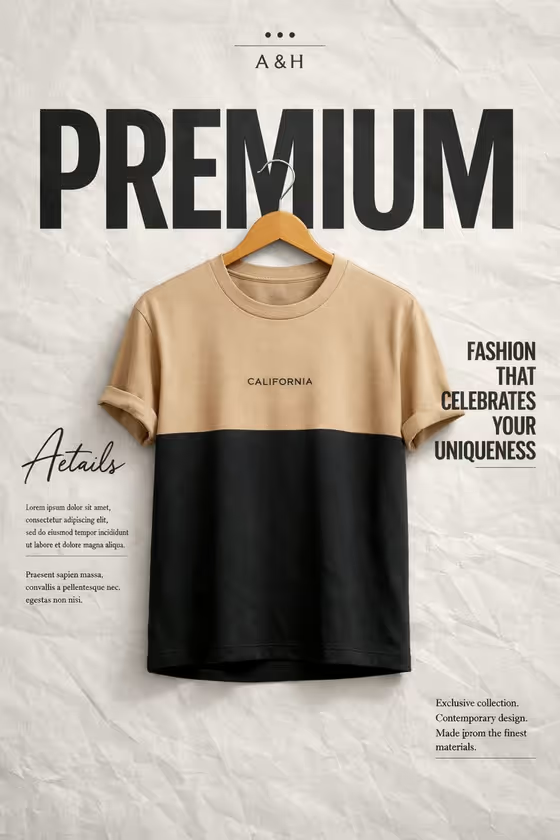
This template turns a single garment into a magazine-style poster. Your shirt or top hangs on a wooden hanger at the center of a light-gray, wrinkled paper backdrop, with your brand mark at the top and a very large headline word running behind the garment.
It suits small clothing labels, boutique owners and anyone who wants a polished product visual for a lookbook, store listing or social post. The output is a 3:4 image, so it works well as a vertical poster layout.
What works best as input
- For the Garment product or shirt field, you can describe the piece in text or upload a matching reference photo. A photo of the actual garment helps keep the color blocking and chest mark close to the original.
- Use a clear, evenly lit photo of one garment with the whole piece visible. Avoid shots where the sleeves or hem are cropped out.
- If you describe it instead, be specific about colors and layout, like the placeholder "two-tone beige and black T-shirt" or "cream and charcoal knit top". Mention the garment type and how the colors are split.
- Keep to one garment per image. The template is built to hang a single piece at the center, not a set or a flat lay of several items.
- For the Oversized poster word, pick one short, bold word such as PREMIUM, ESSENTIAL or SIGNATURE. Shorter words span the width behind the hanger more cleanly.
How to use it
- Open the Premium Garment Paper Poster template in Phosphene.
- Fill in Garment product or shirt by typing a description or uploading a reference photo of your garment.
- Choose your Brand identity and enter your Oversized poster word, such as PREMIUM.
- Generate the poster, then review the result and check the garment details, the brand mark and the headline word before using it.
Tips for a better result
- Try a few different headline words with the same garment. A word like ESSENTIAL or SIGNATURE changes the feel of the poster without changing the layout.
- If your garment has a small chest mark or two-tone color blocking, mention it in your description, since the template aims to preserve those details.
- Run the same garment with different brand identities to compare how the top mark and typography read.
- Test different garments (a knit top, a polo, a T-shirt) to build a consistent set of posters with the same paper backdrop and layout.
Common mistakes
- Uploading a cluttered photo or one with several garments. This can confuse which piece should hang on the hanger.
- Choosing a very long headline word. The oversized word needs to span behind the hanger, so a long phrase will be hard to fit and read.
- Giving a vague garment description like "a shirt". Without colors and style details, the result may not match what you have in mind.
FAQ
Can I upload a photo of my own garment?
Yes. The Garment product or shirt field accepts a matching reference photo, or you can describe the piece in text instead.
Can I change the big word behind the shirt?
Yes. The Oversized poster word field lets you choose or enter your own word, such as PREMIUM, ESSENTIAL or SIGNATURE.
Will the poster include website links or barcodes?
No. The template direction avoids URLs, icons and barcodes, and keeps the small editorial text blocks simple.
What shape is the finished image?
The output is a 3:4 vertical image, suited to a poster-style layout.