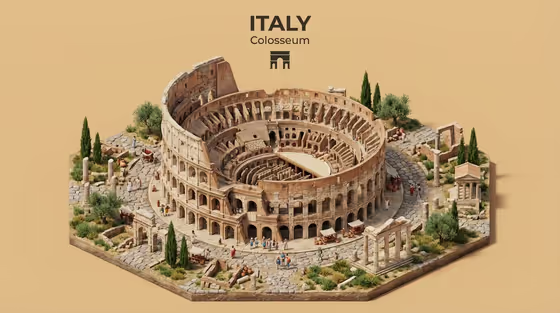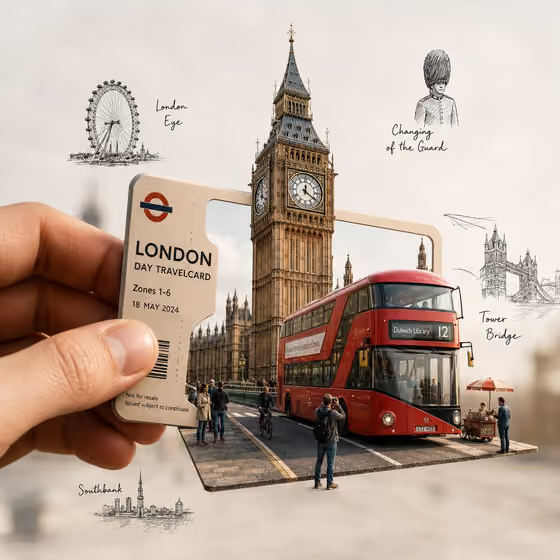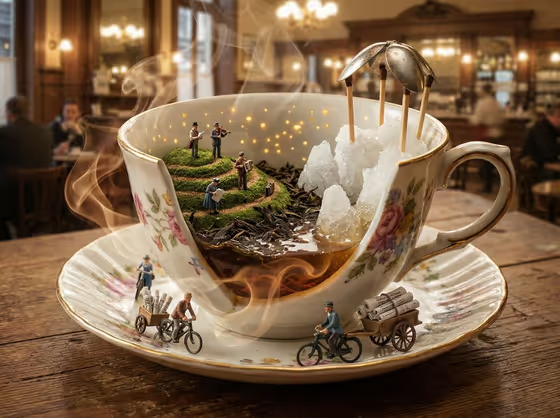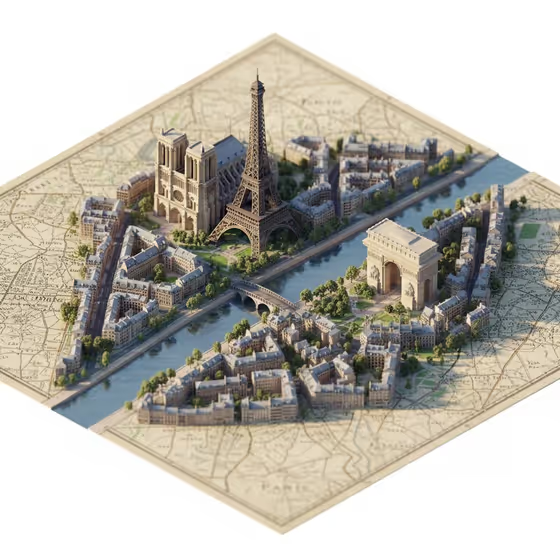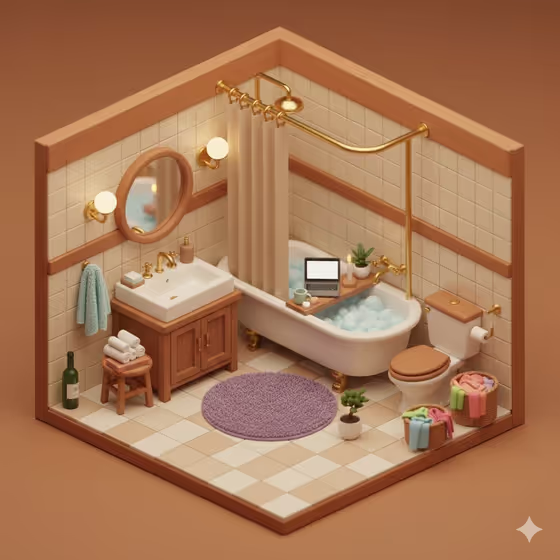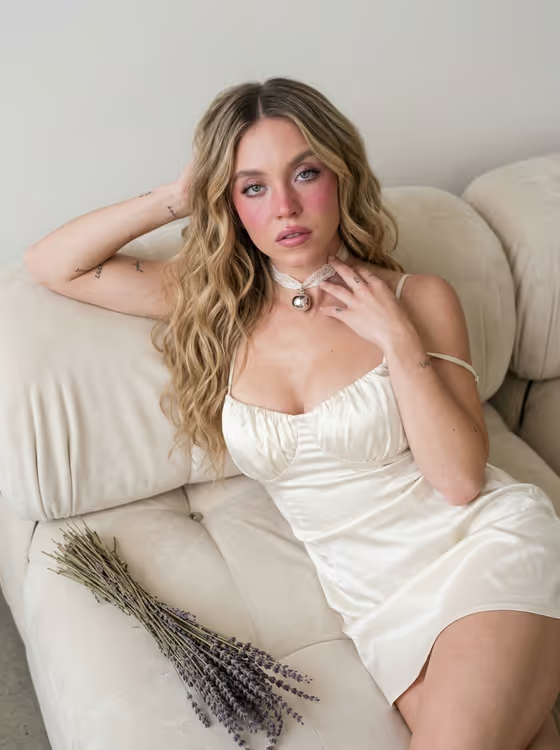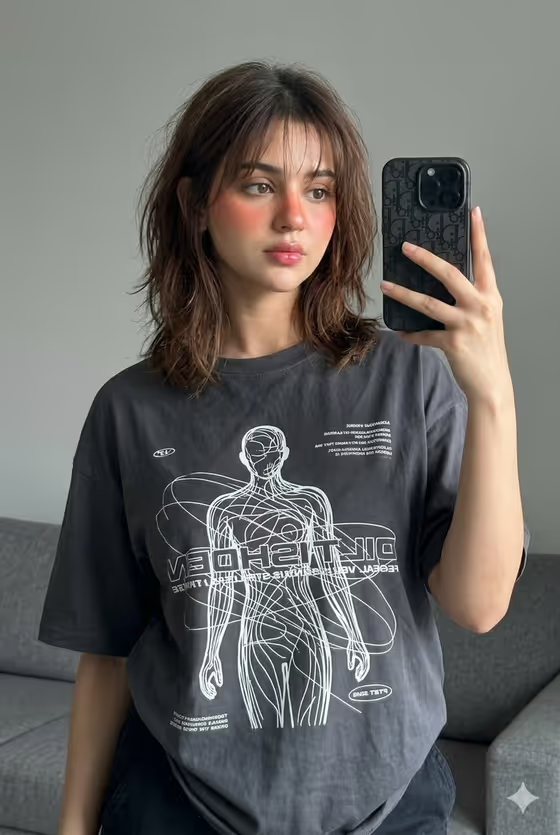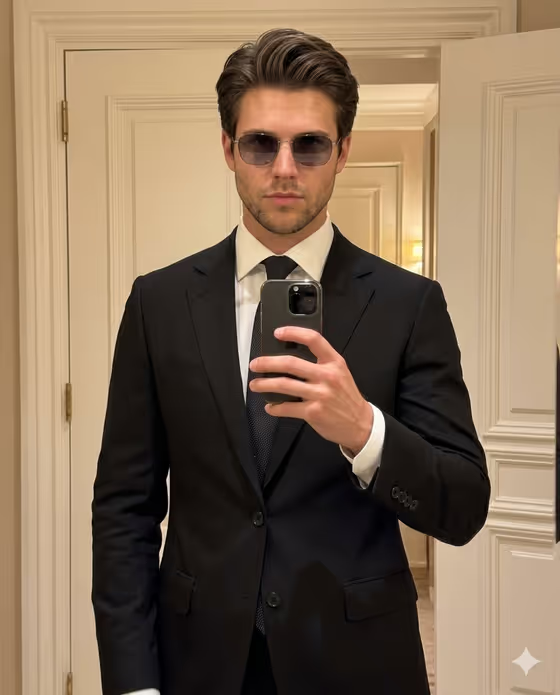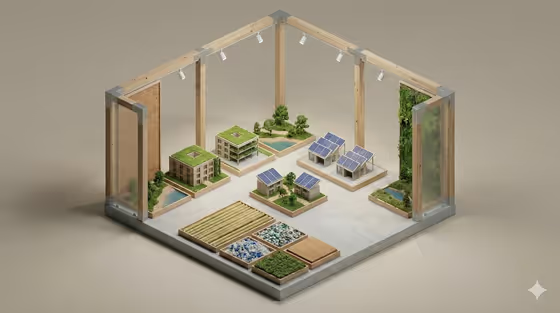
This template builds a minimal isometric diorama in a portrait 3:4 frame. Your subject is placed inside its own miniature setting, with rounded edges, smooth floors, realistic materials and soft studio light against a neutral background. The cover shows the idea well: a small architectural-model scene with timber posts, little buildings, planted patches and a clean pale base.
It suits anyone who wants a tidy, model-like illustration of a person or concept in context, for example a creative professional shown inside a space that reflects their work. You choose the subject and a creative direction, and the template handles the miniature styling.
What works best as input
- The Portrait subject field accepts a photo or a short description. A clear, well-lit photo where the subject is easy to see gives the template something concrete to build the scene around.
- If you type instead, be specific. The placeholder 'a confident adult' works as a starting point, and the examples (a joyful young woman, an expressive young man, a distinctive creative professional) show the level of detail that fits.
- Keep the subject simple and singular. One person or one clear idea reads better in a small diorama than a crowded description.
- Use a photo that shows the subject as you want them represented, with a natural expression and no heavy filters, since the template aims to preserve source-defining details.
How to use it
- Open the Minimal Interior Scene Diorama template in Phosphene.
- In Portrait subject, upload a photo or type a short description of who or what the diorama should feature.
- Set Creative direction by picking one of the options such as Clean editorial, Cinematic dramatic, Playful colorful or Quiet premium, or describing your own.
- Generate the image, then review the 3:4 result and adjust your subject or direction if you want a different feel.
Tips for a better result
- Try the same subject with different Creative direction choices. Quiet premium and Playful colorful should give noticeably different moods to the same miniature scene.
- Describe the subject's role or surroundings in your text, such as a creative professional, so the setting inside the diorama has something to reflect.
- Keep the direction short and clear. The template already fixes the soft studio light, rounded forms and neutral background, so your direction works best as a tone setter.
- If the first result is close but not right, change only one field at a time so you can see what made the difference.
Common mistakes
- Writing a long, cluttered description. The diorama style favors a minimal, readable scene, so too many ideas in one field can muddy it.
- Using a dark, blurry or heavily cropped photo, which gives the template little to preserve.
- Expecting a flat portrait. This template makes an isometric miniature scene, not a close-up headshot.
FAQ
Do I have to upload a photo?
No. The Portrait subject field accepts either a photo or a text description, so you can type something like 'a distinctive creative professional' instead.
What does Creative direction change?
It sets the overall mood of the result. Options include Clean editorial, Cinematic dramatic, Playful colorful and Quiet premium, and you can also describe your own.
What shape is the output?
The template produces an image in a 3:4 aspect ratio.
Will the result look like the cover image?
The cover shows the general style: a clean isometric miniature with soft light, rounded forms and a neutral background. Your own result will depend on the subject and direction you provide.