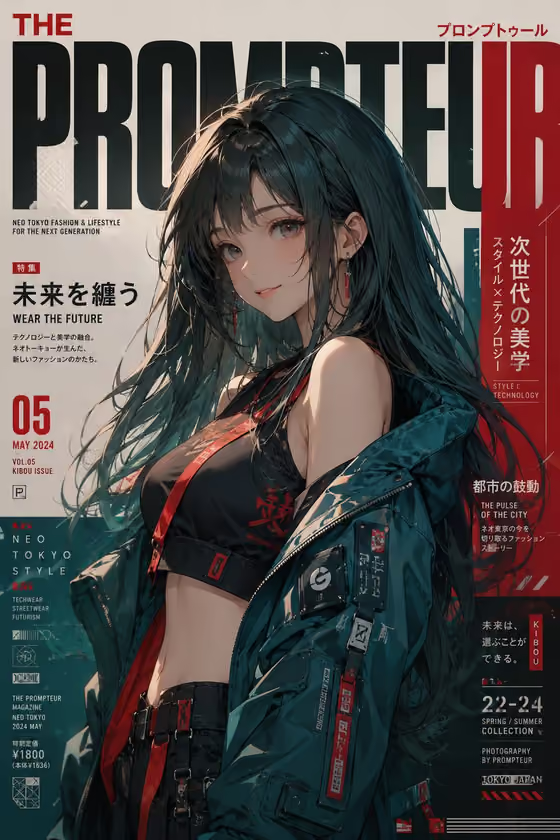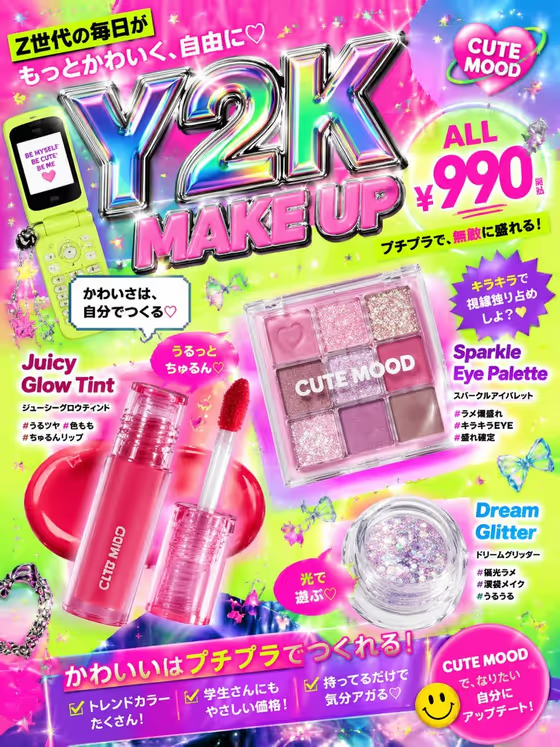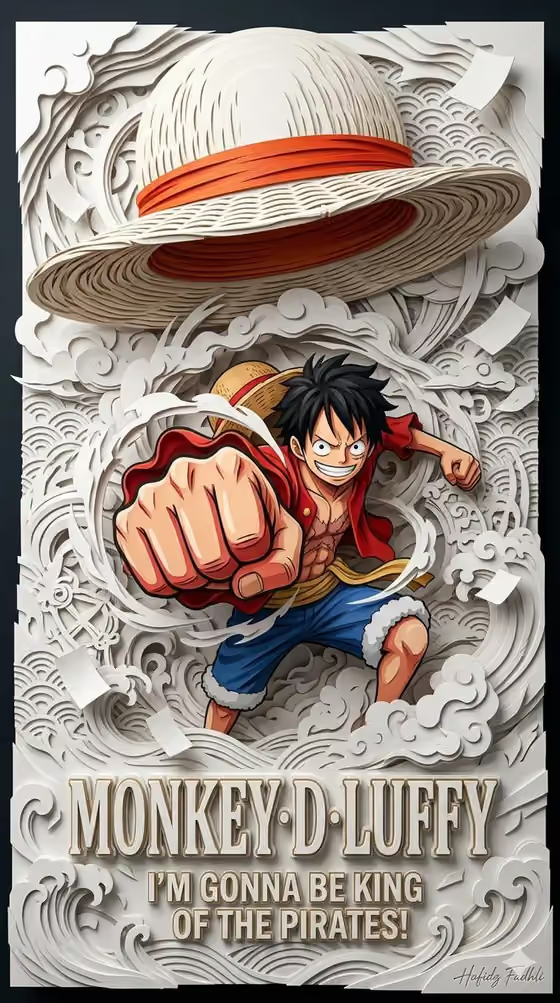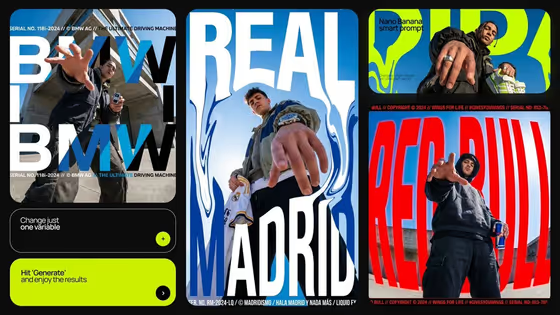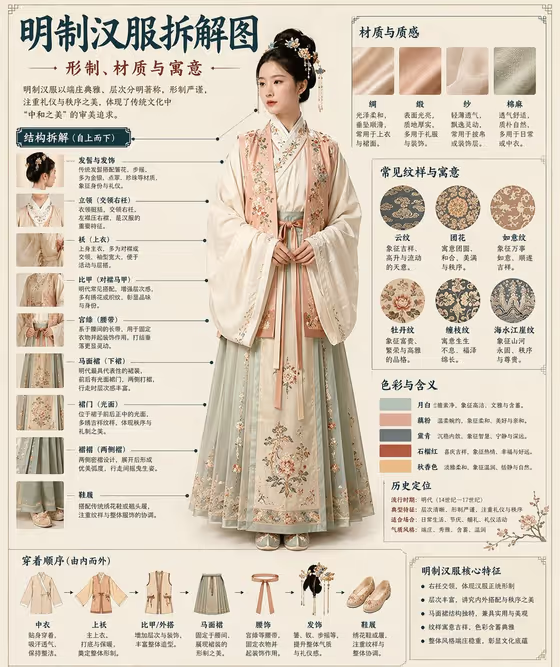
Museum Collection Anatomy Board makes a single 3:4 marketing image that lays a subject out like an annotated museum board. The cover example shows a central full-length figure surrounded by labeled detail panels, material swatches, pattern circles, a color palette and a step-by-step layering strip. It suits fashion, cultural and product campaigns where the hero needs to be explained as well as shown.
You fill two text fields: the campaign subject and the poster structure. There is no photo upload slot, so everything comes from your written description. The template keeps the subject's geometry, materials and lighting coherent, so the result reads as one deliberate board rather than a loose collage.
What works best as input
- This template has no photo slot, so the quality of your result depends on the text you type into Campaign subject product name. Name the specific hero (a garment, product or cultural item) rather than a general category.
- Add concrete detail about the subject that a board can break down, such as its parts, fabrics, colors or decorative motifs. The cover example works because the figure has clearly separable layers, materials and patterns.
- Use the field's own examples as a starting point: a fashion campaign, a product launch poster, a cultural advertisement, or your exact campaign subject. Then narrow it with one or two specifics.
- Keep the description to one clear subject. Mentioning several unrelated heroes can lead to duplicate or competing subjects on the board.
How to use it
- Open the Museum Collection Anatomy Board template in Phosphene.
- In Campaign subject product name, type a description of your hero, for example the type of item and its notable materials or details.
- In Poster structure, choose one of the options: single hero with copy, modular grid story, editorial collage, or vertical feature infographic.
- Generate the image, then review the 3:4 result for subject accuracy, readable layout and coherent lighting before using it or trying another structure.
Tips for a better result
- Pick the structure that matches your goal. Vertical feature infographic is closest to the cover example, while single hero with copy gives the subject more room.
- Describe materials and surface finishes in your subject text (for example silk, matte ceramic or brushed metal), since the template aims to keep tactile materials believable.
- Run the same subject with different Poster structure choices to compare a clean hero layout against a modular grid or an editorial collage.
- Refine wording between runs. If the first result is too general, make the subject more specific rather than longer.
Common mistakes
- Typing a vague subject such as just 'a campaign'. The board needs a specific hero to build its callouts and details around.
- Looking for an upload field. This template is text-only, so describe the subject in words instead of expecting to attach a photo.
- Packing several different products or characters into the subject field, which works against the single readable hero this template is built to preserve.
FAQ
Can I upload a photo of my product?
No. This template has no photo slot. Both fields are text or choice inputs, so describe your subject in the Campaign subject product name field.
What does the Poster structure field do?
It sets the overall layout of the board. You choose from single hero with copy, modular grid story, editorial collage, or vertical feature infographic.
What size and format is the output?
The output is a single image in a 3:4 aspect ratio.
Can I change the lighting or composition style?
Not directly. The template's fixed direction preserves subject geometry, composition and source-matched light, so your control comes through the subject description and the structure you pick.