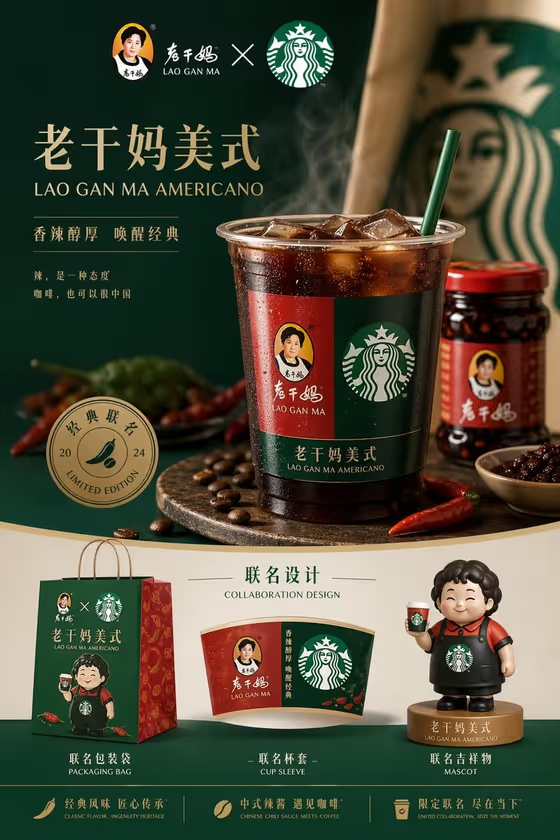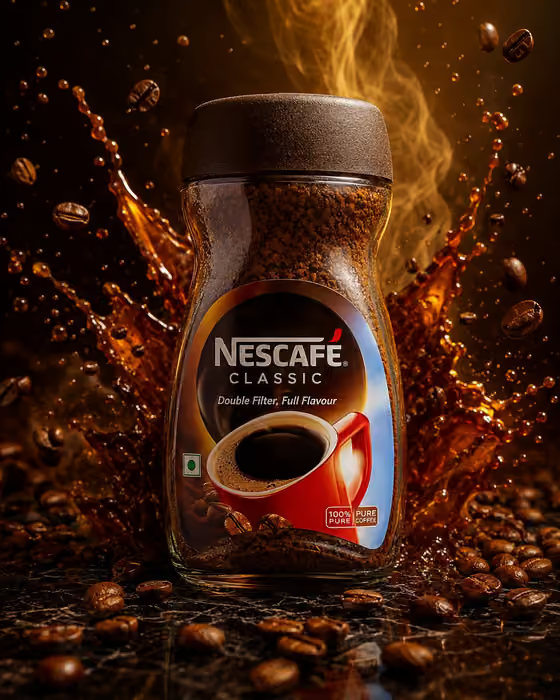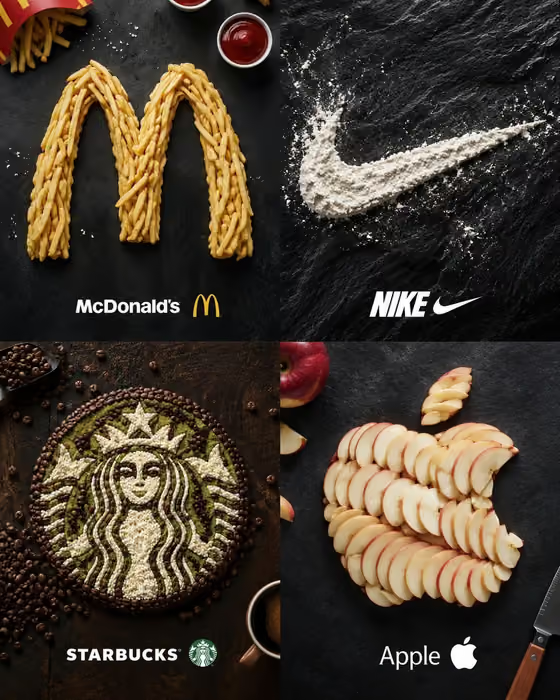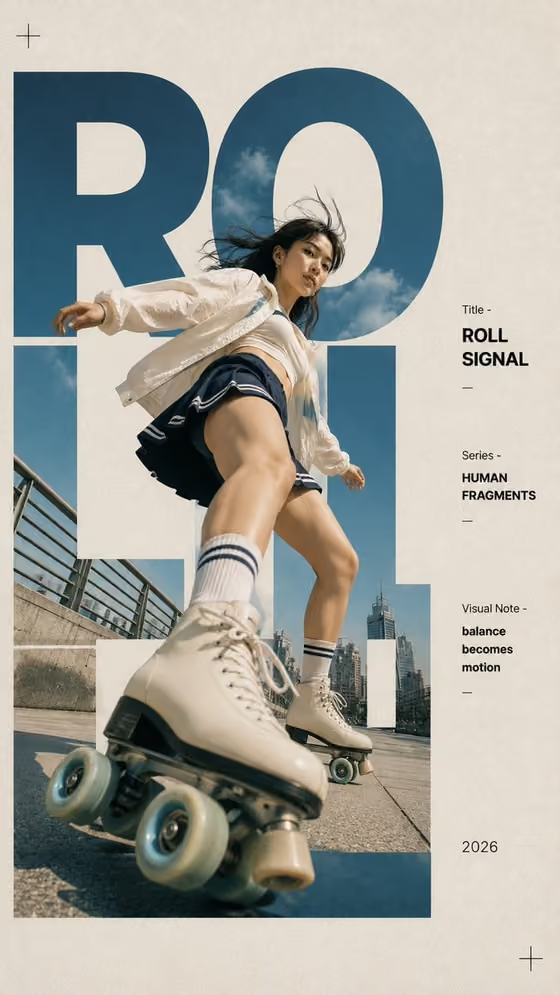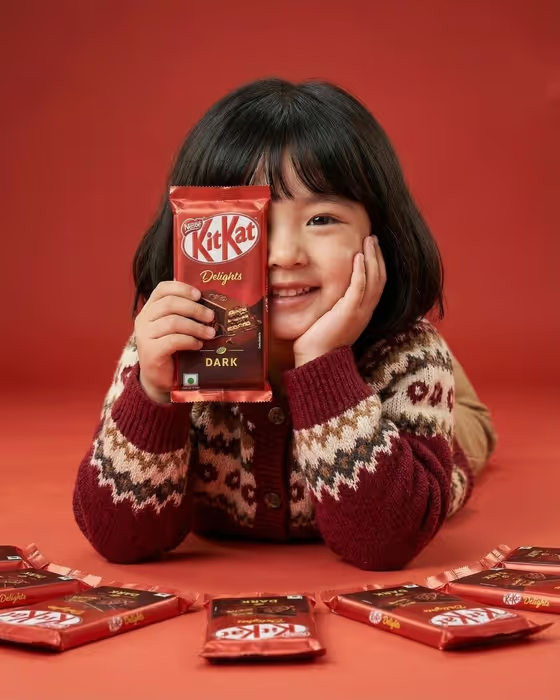
One-Eye Snack Campaign makes a playful, single-color food advertisement in a 3:4 portrait frame. Your model holds a snack package over one eye, rests the opposite cheek on a hand, and several more packages are laid out neatly on the table in front, all on a backdrop and table that match the product color.
It suits marketers, small snack brands, and creators who want a campaign-style image without booking a studio set. It works best when you already know the product and the color story you want, since the whole look depends on the package and the set sharing one color family.
What works best as input
- This template asks for 2 or more photos, so plan to upload a reference for your snack and a reference for your model. The Snack product or package and Campaign person fields both accept a photo.
- For the snack, use a clear, well-lit shot of the package front with the logo and label fully visible. The template aims to keep the package readable, so a sharp, uncluttered reference helps.
- For the model, use a clear photo of a person who has agreed to be used in the ad, with the face unobstructed and well lit. A friendly or smiling expression fits the playful mood.
- If you describe instead of uploading, be specific. The Snack product or package field takes text such as dark chocolate wafer bar, and Campaign person takes a short description such as cheerful young adult man.
- Monochrome set color is text only, so type a color. Naming it plainly, like bright product red or sunny package yellow, works better than a vague word.
How to use it
- Open the One-Eye Snack Campaign template in Phosphene and add your photos: the snack package and your model.
- Fill in Snack product or package, for example dark chocolate wafer bar, or point it to your uploaded snack. Then set Campaign person, either by describing them or using your uploaded model.
- Type your Monochrome set color, ideally the dominant color of the package, then generate the image.
- Review the result. Check that the package is legible, one eye is covered, the cheek rests on the opposite hand, and the repeated packages sit neatly in front. Adjust your fields and generate again if needed.
Tips for a better result
- Match the Monochrome set color to the package's main color. The template is built around a color-matched set, so a close match gives the most cohesive result.
- Try the example snacks as a starting point, such as red berry candy bar or caramel biscuit pack, then swap in your own product wording.
- Change only one field per run, such as the set color or the person description, so you can see what each change does.
- Use a package reference where the label is flat and facing the camera, since the direction asks for crisp, realistic package detail.
Common mistakes
- Choosing a set color that clashes with the package. The template expects the table and backdrop to match the product color, so a mismatch weakens the monochrome look.
- Uploading a blurry, angled, or cropped package photo, which makes the label harder to keep readable in the final image.
- Leaving fields too vague, like just snack or person. Short but specific descriptions give the template more to work with.
FAQ
How many photos do I need to upload?
The template asks for 2 or more photos. The snack and the campaign person can each take a photo reference.
Can I use it without uploading any photos?
The Snack product or package and Campaign person fields also accept text descriptions, but the template is set up for 2 or more uploads, so uploading gives you the most control over how the snack and model look.
What aspect ratio does the image come in?
The output is a 3:4 portrait image.
Can I pick any color for the set?
Monochrome set color is a text field, so you can type a color such as bright product red, deep cocoa brown, or sunny package yellow. It works best when it matches your package.