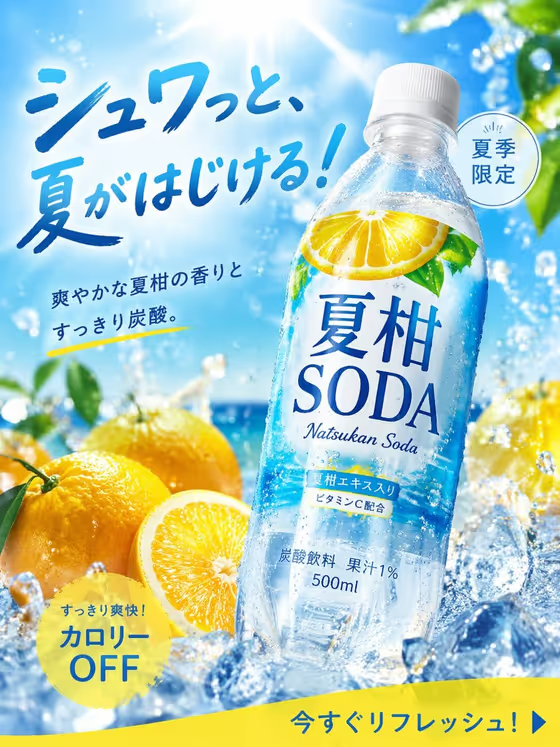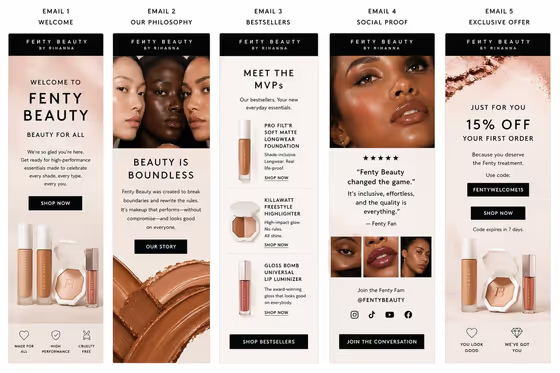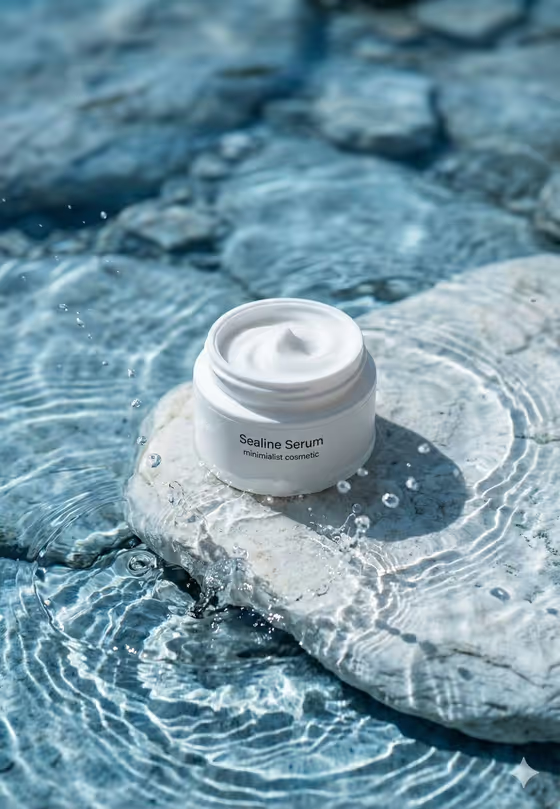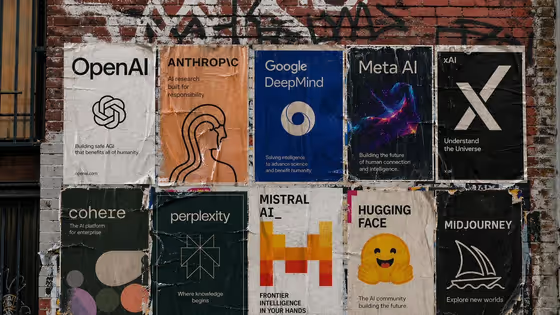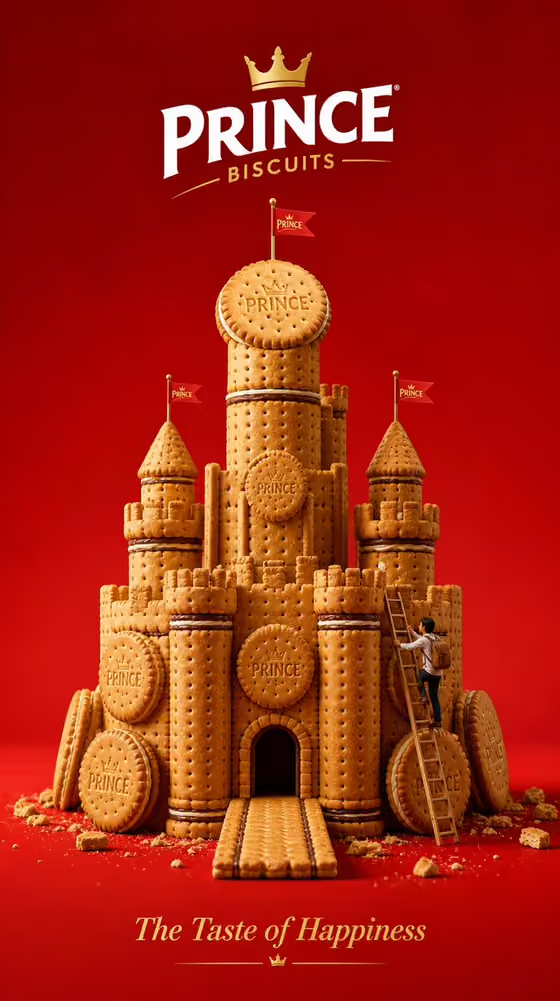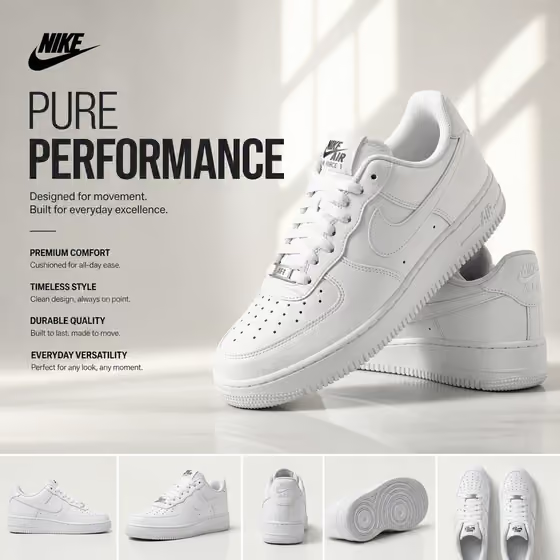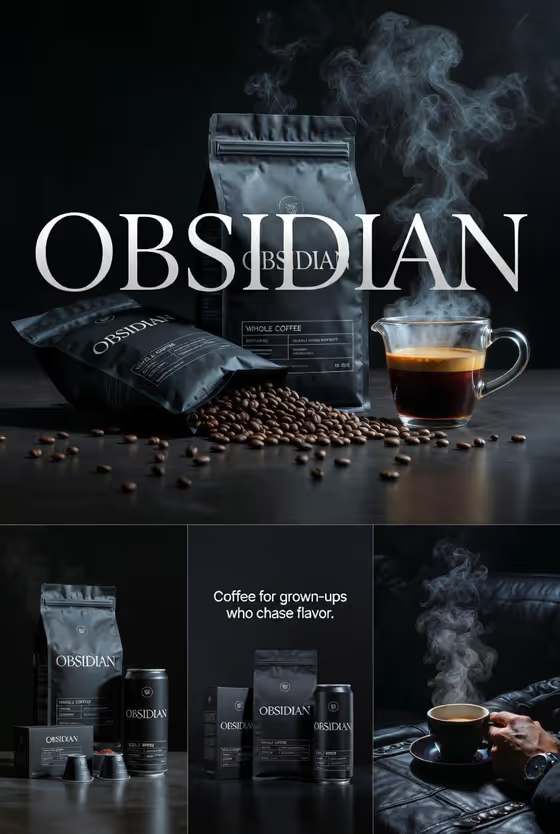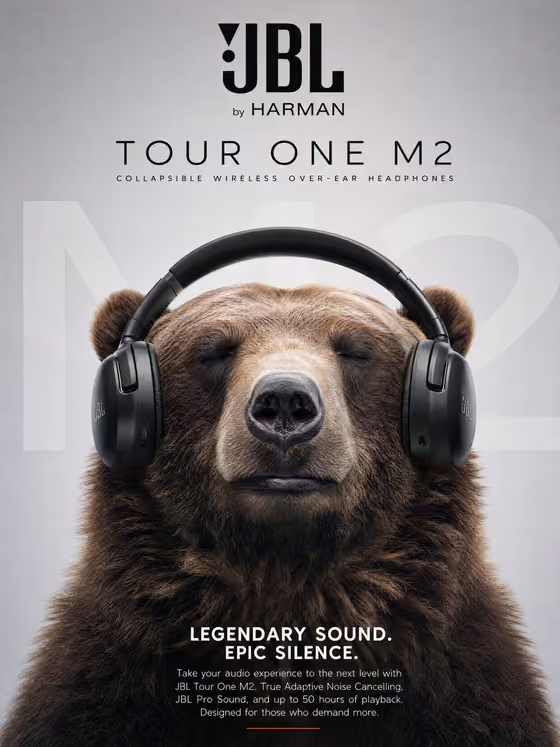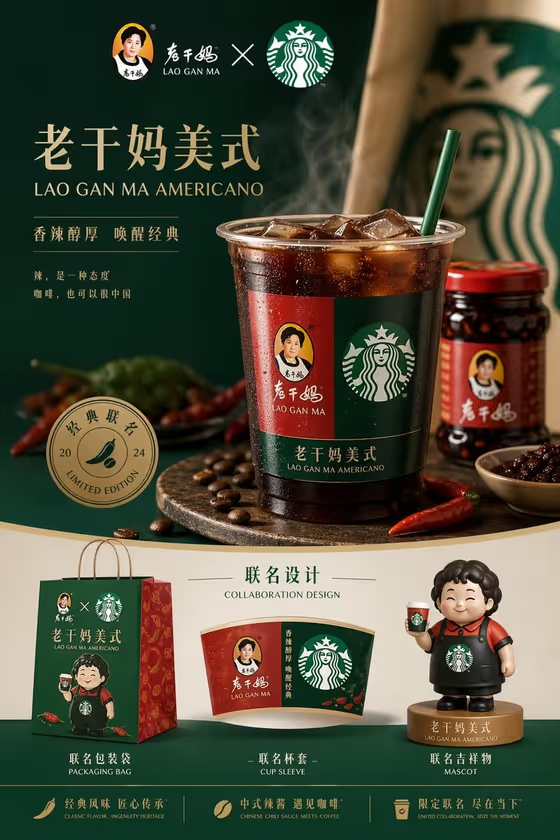
This template builds a single retail launch board for a two-brand collaboration. A hero drink or product sits in the center, with a matching packaging bag, cup sleeve, mascot and a small piece of merchandise arranged around it so the whole thing reads as one product system.
It suits marketers, brand designers, students and founders who want to preview how a co-branded product could look across every touchpoint before any real production. The cover example pairs a chili-sauce Americano with red, gold and green packaging, a sleeve, a bag and a small mascot figure.
What works best as input
- In the Collaboration product or brand pair field, you can type a description or upload a matching reference. Use whichever gives the clearest picture of the hero item.
- If you describe it in words, name both sides of the pairing and the product itself, for example a chili-sauce Americano collaboration or a tea brand and sneaker collaboration.
- If you upload a reference, pick a clean, well-lit image of the actual product or packaging so the board can echo its shape and colors.
- Keep it to one hero item. A single clear product gives the board a strong center to build around.
How to use it
- Open the Unexpected Coffee Collaboration template in Phosphene.
- Fill in Collaboration product or brand pair by typing a description or adding a reference photo, then pick or write your Collaboration design system, such as red-gold spice meets cafe green.
- Enter your Collaboration name, for example SPICY AMERICANO, which becomes the campaign title on the board.
- Generate the image, then check that the hero item, bag, sleeve, mascot and merchandise all share the same colors and logo logic.
Tips for a better result
- Be specific in the design system choice. Naming two or three colors and a material, like kraft packaging with bright mascot colors, gives every item a consistent look.
- Keep the collaboration name short and in capitals. Short names fit cleanly on the cup, sleeve and bag.
- Try the same pairing with different design systems, such as heritage pattern meets modern black, to compare directions.
- Use the example pairings as a starting point, then swap in your own two-brand product once you like the layout.
Common mistakes
- Describing several different hero products at once. The board is built around one central item, so extra products dilute it.
- Using a vague palette like colorful or nice. Without concrete colors the bag, sleeve and mascot can drift apart visually.
- Uploading a cluttered or low-quality reference photo, which gives the board a weak product to center on.
FAQ
Do I have to upload a photo?
No. The product or brand pair field accepts typed text, and a matching reference photo is optional. The design system and collaboration name fields are text or choice only.
What does the board include?
A central hero drink or product, plus a branded bag, cup sleeve, takeaway packaging, a mascot and one small merchandise item, all in one coordinated layout.
Can I use it for something other than coffee?
Yes. The examples include a tea brand and sneaker collaboration and a coffee chain and game studio collaboration, so any two-brand product pairing can work.
What shape is the output?
A 3:4 portrait image, laid out like a campaign poster with the hero on top and the supporting items below.