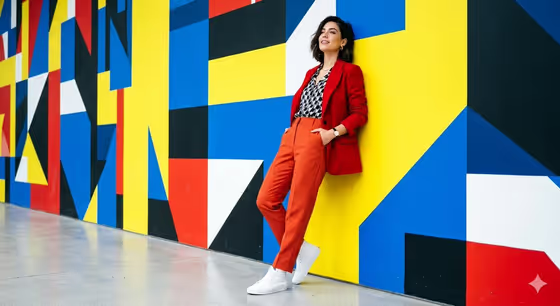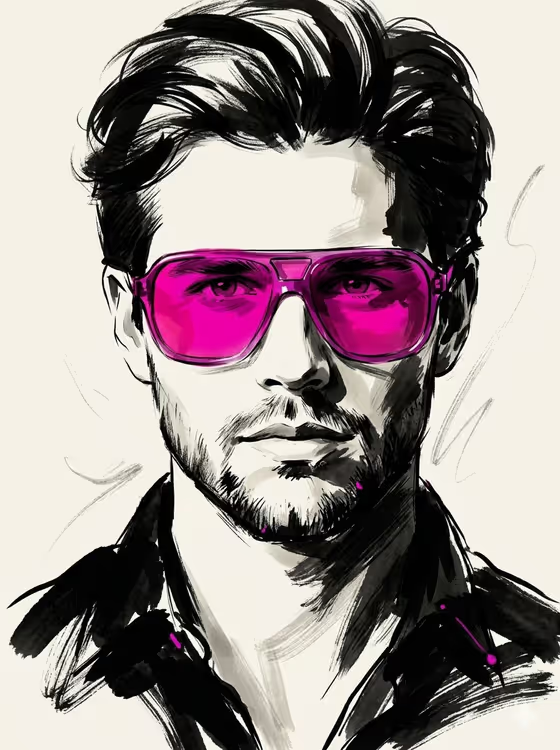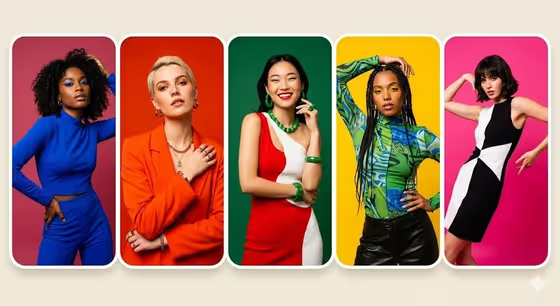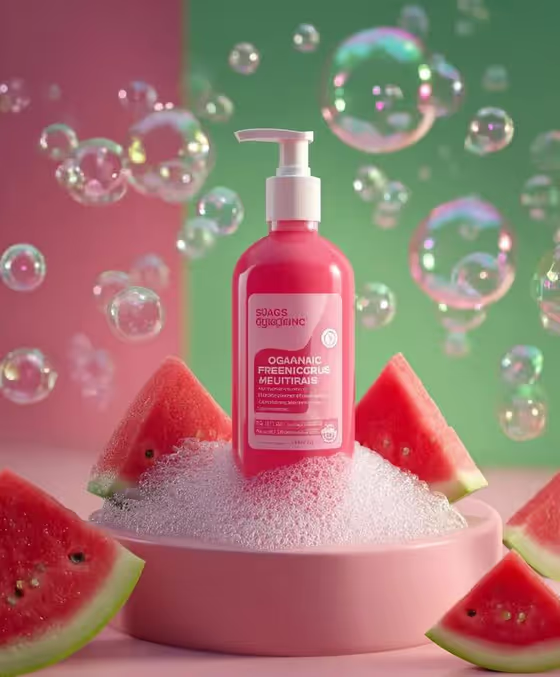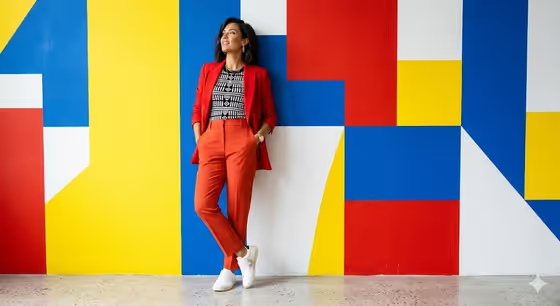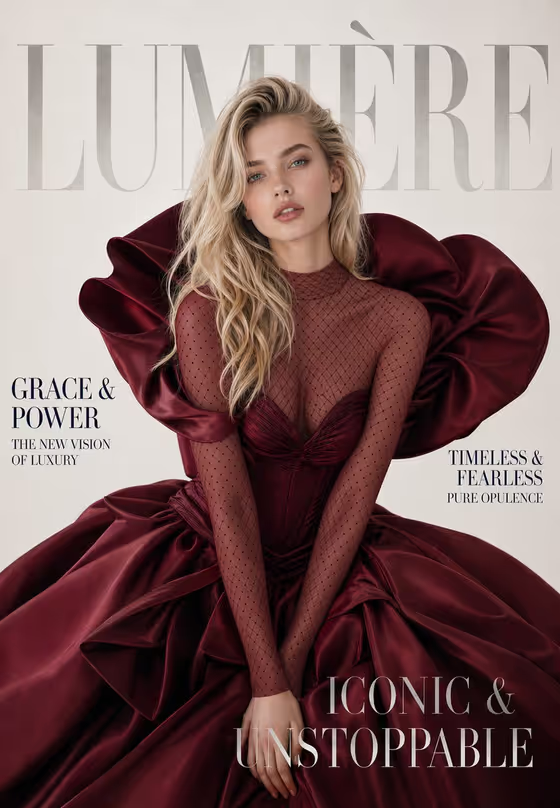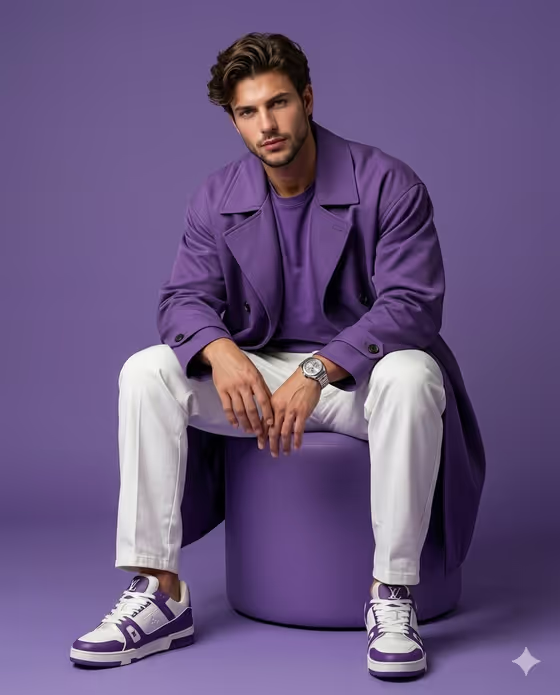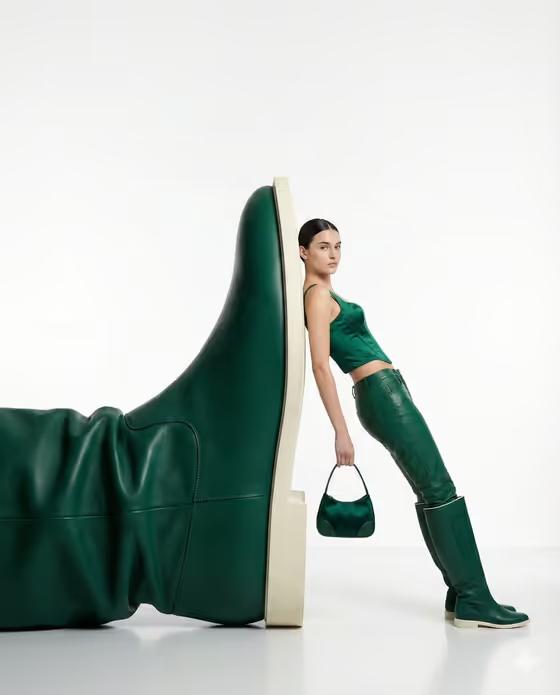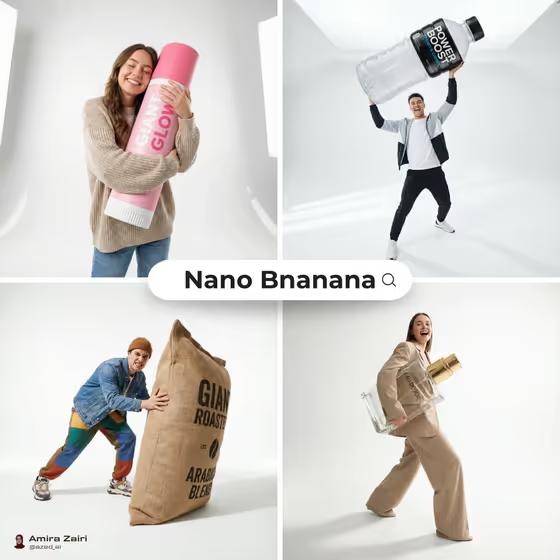
Oversized Product Editorial creates a square fashion image where a person poses beside a giant version of your product, as if the product were a studio prop. The look is a clean, high-key studio setup with a minimal background, soft contact shadows and a wide, low camera angle that exaggerates the scale.
It suits brands, sellers and creators who want a playful hero shot for a product launch, a social post or a catalog. You can describe the product and the person in words, or add reference photos for either one.
What works best as input
- For Hero Product, a clear photo of the exact product works best if you want the label and shape to carry over. Pick an image with the whole item visible and a plain background.
- If you would rather describe the product, be specific about type and look, for example 'a giant fragrance bottle' or 'a huge beverage can', and mention color or material if it matters.
- For Editorial Person, use a well-lit portrait reference with a clearly visible face, or write a short description such as 'a confident athlete' or 'an energetic streetwear creator'.
- Only use portraits of people who have agreed to appear in the image, such as yourself, your own models or your brand ambassadors.
- Keep both inputs simple. One product and one person give the cleanest editorial composition.
How to use it
- Open the Oversized Product Editorial template in Phosphene.
- Fill in Hero Product by typing a description or adding a photo of the product, then fill in Editorial Person the same way.
- Choose an Interaction Pose, such as leaning casually against it, sitting playfully on it, stepping dynamically beside it or balancing with one hand on it.
- Generate the image and review it. Check the product details, the scale and the pose, then adjust your inputs and run it again if needed.
Tips for a better result
- Try different Interaction Pose options with the same product and person. Leaning gives a relaxed look, while stepping beside it feels more energetic.
- Match the person description to your brand's tone, for example a playful fashion model for a lifestyle product or a confident athlete for a sports drink.
- Pick products with a bold, simple silhouette such as bottles, bags, cans or sacks. They read clearly when shown at giant scale.
- If branding details matter, add a photo of the exact product instead of relying on a text description.
Common mistakes
- Using a cluttered or cropped product photo, which makes it harder to keep the shape and label accurate.
- Writing vague descriptions like 'a product' or 'a person'. Be specific about the item and the style of the person.
- Combining several products or several people in one field. The template is built around one hero product and one person.
FAQ
Do I have to upload photos?
No. Both Hero Product and Editorial Person accept either a text description or a photo, so you can describe them in words if you prefer.
What shape is the result?
The output is a square 1:1 image, which suits social posts and product grids.
Can I control how the person interacts with the product?
Yes. The Interaction Pose field lets you choose options like leaning, sitting, stepping beside it or balancing with one hand on it.
Can I use my own product?
Yes. Add a clear photo of your product in Hero Product, or describe it in text, and it becomes the oversized prop in the shot.