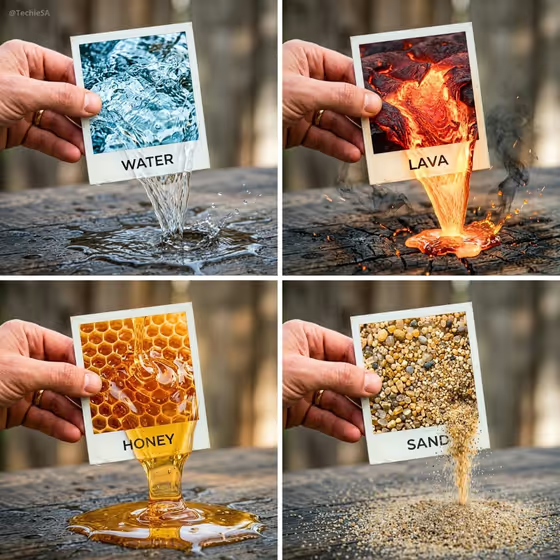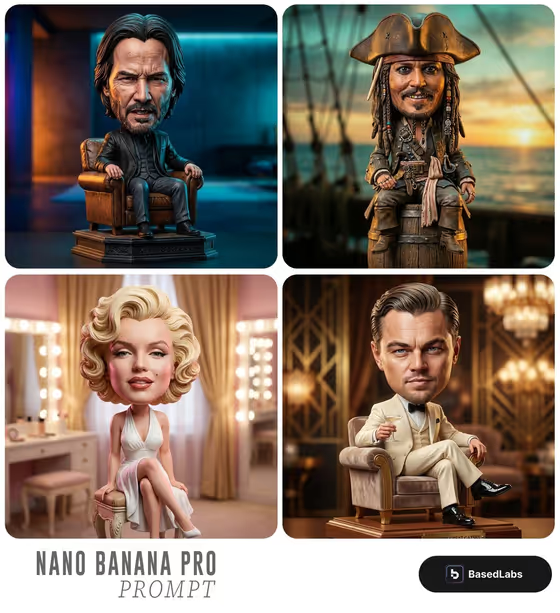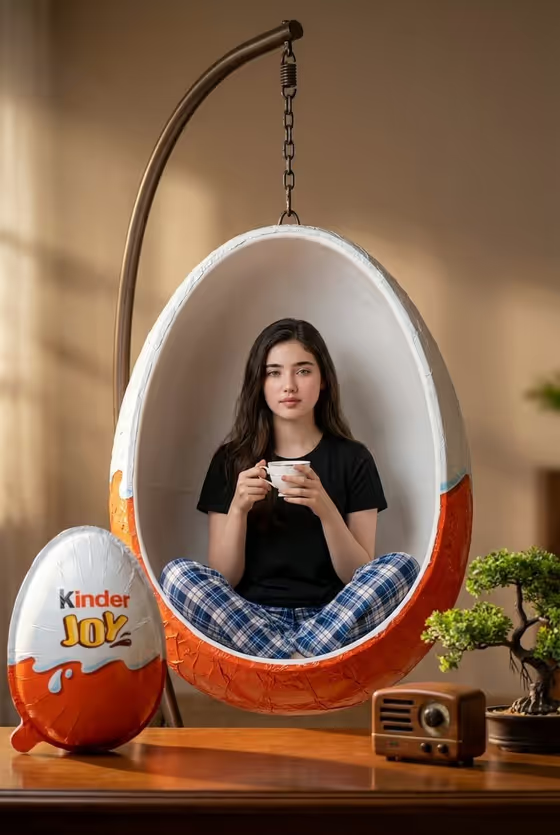
Polaroid Element Breakout makes a single image of a hand holding a square instant photo, where the thing pictured inside the frame spills out past the white border and into the real scene. The cover example shows honey pouring from the print onto a wooden table, with a printed word on the border and small crumbs and honeycomb pieces nearby.
It suits anyone who wants a striking, surreal still for a product shot, a social post, a mood board or a creative experiment. You choose the element, how it breaks out, the word on the label and the surface it lands on, and the template handles the physically continuous look across the photo edge.
What works best as input
- The Polaroid element and Breakout interaction slots accept a photo as well as text, so you can upload a reference for the substance or the motion if words are not enough. The template is set up for 2 or more uploaded photos, so have your references ready before you start.
- If you type the element instead, be specific about material and look. Something like "molten gold" or "ocean water" gives the model a clearer texture to carry across the frame edge than a vague word like "liquid".
- Pick elements that read clearly at close-up scale and can plausibly flow, grow or billow. The examples in the template (ocean water, wildflowers, molten gold, soft clouds) show the kind of subject that works.
- Polaroid label and Real-world surface are text only, so a photo will not help there. Keep the label to one clean word, since the template prints a single word on the white border.
- Describe the surface by material and tone, such as "dark walnut desk" or "pale stone tabletop", so light and texture can match the element.
How to use it
- Open the Polaroid Element Breakout template in Phosphene.
- Fill in Polaroid element with what should emerge from the photo (type it, or add a reference photo), then set Breakout interaction to describe how it crosses into the room.
- Enter your Polaroid label as one word, and describe the Real-world surface that will receive the element.
- Generate the image, then check that the hand, the square card and the printed word look crisp and that the element flows continuously out of the lower frame edge. Adjust a field and run it again if something feels off.
Tips for a better result
- Keep the element, the breakout motion and the surface in the same visual world. Honey pouring onto aged wood in the cover feels natural because the warm tones and textures agree.
- Try changing only the Breakout interaction while keeping everything else the same. "Pouring onto the table", "growing beyond the frame" and "billowing into the room" give very different images from the same element.
- Choose a label that echoes the element in a single word (OCEAN, BLOOM, AURUM, DAYDREAM) so the border text and the picture tell the same story.
- Pick a surface that contrasts with the element without clashing, such as a brushed steel slab under warm molten gold, to make the breakout stand out.
Common mistakes
- Writing a long phrase or sentence in Polaroid label. The template expects one clean word, and extra text works against the crisp printed look.
- Choosing an element that cannot realistically cross the border, or describing a breakout motion that does not fit it, for example "pouring" for a solid object.
- Using vague entries like "stuff" or "nice table". Thin descriptions give the model little to match in color, texture and light across the photo boundary.
FAQ
Do I have to upload photos?
The template lists 2 or more photos as its upload requirement, and the Polaroid element and Breakout interaction slots can take a photo. The label and surface slots are text only.
What does the output look like?
It is a single image in 3:4 showing one hand holding a square Polaroid, with the pictured element continuing out of the lower edge of the frame onto your chosen surface.
Can I put more than one word on the Polaroid?
The label is meant to be a single clean word printed on the white border, and the template adds no other copy to the image.
What can I use for the real-world surface?
Any material that can receive the element, described in plain words. The template's examples are a pale stone tabletop, a dark walnut desk, a brushed steel slab and a warm paper backdrop.