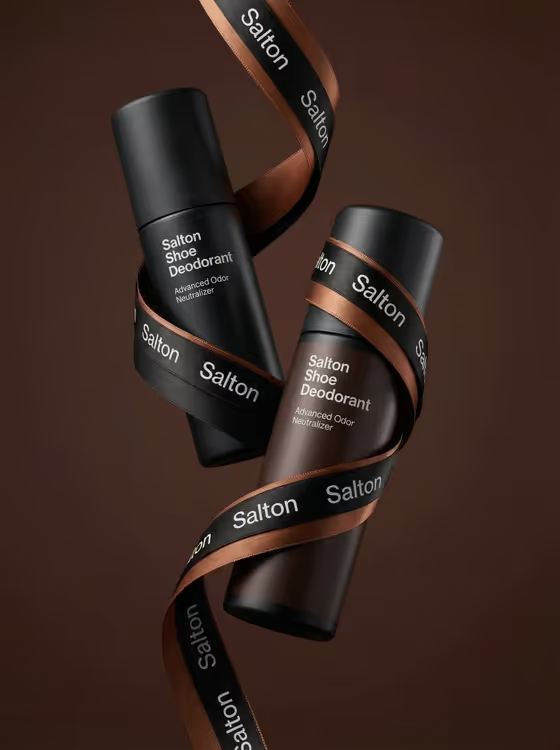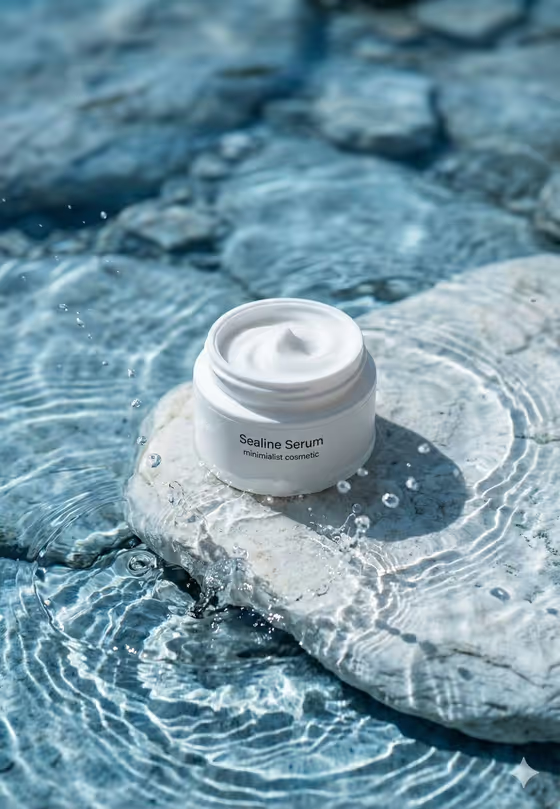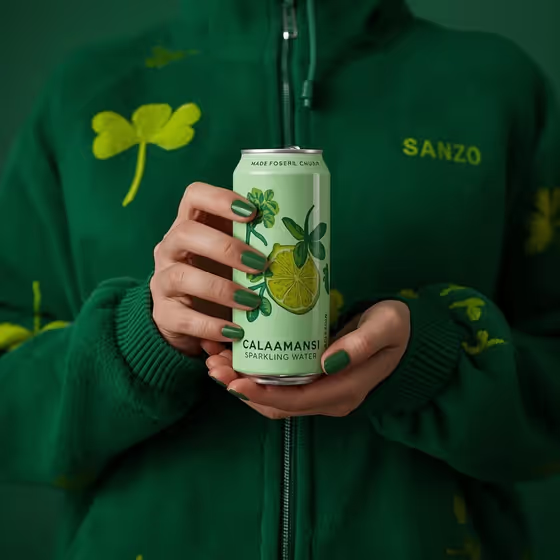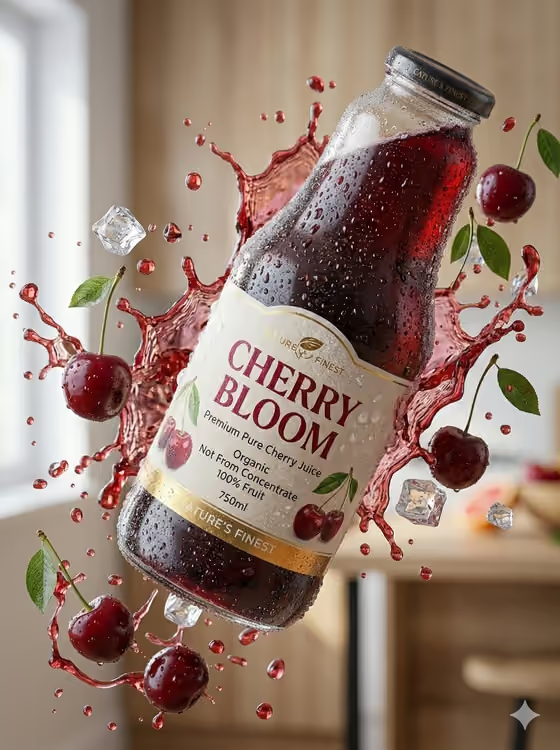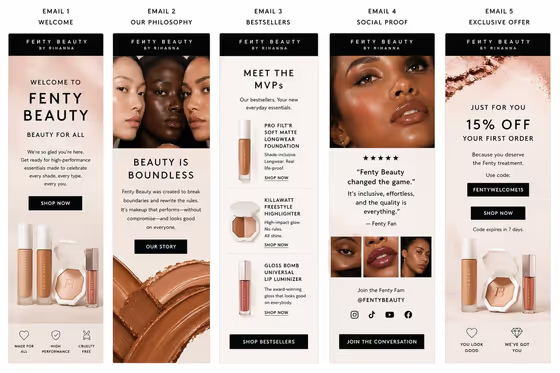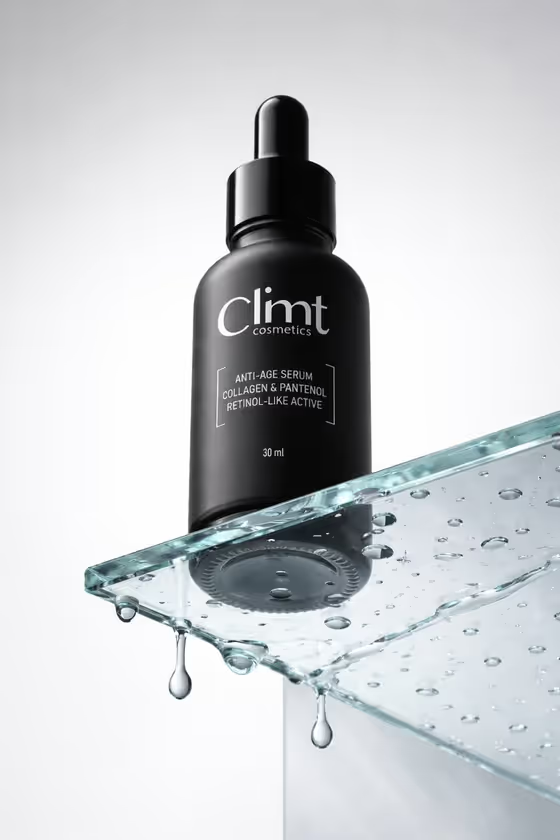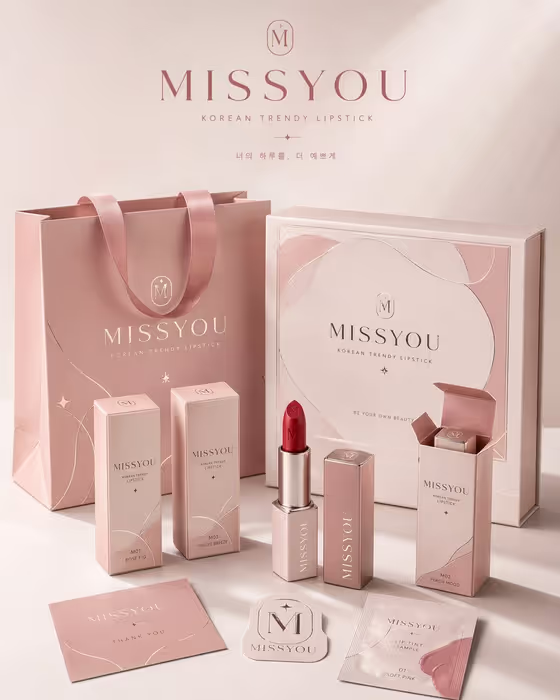
Packaging Family System builds a vertical proposal board that shows one brand applied across a whole set of packaging pieces. Think of the kind of board in the cover image: a shopping bag, a gift box, individual product cartons, the product itself, and small supporting cards, all sharing one color palette, logo and finish.
It suits designers, founders and small brands who want to present a packaging concept as a coordinated family rather than a single box. You describe the product or packaging idea, choose how it is presented, and enter the brand name to be rendered on the board.
What works best as input
- In the first field (coordinated consumer packaging family product or object), you can either type a description or upload a reference photo of your exact product or packaging. Use a photo when you want the shapes and look to match something real.
- If you upload, pick a clear, well-lit image of the product or an existing package, with the whole object visible and little clutter behind it.
- If you describe instead, name the product type and the packaging pieces you expect, for example a lipstick with cartons, a bag and a gift box, so the board has clear forms to arrange.
- Keep the description focused on the product itself. The brand name belongs in its own field, not in this one.
How to use it
- Open the Packaging Family System template in Phosphene.
- In the first field, describe your product or packaging family, or upload a photo of the exact product or object you want shown.
- Choose an option in Product presentation to set how the board is framed, then type your name in Packaging brand name (the placeholder example is Verdant).
- Generate the image, then review the 3:4 board for consistent branding across the bag, boxes, labels and small pieces, and adjust your inputs if something is off.
Tips for a better result
- Use a short, easy-to-read brand name. The words are rendered exactly as you type them, so spelling and capitalization carry through to every package.
- Try different Product presentation options, such as a clean studio hero or an annotated product breakdown, to see the same family framed in different ways.
- Be specific about the product category in the first field. A concrete object gives the board clearer package forms than a vague phrase.
- If you want a particular color mood or finish like the soft pink and foil look in the cover, upload a reference photo that already shows it.
Common mistakes
- Putting the brand name in the product field instead of the Packaging brand name field, which can leave the lettering on the packaging unclear.
- Uploading a cluttered or cropped photo, so the product shape is hard to read and the packaging family loses consistency.
- Using a very long brand name or phrase, which can make the rendered text on small labels harder to read.
FAQ
Do I have to upload a photo?
No. The first field accepts either a text description or a photo. Upload one if you want the board to follow your exact product or reference.
What does the board show?
A vertical 3:4 proposal board arranging several packaging formats, labels and supporting pieces under one coherent brand identity, as in the cover image.
Can I put my own brand name on it?
Yes. Type it in the Packaging brand name field and it will be used as the exact words on the packaging.
What does Product presentation change?
It sets how the board is framed, with options such as a clean studio hero, dynamic material interaction or an annotated product breakdown, while the core packaging-system look stays the same.