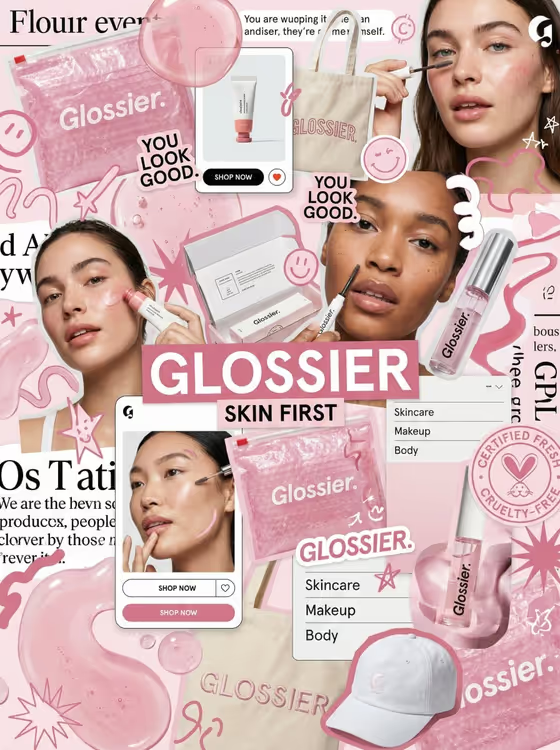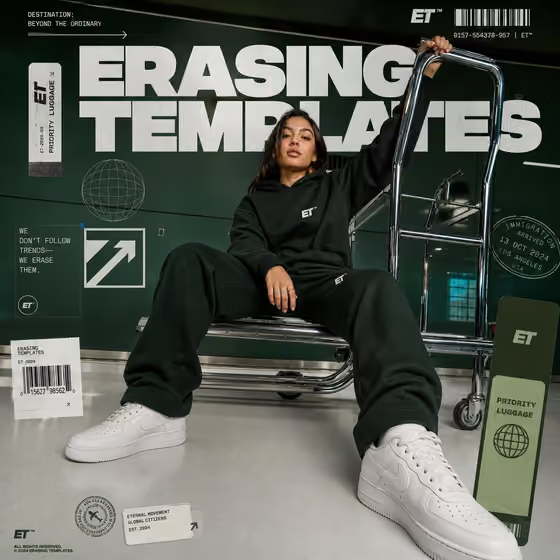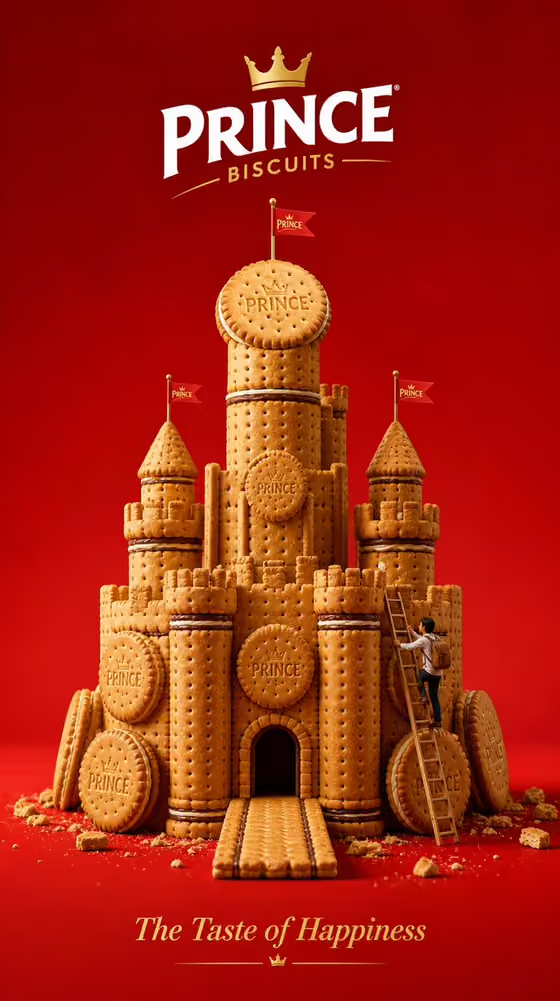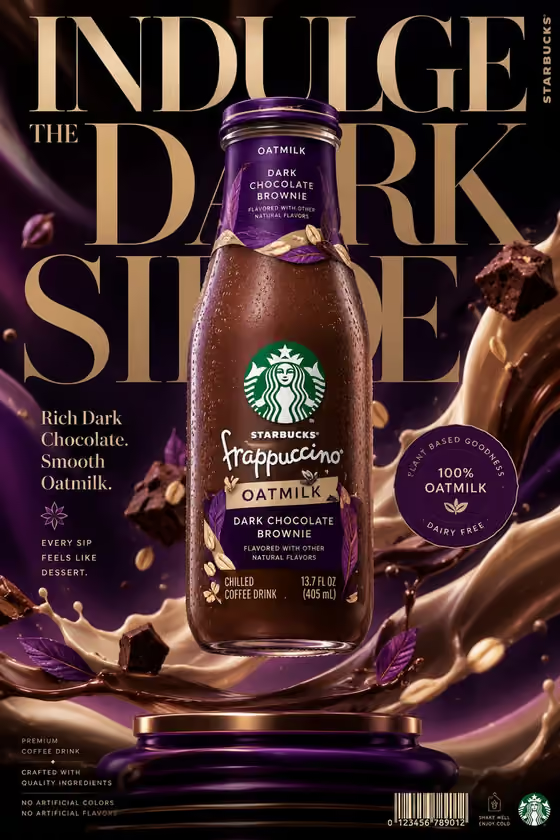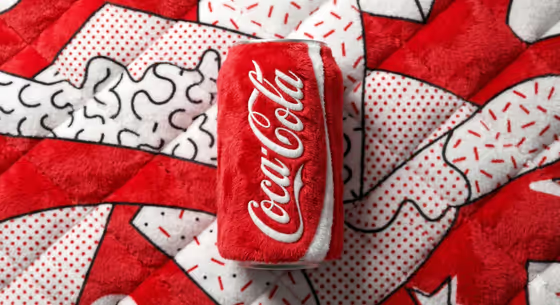
This template turns a beverage can into a fluffy plush toy version of itself. The can and its background are rendered in soft fabric with visible fibers, set in a bold Pop Art and Memphis style with a bright, clean studio look, like the plush can on a patterned quilted surface in the cover image.
It suits product designers, small drink brands, social media managers and anyone who wants a playful, tactile product visual built around a brand name and a color palette. You get a single image in a 3:4 frame.
What works best as input
- For the Beverage product can field, you can describe the can in text or add a package reference photo. Pick a clear, straight-on shot of the can with the label fully visible.
- If you describe it instead, be specific about the type of drink and the can look, for example "a fruit soda can" or "an iced coffee can", so the plush shape matches what you have in mind.
- A photo with even lighting and a plain background helps the shape and label layout read clearly. Avoid heavy glare, cropped edges or cluttered scenes.
- In Brand name, type the exact name as it should appear on the can, such as FIZZ or CLOUD COLA. Check the spelling before you generate, since the name is what gets stitched onto the plush.
How to use it
- Open the Plush Beverage Can template in Phosphene.
- Fill in Beverage product can with a short description, or add a reference photo of the can.
- Type your Brand name exactly as printed, then choose a Brand colors option, such as Electric blue and coral or Cherry red and cream.
- Generate the image, then review the plush texture, the brand name and the colors, and adjust your inputs if something is off.
Tips for a better result
- Try the different Brand colors options to see how the plush background and can change. High-contrast pairs like Lime green and violet give a strong Pop Art feel.
- Keep the brand name short. Brief names like PULSE or FIZZ tend to be easier to read on a small curved can surface.
- Change only one field at a time between runs, so you can tell whether the can description, name or color caused the difference.
- Be specific about the can type (energy drink, sparkling water, iced coffee) to steer the overall shape and character of the plush toy.
Common mistakes
- Misspelling the brand name or adding extra words. Enter only the exact name you want printed on the can.
- Writing a vague can description like "a drink". Name the type of can so the plush replica looks right.
- Using a busy or low-quality reference photo where the can is small, blurry or partly hidden.
FAQ
Can I upload a photo of my can?
Yes. The Beverage product can field accepts a photo reference or a text description. The other fields, Brand name and Brand colors, are text or a choice only.
What size is the result?
The template outputs a single image in a 3:4 aspect ratio.
Can I change the Pop Art style?
The plush fabric look, Pop Art and Memphis styling and clean studio composition are fixed. You customize the can, the brand name and the color world.
Why does my brand name look slightly off?
Text on curved plush surfaces can vary. Use a short, exact name and generate again if the lettering is not right.