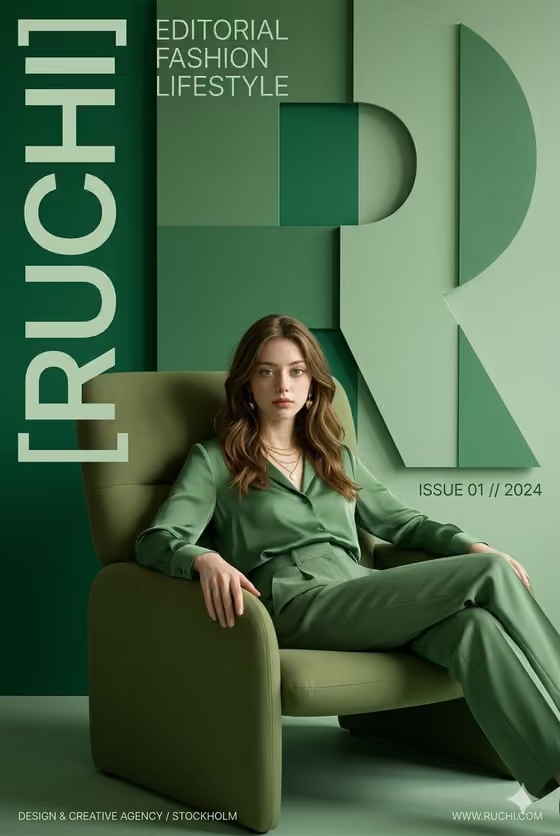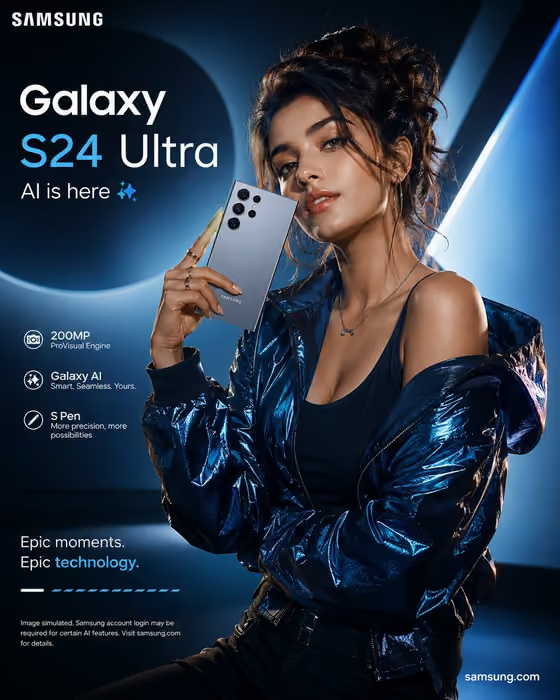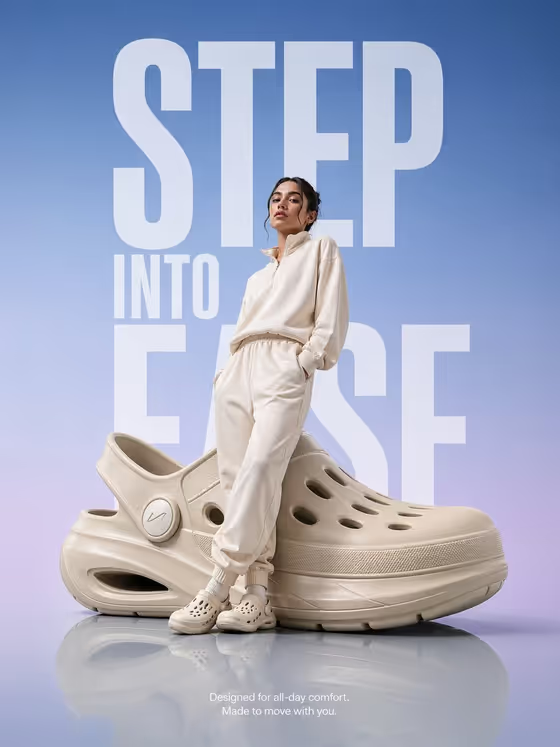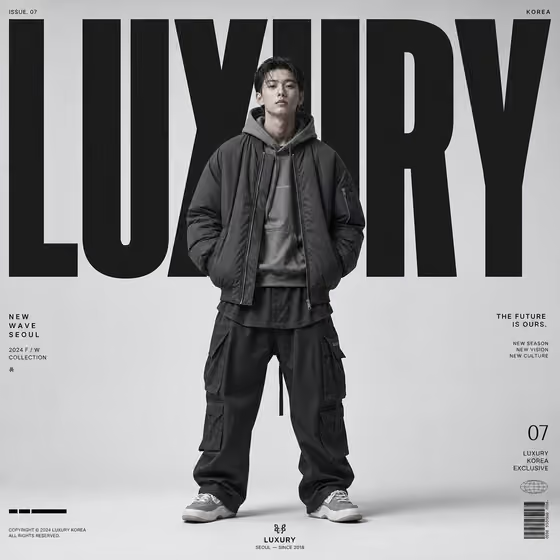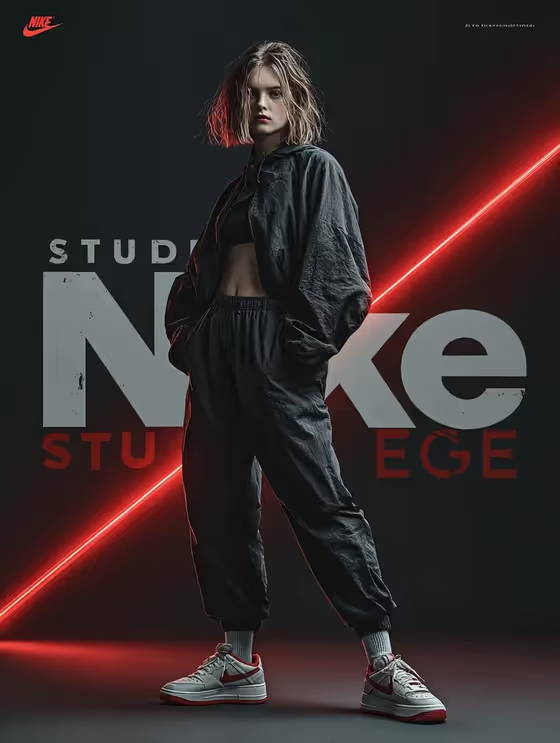
This template builds a 3:4 fashion campaign image around a single athletic subject caught mid-jump in a twisting pose. Your campaign word appears large behind the figure, with prismatic light trails following the limbs and the edges of the garment.
It suits designers, brand teams and creators who want a bold editorial poster look for a concept campaign, a lookbook cover or a social announcement. The direction avoids third-party logos, so it works best for unbranded or original apparel ideas.
What works best as input
- In the Fashion model or subject field, you can either describe the subject in text or upload a photo. Use a photo only if you are authorized to use it, such as your own fashion portrait or artwork you have rights to.
- If you type a description, name the activity and the outfit, like the built-in examples: runner in an iridescent performance set, dancer in a holographic jacket, or cyclist in reflective apparel.
- If you upload a photo, pick one with a clear, well-lit view of the person and the garment so the outfit stays readable in the final frame.
- Keep the subject unbranded. The template is set up without third-party logos, so describe the clothing by material and color rather than by brand name.
How to use it
- Open the Prismatic Motion Fashion Campaign template in Phosphene.
- In Fashion model or subject, describe your campaign subject or upload an authorized reference photo.
- In Campaign headline, enter the short word you want rendered behind the model, such as LUMINA or VELOCITY.
- Generate the image, then check that the headline is legible, the garment is visible and the light trails follow the pose.
Tips for a better result
- Keep the headline short. One or two words, like PRISM RUN or AFTERGLOW, gives the layered lettering behind the model room to read clearly.
- Add material cues to the subject text, such as holographic jacket or reflective apparel, so the iridescent set and the garment work together.
- Try different activities (runner, dancer, cyclist) to change the feel of the twisting jump while keeping the same prismatic style.
- If a result hides too much of the outfit, simplify the subject description and generate again.
Common mistakes
- Writing a long sentence as the headline. The field is meant for a short campaign word, and long text gets crowded behind the figure.
- Naming a real brand or logo in the subject. The template is built for unbranded campaigns, so brand names work against the intended look.
- Uploading a photo you do not have permission to use. Only use your own images or artwork you are authorized to work with.
FAQ
Do I have to upload a photo?
No. The Fashion model or subject field accepts a text description, and a photo is optional. The Campaign headline field is text only.
Can I change the colors of the gradient and light trails?
The color direction is fixed to a hot magenta to sapphire gradient with refracted flares. You control the subject and the headline.
What shape is the image?
The output is a still image in a 3:4 portrait aspect ratio, suited to posters and vertical campaign frames.
Will the headline appear in front of the model?
No. The headline is layered behind the figure, so the model and garment stay in front of the lettering.