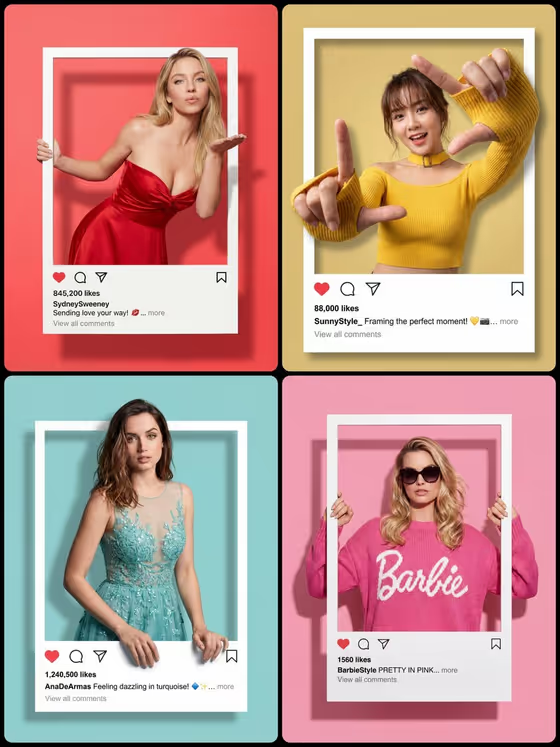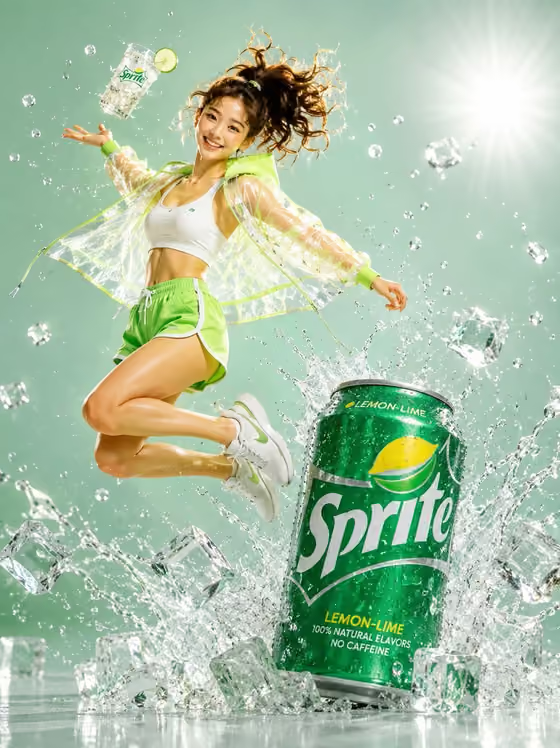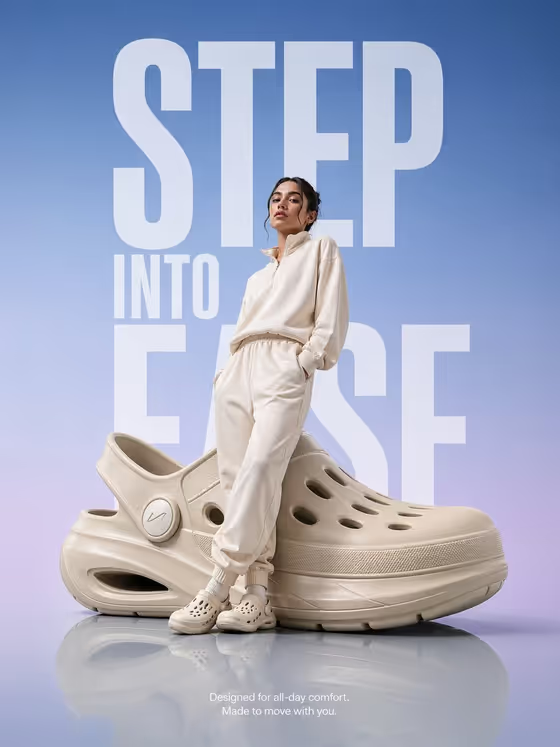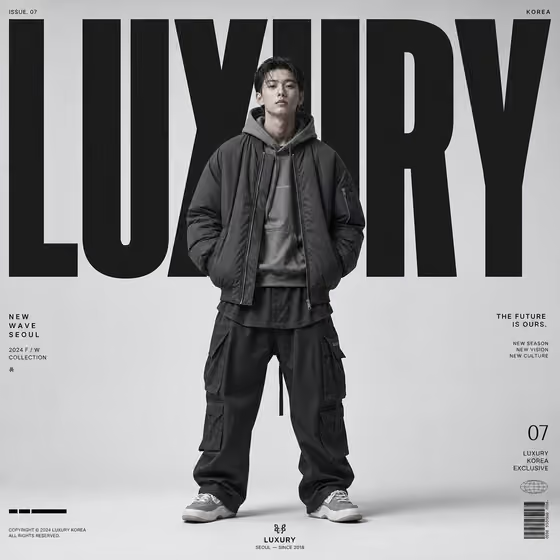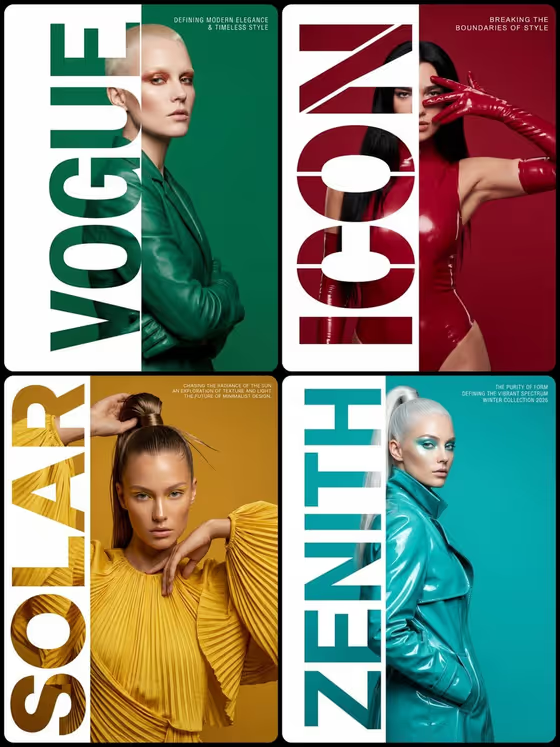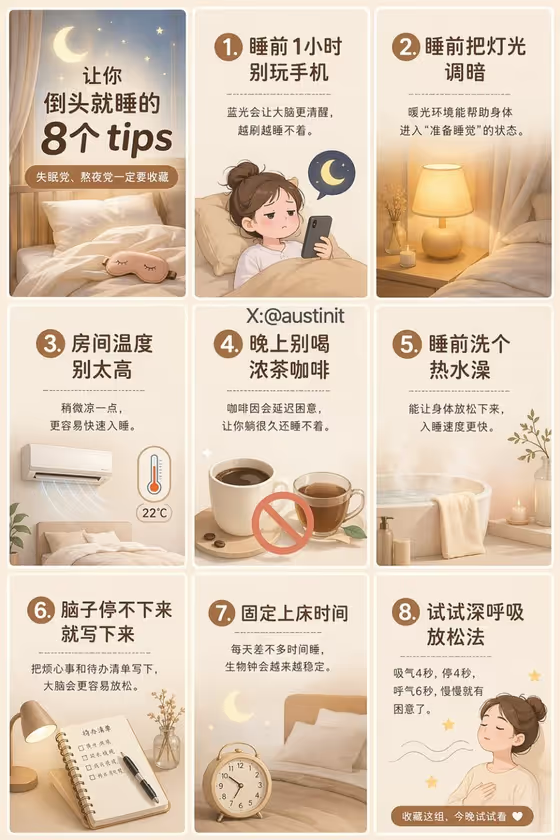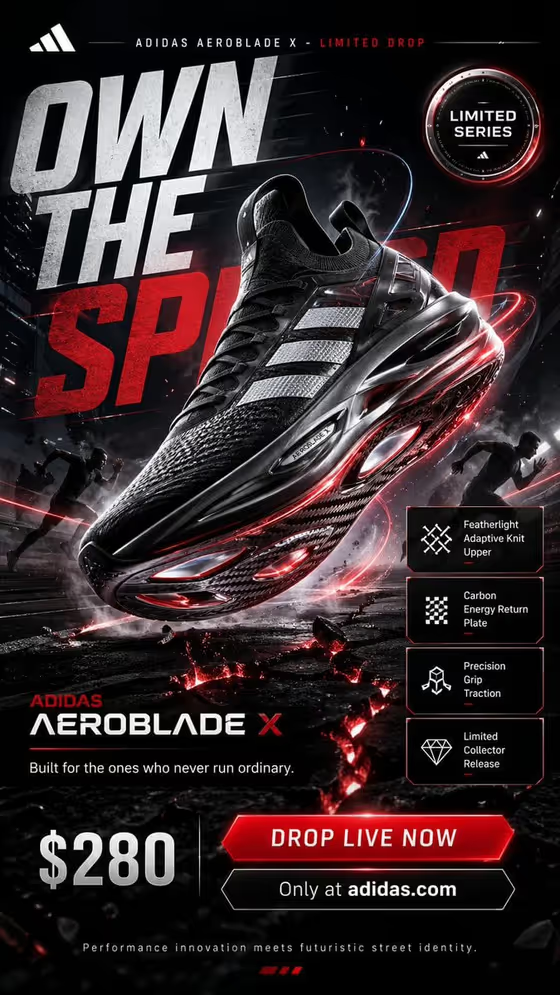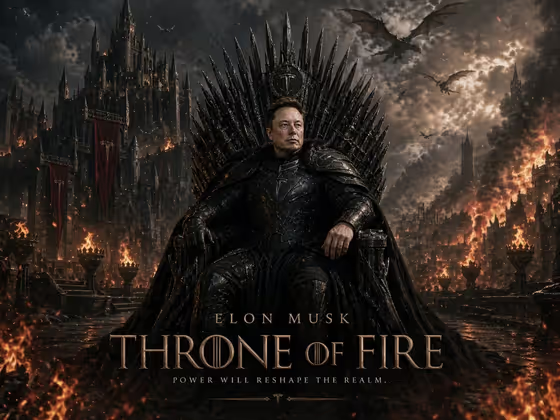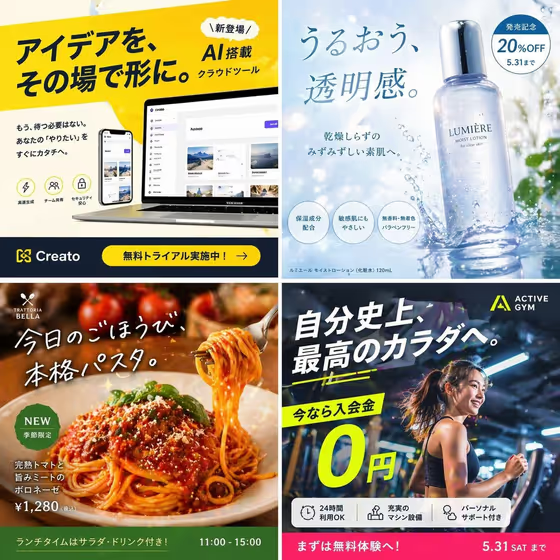
This template builds a square (1:1) marketing image around one clear hero subject, the kind of frame you would use for a social post or a campaign tile. It leaves room for headline copy and keeps the subject's shape, materials and light believable, so the result reads as a finished ad rather than a loose illustration.
It suits anyone who needs a quick campaign visual: a small brand testing a product launch post, a marketer drafting layout ideas, or a creator planning a themed promotion. The cover shows the range, with a cloud tool, a skincare bottle, a pasta dish and a gym offer each given one dominant focal point and space for text.
What works best as input
- In Campaign subject product name, describe the hero as specifically as you can: what it is, its color, material and any key detail. A vague entry gives the template less to hold on to.
- Name one subject only. The template is built around a single hero, so listing several products in one field works against that.
- Mention the form of the subject (for example a tall glass bottle, a plated dish, a person mid-motion) so its geometry and proportions stay believable.
- If your brand name or label text matters, include it in the description, since readable branding is part of what the template tries to keep coherent.
- This template has no photo upload slot, so everything about the subject has to come from your written description.
How to use it
- Open the template in Phosphene and find the two fields: Campaign subject product name and Poster structure.
- Type your hero into Campaign subject product name, or start from one of the suggested examples such as a product launch poster and edit it to fit your subject.
- Pick a layout in Poster structure. For a clean single-focus frame, choose single hero with copy; the other options are modular grid story, editorial collage and vertical feature infographic.
- Generate the image, then check that the hero is immediately readable, the headline area is usable, and nothing unrelated or duplicated has crept in.
Tips for a better result
- Match the structure to your goal: single hero with copy for one bold message, editorial collage when you want a more layered, magazine feel.
- Add lighting or setting cues to your subject description (soft daylight, water splash, restaurant warmth) to steer the mood the way the cover examples do.
- Run the same subject through different Poster structure options and compare, since the layout changes how much space is left for text.
- Keep the subject wording short and concrete, then adjust one detail at a time so you can see what changed.
Common mistakes
- Describing several heroes or a whole product range in one field, which pulls focus away from the single-subject design.
- Leaving the subject generic, such as only a fashion campaign, and then expecting specific product details or branding to appear.
- Choosing a busy structure like modular grid story when you actually wanted a single bold frame with clear headline space.
FAQ
Can I upload my own photo?
Not in this template. Both fields are text-based, so you describe the subject in Campaign subject product name rather than attaching an image.
What shape is the output?
A square 1:1 image, suited to social feeds and similar square placements.
Does it add headline text for me?
The template leaves room for headline copy around the hero. Check the generated result, and plan to finalize exact wording in your own design tool if you need precise text.
What can I put in Poster structure?
The suggested options are single hero with copy, modular grid story, editorial collage and vertical feature infographic. Choose the one that fits how much information you want the frame to carry.