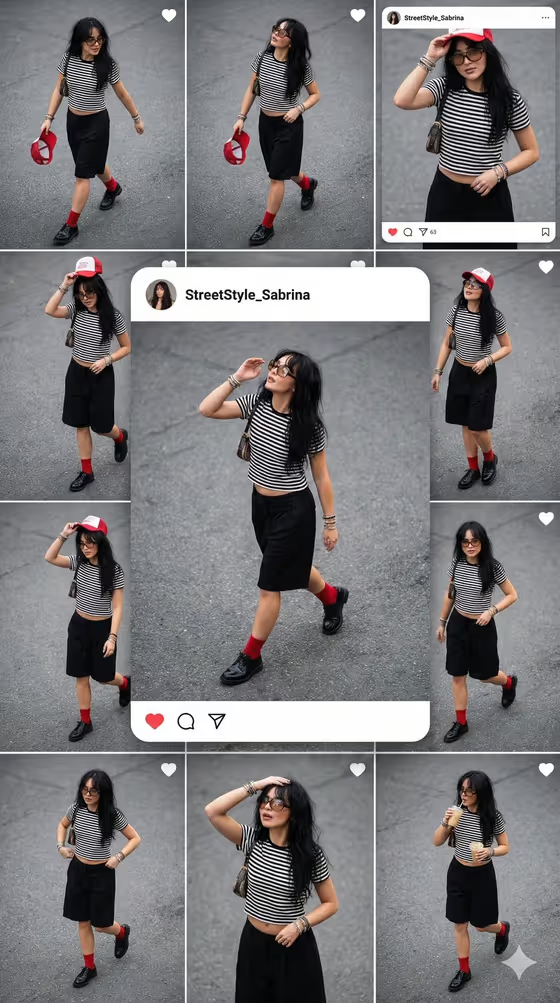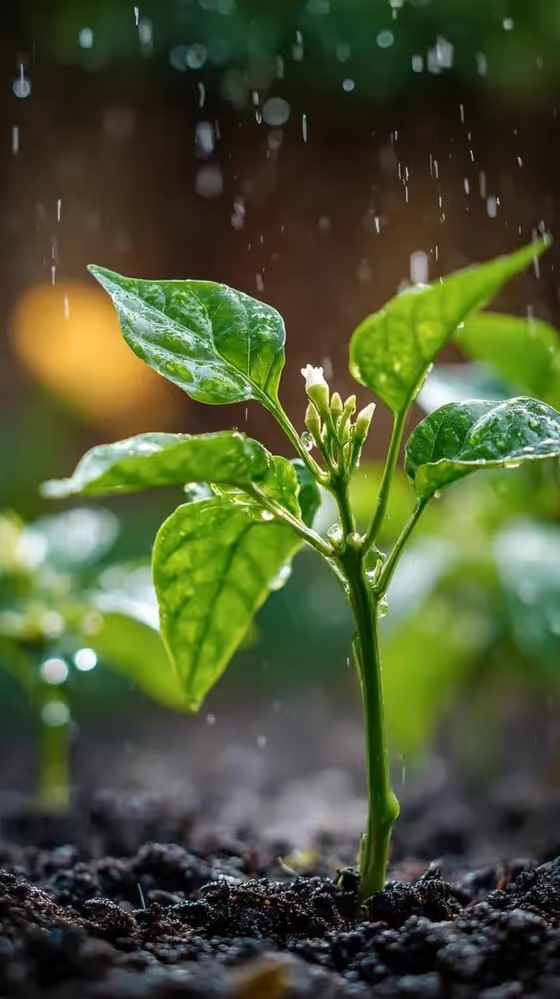
Rainy Chili Macro produces a close-up garden image of a young plant in gentle rain, shot from ground level with glossy leaves, a single tiny white flower bud, dark damp soil and droplets caught in the air. The output is a 3:4 image with a softly blurred garden behind the plant.
It suits gardeners, plant lovers, and anyone who wants a moody, nature-style macro picture for a wall, a phone wallpaper, or a social post. You only fill in one field, Plant subject, so it is a quick way to get a polished rainy-garden shot of a chili plant or another small plant.
What works best as input
- The Plant subject field is required and accepts either a photo or a short text description, so pick whichever you have at hand.
- If you use a photo, choose a clear, well-lit picture of one plant where the leaves and stem are easy to see. A cluttered frame makes it harder to tell which plant should be the subject.
- If you type instead, keep it short and concrete, like the placeholder 'a young chili plant'. Naming the plant type and its age (young, small, sprouting) gives the template something specific to work with.
- The template builds in a single small white flower bud, so describing a seedling or young plant fits the scene better than a large mature one.
How to use it
- Open the Rainy Chili Macro template in Phosphene.
- In the Plant subject field, upload a photo of your plant or type a description such as 'a young chili plant'.
- Generate the image and wait for the 3:4 result to appear.
- Review the leaves, droplets and background blur. If the plant does not look like what you wanted, adjust your Plant subject text or swap the photo and generate again.
Tips for a better result
- Try the example subjects for variety. The template lists 'a premium consumer product' and 'a sculptural design object' as alternatives, which carry the same rainy macro look over to a different subject.
- Use 'my exact referenced item' with a photo when you want the result to stay close to a specific plant you own.
- Add small descriptive details to your text, like leaf color or plant type, while keeping the description to a single plant so the macro focus stays tight.
- Generate a few times with slightly different wording and compare. The rain, bokeh and leaf detail can vary between runs.
Common mistakes
- Describing a whole garden or several plants. The template is built around one subject in shallow focus, so a crowded description works against the macro look.
- Uploading a blurry, dark or distant photo. A subject that is hard to read in the source gives the template little to hold onto.
- Writing a long, complicated description. The lighting, rain and camera style are already set, so you only need to name the subject.
FAQ
Do I have to upload a photo?
No. The Plant subject field accepts either a photo or a typed description, so you can start with just text.
Can I use something other than a chili plant?
Yes. The field's examples include other subjects, such as a premium consumer product or a sculptural design object, though the scene is designed around a plant with glossy leaves and a flower bud.
What size and format is the result?
The template outputs a single image in a 3:4 aspect ratio.
Can I change the rain, lighting or camera angle?
Those are part of the template's fixed direction, including the droplets, wet reflections, soft backlit leaves and macro depth of field. You control the subject through the Plant subject field.