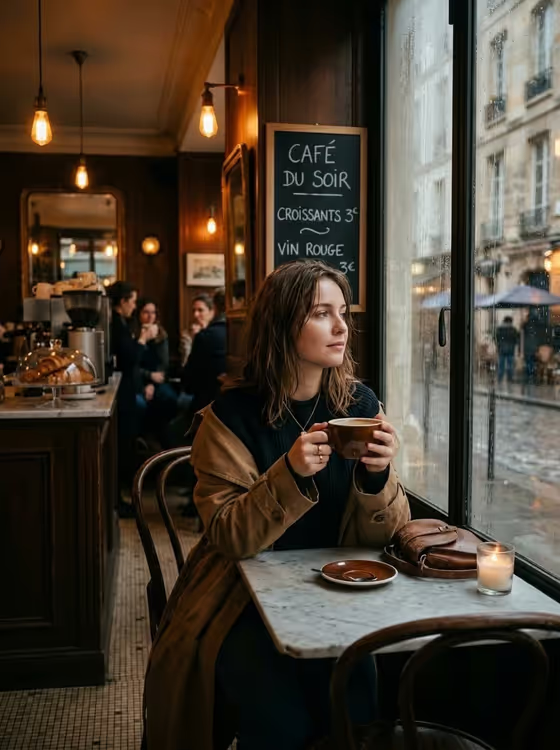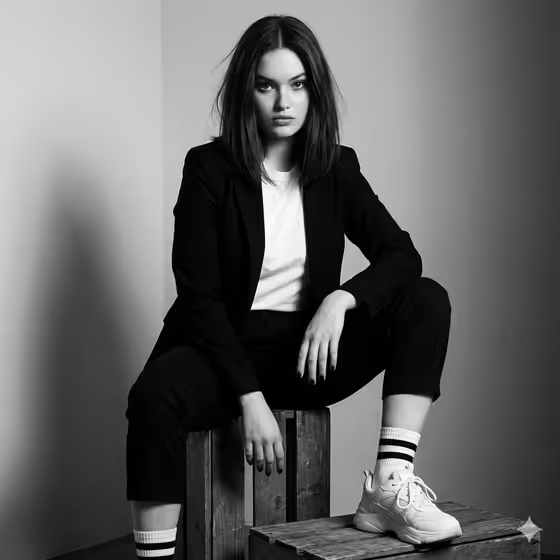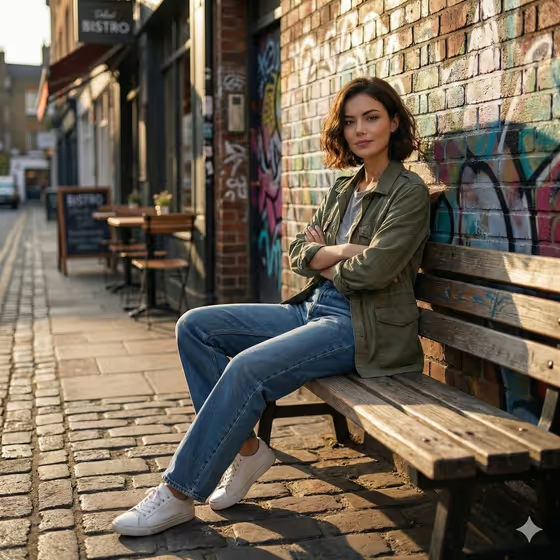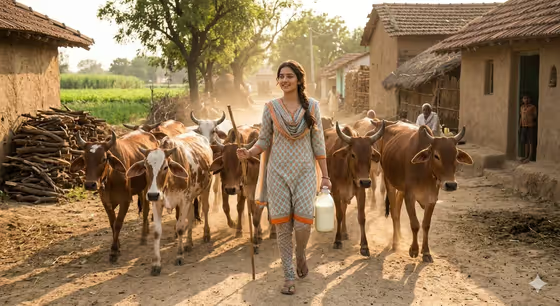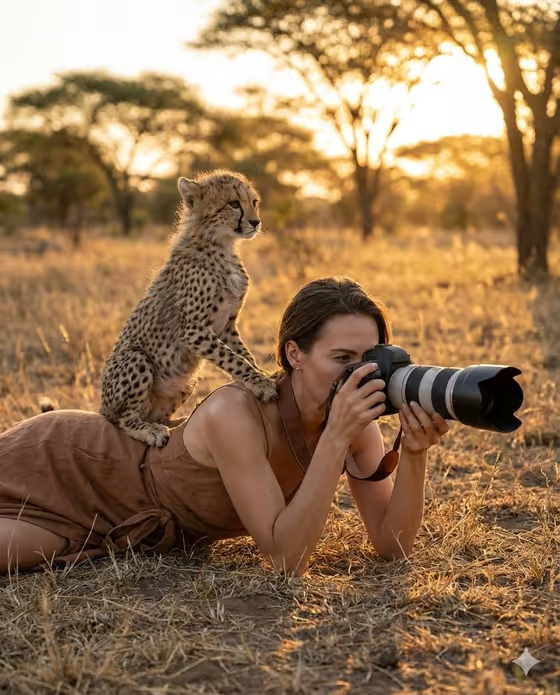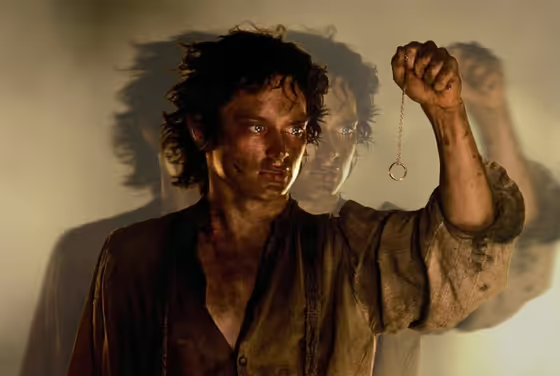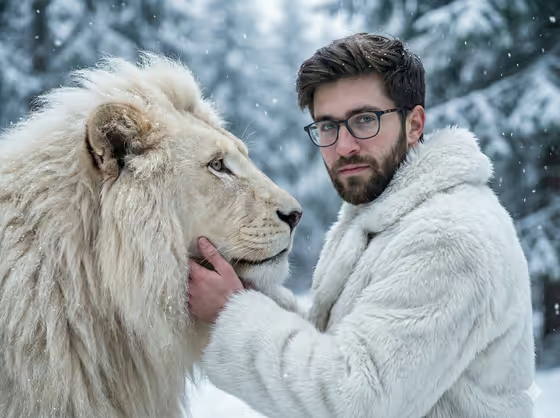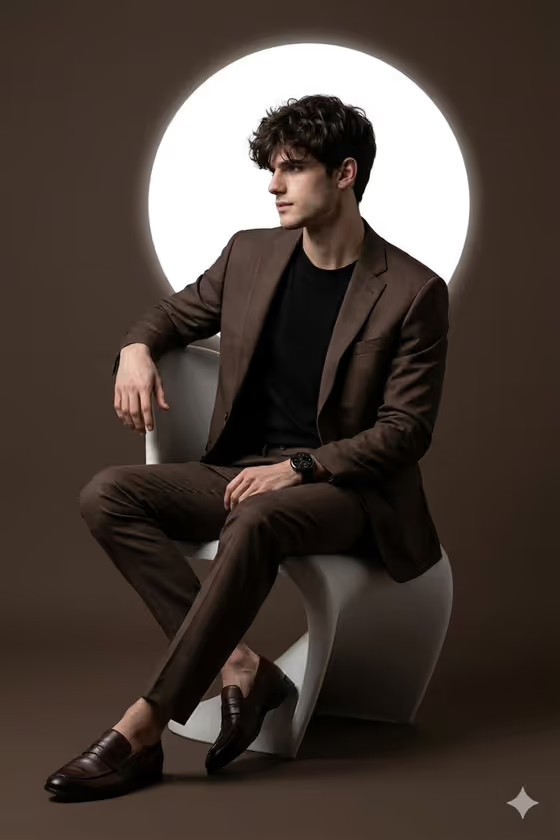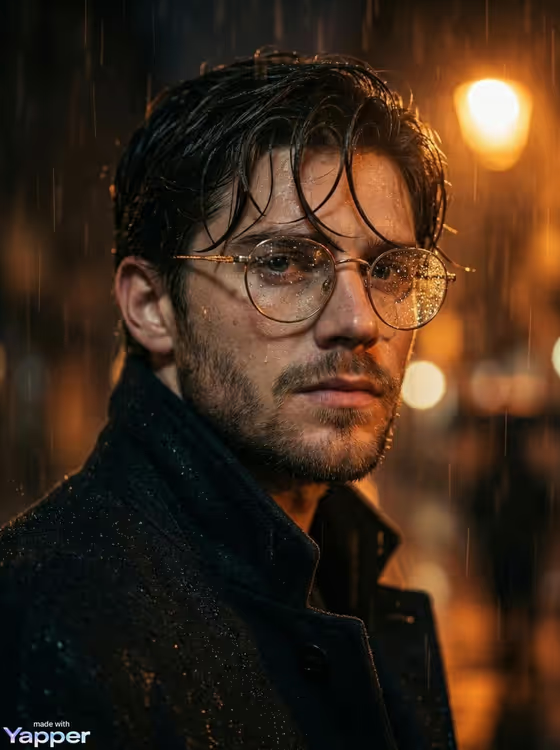
Rainy Glasses Noir turns a portrait into a cinematic night scene. Heavy rain falls around you, droplets bead on round metal glasses, and warm orange streetlight bokeh glows in the background, with wet hair, a dark coat and high-contrast noir grading.
It is made for anyone who wants a moody, film-still style portrait in 3:4 format. It works well for profile images, creative portfolios, and character-style shots that need a gritty urban atmosphere.
What works best as input
- For the Portrait subject field, upload a clear photo of the adult you want in the scene. The field also accepts a short text description if you prefer to type it.
- Choose a photo where the face is sharp and well lit, with the eyes visible. The look depends on the source gaze and lighting, so a clean reference gives the rain and glasses something solid to work with.
- A close or head-and-shoulders framing suits this template, since the result is a tight close-up portrait.
- If you describe the subject in text instead, keep it simple and respectful, like the examples: 'an adult man matching my reference' or 'an adult woman with a distinctive presence'.
- Use a photo of yourself or someone who has agreed to be pictured, and avoid public figures.
How to use it
- Open the Rainy Glasses Noir template in Phosphene.
- In Portrait subject, upload your photo or pick or type a description of the person.
- In Pose or expression, choose an option such as 'calm direct gaze' or 'intense focused gaze', or write your own. The default 'the source gaze and expression' keeps what is in your photo.
- Generate the image, then review the droplets, lighting and expression, and adjust the two fields to try another version.
Tips for a better result
- Try different Pose or expression choices. 'Quiet introspection' gives a softer, thoughtful mood, while 'intense focused gaze' pushes the tension of the noir look.
- Keep the default 'the source gaze and expression' when your photo already has a mood you like, so the result stays close to your reference.
- Start from a photo with some contrast in the lighting. The template keeps dramatic source lighting, so a photo with defined shadows tends to blend naturally with the night rain look.
- Generate a few times with small wording changes in the expression field and compare which version feels most like a film still.
Common mistakes
- Uploading a blurry, tiny or heavily filtered photo, which leaves the face with little to work from and weakens the detailed skin and droplet look.
- Writing a long, complicated description in the expression field. A short phrase like 'calm direct gaze' works better than a paragraph.
- Expecting a bright daytime or colorful result. This template is built around a dark, warm-on-black night palette with heavy rain.
FAQ
Do I have to upload a photo?
The Portrait subject field accepts a photo, and the template is set up for uploading one. You can also describe the subject in text, but a photo helps the result match a real person.
What aspect ratio does it produce?
The output is a still image in 3:4, a portrait orientation.
Will the glasses and rain always appear?
The template is designed around round metal glasses with raindrops, a dark coat and wet hair, and it keeps realistic droplets on skin, glass or clothing. Results can still vary from one generation to the next.
What does the Pose or expression field do?
It sets the gaze and mood of the portrait. You can keep the source expression from your photo or pick something like 'calm direct gaze' or 'quiet introspection'.