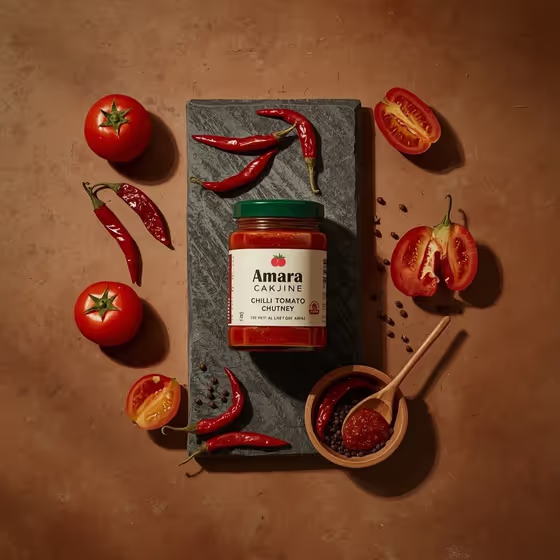
Chutney Ingredient Flat Lay makes an overhead food photo of your dish sitting on a dark stone slab, surrounded by its raw ingredients. In the cover, a jar of chili tomato chutney sits at the center, with whole and sliced tomatoes, red chili peppers, black peppercorns, and a small wooden bowl with a spoon of chutney arranged around it on a warm, earthy background.
It suits home cooks, small food brands, and anyone who wants a commercial-style spread for a jar, a dish, or a recipe post. The output is a 3:4 image, so it fits portrait feeds and product pages.
What works best as input
- For the first field (jar of chili tomato chutney food product or dish), you can either type a short description or upload a reference photo of your exact product or dish.
- If you upload a photo, pick one with the food or jar clearly visible and in focus, with the whole item inside the frame.
- Avoid reference photos with heavy clutter or several competing products, since the template is built around a single hero item.
- If you type instead, be specific and brief, like the placeholder 'a jar of chili tomato chutney', or name your own variation or regional specialty.
- If your product has a label, a straight-on, well-lit reference gives the best chance of the jar looking close to the original.
How to use it
- Open the Chutney Ingredient Flat Lay template in Phosphene.
- In the first field, describe your food product or dish, or upload a photo of it as your visual reference.
- Choose an option in the Food presentation field to set how the final image is framed.
- Generate the image, then check the jar or dish, the surrounding ingredients, and the overall composition.
Tips for a better result
- Try the different Food presentation options (such as plated hero composition or texture-focused close-up) to see the same dish framed in new ways.
- Keep your description close to what is really in the dish, since the surrounding tomatoes, chilies, and peppercorns are part of the fixed styling.
- If a first result is close but not right, regenerate with a slightly more specific description or a cleaner reference photo.
- Use your own variation, like a chef-made version or a regional specialty, to get a flat lay that matches your actual recipe.
Common mistakes
- Writing a long, multi-item description. The template centers on one hero item, so list one dish or product, not a full menu.
- Uploading a dark, blurry, or heavily cropped photo, which gives the generator little to work from.
- Expecting every word on a product label to come out perfectly. Small label text can drift, so check it before using the image.
FAQ
Do I have to upload a photo?
No. The first field accepts either a typed description or an uploaded photo, so you can start with just text.
What size is the image?
The template outputs a 3:4 portrait image.
Can I use it for dishes other than chutney?
The surrounding scene (tomatoes, chilies, peppercorns, wooden bowl) is part of the template's styling, so it fits chutney-style and similar dishes best. The examples also mention chef-made variations and regional specialties.
What does the Food presentation field change?
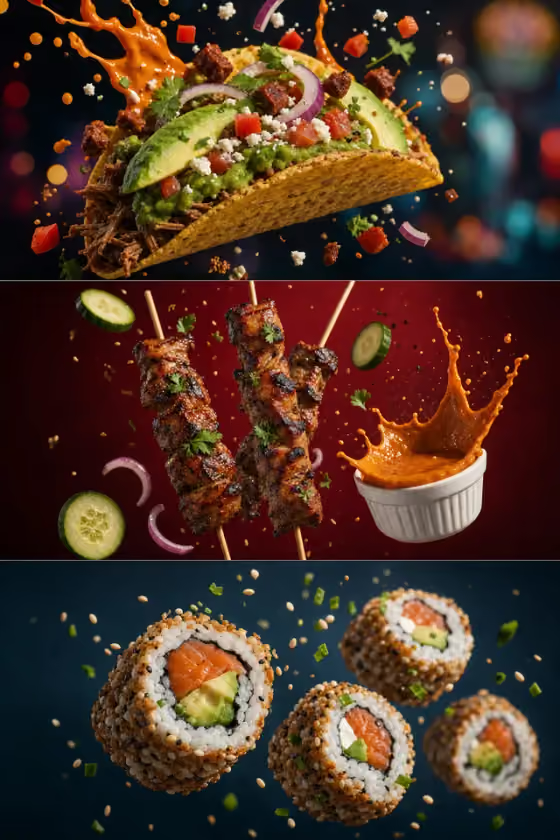
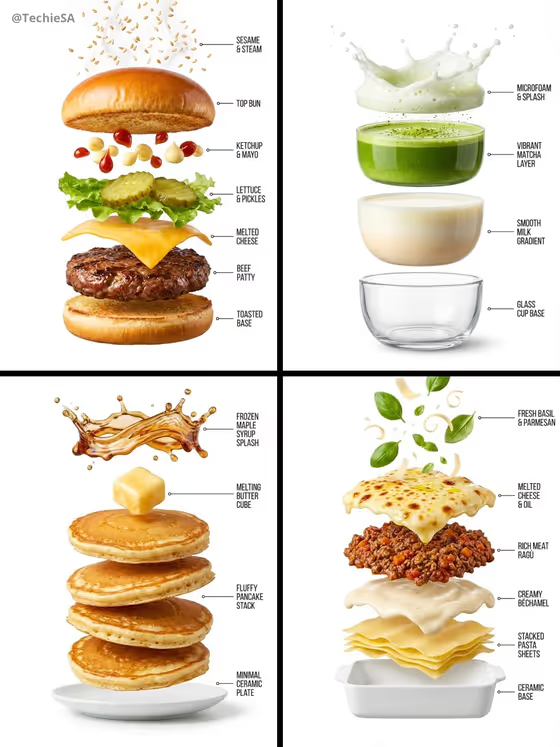
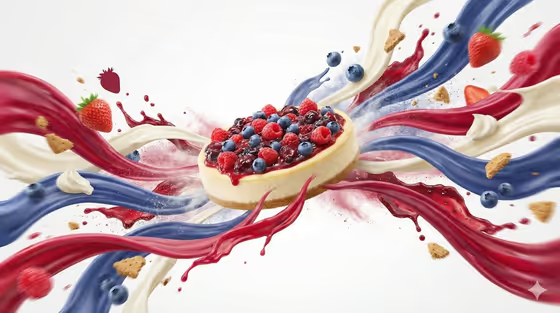
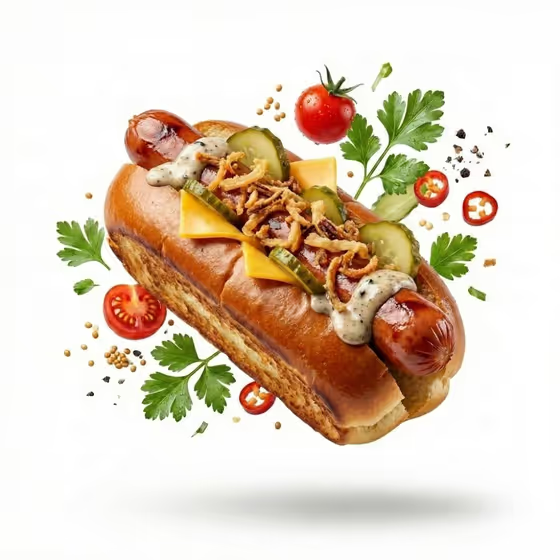
It sets how the finished image is framed, with options like a plated hero composition, an ingredient motion moment, or a texture-focused close-up, while the core look stays the same.