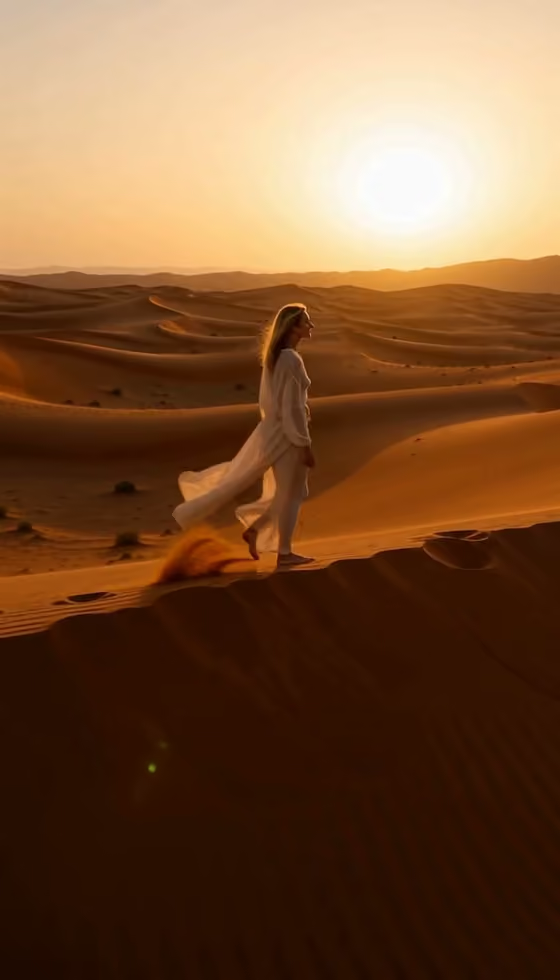
Golden Dunes turns a single portrait into a ten-second vertical video set on a giant Sahara dune at golden hour. The person from your photo walks the crest in flowing light fabric, turns to face the camera, and ends in a warm close-up with wind in their hair.
It suits anyone who wants a short cinematic clip starring themselves or a friend, without needing a desert, a crew, or a camera. The template uses the face, hairstyle, and build from your portrait, and replaces the clothing, background, and lighting with its own scene.
What works best as input
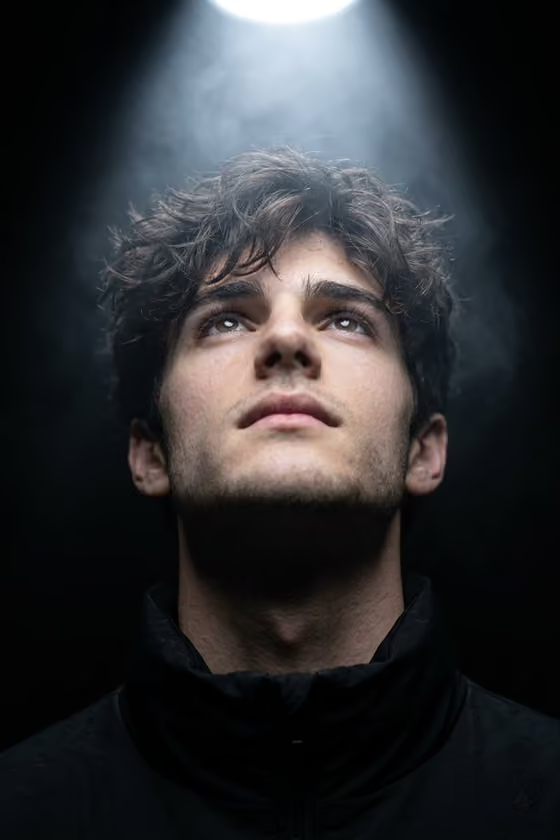
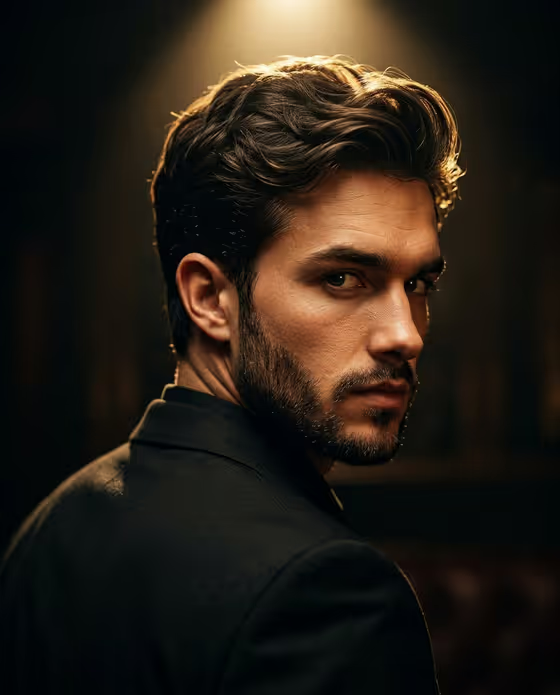
- Upload one clear portrait where the face is fully visible and in focus. The template reads facial features, hairstyle, and build from this image.
- Pick a photo with the face turned toward the camera or close to it, since the video later has the person turn to face the lens.
- Don't worry about the background, outfit, or lighting in the photo. The template replaces all three, so choose the picture for how well it shows the face and hair.
- Avoid heavy filters, sunglasses, or anything covering the face, because a clean view of the features helps the likeness hold across the clip.
- Use a portrait of yourself or someone who has agreed to appear in the video.
How to use it
- Open the Golden Dunes template in Phosphene. It outputs a 9:16 vertical video.
- In the Portrait field, upload your chosen portrait. This is the only input and it is required.
- Start the generation and wait for the video to finish.
- Review the result. Check that the face looks like the person in your photo, then compare it against another portrait if you want a closer match.
Tips for a better result
- Try a few different portraits of the same person. Hairstyle and build carry into the video, so a photo that shows them clearly can change the feel of the walk.
- A sharp, evenly lit portrait gives the template a cleaner starting point than a dark or blurry one, even though the lighting itself is replaced.
- Because the clip is vertical, it fits phone-first formats. Preview it full screen to judge the sunset backlight and the close-up at the end.
- If the first result is not quite right, regenerate with a different source photo rather than a heavily edited one.
Common mistakes
- Uploading a group photo or a picture with several faces. The template expects one person, so crop to a single portrait first.
- Using a small, blurry, or heavily filtered image, which gives the template little to work from for the face and hairstyle.
- Expecting the clothing or background from your photo to appear. The template deliberately swaps in flowing light fabric and a desert dune setting.
FAQ
How many photos do I need?
Just one. The Portrait field takes a single image and it is required.
Will my outfit and background show up in the video?
No. The template uses your face, hairstyle, and build, and replaces the clothing, background, and lighting with the dune scene.
What does the video look like?
It is a ten-second vertical clip: a side-tracking shot of the person walking a dune crest at golden hour, a turn toward the camera, and a push-in to a warm close-up.
Does the video include sound?
The template's direction describes desert wind, sand hissing along the ridges, fabric flapping, and footsteps on sand as the ambient sound.