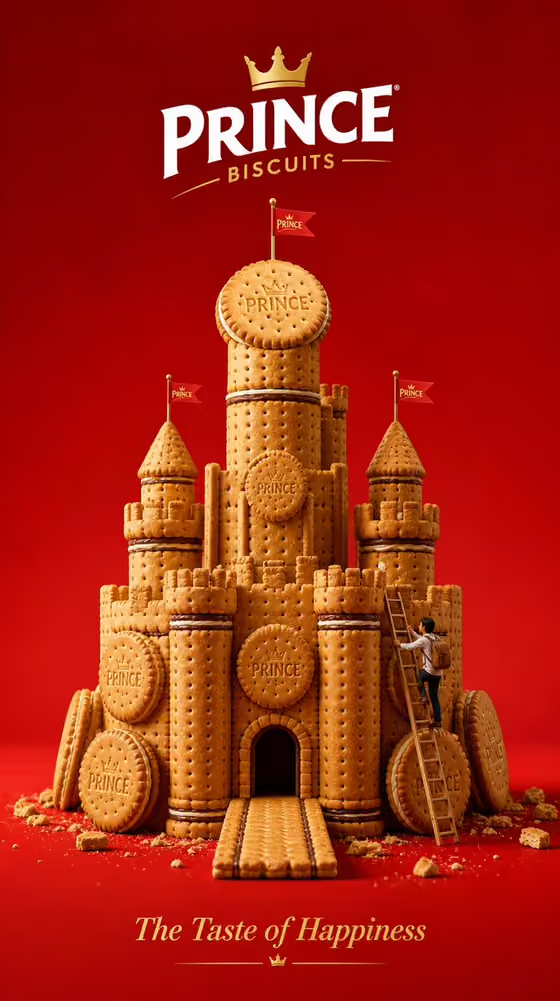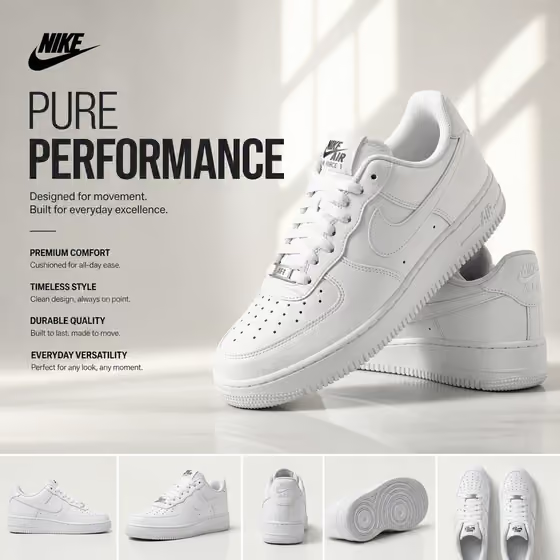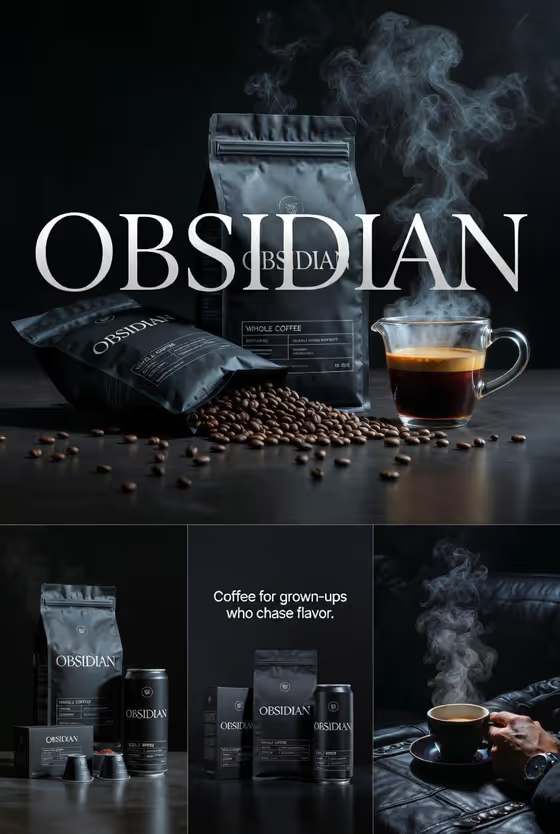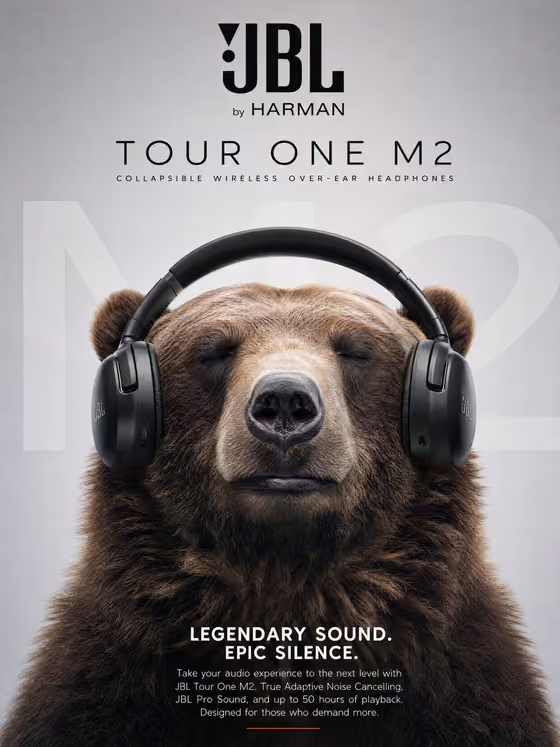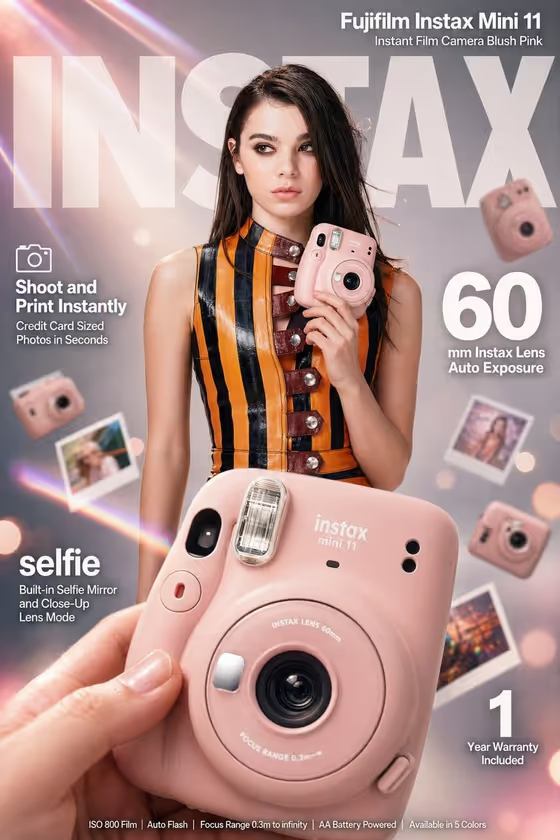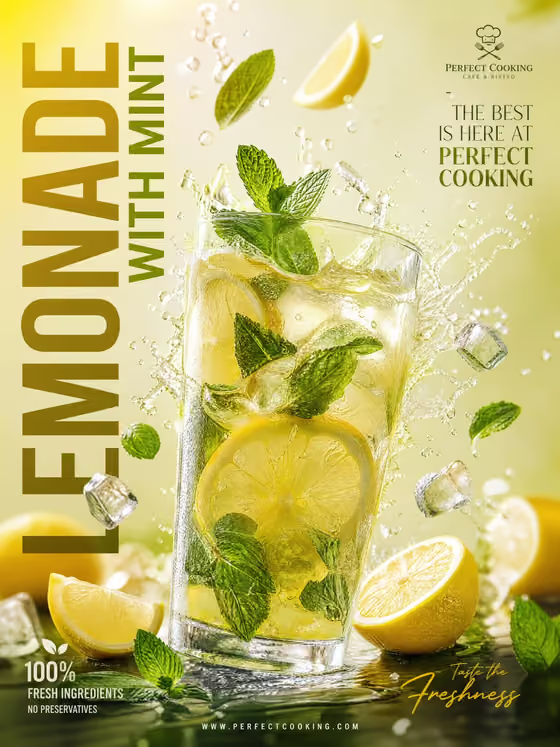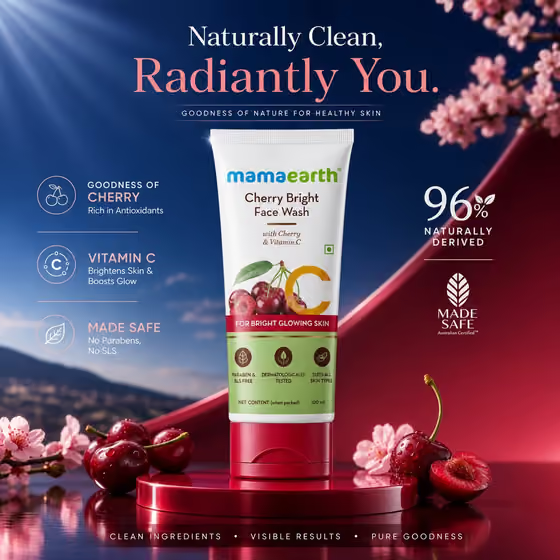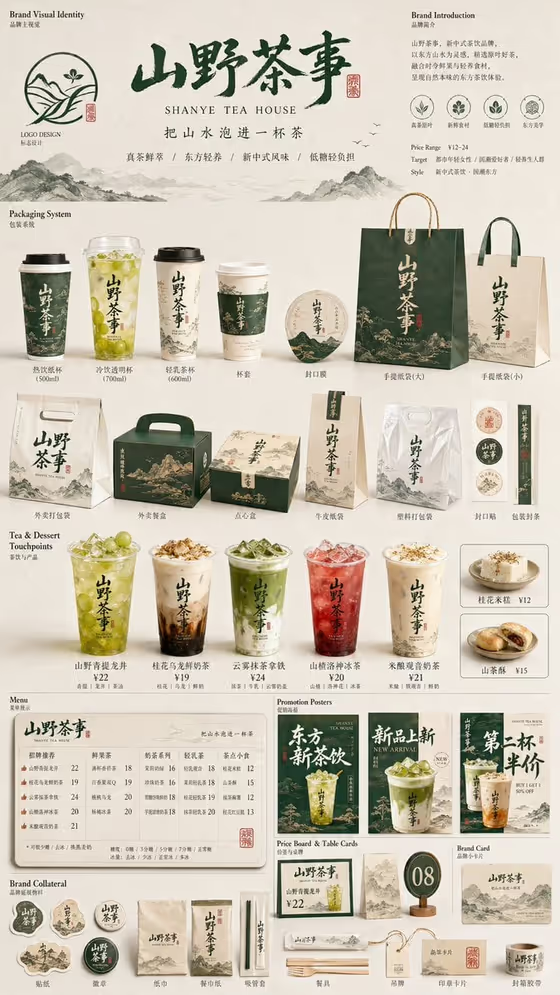
Restaurant Brand Matrix turns one restaurant concept into a single tall board (9:16) that shows the whole brand system together. Identity, hero menu item, packaging, menu information, promotional pieces and small extras sit side by side, so it reads like a design proposal rather than a single ad.
It suits owners, designers and small food and drink brands who want to preview how a name and a product family could look across cups, bags, boxes, menus and posters. The cover example shows a tea house board with a logo area, a packaging section, drink touchpoints, a menu, promo posters and brand collateral, all sharing one color and type logic.
What works best as input
- For the first field (restaurant packaging family product or object), you can either type a short description or upload a photo of the exact product or packaging you want the board built around.
- If you upload a photo, pick a clear, well-lit image where the product or packaging shape is fully visible and not cropped.
- If you describe it instead, name the concrete items and the look, for example a cup and bag family with a specific material or color direction, rather than a vague word like 'nice packaging'.
- For Restaurant brand name, type the exact words you want rendered, such as Ember & Grain, and check spelling and punctuation before generating.
How to use it
- Open the Restaurant Brand Matrix template in Phosphene.
- Fill in the first field with a description of your packaging family or product, or upload a photo reference of it.
- Choose an option under Product presentation, then type your exact name in Restaurant brand name.
- Generate the board, then review the logo, packaging and menu areas to see whether the name and style stay consistent across the touchpoints.
Tips for a better result
- Keep the brand name short. Shorter names tend to be easier to keep legible on cups, bags and signage across the board.
- Try the different Product presentation options with the same name to compare a clean studio feel against a more annotated or dynamic layout.
- Be specific about materials and colors in your description (for example kraft paper, deep green, matte finish) so the whole system feels cohesive like the cover example.
- If you want a premium or unbranded variation, describe it plainly in the first field and rerun with the same brand name to compare directions.
Common mistakes
- Using a vague description such as 'restaurant stuff', which gives the board no clear product or packaging logic to repeat.
- Uploading a cluttered or heavily cropped photo, so the exact product shape is hard to carry through the matrix.
- Entering a very long brand name or misspelling it, which can cause garbled or inconsistent lettering across the many places the name appears.
FAQ
Do I have to upload a photo?
No. The first field accepts either a text description or a photo reference, so you can type what your product or packaging family looks like instead.
What does the output look like?
A single vertical 9:16 image that lays out identity, packaging, menu, promo pieces and extras together as one connected brand proposal.
Can I put my own restaurant name on it?
Yes. The Restaurant brand name field takes the exact words to render, so type your name as you want it to appear.
Is this a finished brand package?
It is a visual proposal board for exploring direction. Treat it as a concept preview rather than production-ready artwork.