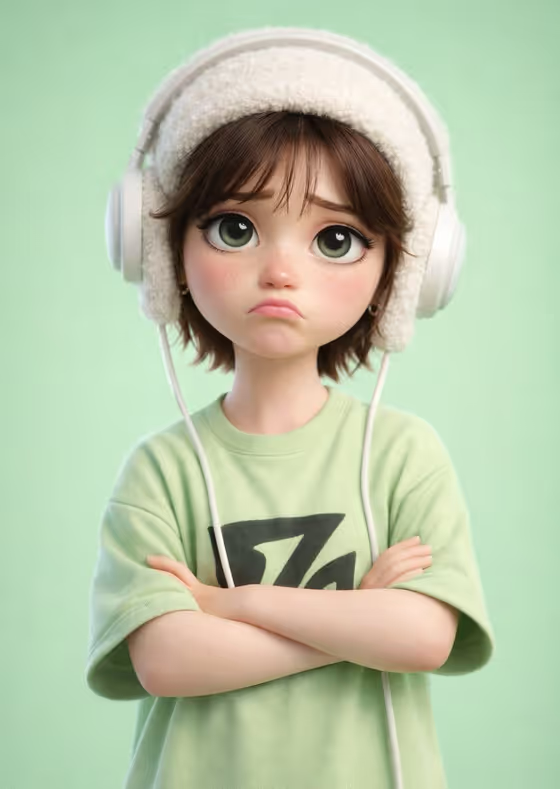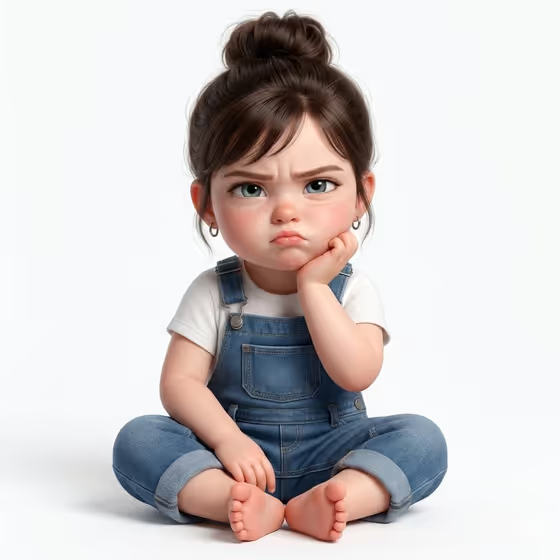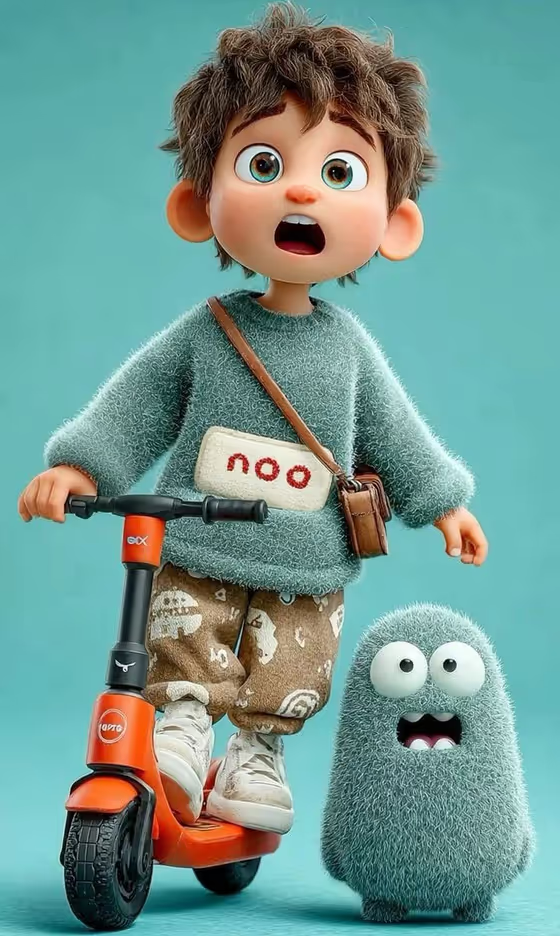
This template turns a person or character reference into a polished 3D animated child character, in the style of feature-film animation. The cover shows the result: a wide-eyed boy with messy brown hair in a fuzzy teal sweater, standing on an orange electric scooter next to a small fuzzy bean-shaped companion, all against a plain teal studio backdrop.
It suits anyone who wants a cute cartoon-style portrait of a kid, a character concept for a story or avatar, or a playful stylized version of a reference photo. The output is a single 3:4 image, and you control two things: who the character is and the short word printed on the sweater patch.
What works best as input
- In the Character field you can either describe the child in text or upload a photo reference. Use whichever suits you, since the field accepts both.
- If you upload a photo, pick a clear, well-lit shot where the face is fully visible and not cropped. Only use photos of people you have permission to use, ideally a child's photo shared by a parent or guardian.
- If you describe instead, be specific about hair and eyes, like the placeholder does: messy brown hair and big expressive blue eyes. Hair color, hair texture and eye color are the details that carry over best.
- Skip the clothing in your description. The sweater, pants, sneakers and scooter are already set by the template, so spend your words on face and hair.
- For Chest Word, write a short lowercase word (the example is "noo"). Short words fit best on the small cream patch.
How to use it
- Open the template in Phosphene and find the Character field.
- Type a description of the child, or upload a reference photo of a person or character you want adapted into the scene.
- Enter your short lowercase word in the Chest Word field, then generate the image.
- Review the result, checking the face, hair and the lettering on the chest patch, and adjust your inputs and generate again if you want a closer match.
Tips for a better result
- Try different hair details in your description, such as curly, spiky or side-parted, to get distinctly different characters from the same scene.
- Make small changes to the Chest Word between runs, like a different short word or sound, to see how the patch lettering reads.
- If a photo reference gives a result that feels off, try a clearer front-facing photo or switch to a written description of the same child.
- Keep the description focused on one child. The scene already includes a fuzzy teal companion, so you do not need to ask for extra characters.
Common mistakes
- Writing uppercase letters, punctuation or a long phrase in Chest Word. The template expects a short lowercase word, and longer text is harder to fit on the small patch.
- Describing outfits or props in the Character field. The sweater, pants, sneakers, bag and scooter are fixed, so those details are better left out.
- Uploading a dark, blurry or heavily cropped photo, which gives the generator little to work from.
FAQ
Can I upload a photo, or do I have to type a description?
Either works. The Character field accepts a text description or a person or character reference photo. The Chest Word field is text only.
Can I change the sweater, scooter or background?
No. The teal fuzzy sweater, patterned pants, white sneakers, orange scooter and teal studio backdrop are part of the template's fixed direction. You change the character and the chest word.
Where does my word appear?
On the small cream patch at the center of the sweater chest. It is not placed on the crossbody bag.
Will the expression change?
The template keeps the wide-eyed, surprised open-mouth expression shown on the cover, and the companion shares that surprised look.