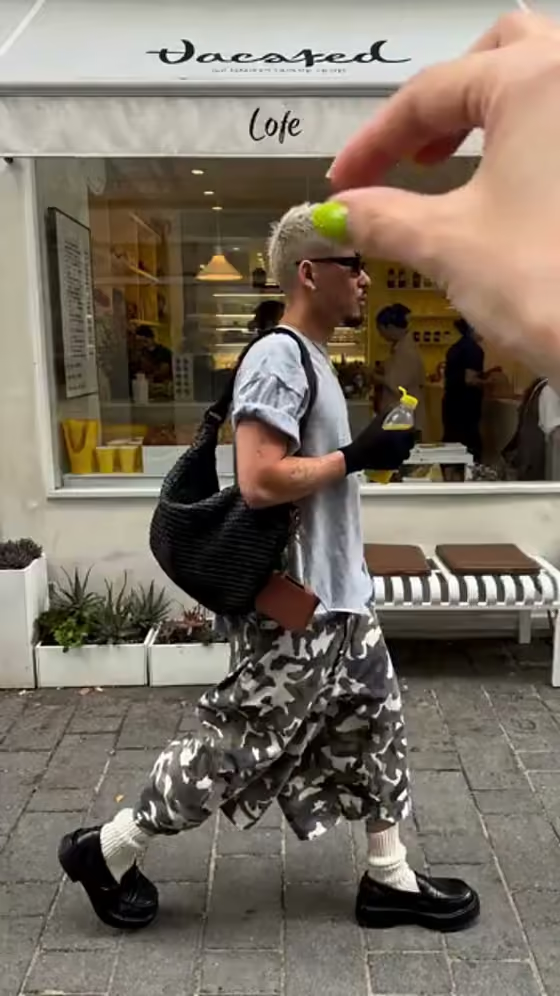
Sticker Peel turns a single image into a short vertical video where a giant hand pinches the edge of your subject and peels it off the scene like a printed sticker. A clean blank surface shows behind it, and then the sticker is pressed back into its original spot.
It suits creators who want a playful, tactile reveal for a street photo, a character, or an object. You only need one subject image, and the template handles the peel, the reveal, and the placement.
What works best as input
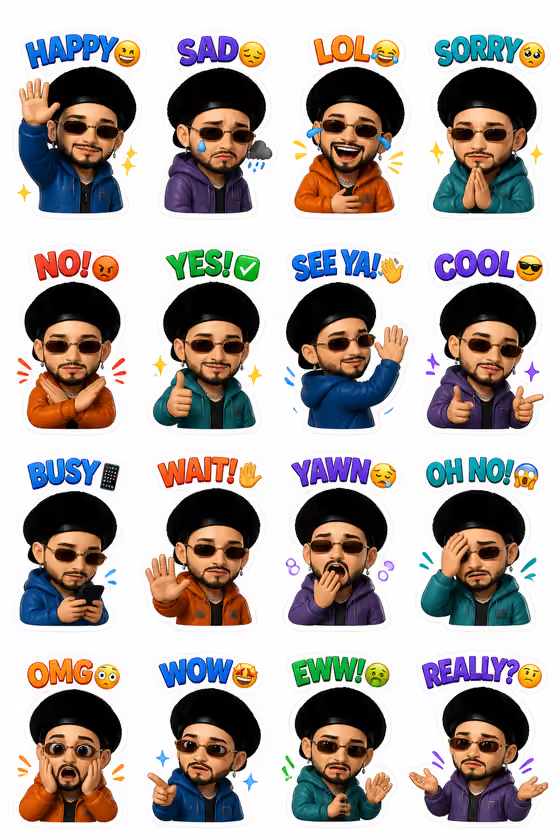
- Upload a clear image where the subject is easy to tell apart from the background, such as a person walking down a street like in the cover example.
- Pick a photo where the whole subject is visible, head to feet if it is a person, so the peeled shape reads as a complete sticker.
- Choose a sharp, well-lit image. Crisp edges and clear colors help the sticker outline stay readable during the peel.
- A vertical (9:16) composition fits the output format, so frame the subject with a little breathing room around it.
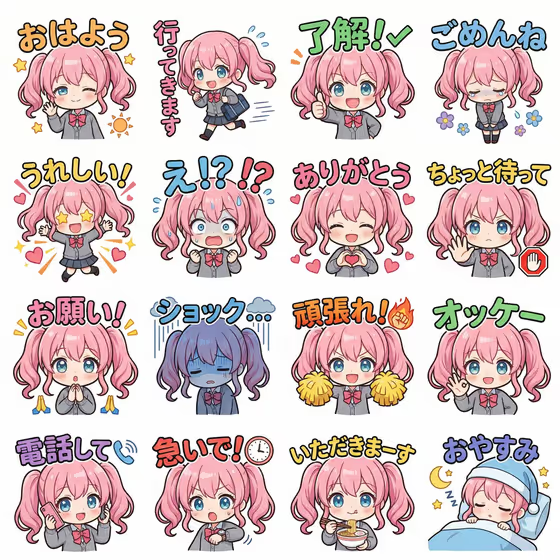
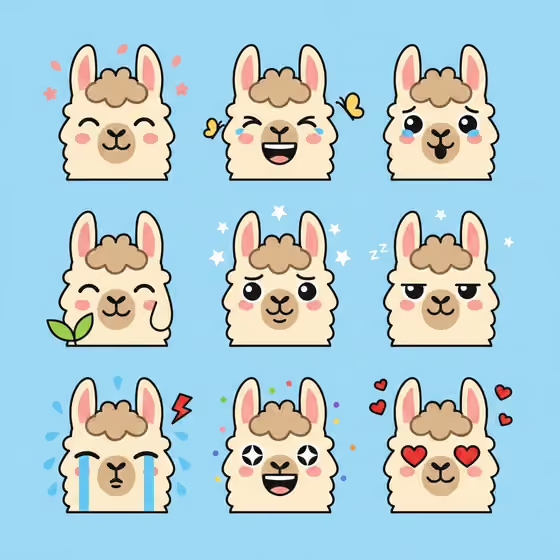
- Characters and objects work too, as the Subject image help text says. A single, clearly defined subject gives the cleanest result.
How to use it
- Open the Sticker Peel template in Phosphene.
- In the Subject image field, upload the picture of the person, character, or object you want to peel from the scene.
- Generate the video and wait for it to finish.
- Review the result: check that the hand contact looks believable, the edges stay readable, and the sticker lands back in its original position.
Tips for a better result
- Try images with a strong contrast between subject and background so the sticker silhouette stands out when it lifts.
- Use a busy, detailed scene if you want the blank surface reveal to feel more dramatic against the original background.
- If the first result is not what you wanted, swap in a different photo of the same subject with cleaner edges or a simpler pose and generate again.
- Test the same template on a person, then on an object or character, to see which kind of subject gives the most satisfying peel.
Common mistakes
- Uploading an image with several overlapping subjects or a crowded foreground, which makes it unclear what should peel away.
- Using a blurry or low-resolution picture, which makes the sticker outline and edges harder to keep readable.
- Cropping the subject tightly or cutting off limbs, so the peeled figure looks incomplete.
FAQ
What do I need to provide?
Just one image in the Subject image field. It is required, and it can be a person, a character, or an object.
What kind of video do I get?
A vertical 9:16 video of a giant hand peeling the subject off the scene like a sticker, revealing a blank surface, then pressing it back into place.
Will the subject change during the effect?
The template is built to preserve the subject's identity, silhouette, colors, pose, and the background, with only controlled deformation while it peels.
Will text appear in the video?
No. The template is set to include no text in the result.