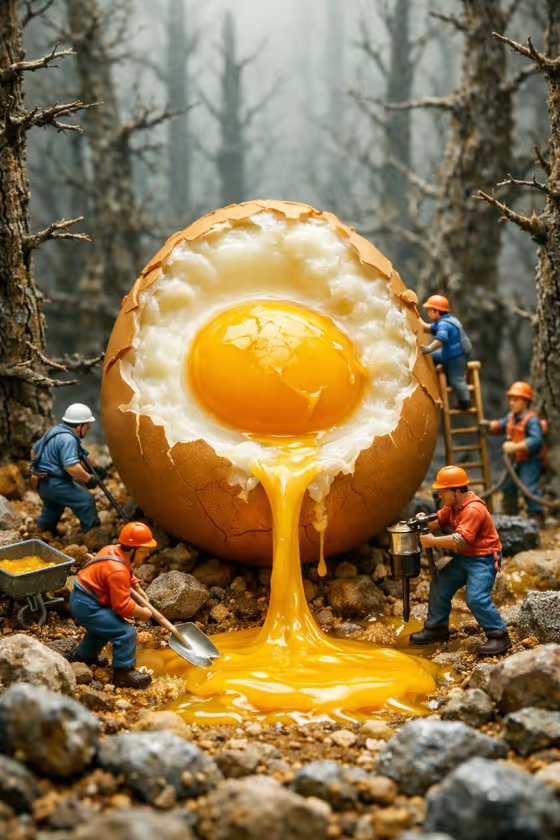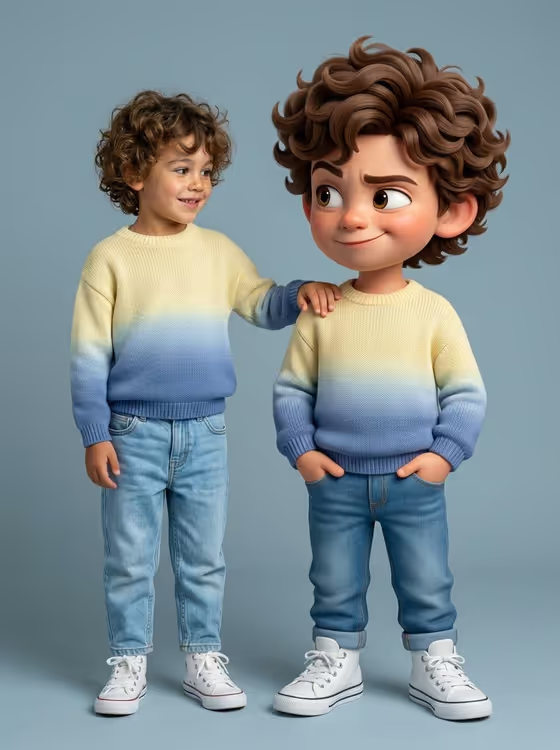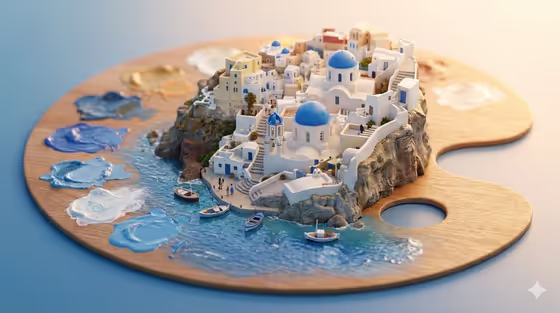
This template turns a product or object into a stylized miniature 3D diorama, shown from a 45-degree angle. The object acts as the base of the scene, and a tiny world built from its recognizable landmarks, terrain and symbolic structures grows out of it. The cover shows the idea: a painter's palette serves as the base, with a small cliffside village, boats and blobs of paint blending into the water.
It suits product marketers, designers and creators who want a playful, crafted-looking visual from a single subject. You describe the featured product or object, pick a creative direction, and the template handles the miniature composition, scale and clean geometry.
What works best as input
- The Featured product or object field is a text field that also accepts a photo, so you can describe the subject or upload one picture of it.
- If you upload a photo, choose a clear, well-lit shot of one subject with its shape and distinctive details visible. The diorama is built from what makes the subject recognizable.
- If you type instead, be specific and concrete, like the placeholder example 'a premium beverage bottle'. A distinctive object gives the miniature more landmarks to work with than a generic one.
- Pick subjects with strong identity, such as a sculptural accessory, a compact device or a branded object, so the terrain and structures have something meaningful to echo.
How to use it
- Open the Stylized Miniature 3D Diorama template in Phosphene.
- In Featured product or object, upload a photo of your subject or type a short description of it.
- Set Creative direction, for example Clean editorial, Cinematic dramatic, Playful colorful or Quiet premium, or describe your own.
- Generate the image, then review how the base object, miniature landmarks and paths came together, and run it again with adjusted wording if needed.
Tips for a better result
- Match the creative direction to the mood you want. Playful colorful suits a lively, toy-like scene, while Quiet premium suits a calmer, more refined look.
- Try the same subject with different creative directions and compare. The base and landmarks stay tied to your subject while the atmosphere changes.
- Add a few words about the object's key materials or features in the description so the miniature world picks up on them.
- Choose a subject with a clear silhouette. The scene is built around one central base, so a simple, bold shape reads best.
Common mistakes
- Describing several unrelated objects in the product field. The template builds one central base with one miniature world, so stick to a single subject.
- Using a vague description like 'a thing' or 'a product'. Without recognizable features, the diorama has few landmarks to build from.
- Uploading a cluttered or dark photo where the subject is hard to make out, which makes its defining details harder to preserve.
FAQ
Do I have to upload a photo?
No. The Featured product or object field accepts either a photo or a text description, so you can type what you want instead.
What does the Creative direction field control?
It sets the overall mood of the visual. The examples include Clean editorial, Cinematic dramatic, Playful colorful and Quiet premium.
What kind of image will I get?
A single image in a 3:4 aspect ratio, showing a miniature diorama seen from a 45-degree angle with the subject as its base.
Can I use it for things other than products?
The template is framed around a featured product or object, but any subject with recognizable landmarks or features can work, as the cover's palette-and-village scene shows.