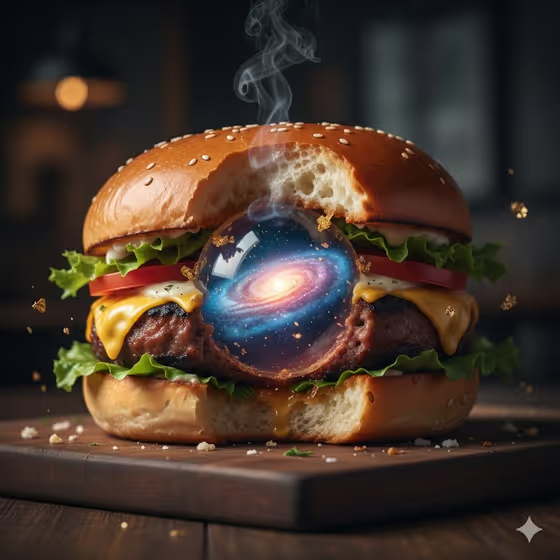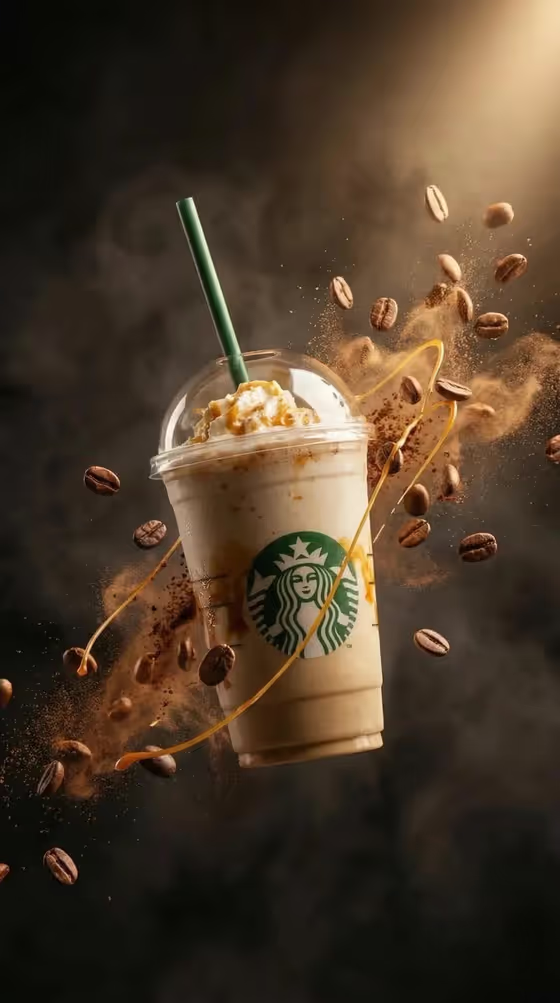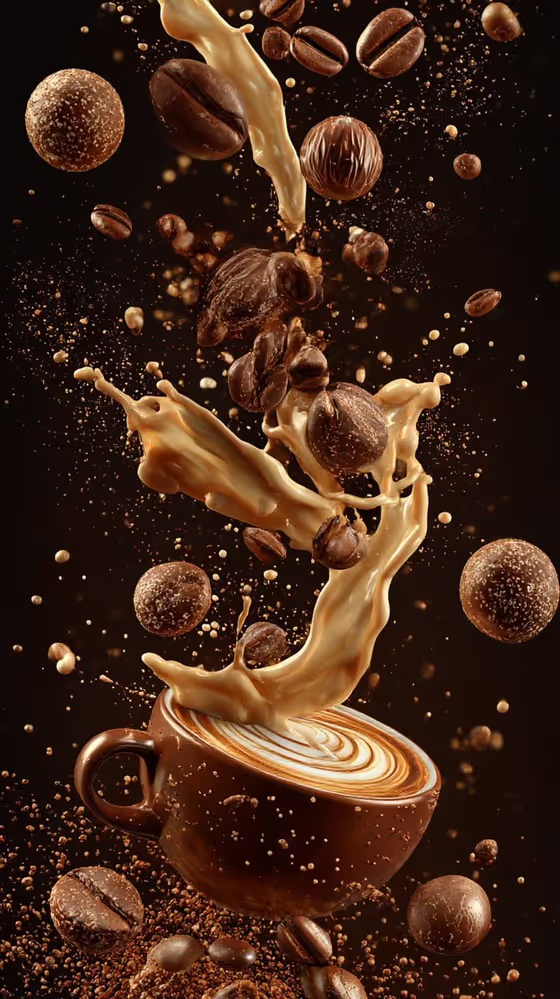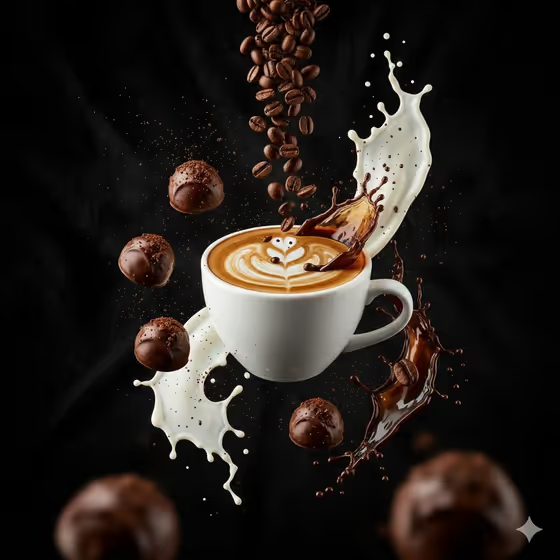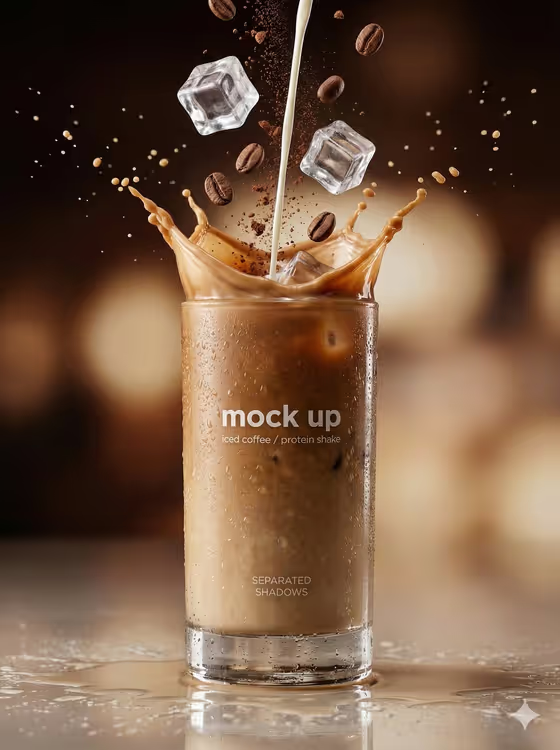
Transparent Glass turns your subject into a commercial-style beverage photograph. The result is a tall glass about 80 percent full of an iced drink, with cold condensation beading on the outside and controlled studio highlights, in a 3:4 portrait frame.
It suits anyone who needs a polished drink image without setting up a studio: cafe owners, protein shake brands, food bloggers or anyone mocking up a beverage label. The cover shows an iced coffee or chocolate protein shake with a milk pour, ice cubes, coffee beans and a frozen splash against a warm blurred background.
What works best as input
- The Scene subject or object field accepts a photo or a text description. Use a clear, well-lit photo of the thing you want featured, such as a drink or a product, with nothing cluttering the frame.
- If you type instead, be specific about the drink, for example an iced latte or a chocolate protein shake. The template is built around those two looks and a rich coffee brown or creamy cocoa color.
- Pick a photo where the main subject is easy to separate from the background and not cropped at the edges.
- Keep to one clear subject. The template expects a single tall glass, so a busy photo with several objects gives it less to work with.
How to use it
- Open the Transparent Glass template in Phosphene.
- In Scene subject or object, upload your photo or type a short description of the drink or object.
- Choose a Creative direction, such as Clean editorial, Cinematic dramatic, Playful colorful or Quiet premium.
- Generate the image, then check the glass, the condensation and the splash. Adjust your subject or direction and run it again if needed.
Tips for a better result
- Try different Creative direction options on the same subject. Clean editorial and Quiet premium will read very differently from Playful colorful.
- Name the flavor in your description (coffee brown versus creamy cocoa) to steer the color of the liquid.
- Compare a photo input with a text-only description of the same drink to see which gives you the look you want.
- Run a few generations and keep the one with the most convincing droplets and cleanest glass edges.
Common mistakes
- Describing something that is not a drink. The template is built for a tall glass of iced liquid, so unrelated objects may not fit the look.
- Uploading a dark, blurry or heavily cropped photo, which leaves little detail for the glass and condensation to build on.
- Writing a long, vague description instead of a short, concrete one such as the drink type and flavor.
FAQ
Do I have to upload a photo?
No. The Scene subject or object field accepts either a photo or a text description, so you can type what you want instead.
What kind of image does it produce?
A single 3:4 portrait image of a tall glass about 80 percent full of an iced drink, with condensation on the glass and studio-style lighting.
What does Creative direction change?
It sets the overall mood of the shot. Options include Clean editorial, Cinematic dramatic, Playful colorful and Quiet premium.
Can I use it for product mockups?
The cover example is styled as a beverage mockup, so it works well for showing how an iced coffee or protein shake might look in a commercial photo.