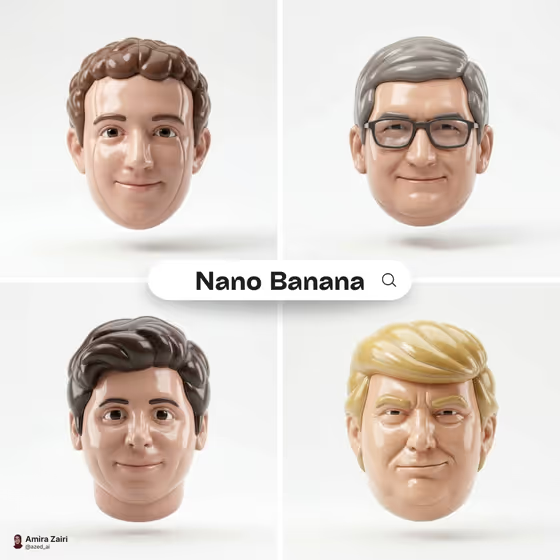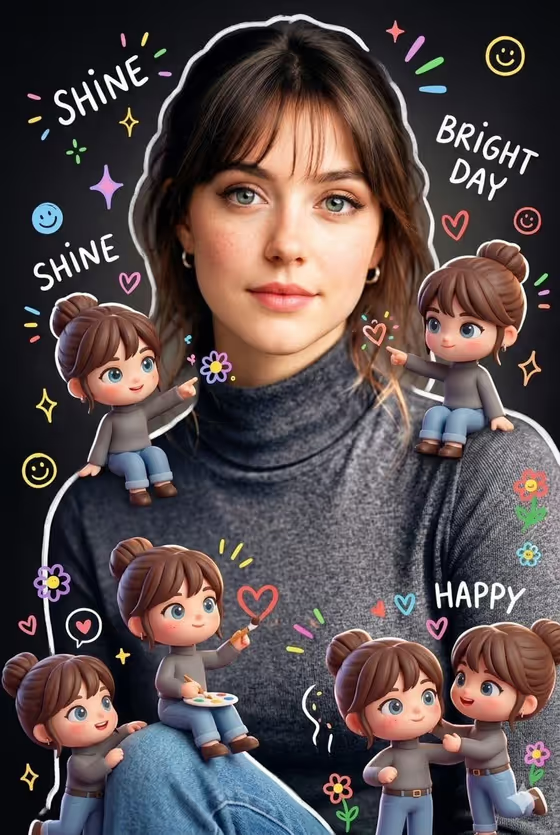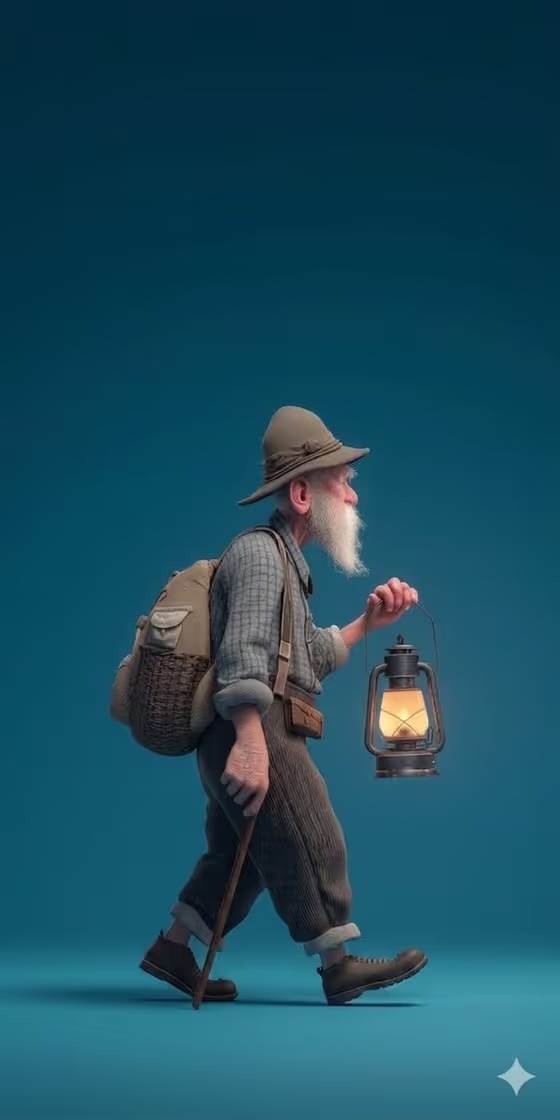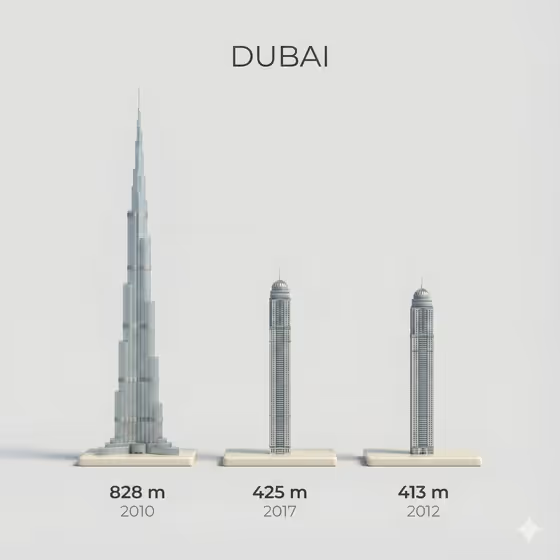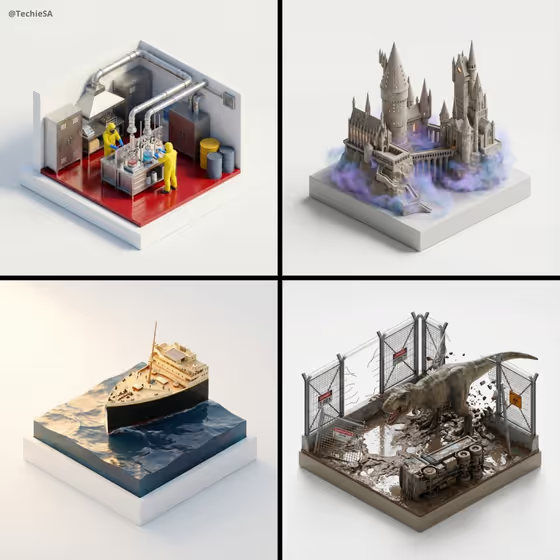
This template turns a product or object into a stylized, ultra high-fidelity 3D isometric miniature, shown like a palm-sized collectible. The result sits on a simple matte rectangular base against a clean white background, with soft studio lighting and subtle shadows, much like the diorama-style tiles in the cover image.
It suits product designers, brand teams, makers and anyone who wants a polished, museum-style render of an item. You provide the featured product or object and a creative direction, and the template handles the isometric framing and collectible look.
What works best as input
- The Featured product or object field accepts either a photo or a text description, so use whichever shows your subject best. A photo is useful when the exact shape, materials or branding matter.
- If you upload a photo, choose one where the object is clearly visible, well lit and not heavily cropped, since the template aims to preserve the source's composition, material treatment and lighting.
- If you describe it in words, be concrete about the object type and its character, like the field's own examples: a premium beverage bottle, a sculptural fashion accessory, or a compact consumer device.
- Keep to one main subject. The cover tiles each show a single scene or object on its own base, and a focused subject reads best at miniature scale.
- The Creative direction field is a choice or short phrase, not a photo. Pick an option such as Clean editorial, Cinematic dramatic, Playful colorful or Quiet premium.
How to use it
- Open the Stylized Ultra High-Fidelity 3D template in Phosphene.
- In Featured product or object, add a photo of your item or type a short description of it.
- Set Creative direction by choosing one of the options (for example Quiet premium) or describing the mood you want.
- Generate the image, then review the 3:4 result. Check the shape, materials and base, and adjust your inputs and generate again if something is off.
Tips for a better result
- Try the same object with different Creative direction choices. Clean editorial and Cinematic dramatic should give noticeably different moods from the same subject.
- Describe distinctive materials or details in your product description (glass, brushed metal, a recognizable silhouette) so the render has something specific to keep at miniature scale.
- If a photo gives an unexpected result, try a plain text description instead, or swap in a photo with a cleaner background and clearer lighting.
- Aim for subjects that look good as a small collectible diorama, like the buildings and scenes in the cover, with clear forms and some micro-detail.
Common mistakes
- Describing too many objects at once. A crowded request can lose the clean, single-collectible look the template is built around.
- Uploading a dark, blurry or heavily cropped photo, which gives the render little to preserve.
- Being vague in the product field, such as just 'a thing', instead of naming the object and a few defining traits.
FAQ
Do I have to upload a photo?
No. The Featured product or object field accepts a photo or a text description, so you can type what you want instead.
Can I upload a photo for the Creative direction field?
No. Creative direction is a choice or short description of mood, such as Clean editorial or Playful colorful. Only the product or object field accepts a photo.
What will the result look like?
A stylized isometric miniature, like a collectible, on a simple matte rectangular base with a clean white background, soft top-left studio lighting and gentle shadows.
What shape is the output?
The template produces a still image in a 3:4 aspect ratio.