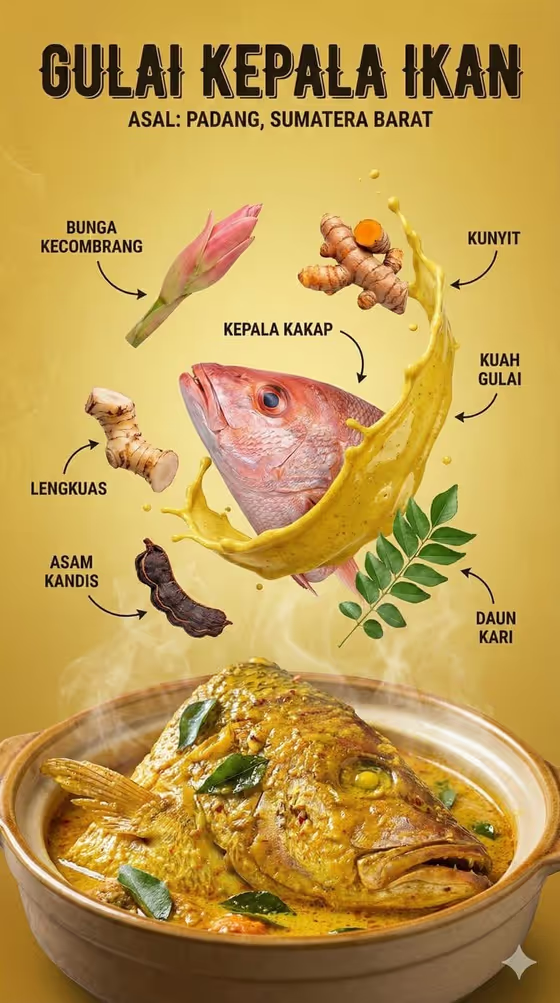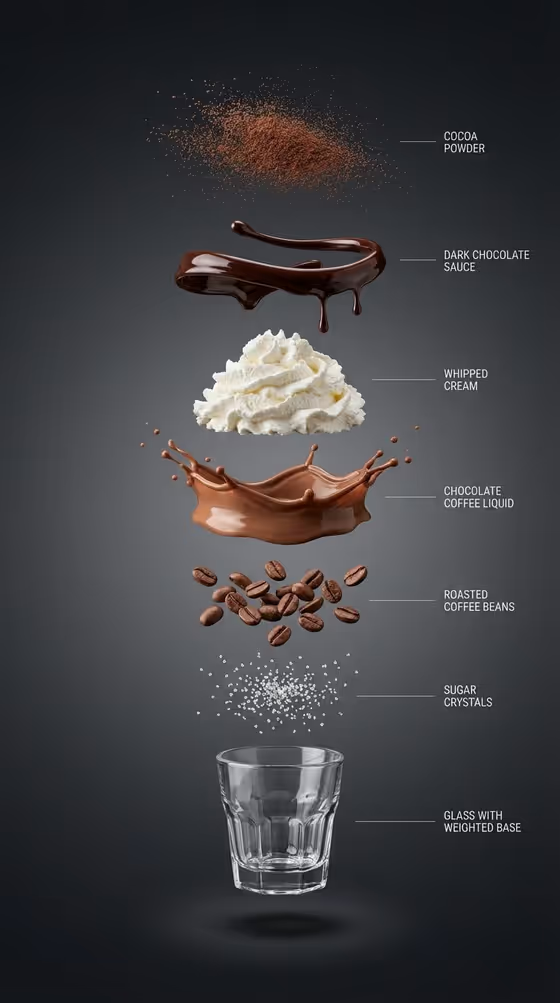
This template makes a polished food hero shot in a 3:4 portrait frame. You name a dish or drink and pick a food action, and it builds a photo-style image around that subject with lighting and composition that stay consistent. The cover shows one version of this idea: a chocolate coffee drink broken into floating layers (cocoa powder, sauce, whipped cream, liquid splash, beans, sugar, glass) with thin label lines beside each one.
It suits anyone who needs a clean food visual without a studio setup, such as a menu mockup, a recipe post, a product concept or a social card. There is no photo upload slot, so everything you want comes from two fields: a text description of the food and a choice of action.
What works best as input
- In the Food subject product name field, name one specific dish or drink, like the examples "pepperoni pizza", "crispy fried chicken" or "stacked pancakes". A single clear hero gives the image a focal point.
- Add a few concrete details that change the look, such as toppings, drink type or garnish. "Chocolate coffee drink with whipped cream and cocoa powder" tells the template far more than just "coffee".
- Keep it to one main subject. The template aims to keep the hero immediately readable, so a long list of unrelated items can crowd the frame.
- Write what you can actually picture on a plate or in a glass. Physical, tactile ingredients (sauce, cream, crumbs, steam) suit a photographic result.
How to use it
- Open the template in Phosphene. You will see two fields to fill: Food subject product name and Food action.
- Type your dish or drink into Food subject product name. Replace the placeholder idea (pepperoni pizza) with your own subject.
- Pick a Food action from the options, such as freshly plated hero, mid-air ingredient burst, pull-apart texture moment or clean recipe breakdown.
- Generate the image, then review it for subject accuracy, composition and lighting. Adjust the wording or the action and run it again if needed.
Tips for a better result
- Try the same dish with different actions. A pizza as a freshly plated hero looks very different from the same pizza as a pull-apart texture moment.
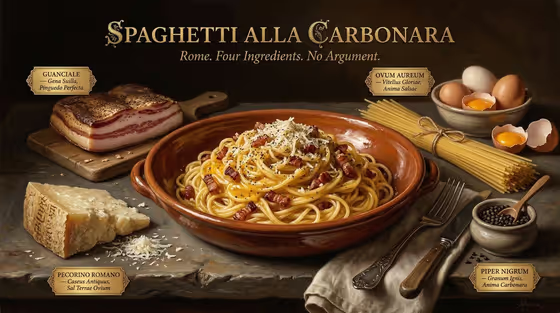
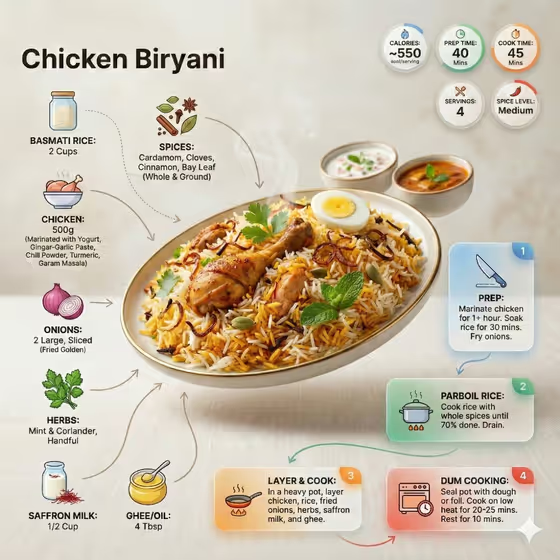
- Choose clean recipe breakdown when you want something like the cover, where ingredients are separated and arranged in a vertical stack. It works best for dishes and drinks built from distinct layers.
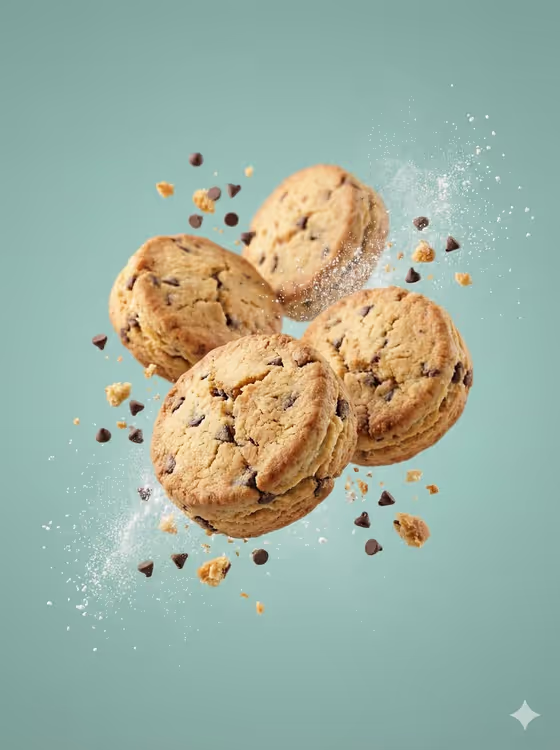
- Use mid-air ingredient burst for dishes with lively textures, like sauces, toppings or powders that can look dynamic when suspended.
- Be specific about the things people notice first, such as crispy coating, melted cheese, glossy sauce or a foam top.
Common mistakes
- Describing several different dishes in one subject field. The result tends to be clearer when one hero is the focus.
- Writing a vague subject like "food" or "dinner". Without a specific dish, the image has little to anchor on.
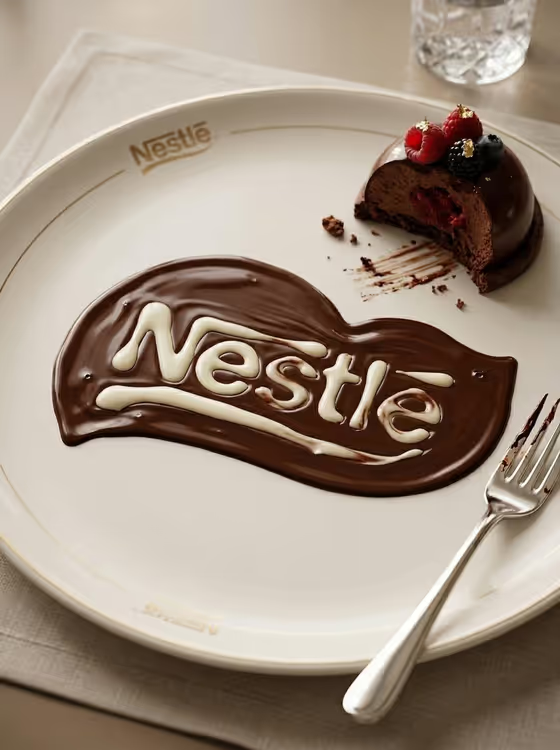
- Expecting exact text or branding from your own menu. The template aims to keep any visible labels readable, but it is safest to check the result and treat extra text as something to review.
FAQ
Can I upload a photo of my dish?
No. This template has no photo upload slot. Both fields are text or selection based, so you describe your dish in words.
What does the Food action field change?
It sets the kind of moment shown, for example a freshly plated hero, a mid-air ingredient burst, a pull-apart texture moment or a clean recipe breakdown.
What shape is the image?
The output is a single image in a 3:4 portrait ratio.
Do I need to fill both fields?
Yes. Both Food subject product name and Food action are required.