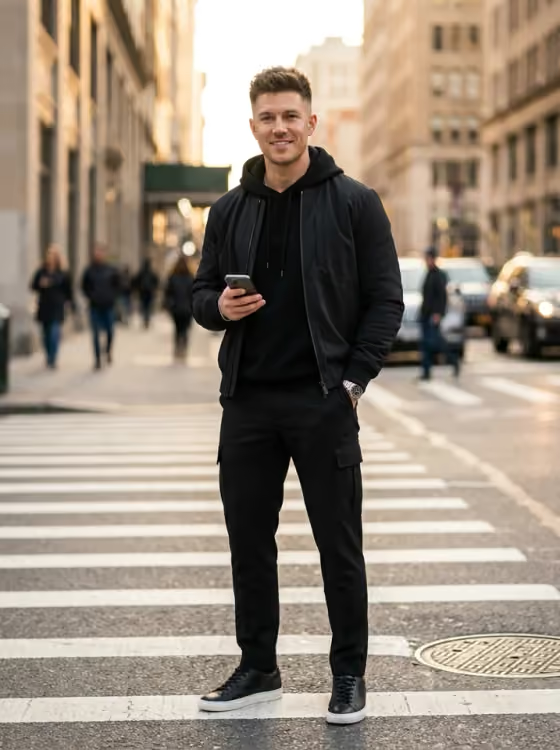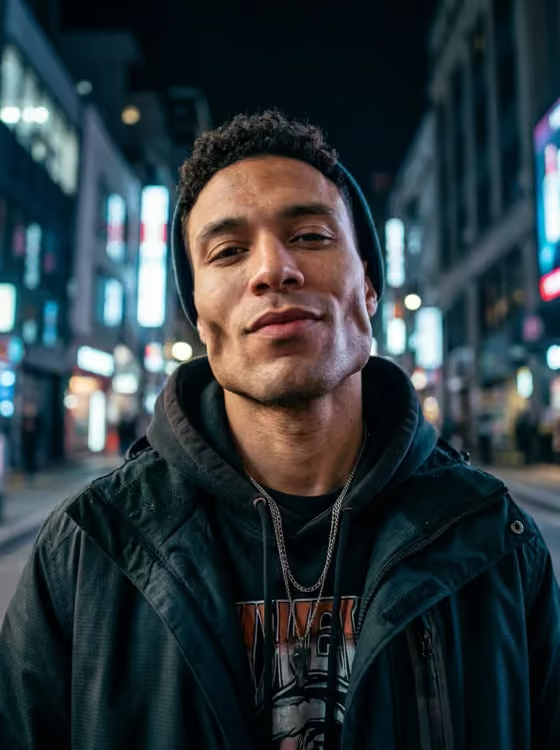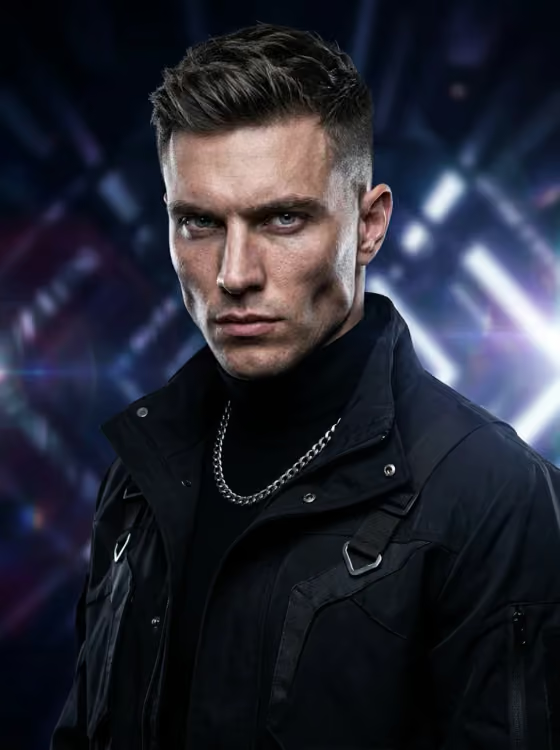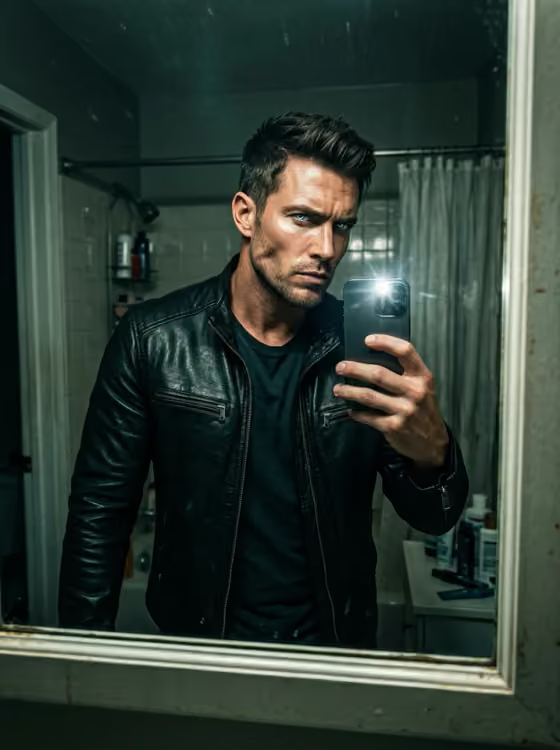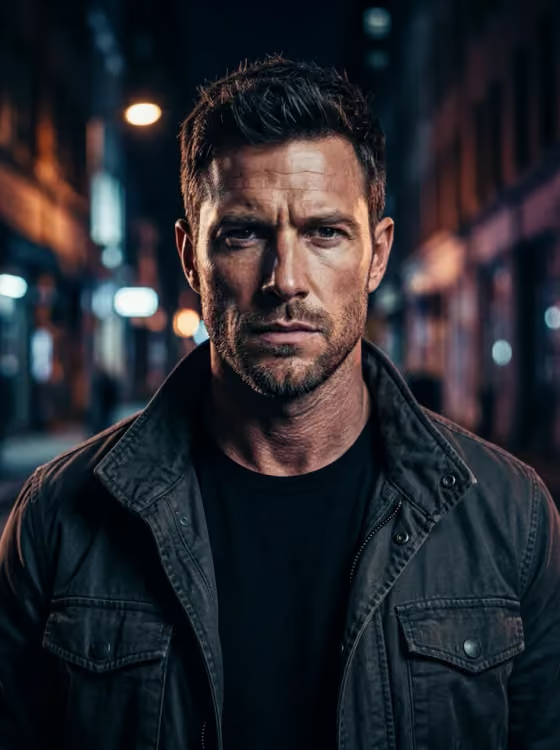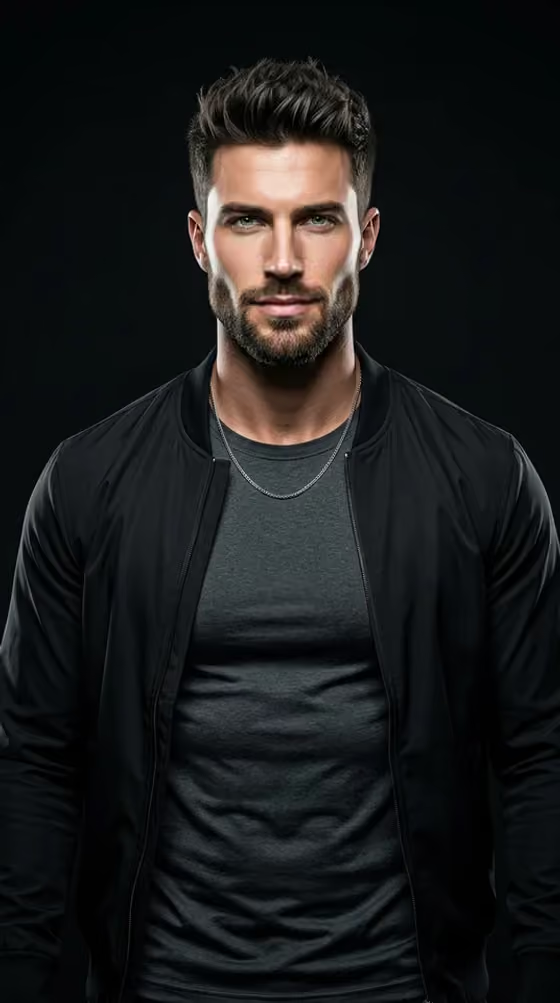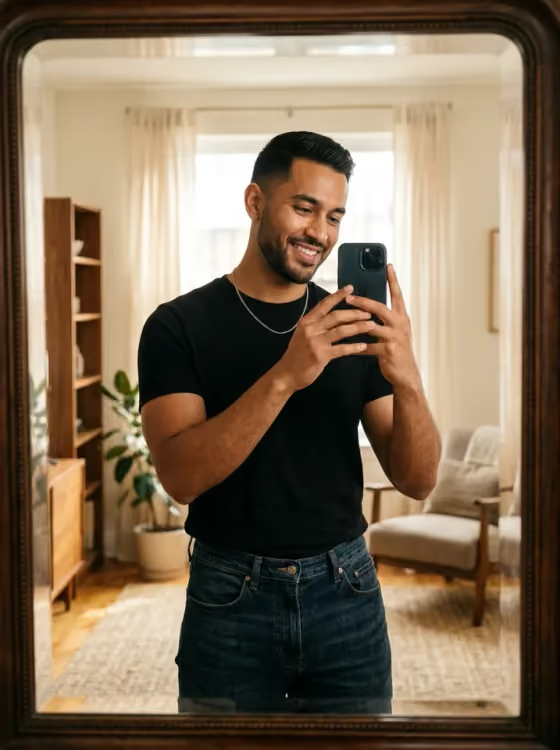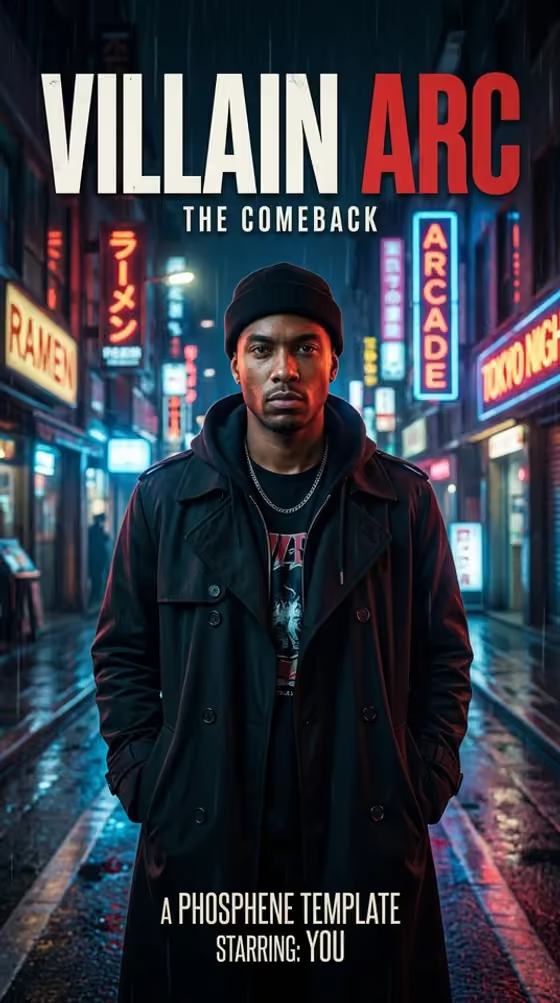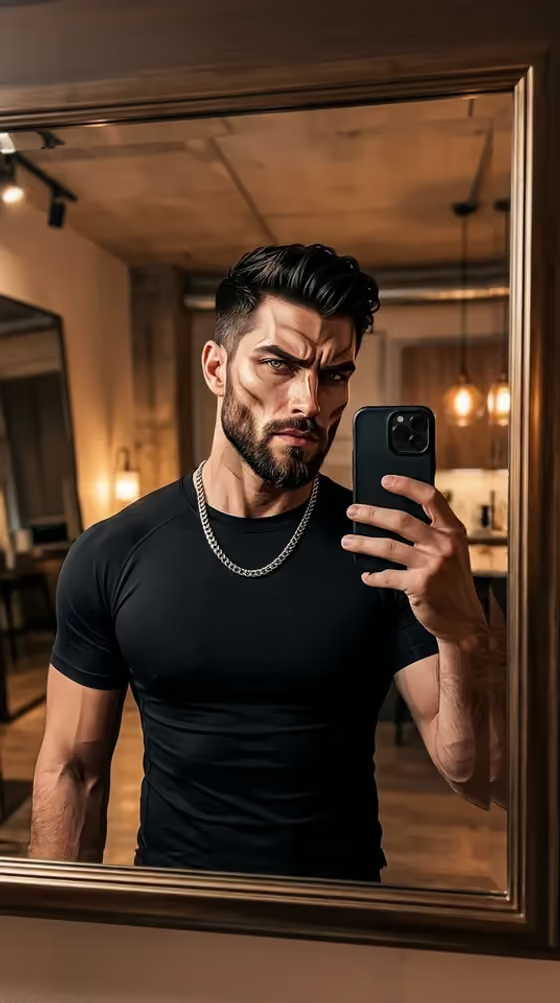
Bone Structure Boss Fight turns one selfie into a vertical 9:16 mirror-selfie image with sharper, more defined facial features. The result keeps phone-in-hand framing, natural skin texture, and a lived-in room, so it reads like a real post rather than a poster or character art.
It is made for people who like looksmaxxing-style content and want a recognizable, more sculpted version of themselves. You choose how far the edit goes, where the mirror is, and which face geometry to emphasize, and the template aims to keep your identity, skin tone, age appearance, and hairline intact.
What works best as input
- Upload one clear photo of one person with the face visible and evenly lit. The 'Your photo' slot is the only image input, so everything about likeness comes from it.
- Skip sunglasses and heavy beauty filters. They hide the real face shape, which makes it harder to keep the result recognizable.
- Pick a photo where your face is turned toward the camera and your hairline is visible, since the template is told to preserve your natural hairline and distinctive facial cues.
- Use only a photo of yourself or of someone who has agreed to be used, and avoid group shots so there is no confusion about who the subject is.
How to use it
- Open the Bone Structure Boss Fight template in Phosphene and upload your photo in the 'Your photo' field.
- Choose a 'Transformation level', a 'Mirror setup', and a 'Face geometry' from the options. All three are required.
- Optionally add pose, outfit, accessory, or color ideas in 'Anything else', then generate the image.
- Review the 9:16 result. If it drifts too far from your face or feels too tame, adjust the transformation level or face geometry and generate again.
Tips for a better result
- Start with 'noticeably sharper but still believable' to see how the template treats your face before pushing to 'maximum looksmaxxing edit' or the meme-level option.
- Match the face geometry to the look you want. 'Clean jaw contour with balanced facial proportions' is calmer, while 'overpowered cheekbones, square jaw, hollow side lighting' is much more dramatic.
- Use 'Anything else' for concrete details such as a black fitted tee, a silver chain, or a specific pose with the phone, rather than vague style words.
- Try different mirror setups with the same photo. Warm bathroom light, a gym locker room, and an elevator with direct flash each give a different mood.
Common mistakes
- Uploading a filtered, sunglasses-on, or very dim photo, which gives the template little real facial structure to work from.
- Choosing the strongest transformation level and an extreme face geometry at the same time, then expecting the result to stay close to your real face.
- Asking in 'Anything else' for fantasy costumes, props, scores, or text. The template is built to avoid those and focus on a believable mirror selfie.
FAQ
How many photos do I need?
One. Upload a single clear photo of one person in the 'Your photo' field.
Will the result still look like me?
The template is directed to preserve your identity, skin tone, age appearance, and hairline. Lower transformation levels tend to stay closer to your real look, but results can vary.
What format does it produce?
A single vertical 9:16 image styled as a phone-in-hand mirror selfie.
Does it rate or score my face?
No. The template explicitly avoids scores, before/after text, logos, and watermarks, and it is not an attractiveness diagnosis.